

El 1801v(4)
Sharp 12-Digit Printing Calculator with Extra-Large LCD Display, Two-Color 2.0 LPS Ink Printing, AC Powered, Off-White (EL-1801V) $68.77 Was $84.99
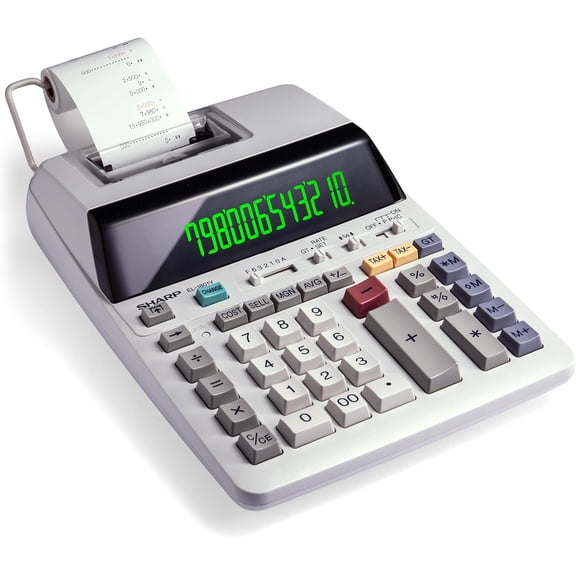
Sharp 12-Digit Printing Calculator with Extra-Large LCD Display, Two-Color 2.0 LPS Ink Printing, AC Powered, Off-White (EL-1801V)
VUSIGN Printing Calculator, 12-Digit Thermal Printing Adding Machine with Fluorescent Display, 2-Color Printing, 2.0 LPS Business Calculator for Accounting, Office and Retail, AC $59.99 Was $89.99

VUSIGN Printing Calculator, 12-Digit Thermal Printing Adding Machine with Fluorescent Display, 2-Color Printing, 2.0 LPS Business Calculator for Accounting, Office and Retail, AC
Sharp EL-1501 Paperless Printing Calculator, White & Multicolor $54.99
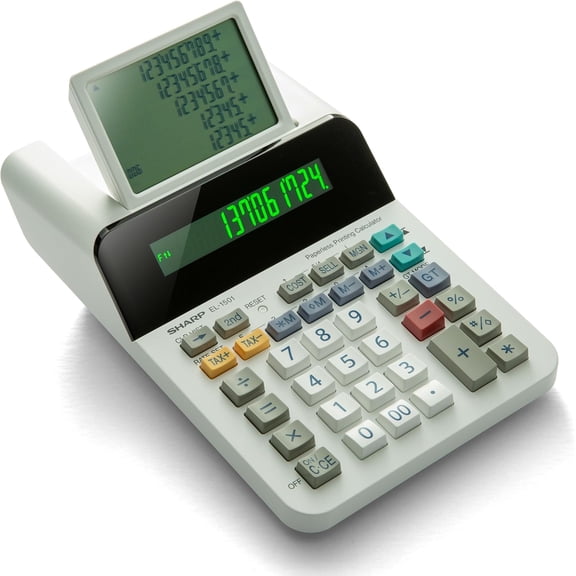
Sharp EL-1501 Paperless Printing Calculator, White & Multicolor
Sharp 12-Digit Printing Calculator with Extra-Large LCD Display, Two-Color 2.0 LPS Ink Printing, AC Powered, Off-White (EL-1801V) $68.77 Was $84.99
Sharp 12-Digit Printing Calculator with Extra-Large LCD Display, Two-Color 2.0 LPS Ink Printing, AC Powered, Off-White (EL-1801V)
Other options to consider(2)
VUSIGN Printing Calculator, 12-Digit Thermal Printing Adding Machine with Fluorescent Display, 2-Color Printing, 2.0 LPS Business Calculator for Accounting, Office and Retail, AC $59.99 Was $89.99
VUSIGN Printing Calculator, 12-Digit Thermal Printing Adding Machine with Fluorescent Display, 2-Color Printing, 2.0 LPS Business Calculator for Accounting, Office and Retail, AC
(48 Rolls)2 1/4 In X 150 Ft Addinghine Tape Paper Rolls For Hr-10rc Hr-170rc Hr-200rc El-1197piii El-1801v P23-dhv-3 Cp-90a Mp11d From $75.98


(48 Rolls)2 1/4 In X 150 Ft Addinghine Tape Paper Rolls For Hr-10rc Hr-170rc Hr-200rc El-1197piii El-1801v P23-dhv-3 Cp-90a Mp11d
FAQ
How do I load paper into a printing calculator?
Loading paper into a printing calculator is a simple process that can help you keep track of your calculations.
- Open the paper compartment cover, usually found at the back or top.
- Insert the paper roll so it feeds from the bottom, facing the printer mechanism.
- Feed the edge of the paper into the slot and press the feed key to advance it.
Always use the recommended paper roll size for your calculator to prevent jams or printing issues.
What features make a calculator good for office use?
Office calculators are designed to handle frequent, varied tasks. Some features that may benefit office users include:
- Extra-large displays for easy viewing.
- Printing capabilities to keep records.
- Cost, sell, and margin keys for quick business calculations.
- AC power to avoid battery changes.
Choosing a calculator with these options can make everyday office tasks more efficient.
Can I use a printing calculator for basic math?
Printing calculators can handle basic math functions like addition, subtraction, multiplication, and division, just like standard calculators.
- The added printing feature lets you keep a physical record of calculations.
- Some models offer extra options like date and time printing or tax calculation keys.
These calculators are versatile tools for both simple and complex office math tasks.
How do I replace the ink ribbon in a calculator?
Replacing the ink ribbon in a printing calculator helps maintain clear printouts. Here are general steps:
- Turn off and unplug the calculator for safety.
- Open the printer cover and locate the ribbon cartridge.
- Remove the old ribbon and install the new one, making sure it's securely seated.
- Close the cover and plug the calculator back in.
Refer to your calculator's manual for specific ribbon types and instructions.
What should I do if my calculator won't print?
If your calculator isn't printing, there are a few things you can check:
- Make sure the paper roll is loaded correctly and not jammed.
- Check the ink ribbon or cartridge; it may need replacing.
- Ensure the calculator is plugged in or has working batteries.
If issues continue, consult the user manual or contact customer support for troubleshooting tips.
Popular in el 1801v Office Supplies Printing Calculators
Related Products
Sharp 12-Digit Business Calculator, Extra-Large LCD Display, 4-Key Memory, Dual Power with Auto-Power Down, White (EL-334WB)
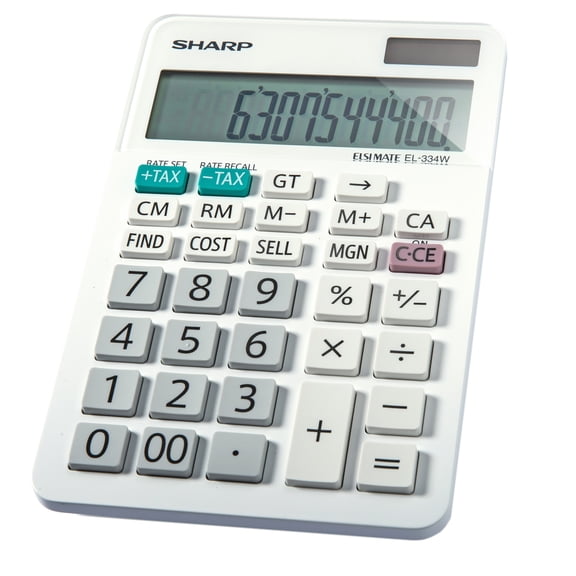 Sharp 12-Digit Business Calculator, Extra-Large LCD Display, 4-Key Memory, Dual Power with Auto-Power Down, White (EL-334WB)$15.16current price $15.16
SHARP EL506WBk Scientific Calculator, Compact Design, Black
 SHARP EL506WBk Scientific Calculator, Compact Design, Black$28.99current price $28.99
Casio Solar Wallet Calculator Type with 8-Digit Display, Green
 Casio Solar Wallet Calculator Type with 8-Digit Display, Green$6.99current price $6.99
Sharp 12-Digit Thermal Printing Calculator, Fast 8.0 LPS Ink-Free Printing & Large Print Mode, Top-Loading Paper, Off-White (EL-T3301)
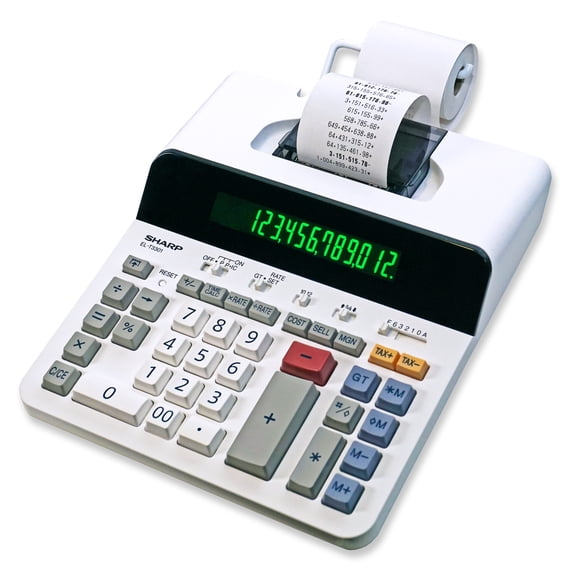 Sharp 12-Digit Thermal Printing Calculator, Fast 8.0 LPS Ink-Free Printing & Large Print Mode, Top-Loading Paper, Off-White (EL-T3301)$65.03current price $65.03
CATIGA CS-121 Scientific Calculator with Graphic Functions and Multiple Modes (Pink)
 CATIGA CS-121 Scientific Calculator with Graphic Functions and Multiple Modes (Pink)$39.99current price $39.99
Victor 12-Digit Business Desktop Calculator, Professional Calculator with Paperless Replay & Cost/Sell/Margin Keys, Tilt LCD Display, Black (1200-4)
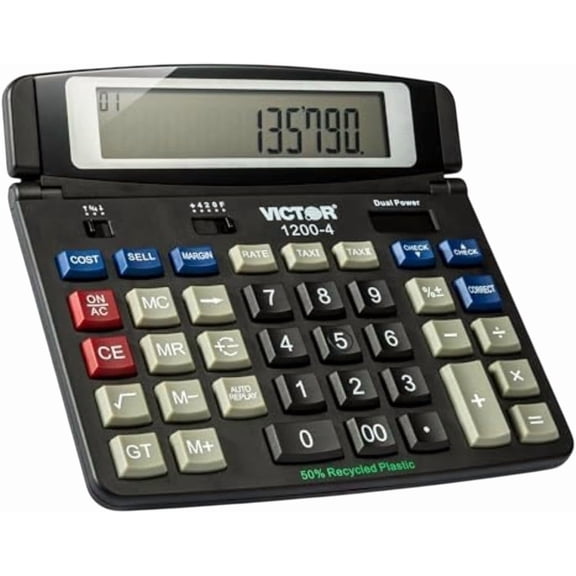 Victor 12-Digit Business Desktop Calculator, Professional Calculator with Paperless Replay & Cost/Sell/Margin Keys, Tilt LCD Display, Black (1200-4)$24.99current price $24.99
SHARP EL-243SB 8-Digit Pocket Calculator with Hinged Hard Cover, Gray
 SHARP EL-243SB 8-Digit Pocket Calculator with Hinged Hard Cover, Gray$12.02current price $12.02
Calculated Industries Tradesman Calc (4400) Industrial Calculator Blue
 Calculated Industries Tradesman Calc (4400) Industrial Calculator Blue$49.95current price $49.95
Texas Instruments TI30XIIS Scientific Calculator 30XIISBKAN (5-Pack) TI-30XIIS Scientific Calculator-Black
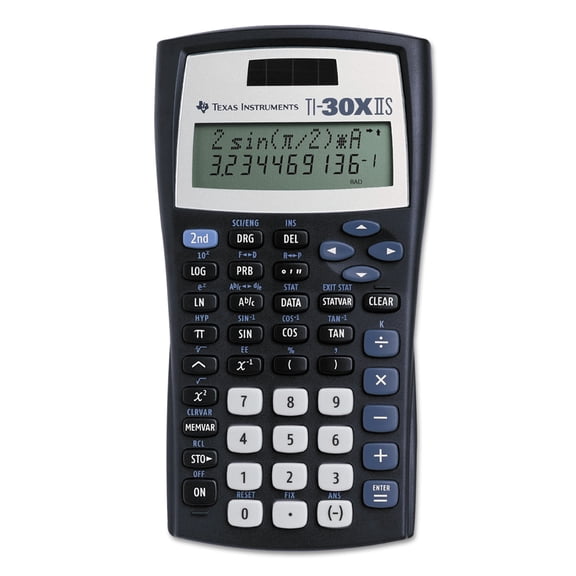 Texas Instruments TI30XIIS Scientific Calculator 30XIISBKAN (5-Pack) TI-30XIIS Scientific Calculator-Black$80.95current price $80.95
Casio FX-9750GIII 3rd Edition Graphing Calculator, 21-Digit LCD, Black, Each
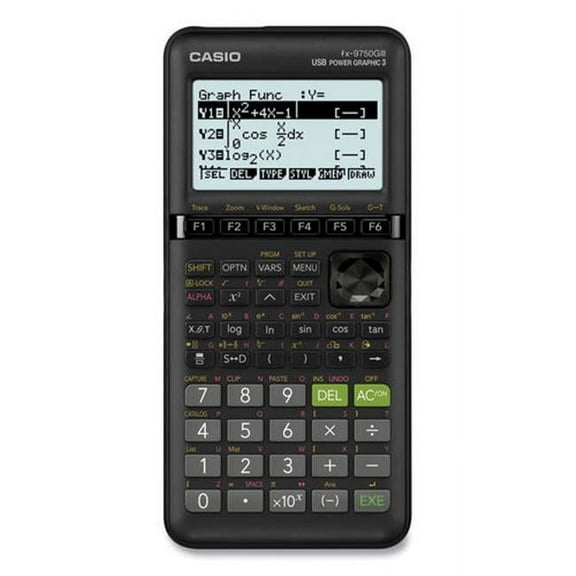 Casio FX-9750GIII 3rd Edition Graphing Calculator, 21-Digit LCD, Black, Each$48.88current price $48.88
Victor 12-Digit Commercial Printing Calculator, Two-Color Print with LCD Display, Dual AC/DC Power, Business Desktop Calculator, Silver (1212-3A)
 Victor 12-Digit Commercial Printing Calculator, Two-Color Print with LCD Display, Dual AC/DC Power, Business Desktop Calculator, Silver (1212-3A)$47.99current price $47.99
Texas Instruments TI-108 Math and Counting Class Set for K-4, 10 Pieces, Multicolor
 Texas Instruments TI-108 Math and Counting Class Set for K-4, 10 Pieces, Multicolor$61.45current price $61.45
Texas Instruments TI-15 Explorer Elementary Calculator, Blue
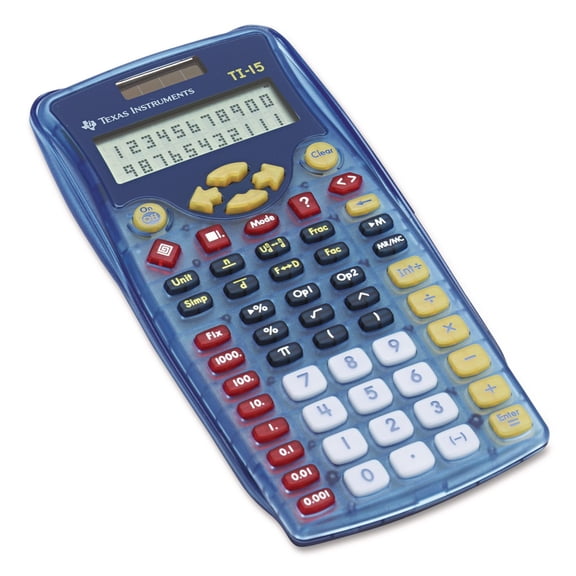 Texas Instruments TI-15 Explorer Elementary Calculator, Blue$23.01current price $23.01
Sharp EL-243SB Solar Pocket Calculator, 8-Digit LCD, Each
 Sharp EL-243SB Solar Pocket Calculator, 8-Digit LCD, Each$10.89current price $10.89
Victor Big Print 12-Digit Thermal Printing Calculator, Fast Ink-Free 6.0 LPS Printing with Cost, Sell & Margin Keys, Dot Matrix Display, White (1310)
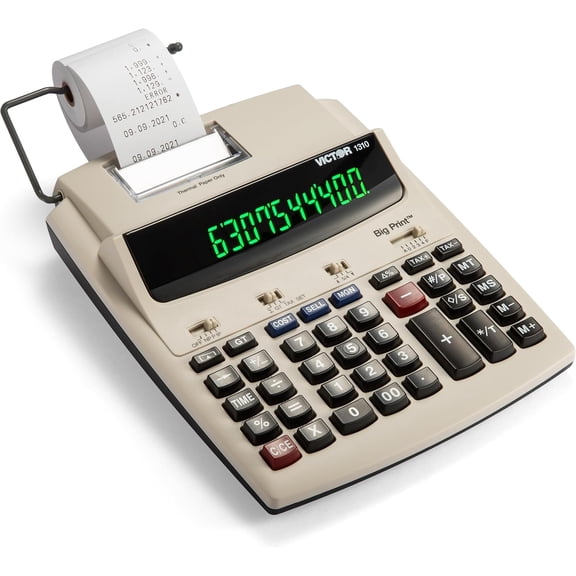 Victor Big Print 12-Digit Thermal Printing Calculator, Fast Ink-Free 6.0 LPS Printing with Cost, Sell & Margin Keys, Dot Matrix Display, White (1310)$78.93current price $78.93
Calculated industries Machinist Calc Pro 2 Advanced Functions Battery Powered Calculator, Black
 Calculated industries Machinist Calc Pro 2 Advanced Functions Battery Powered Calculator, Black$78.69current price $78.69
