

Dbx Driverack Pa 2(4)
DBX DriveRack PA2 Sound Signal Processor Speaker Management System PA 2+Control $459.90 Was $750.00
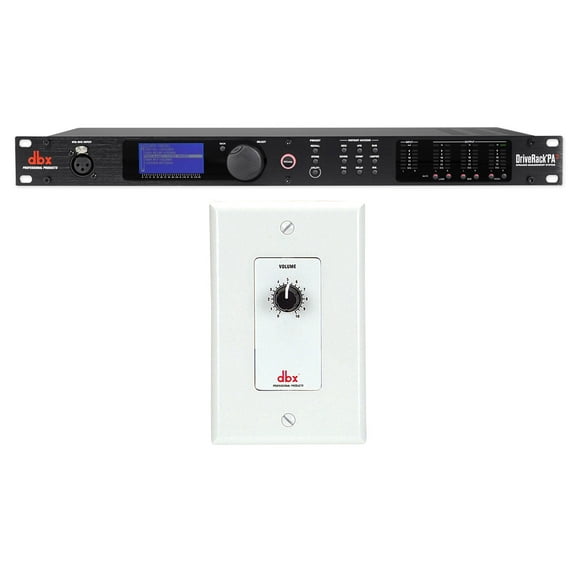
DBX DriveRack PA2 Sound Signal Processor Speaker Management System PA 2+Control
DBX DriveRack $589.50

DBX DriveRack
DBX DriveRack PA2 Sound Signal Processor Speaker Manage System+Headphones+Cables $475.95 Was $668.10

DBX DriveRack PA2 Sound Signal Processor Speaker Manage System+Headphones+Cables
DBX VENUE360 VENU 360 DriveRack 3x6 PA Speaker Sound Processor+APP+Wall Control $678.94 Was $1,244.00

DBX VENUE360 VENU 360 DriveRack 3x6 PA Speaker Sound Processor+APP+Wall Control
FAQ
What does a speaker management processor do?
A speaker management processor helps optimize the sound system by handling tasks like crossover settings, equalization, and speaker protection. It lets you fine-tune audio output for different venues and speaker setups.
- Divides audio signals into appropriate frequency ranges for each speaker type.
- Offers tools to adjust EQ for room acoustics.
- Provides feedback suppression and limiter features to protect speakers.
Using one can make your sound system easier to manage and improve its overall performance for live events or installations.
How do I set up a speaker processor for my PA?
Setting up a speaker processor with your PA system usually involves connecting it between your audio mixer and power amplifiers. Here are some general steps:
- Connect the mixer's output to the processor's input.
- Run cables from the processor's outputs to the amplifier inputs.
- Follow the on-screen or manual setup instructions to select basic configurations for your speakers.
- Adjust settings like crossover points and EQ based on your speakers and the room.
Always check your device's manual for detailed, model-specific guidance. Taking time to set it up right can help you get the best sound for your space.
Can I control my sound processor with an app?
Many modern sound processors offer app-based control via Wi-Fi or Bluetooth. This lets you adjust settings like EQ, crossover, and feedback suppression directly from your smartphone or tablet.
- Download the app recommended in your processor's manual.
- Connect to the processor using the app's instructions, which often include setup over your local network.
- Make real-time adjustments from anywhere in the venue for added convenience.
App control is a handy feature, especially for tweaking sound during live events or in different room setups.
What features help reduce feedback in live sound setups?
Feedback reduction is a key benefit of using a sound processor. Common features that help include:
- Automatic feedback suppression, which identifies and lowers problem frequencies.
- Parametric or graphic EQ adjustments to fine-tune frequencies that cause feedback.
- Limiter functions that prevent sudden loud spikes.
Combining these tools lets you achieve cleaner sound and minimize issues during performances or presentations.
Is it hard to use a speaker processor if I'm new to sound gear?
Most modern speaker processors are designed with user-friendly interfaces and setup wizards to help newcomers. Many models walk you through initial setup steps and offer presets for common speaker configurations.
- Clear menus and display screens guide you through settings.
- Mobile apps often provide visual controls for adjustments.
- Support resources like manuals and online tutorials are widely available.
While there is a learning curve, starting with the basic features can help you grow confident over time.
Popular in dbx DriveRack PA 2 Speaker Management for PA Systems
Related Products
MUSYSIC PA15-MX800 Professional PA System – 8 Channel Audio Mixer with Built-in 4500 W Amplifier 15” Studio Wireless Speakers Bluetooth/USB/SD/FM UHF Wireless Microphone System Stands Pair
 MUSYSIC PA15-MX800 Professional PA System – 8 Channel Audio Mixer with Built-in 4500 W Amplifier 15” Studio Wireless Speakers Bluetooth/USB/SD/FM UHF Wireless Microphone System Stands Pair$849.99current price $849.99
VocoPro PA System UHF-18-DIAMOND-9I-JETBLACK
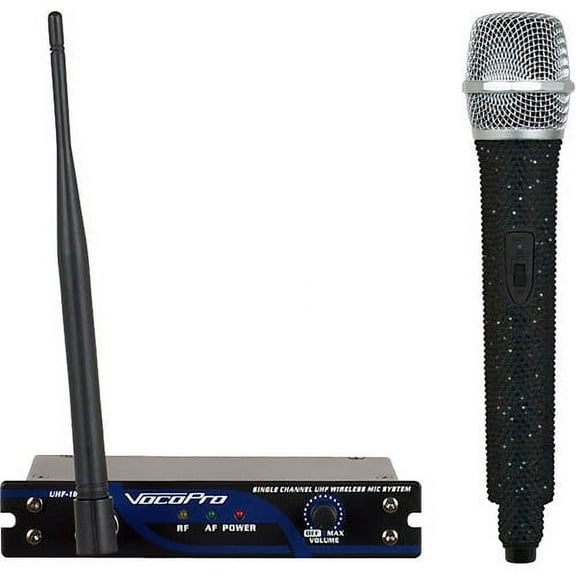 VocoPro PA System UHF-18-DIAMOND-9I-JETBLACK$168.19current price $168.19
Rockville RPG102K Bundle: Dual 10" Powered Speakers DJ PA System Bluetooth with Mic, RFAAW DJ Facade Kit, (2) BATTERY Lighting Product, 4-items
 Rockville RPG102K Bundle: Dual 10" Powered Speakers DJ PA System Bluetooth with Mic, RFAAW DJ Facade Kit, (2) BATTERY Lighting Product, 4-items$469.95current price $469.95
Sound Town CARME Series 12" 2-Way Powered Professional PA DJ Speaker, White with Onboard DSP, Birch Plywood for Installation, Live Sound, Karaoke, Bar, Church
 Sound Town CARME Series 12" 2-Way Powered Professional PA DJ Speaker, White with Onboard DSP, Birch Plywood for Installation, Live Sound, Karaoke, Bar, Church$349.99current price $349.99
MUSYSIC MU‑PAS10 Complete 2000W PA System – 6‑Channel Powered Mixer, Dual 10" Passive Speakers, Dual UHF Wireless Microphones with 100 Frequencies, Bluetooth, Stands and Cables
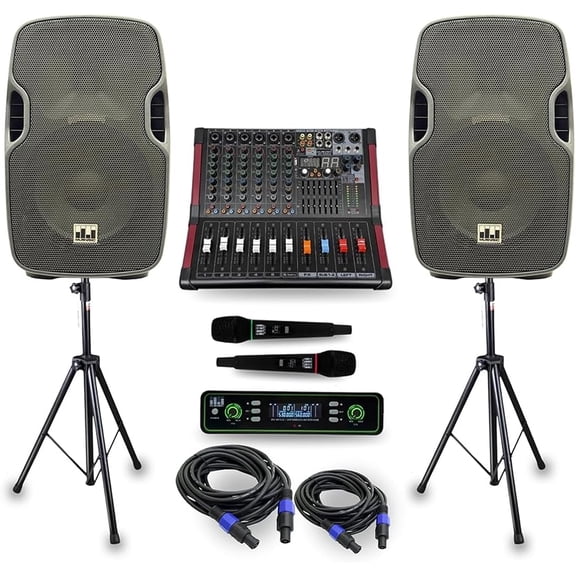 MUSYSIC MU‑PAS10 Complete 2000W PA System – 6‑Channel Powered Mixer, Dual 10" Passive Speakers, Dual UHF Wireless Microphones with 100 Frequencies, Bluetooth, Stands and Cables$699.99current price $699.99
DJ Package w/(2) 12" Speakers+Bluetooth Mixer+Mics+Totem Stands+Facade+Lights
 DJ Package w/(2) 12" Speakers+Bluetooth Mixer+Mics+Totem Stands+Facade+Lights$1139.65current price $1139.65
VEVOR Portable PA System, 2000W (PMPO) Powered, Sound System Set with 3 Channel Mixer, Dual Speakers, Wireless Bluetooth, Microphone, Compact Stands, USB & SD Inputs, Remote Control, for DJs Events
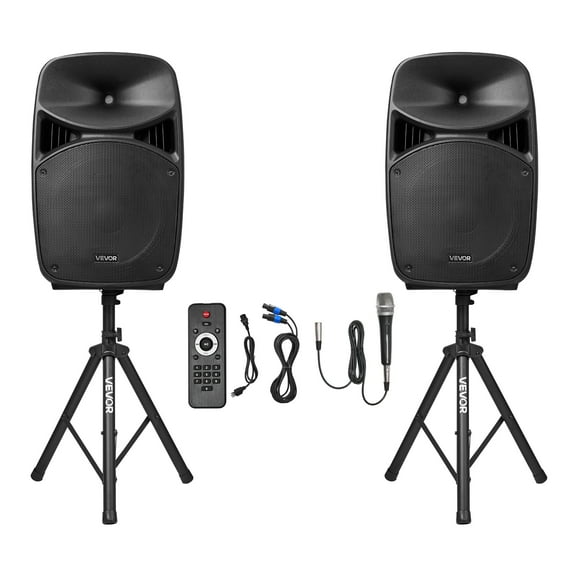 VEVOR Portable PA System, 2000W (PMPO) Powered, Sound System Set with 3 Channel Mixer, Dual Speakers, Wireless Bluetooth, Microphone, Compact Stands, USB & SD Inputs, Remote Control, for DJs Events$293.90current price $293.90
(2) American Audio APX12 GO BT Rechargeable Bluetooth DJ PA Speakers+Mics+Stands
 (2) American Audio APX12 GO BT Rechargeable Bluetooth DJ PA Speakers+Mics+Stands$599.98current price $599.98
Sound Town 12" 600W 2-Way Full-range Passive DJ PA Pro Audio Speaker with Compression Driver for Live Sound, Karaoke, Bar, Church (METIS-112)
 Sound Town 12" 600W 2-Way Full-range Passive DJ PA Pro Audio Speaker with Compression Driver for Live Sound, Karaoke, Bar, Church (METIS-112)$156.99current price $156.99
Rockville RPG122K Bundle: Dual 12" Powered Speakers, Bluetooth with Mic with Speaker, (2) RTP32B Moving Head Light, RFAAW DJ Facade Kit, 8-items
 Rockville RPG122K Bundle: Dual 12" Powered Speakers, Bluetooth with Mic with Speaker, (2) RTP32B Moving Head Light, RFAAW DJ Facade Kit, 8-items$969.65current price $969.65
Electro-Voice 2-Way Passive Loudspeaker Black
 Electro-Voice 2-Way Passive Loudspeaker Black$359.95current price $359.95
Rockville 10" Church Speakers+Mixer+Stands+Mics and Bluetooth for Church Sound Systems
 Rockville 10" Church Speakers+Mixer+Stands+Mics and Bluetooth for Church Sound Systems$399.95current price $399.95
