

Cisco Flash(25)
Cisco - Flash memory card - 16 GB - SD - for P/N: 1783-CMS10DN, 1783-CMS10DP, 1783-CMS20DN, 1783-CMS20DP, 1783-CMS6P, IE-3100-8P2C-E++ $631.61

Cisco - Flash memory card - 16 GB - SD - for P/N: 1783-CMS10DN, 1783-CMS10DP, 1783-CMS20DN, 1783-CMS20DP, 1783-CMS6P, IE-3100-8P2C-E++
AddOn Cisco MEM-CF-256MB Compatible 256MB Flash Upgrade $181.69
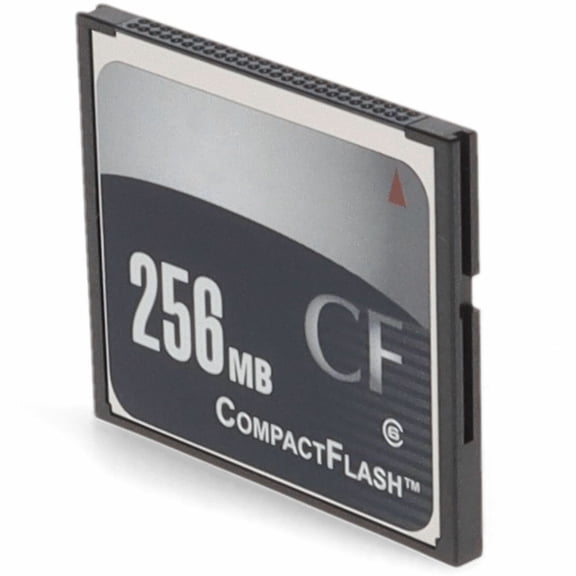
AddOn Cisco MEM-CF-256MB Compatible 256MB Flash Upgrade
Cisco MEM-7201-FLD256= Compatible 256MB Factory Original Compact Flash Upgrade $181.80
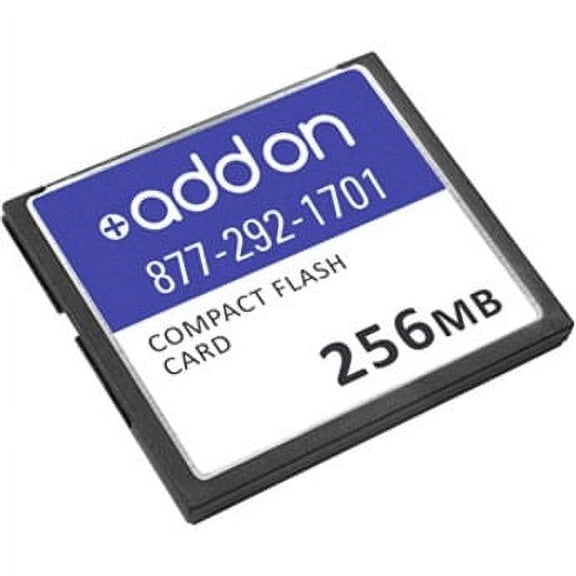
Cisco MEM-7201-FLD256= Compatible 256MB Factory Original Compact Flash Upgrade
FACTORY APPROVED 256MB CompactFlash card F/Cisco $196.85 $196.85/oz
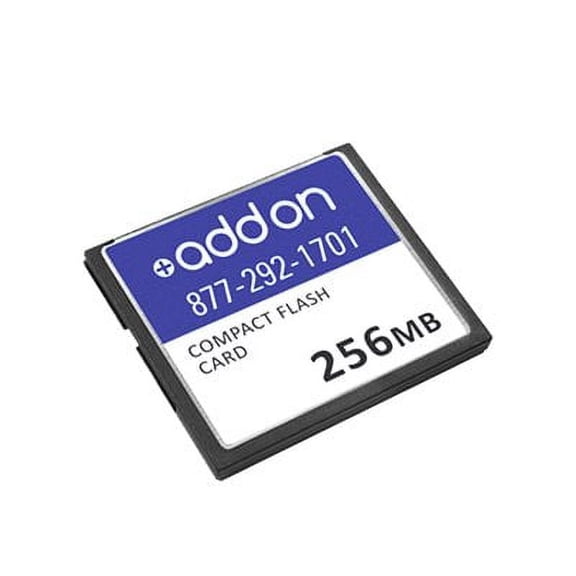
FACTORY APPROVED 256MB CompactFlash card F/Cisco
Cisco MEM3800-128U256CF Compatible 256MB Factory Original Compact Flash Upgrade $181.80 $181.80/oz
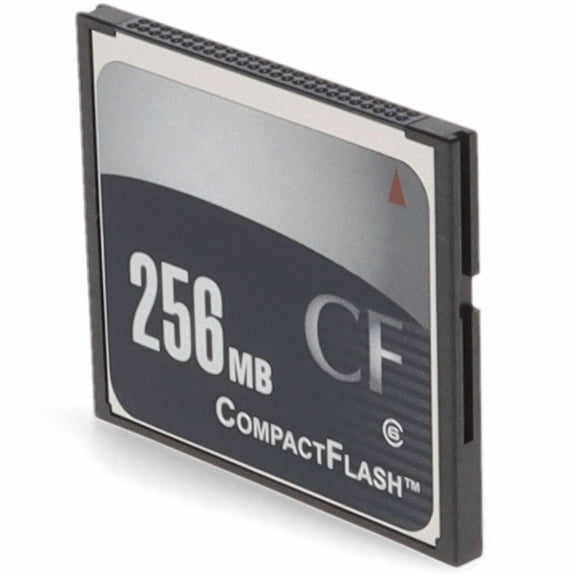
Cisco MEM3800-128U256CF Compatible 256MB Factory Original Compact Flash Upgrade
Cisco MEM-NPE-G1-FLD256 Compatible 256MB Factory Original Compact Flash Upgrade $181.80 $181.80/oz
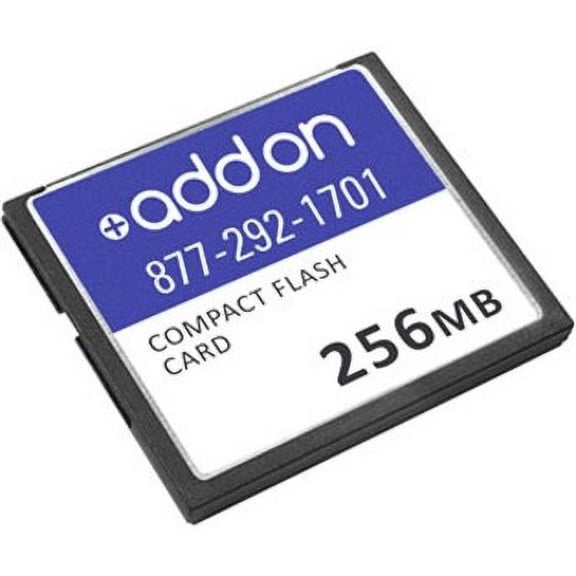
Cisco MEM-NPE-G1-FLD256 Compatible 256MB Factory Original Compact Flash Upgrade
AddOn Cisco MEM-C6K-CPTFL256M Compatible 256MB Flash Upgrade $181.80
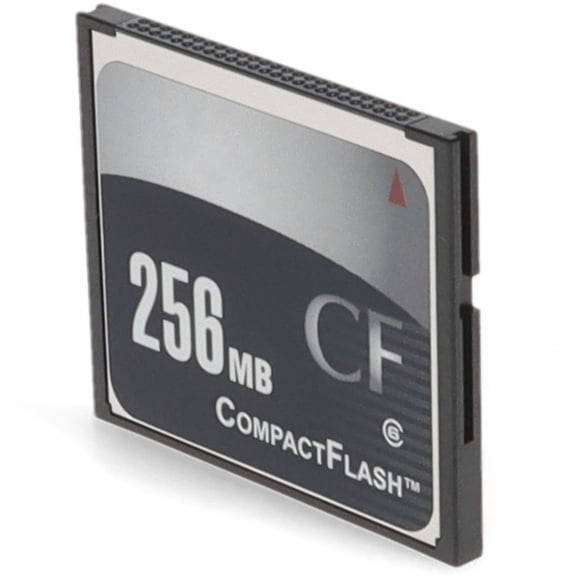
AddOn Cisco MEM-C6K-CPTFL256M Compatible 256MB Flash Upgrade
Other options to consider(56)
FAQ
How do I pick the right Cisco flash card?
Selecting the right Cisco flash memory card depends on your device model and storage needs. To get started:
- Check compatibility: Look up your device’s model number and match it with the card’s specifications.
- Consider storage: Choose the size (like 1GB, 2GB, or 8GB) based on how much data you plan to store or transfer.
- Verify form factor: Make sure the flash card fits the slot—CompactFlash and proprietary sizes are common.
- Review product listings for supported models to avoid installation issues.
If you’re unsure, bring your device information to the store or consult Walmart’s customer support for guidance.
Can I upgrade flash memory in my Cisco device?
In most cases, you can upgrade the flash memory in your Cisco device, but there are a few key steps to follow:
- Check your device’s manual or online documentation to confirm upgrade compatibility and maximum supported capacity.
- Power down the equipment safely before swapping or adding memory cards.
- After installation, follow any manufacturer-recommended initialization or formatting steps.
Upgrading flash memory can offer more space for system files and backups, but always back up important data ahead of time in case you need to restore configurations.
What does Cisco flash memory do?
Cisco flash memory stores essential system files and configurations on your networking equipment. Here’s what it’s mainly used for:
- Holding the device’s operating system or firmware.
- Saving configuration files, logs, or backups.
- Allowing system updates and maintenance tasks.
Using the correct flash card ensures your device boots reliably and you’re able to keep up with software updates when needed.
How do I safely install a new flash card?
To safely add or replace flash memory in your Cisco device:
- Power down your device and unplug it.
- Locate the flash memory slot—check your device’s guide for its location.
- Remove the old card, if needed, and gently insert the new one until it clicks into place.
- Reconnect power and check for device recognition.
Handle all memory cards by the edges to reduce risk of static damage, and keep them in anti-static packaging until installation.
Are there signs a flash card needs replacing?
There are a few common signs your flash memory card might need a replacement:
- Frequent read/write errors during backups or file transfers.
- Startup issues like device failing to boot or unexpected resets.
- Messages alerting you to corrupt or unreadable files.
Before replacing, try reseating the card and checking device settings. Always back up important files regularly, just in case you need to swap out the memory card unexpectedly.
Popular in Cisco Flash Memory and Drives for Electronics
Related Products
Tails Linux Persistent Bootable USB with 32GB Storage | Encrypted persistent storage for saving selected files and settings while using Tails live
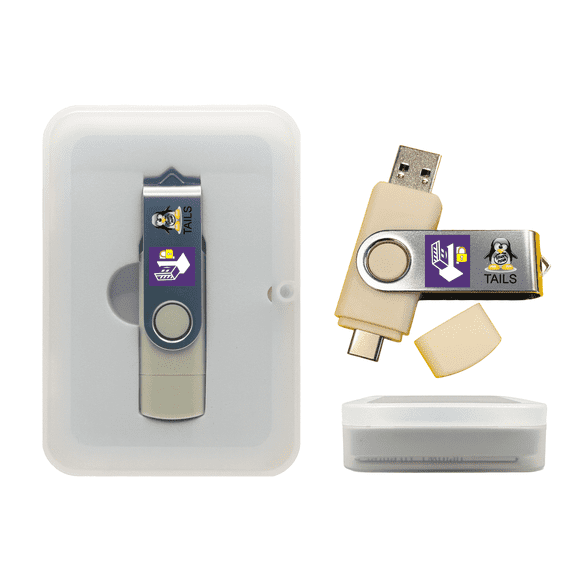 Tails Linux Persistent Bootable USB with 32GB Storage | Encrypted persistent storage for saving selected files and settings while using Tails live$24.99current price $24.99
TEAM X1 MAX DRIVE 512GB BLACK USB 3.2 Gen2 External Solid State Flash Drive, Dual Interface Type-C and Type-A, Compatible with Smartphone/ Tablet/ PC/ Chromebook, Speed Up to 1000MB/s (TX1MAX3512GB01)
 TEAM X1 MAX DRIVE 512GB BLACK USB 3.2 Gen2 External Solid State Flash Drive, Dual Interface Type-C and Type-A, Compatible with Smartphone/ Tablet/ PC/ Chromebook, Speed Up to 1000MB/s (TX1MAX3512GB01)$96.99current price $96.99
TEAMGROUP T-Force Vulcan Z DDR4 32GB Kit (2x16GB) 3600MHz (PC4-28800) CL18 Desktop Memory Module Ram TLZGD432G3600HC18JDC01 - Gray
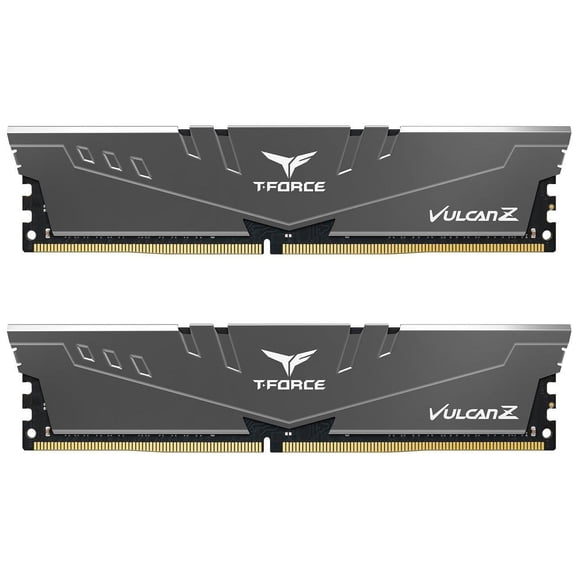 TEAMGROUP T-Force Vulcan Z DDR4 32GB Kit (2x16GB) 3600MHz (PC4-28800) CL18 Desktop Memory Module Ram TLZGD432G3600HC18JDC01 - Gray$269.99current price $269.99
JSER CF Compact Flash Merory Card to Laptop 2.5" 44 Pins Male IDE Hard Disk Drive HDD SSD Adapter
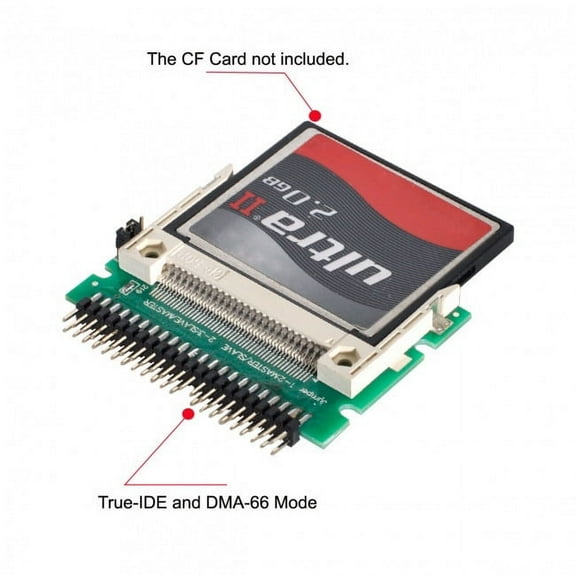 JSER CF Compact Flash Merory Card to Laptop 2.5" 44 Pins Male IDE Hard Disk Drive HDD SSD Adapter$8.99current price $8.99
Pre-Owned HP ProLiant DL380 G9 12Gb/s SAS Expander Card – 761879-001
 Pre-Owned HP ProLiant DL380 G9 12Gb/s SAS Expander Card – 761879-001$19.99current price $19.99
SYBA SY-ENC50122 5 Bay 2.5 in. & 3.5 in. SATA HDD External USB 3.0 eSATA RAID Hard Drive Enclosure
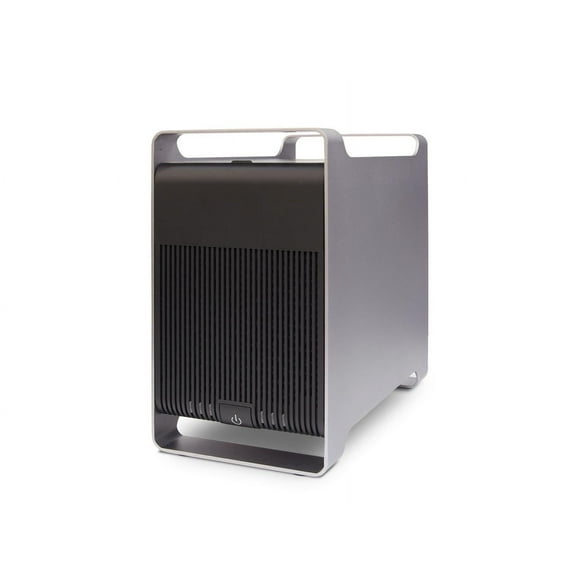 SYBA SY-ENC50122 5 Bay 2.5 in. & 3.5 in. SATA HDD External USB 3.0 eSATA RAID Hard Drive Enclosure$174.99current price $174.99
Chenyang CY CF Compact Flash Memory Card to 50pin 1.8 Inch IDE Hard Drive SSD Converter Adapter Card
 Chenyang CY CF Compact Flash Memory Card to 50pin 1.8 Inch IDE Hard Drive SSD Converter Adapter Card$7.99current price $7.99
Clearance! 2023 Ultra Recovery Converter New` оε θ\ ω( ёх |/ R5S3
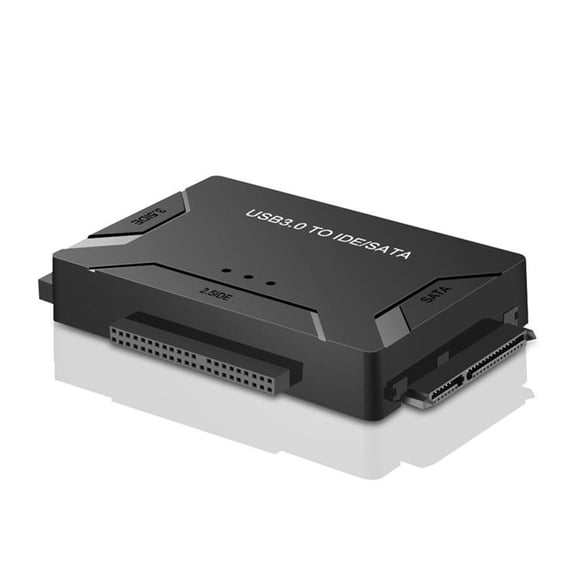 Clearance! 2023 Ultra Recovery Converter New` оε θ\ ω( ёх |/ R5S3$18.64current price $18.64
IronKey D500S 256GB USB 3.2 (Gen 1) Type A Flash Drive
 IronKey D500S 256GB USB 3.2 (Gen 1) Type A Flash Drive$330.08current price $330.08
4GB JETFLASH 590 FLASH DRIVE USB 2.0 BLACK
 4GB JETFLASH 590 FLASH DRIVE USB 2.0 BLACK$17.99current price $17.99
Pre-Owned Lot of 2 HP ProLiant DL380 G9 12Gb/s SAS Expander Card – 761879-001
Pre-Owned Lot of 2 HP ProLiant DL380 G9 12Gb/s SAS Expander Card – 761879-001$37.99current price $37.99