

Ccs Hp(6)
HP 17inch Laptop Touchscreen -AMD Ryzen 5 7430U Beat i7-1355U -32GB RAM -1TB SSD -Windows 11 - AI Copilot Key -2025 Portatil HP Computadora Laptop -Business School College From $879.99

HP 17inch Laptop Touchscreen -AMD Ryzen 5 7430U Beat i7-1355U -32GB RAM -1TB SSD -Windows 11 - AI Copilot Key -2025 Portatil HP Computadora Laptop -Business School College
HP DK2K1UT HP Z8G2I16 U7 366H 16 32GB/1T PC INTEL U7 366H, 16 WQUXGA AG LED UWVA, DSC, WEBC $3,799.00
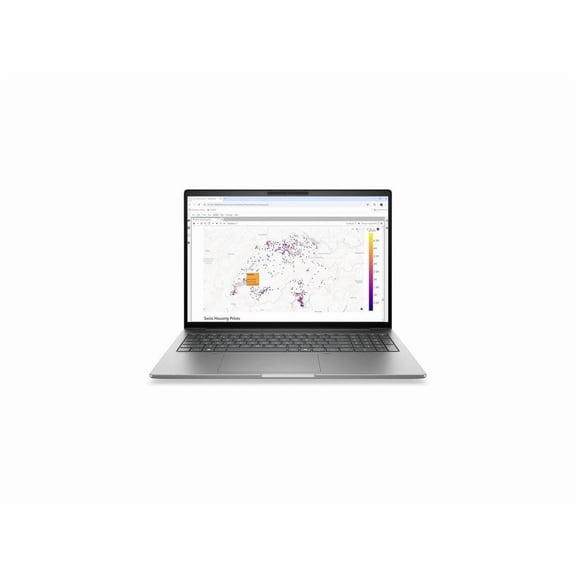
HP DK2K1UT HP Z8G2I16 U7 366H 16 32GB/1T PC INTEL U7 366H, 16 WQUXGA AG LED UWVA, DSC, WEBC
HP Elite Mini 800 G9 Computer i7-14700 16GB 512GB SSD W11P E13H7ATABA $874.39 Was $1,027.84
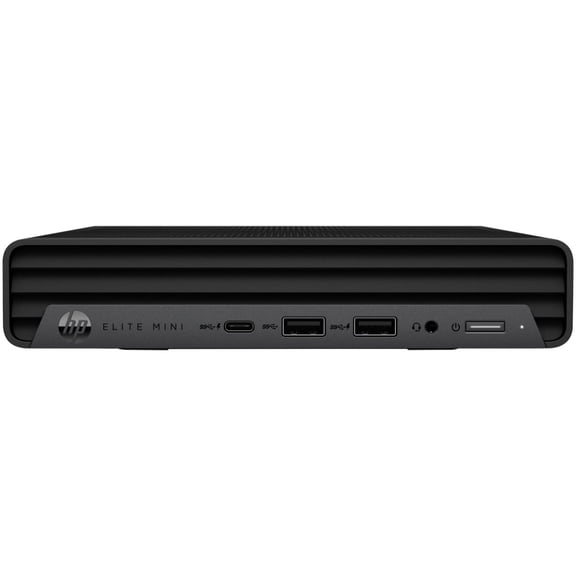
HP Elite Mini 800 G9 Computer i7-14700 16GB 512GB SSD W11P E13H7ATABA
HP Poly CCX 600 Business Media Microsoft Teams and PoE-enabled Desk Phone $671.31
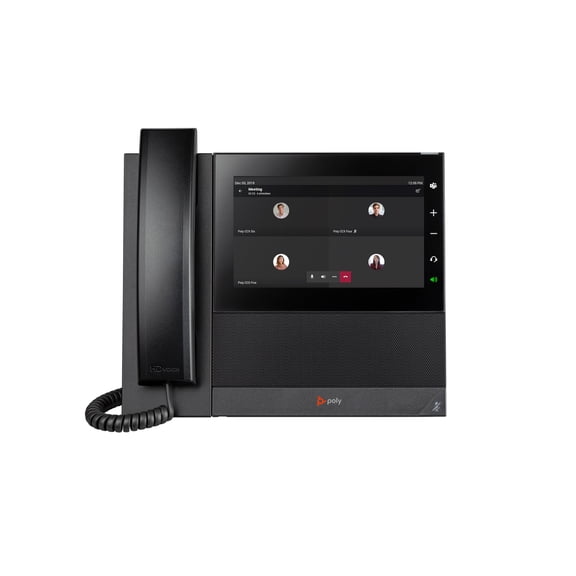
HP Poly CCX 600 Business Media Microsoft Teams and PoE-enabled Desk Phone
HP Poly CCX 500 Business Media VoIP Open SIP Desk Phone with Power Supply 2200-49720-001 $59.99

HP Poly CCX 500 Business Media VoIP Open SIP Desk Phone with Power Supply 2200-49720-001
Polycom CCX 500 5-Inch Touchscreen Black VoIP Desk Phone with Power Supply 2200-49720-001 84C15AA $61.89

Polycom CCX 500 5-Inch Touchscreen Black VoIP Desk Phone with Power Supply 2200-49720-001 84C15AA
FAQ
What should I look for in a laptop for school?
When choosing a laptop for school, focus on features like battery life, portability, and memory. A lightweight design makes it easier to carry between classes, while longer battery life helps you power through the day. At least 8GB of RAM and a reliable processor can help with multitasking and running educational apps. Consider storage needs too—cloud-connected devices might only need modest local storage, but if you work with files offline, go for a larger SSD. Think about your preferred operating system and make sure it's compatible with your school’s tools. Shopping at Walmart lets you compare a variety of options in one place.
How do I set up a new Windows laptop?
- Unbox and plug in your laptop using the included charger.
- Press the power button to turn it on.
- Follow on-screen prompts to select your language, Wi-Fi network, and sign in with a Microsoft account if you have one.
- Set your privacy and security preferences.
- Install available updates when prompted to keep your device up to date and secure.
- Once setup is complete, visit the built-in app store to download any helpful tools you may need for work or school tasks.
Don’t forget to register your laptop if the brand provides that option for warranty and support!
Can I connect accessories like printers to these computers?
Yes, you can connect many accessories to laptops and desktop computers, including printers, external monitors, keyboards, and mice. Most computers offer USB ports for wired devices and Bluetooth for wireless connections. To set up a printer, install the manufacturer’s software if needed, or use the operating system’s built-in tools to add printers. For business media phones, check if your accessories are compatible with your device’s ports or wireless technology before connecting. Walmart carries a variety of compatible accessories, making it easy to outfit your workspace.
How do I keep my computer running smoothly?
- Regularly update your operating system and software to help protect against security risks.
- Free up storage by removing unneeded files or apps.
- Keep the vents and keyboard clean to avoid dust buildup that might affect performance.
- Use reputable antivirus and anti-malware tools to scan for threats.
- Back up important documents and photos to cloud services or an external drive.
Following these simple habits can help keep your device performing well—find cleaning kits and accessories at Walmart for easy maintenance.
What is the benefit of a touchscreen laptop?
Touchscreen laptops offer a more interactive experience compared to traditional keyboards and trackpads. You can tap, swipe, or use digital pens for drawing or taking notes, which is helpful for students, creative projects, or quick navigation. Some touchscreen models support tablet or tent modes, making them versatile for presentations or casual browsing. Touch controls can also be more intuitive, especially if you’re used to smartphones or tablets. For added flexibility in work or play, consider how a touchscreen might enhance your daily tasks.
Popular in Shop CCS HP Electronics HP Laptops and Business Phones
Related Products
HP 2025 14 inch HD Laptop, Office Pro Lifetime License, Intel Processor N150, 16 GB RAM, 384 GB Storage(128GB UFS+256GB MSD), Copilot AI, Wi-Fi 6, Lightweight, Windows 11 Pro, w/Accessories
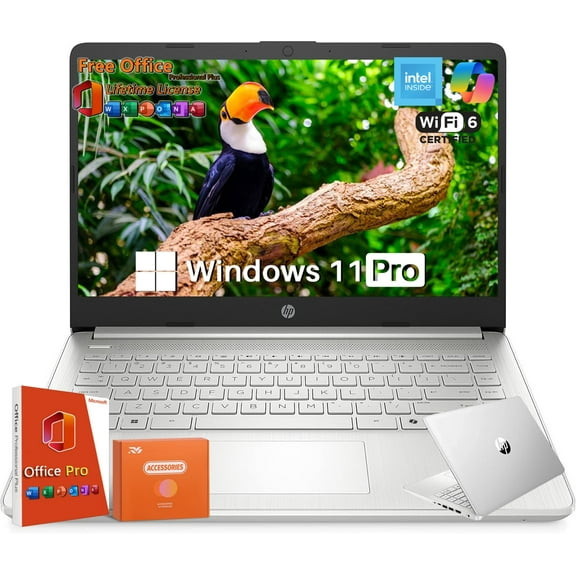 HP 2025 14 inch HD Laptop, Office Pro Lifetime License, Intel Processor N150, 16 GB RAM, 384 GB Storage(128GB UFS+256GB MSD), Copilot AI, Wi-Fi 6, Lightweight, Windows 11 Pro, w/Accessories$448.00current price $448.00
HP Newest 14" Ultral Light Laptop for Business. Intel Quad-Core N4120(> N4020), 16GB RAM, 192GB Storage, 1 Year Office 365, (64GB eMMC+128GBSD Card) Webcam, HDMI, WiFi, USB-A&C, Win 11 S/OLY
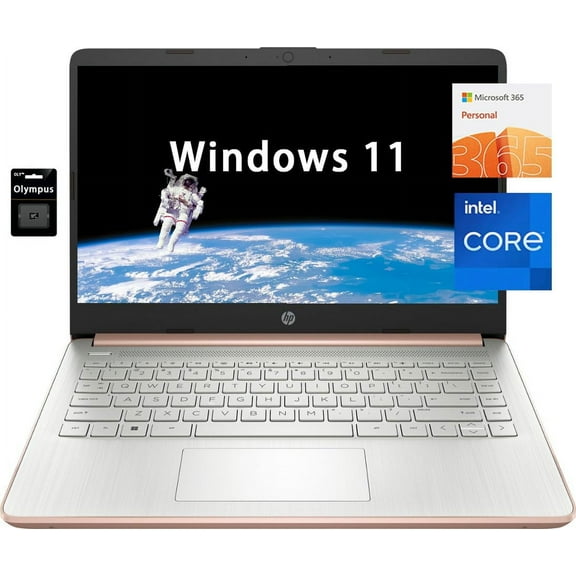 HP Newest 14" Ultral Light Laptop for Business. Intel Quad-Core N4120(> N4020), 16GB RAM, 192GB Storage, 1 Year Office 365, (64GB eMMC+128GBSD Card) Webcam, HDMI, WiFi, USB-A&C, Win 11 S/OLY$419.79current price $419.79
HP Pavilion 15-cs3065cl 15-cs3065st 15-cs3067st 15-cs3072nr 15-cs3075wm 15-cs3076nr 15-cs3077nr 15-cs3078nr 15-cs3079nr Power Adapter Charger
 HP Pavilion 15-cs3065cl 15-cs3065st 15-cs3067st 15-cs3072nr 15-cs3075wm 15-cs3076nr 15-cs3077nr 15-cs3078nr 15-cs3079nr Power Adapter Charger$19.99current price $19.99
HP 14" Ultra Thin 2026 Laptop with Copilot, Intel Quad-Core N150, 16GB RAM, 256GB(128GB eMMC+128GB SD Card), Windows 11 Pro,1 Year Office 365, Lightweight Blue Notebook for Work and School
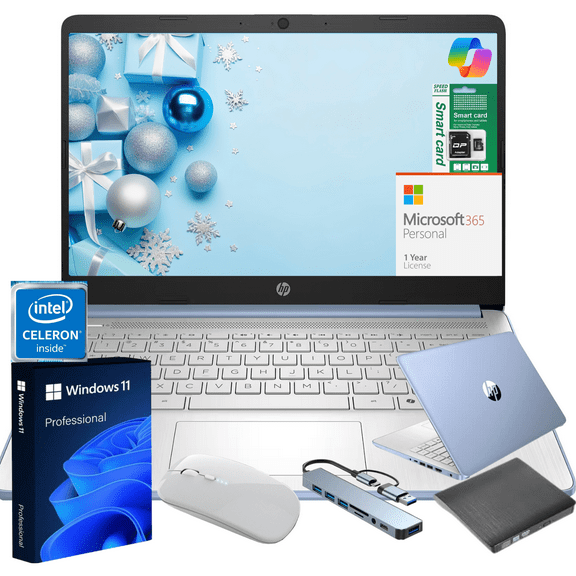 HP 14" Ultra Thin 2026 Laptop with Copilot, Intel Quad-Core N150, 16GB RAM, 256GB(128GB eMMC+128GB SD Card), Windows 11 Pro,1 Year Office 365, Lightweight Blue Notebook for Work and School$479.00current price $479.00