Autocom(3)
Best Tcs-cdp/pro-plus Diagnostic Tool For V2020.3 M8 Autocom Cdp+pro Obd2 Vehicle Diagnostic Scanners Tool $35.99
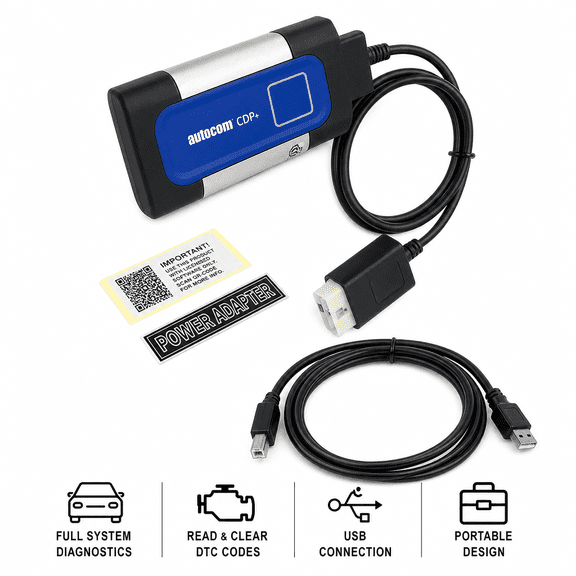
Best Tcs-cdp/pro-plus Diagnostic Tool For V2020.3 M8 Autocom Cdp+pro Obd2 Vehicle Diagnostic Scanners Tool
8pcs Professional Full Set OBD2 Diagnostic Cable Kit for Car Fault Detection and Maintenance - Versatile Adapter Converter Tools $32.85
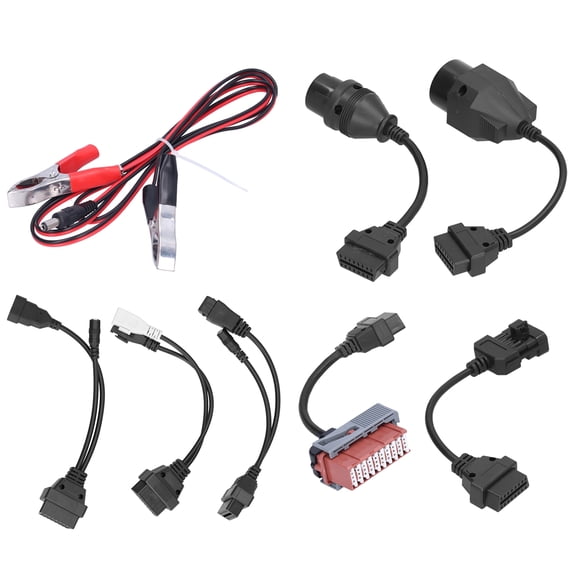
8pcs Professional Full Set OBD2 Diagnostic Cable Kit for Car Fault Detection and Maintenance - Versatile Adapter Converter Tools
AUTOUTLET Diagnostic Adapter Cable for Universal Auto Diagnostic Device OBD2 OBD1 Diagnostic Adapter Cable for AutoCom Delphi CDP DS150Er $18.41

AUTOUTLET Diagnostic Adapter Cable for Universal Auto Diagnostic Device OBD2 OBD1 Diagnostic Adapter Cable for AutoCom Delphi CDP DS150Er
FAQ
What’s an OBD2 diagnostic tool used for?
An OBD2 diagnostic tool helps you check your car’s system for faults and errors. By plugging the tool into your vehicle's OBD2 port, you can read error codes, monitor engine performance, and see live data. This can make it easier to spot issues early, understand why a check engine light is on, or decide if you need further repairs. Many tools also let you reset error codes after fixing problems, making them handy for DIY maintenance and troubleshooting common car issues.
How do I connect a diagnostic cable kit to my car?
To connect a diagnostic cable kit, follow these steps:
- Locate your car’s OBD2 port, usually under the dashboard near the driver’s seat.
- Choose the right adapter from your kit for your vehicle type.
- Plug the adapter securely into the OBD2 port.
- Attach the other end to your diagnostic tool or scanner as instructed.
- Turn your car's ignition to the 'on' position (without starting the engine) for most diagnostics.
Always refer to your product manuals for exact connection tips to get the best results.
Can a diagnostic scanner show why my engine light is on?
Yes, most OBD2 diagnostic scanners can help identify the cause of a check engine light. When connected, the tool reads error codes stored by your car’s computer. These codes help you pinpoint the system or component causing the warning. Although scanners provide valuable information, some issues may need professional diagnosis for a full repair. Clearing codes with the scanner may turn off the light, but it’s best to address any underlying issues first for safety and reliability.
Are these diagnostic tools okay for beginners?
Many OBD2 diagnostic tools and cable kits are designed for users of all experience levels, including beginners. They often come with straightforward instructions, display clear error code explanations, and sometimes even offer app support for more guidance. While advanced features may require a bit more learning, most users can perform basic code readings and troubleshoot common problems after a quick setup. If you’re new to car diagnostics, choosing a user-friendly tool can make maintenance much more approachable.
What cars can these OBD2 cable kits work with?
Most OBD2 diagnostic cable kits are made for vehicles equipped with a standard OBD2 port, which generally includes most cars and light trucks built after 1996. Some kits include multiple adapters to work with different makes and older models. It’s a good idea to check your vehicle’s manual for OBD2 compatibility or look under your dashboard for the port. Always confirm the kit’s compatibility with your vehicle before use, and if you’re still unsure, reach out to a qualified technician for clarification.
Popular in Autocom Diagnostic Tools for Auto Care and Maintenance
Related Products
Voyager Tools A/C Manifold Gauges Set Manifold, Gauge & Hose Set Industrial HVAC Gauges
 Voyager Tools A/C Manifold Gauges Set Manifold, Gauge & Hose Set Industrial HVAC Gauges$41.99current price $41.99
Mastercool Quick Shot complete AC flush kit
 Mastercool Quick Shot complete AC flush kit$46.54current price $46.54
For Nissan LEAF 2021 AC Compressor & A/C Clutch - BuyAutoParts
 For Nissan LEAF 2021 AC Compressor & A/C Clutch - BuyAutoParts$550.41current price $550.41
BuyAutoParts A/C Compressor 60-01409RC
 BuyAutoParts A/C Compressor 60-01409RC$137.41current price $137.41
ZENY HVAC Manifold Gauge Set – Professional AC Refrigeration Kit for R134A, R410A, R22
 ZENY HVAC Manifold Gauge Set – Professional AC Refrigeration Kit for R134A, R410A, R22$52.48current price $52.48
BuyAutoParts A/C Compressor 60-04156RC
 BuyAutoParts A/C Compressor 60-04156RC$373.41current price $373.41
Beckett 51950U A/C Ready Kit Adds Air Conditiong Function To Existing Furnaces
 Beckett 51950U A/C Ready Kit Adds Air Conditiong Function To Existing Furnaces$76.47current price $76.47
BuyAutoParts A/C Compressor 60-04532RC
 BuyAutoParts A/C Compressor 60-04532RC$183.41current price $183.41
BuyAutoParts A/C Compressor 60-04529RC
 BuyAutoParts A/C Compressor 60-04529RC$192.41current price $192.41
Automotive A/C Lines Car Air Conditioning Compressor Drier Condenser Radiator Fitting Adapter Hose R134a Radiator Repair HVAC
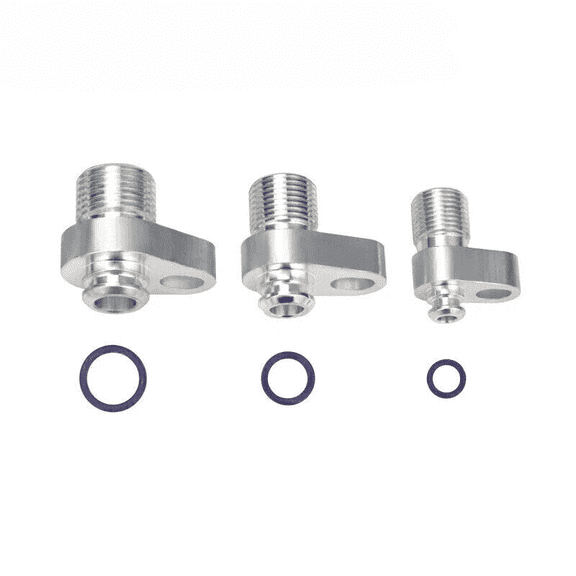 Automotive A/C Lines Car Air Conditioning Compressor Drier Condenser Radiator Fitting Adapter Hose R134a Radiator Repair HVAC$17.75current price $17.75
AC Compressor & A/C Clutch For Chevy Express 1500 Express 2500 Express 3500 - BuyAutoParts
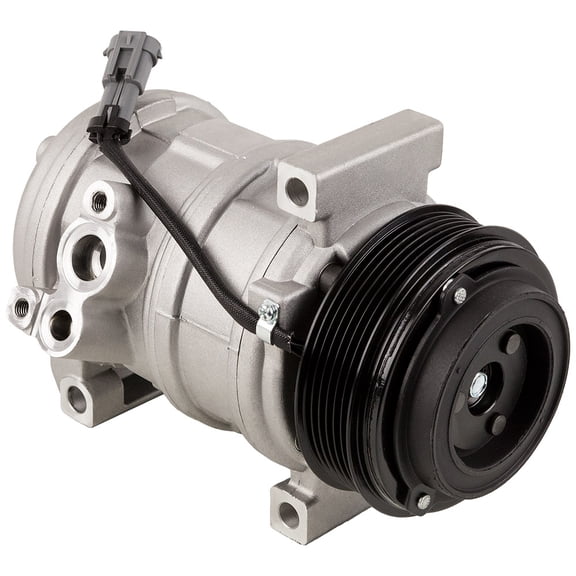 AC Compressor & A/C Clutch For Chevy Express 1500 Express 2500 Express 3500 - BuyAutoParts$244.41current price $244.41
BuyAutoParts A/C Compressor 60-04062NA
 BuyAutoParts A/C Compressor 60-04062NA$527.41current price $527.41
Mastercool ML66661-AYF Dual 134a & 1234yf Brassmanifold Gauge Set
 Mastercool ML66661-AYF Dual 134a & 1234yf Brassmanifold Gauge Set$140.81current price $140.81
For Freightliner Cascadia 2009 2010 2011 2012 AC Compressor & A/C Clutch - BuyAutoParts
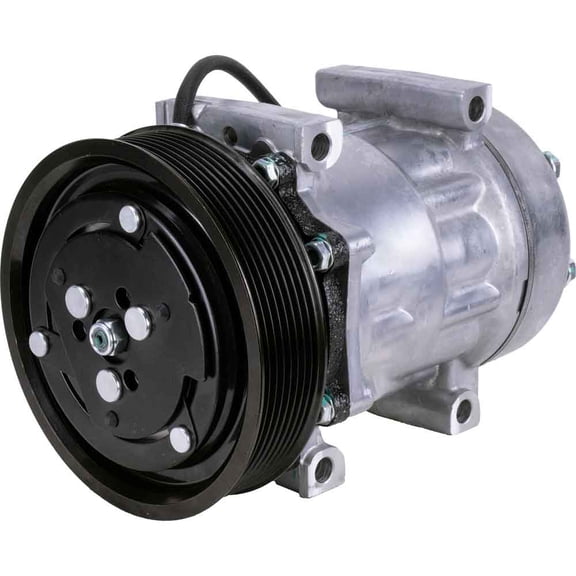 For Freightliner Cascadia 2009 2010 2011 2012 AC Compressor & A/C Clutch - BuyAutoParts$209.41current price $209.41
GREEN Universal A/C Compressor with 7 GRV Clutch SD508 Style 5H14 R134A - Premium Line
 GREEN Universal A/C Compressor with 7 GRV Clutch SD508 Style 5H14 R134A - Premium Line$125.90current price $125.90