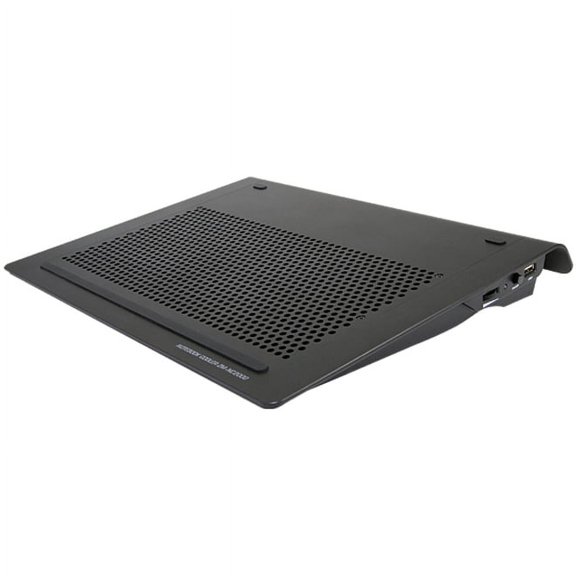
Aub0912vh(5)
FOR AUB0912VH 9cm 9.2cm 92mm cooling fan 92x92x25mm DC12V 0.60A 2lines High wind flow cooling fan for chassis power supply $32.66

FOR AUB0912VH 9cm 9.2cm 92mm cooling fan 92x92x25mm DC12V 0.60A 2lines High wind flow cooling fan for chassis power supply
FOR AFB0912VH = AUB0912VH 9225 12V 0.60A(0.40A) 4000RPM High Airflow 2-wire Axial Cooling Fan $16.99

FOR AFB0912VH = AUB0912VH 9225 12V 0.60A(0.40A) 4000RPM High Airflow 2-wire Axial Cooling Fan
AUB0912VH 9cm 9.2cm 92mm cooling fan 92x92x25mm DC12V 0.60A 2lines High wind flow cooling fan for chassis power supply $30.80
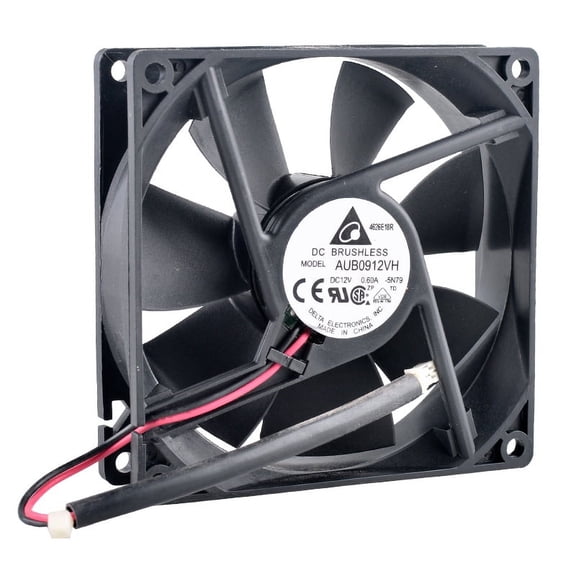
AUB0912VH 9cm 9.2cm 92mm cooling fan 92x92x25mm DC12V 0.60A 2lines High wind flow cooling fan for chassis power supply
FOR 90mm PWM Fan for AFB0912VH = AUB0912VH 90*90*25MM 9225 DC 12V 0.60A 4-pin for Computer CPU Server Inverter $17.99
FOR 90mm PWM Fan for AFB0912VH = AUB0912VH 90*90*25MM 9225 DC 12V 0.60A 4-pin for Computer CPU Server Inverter
FOR DC 12V 0.60A 9cm 90x90x25mm AUB0912VH-CF02 Projector fan

FOR DC 12V 0.60A 9cm 90x90x25mm AUB0912VH-CF02 Projector fan
FAQ
How do I know if this cooling fan fits my device?
To check if this cooling fan is compatible with your device, start by measuring the space where you'll install it. Look for the dimensions listed, like 92x92x25mm or 90x90x25mm, and compare them with your existing fan or the mounting area. Also, check the required voltage (DC 12V) and amperage to make sure it matches your device's needs. Many fans use either 2-wire or 4-pin connections—verify which type your device supports before making a decision.
- Measure your fan's dimensions.
- Check for 12V power compatibility.
- Match the connector type (2-wire or 4-pin).
This can help you pick the right fit for your setup.
What's the difference between 2-wire and 4-pin fans?
2-wire fans typically provide basic cooling with just power and ground connections, while 4-pin fans add more control features. The 4-pin design usually supports PWM (pulse-width modulation), letting your device adjust fan speed for quieter or more efficient operation. If your system supports PWM, a 4-pin fan can offer more flexibility. If not, a 2-wire fan is a simple, reliable choice.
- 2-wire: basic power, always runs at one speed.
- 4-pin: supports speed control, can be quieter or more efficient.
Check your device to see which type is best for you.
Can I use this fan in a power supply or computer case?
These cooling fans are designed for versatile use in both power supplies and computer cases, thanks to their standard sizes and airflow capabilities. The 92mm and 90mm sizes fit many electronics, but it's important to confirm the mounting space and voltage requirements in your specific device. They also work well for maintaining airflow in projectors and other electronics that need consistent cooling.
- Check your device's mounting holes and voltage specs.
- Confirm the wire connection (2-wire or 4-pin) matches your setup.
This helps keep your electronics running smoothly and safely.
How should I install a new cooling fan?
Installing a cooling fan usually involves a few simple steps. First, turn off and unplug your device to ensure safety. Remove the old fan by unscrewing it from the mounting area and disconnecting its wires. Position the new fan so that the airflow direction matches your cooling needs—there's usually an arrow on the fan frame showing airflow direction. Secure it with screws and connect the wires or pin connector as needed. Plug your device back in and power it up to check that the fan spins smoothly.
- Always follow your device's manual for exact instructions.
- Take care not to touch any internal components while the device is powered.
Proper installation can help your device stay cool and last longer.
Any tips for keeping a cooling fan working well?
To keep your cooling fan running smoothly, try to clean it regularly. Dust and debris can build up over time, reducing airflow and making the fan work harder. Use a soft brush or compressed air to gently remove dust from the blades and housing. Make sure the fan is securely mounted and that the wires aren't pinched or loose. If you notice unusual noise or vibration, check for obstructions or loose screws.
- Clean the fan every few months for best results.
- Avoid using water or harsh cleaners.
Routine care can help your fan last and keep your devices cool.
Popular in AUB0912VH Cooling Fans for Electronics Devices
Related Products
Cooler Master RRI7C718PAR1 Cooling Fan/Heatsink
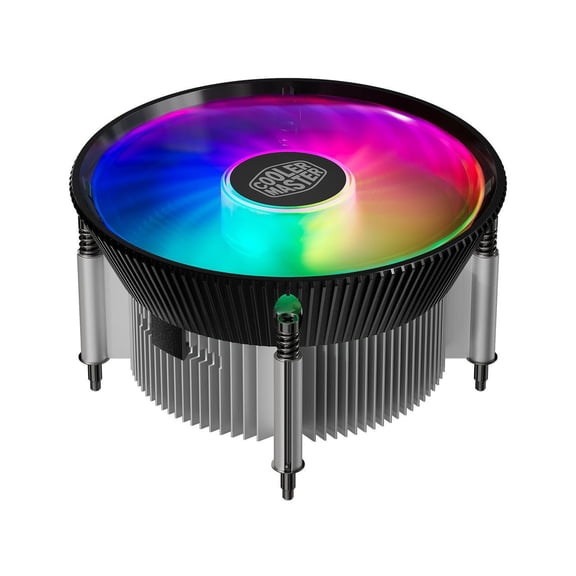 Cooler Master RRI7C718PAR1 Cooling Fan/Heatsink$33.59current price $33.59
ENHANCE Cryogen Gaming Laptop Cooling Pad with 5 Ultra Quiet Cooler Fans and 2 USB Ports
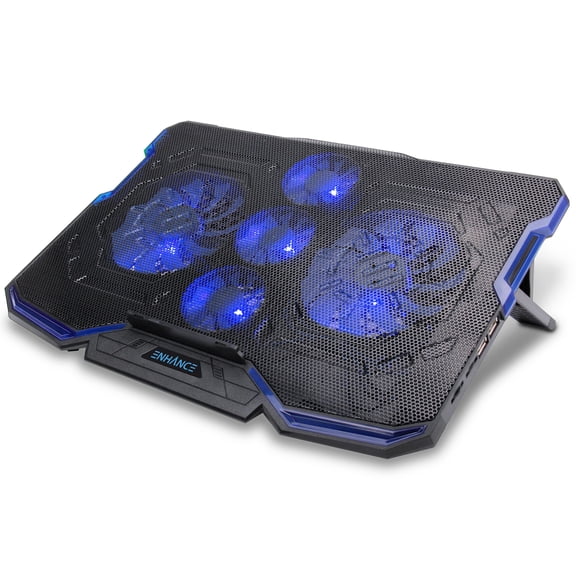 ENHANCE Cryogen Gaming Laptop Cooling Pad with 5 Ultra Quiet Cooler Fans and 2 USB Ports$39.99current price $39.99
COOLCOLD Laptop Cooling Pad 5 Big Fans for 10-15.6 In Gaming Notebook Cooler,with 5 Height Adjustable, 2 Usb Ports
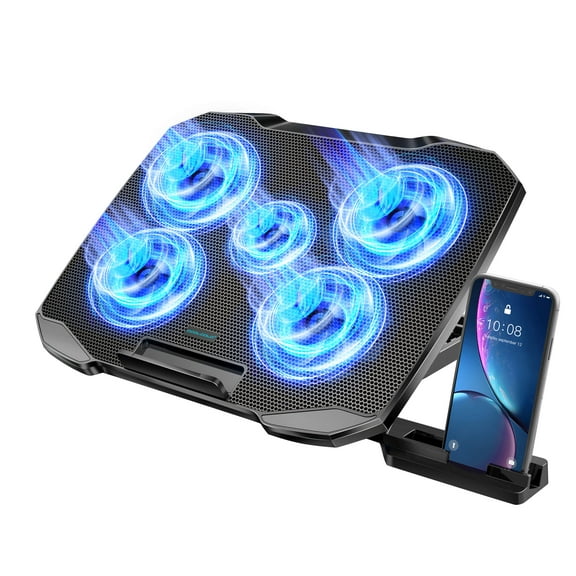 COOLCOLD Laptop Cooling Pad 5 Big Fans for 10-15.6 In Gaming Notebook Cooler,with 5 Height Adjustable, 2 Usb Ports$15.29current price $15.29
Innovation Cooling Graphite Thermal Pad w/Top Tier Thermal Performance, Black
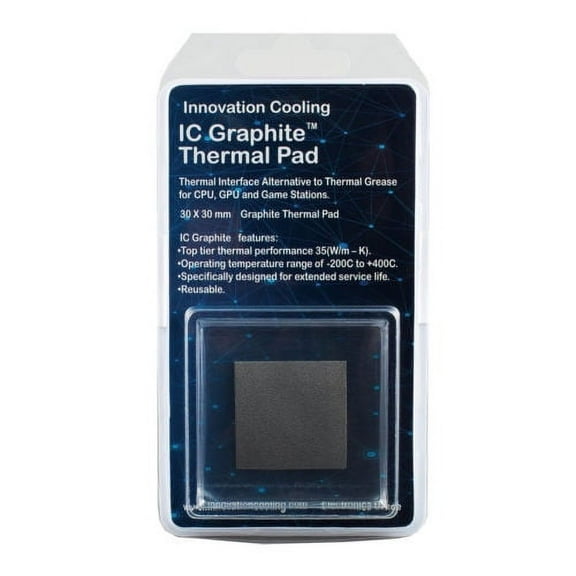 Innovation Cooling Graphite Thermal Pad w/Top Tier Thermal Performance, Black$17.99current price $17.99
iMBAPrice Quiet Portable 12x17 inches Laptop & Notebook Cooler Cooling Pad, Ultra Slim, 5 Fans
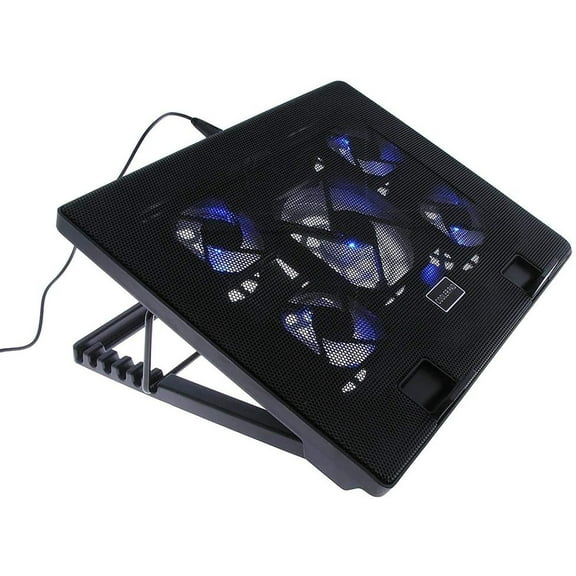 iMBAPrice Quiet Portable 12x17 inches Laptop & Notebook Cooler Cooling Pad, Ultra Slim, 5 Fans$19.99current price $19.99
Topmate C11 RGB Laptop Cooling Pad Gaming Cooler for 11-17.3" Laptop, Silent Cooling Fan for Laptop with 6 Quiet Fans-Blue LED Light
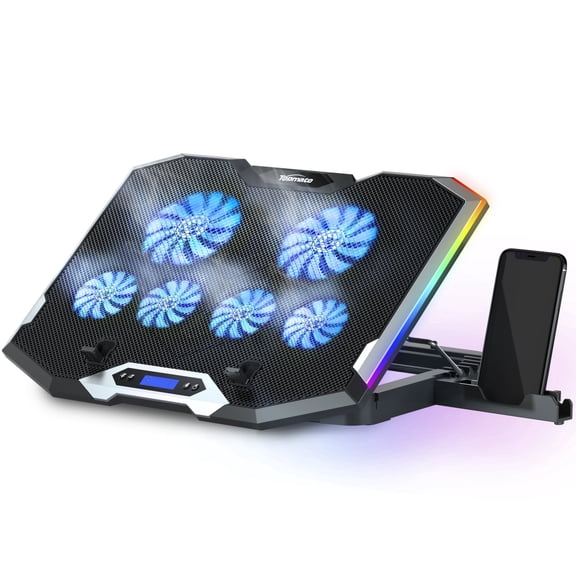 Topmate C11 RGB Laptop Cooling Pad Gaming Cooler for 11-17.3" Laptop, Silent Cooling Fan for Laptop with 6 Quiet Fans-Blue LED Light$30.99current price $30.99
ARCTIC ACFAN00295A P8 Slim PWM PST Case Fan 80mm case fan with PWM control Slim Profile PWM Splitter
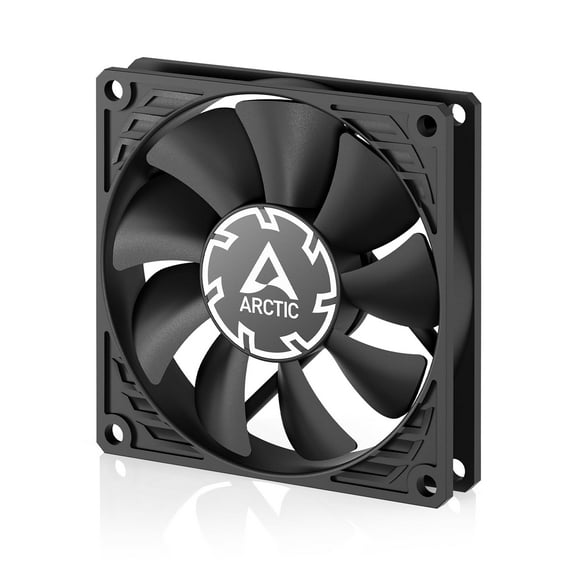 ARCTIC ACFAN00295A P8 Slim PWM PST Case Fan 80mm case fan with PWM control Slim Profile PWM Splitter$8.95current price $8.95
Gelid Solutions GP-Extreme 1.0mm Thermal Pad
 Gelid Solutions GP-Extreme 1.0mm Thermal Pad$10.59current price $10.59