

Aruba Wireless Controllers(1)
MJMJ Wireless Gaming Controller for iPhone/iPad/iOS/Android/Samsung/PC Gamepad Joystick with Back Button, Analog Triggers, Stretchable, Bluetooth 5.0 Low Latency, Direct Play for CODM,Diablo Immortal $36.99

MJMJ Wireless Gaming Controller for iPhone/iPad/iOS/Android/Samsung/PC Gamepad Joystick with Back Button, Analog Triggers, Stretchable, Bluetooth 5.0 Low Latency, Direct Play for CODM,Diablo Immortal
Other options to consider(3)
New, BEITONG PanGu Custom Modular Wireless Controller, Hot-Swap Joystick, Button & D-Pad Modules, Bluetooth Gamepad for PC, Switch/Switch 2, iOS, Android & Steam, White $139.99
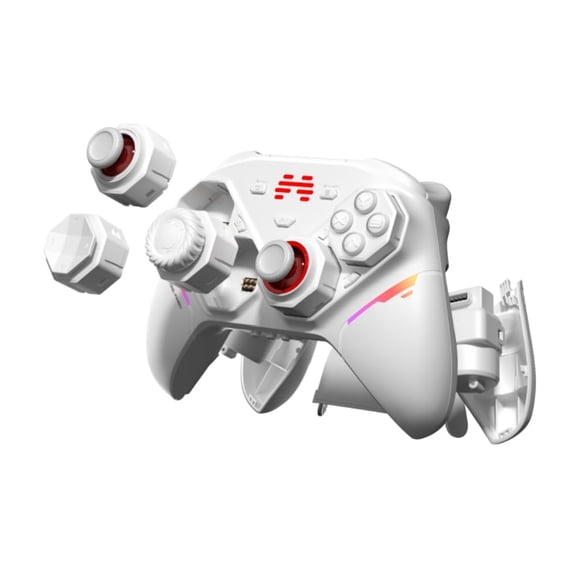
BEITONG PanGu Custom Modular Wireless Controller, Hot-Swap Joystick, Button & D-Pad Modules, Bluetooth Gamepad for PC, Switch/Switch 2, iOS, Android & Steam, White
UHM Wireless Controller Compatible with PC/PS3 ,PC Gamepad Joystick with 2.4G Adapter Programmable Dual Vibration Turbo Function, Kobe Black(NOT for Xbox/Xbox One)
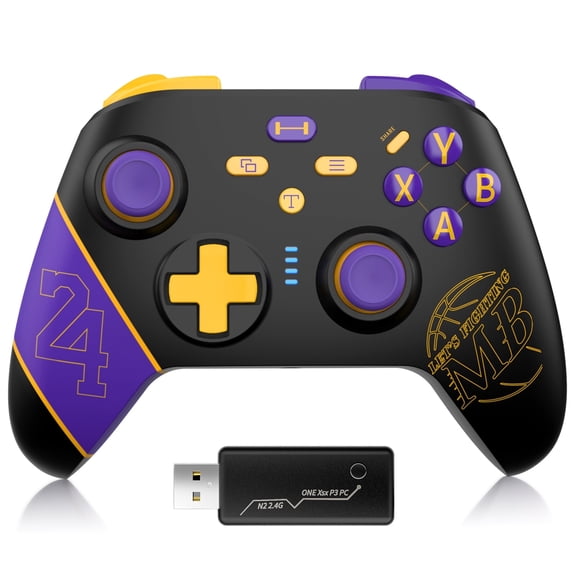
UHM Wireless Controller Compatible with PC/PS3 ,PC Gamepad Joystick with 2.4G Adapter Programmable Dual Vibration Turbo Function, Kobe Black(NOT for Xbox/Xbox One)
SteelSeries Stratus Duo Wireless Gaming Controller - Made for Android, Windows, and VR - Dual-Wireless Connectivity - High-Performance Materials - Supports Fortnite Mobile

SteelSeries Stratus Duo Wireless Gaming Controller - Made for Android, Windows, and VR - Dual-Wireless Connectivity - High-Performance Materials - Supports Fortnite Mobile
FAQ
What does a wireless controller do for Wi-Fi?
A wireless controller helps manage and optimize your Wi-Fi network by centralizing control of multiple access points. This allows for easier configuration and consistent settings across your network.
- Improves network reliability
- Simplifies administration tasks
- Helps balance device connections
Wireless controllers can be especially useful in larger spaces or businesses where stable, secure connections are important.
How do I set up a wireless controller?
Setting up a wireless controller typically involves connecting it to your network and configuring settings through its web interface. You'll want to follow the manufacturer's instructions for your specific model.
- Connect the controller to your router or switch
- Access the setup portal through your browser
- Configure wireless settings and security features
- Add and manage access points as needed
If you are new to networking, consider seeking help from support resources or tech professionals for a smooth setup experience.
Can wireless controllers improve Wi-Fi coverage?
Wireless controllers can help enhance Wi-Fi coverage by coordinating multiple access points and managing their placement and settings. This helps reduce dead zones and ensures devices connect to the best available signal.
- Optimizes signal distribution
- Reduces interference between access points
- Supports roaming for mobile devices
For larger homes or offices, using a controller can make expanding coverage more seamless.
Do I need a controller for home Wi-Fi?
Most home users don't need a wireless controller unless they have many access points or require advanced network management. For simple setups, a standard router is usually enough.
- Controllers are beneficial for complex networks
- Helpful in multi-story homes or businesses
- Great for users who want advanced controls
Consider your space and needs before investing in a controller for your home.
How can I troubleshoot wireless controller issues?
If your wireless controller isn't working as expected, start by checking connections and rebooting the device. Reviewing the user manual or online support resources for your model can also be helpful.
- Ensure all cables are secure
- Restart the controller and access points
- Update firmware if available
- Monitor for error messages on the setup interface
If problems persist, reaching out to technical support or consulting community forums may offer solutions.
Popular in Shop Aruba Wireless Controllers Electronics Online
- Wireless Lan Controllers
- Wireless Lan Controller
- Wireless Controller Cisco
- Wireless Switch Computer
- Meraki Controller
- Controller Networking
- PC Gaming USB Controllers + Joysticks
- All Video Game Controllers
- Video Game Controllers
- PC Gamepads & Standard Controllers
- PC Game Joysticks
- PC Gaming Controllers & Joysticks
Related Products
KoraiTect Wireless Controller Compatible with PC,Android/iOS,Mac,Switch,Steam,PC Cotroller with Hall Joystick Trigger,Mechanical Silver
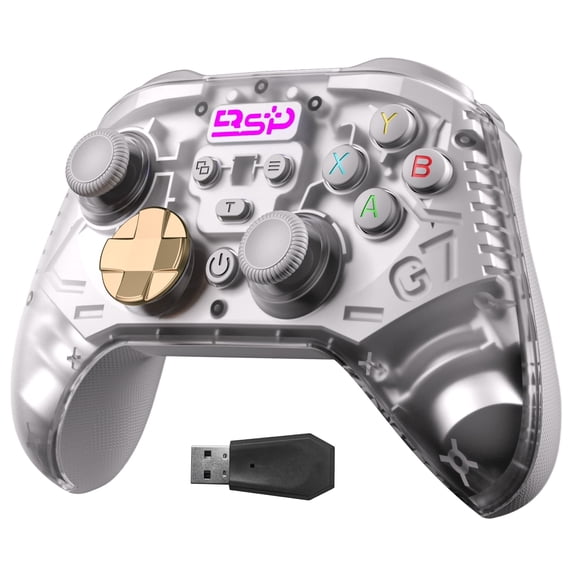 KoraiTect Wireless Controller Compatible with PC,Android/iOS,Mac,Switch,Steam,PC Cotroller with Hall Joystick Trigger,Mechanical Silver$19.99current price $19.99
ISHAKO Wireless Game Controller for PC, Switch, Android - Bluetooth/2.4G Connection
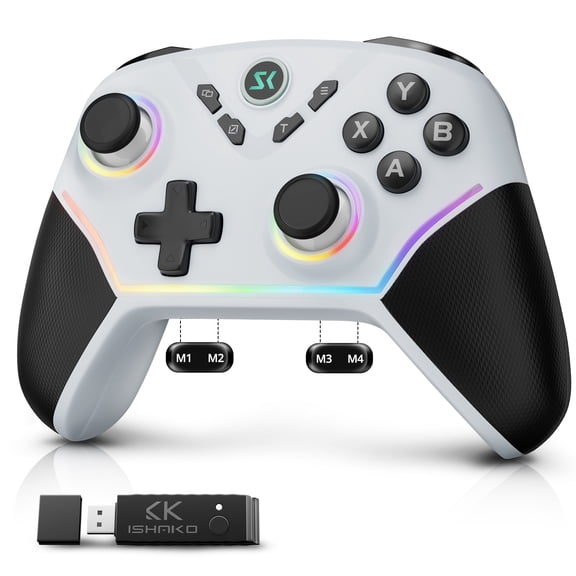 ISHAKO Wireless Game Controller for PC, Switch, Android - Bluetooth/2.4G Connection$29.99current price $29.99
EasySMX D10 PC Controller with Charging Dock/TMR Joysticks/Dual-Mode Triggers/Motion Control, Wireless Gaming Controller for PC,iOS,Android,Switch,Steam
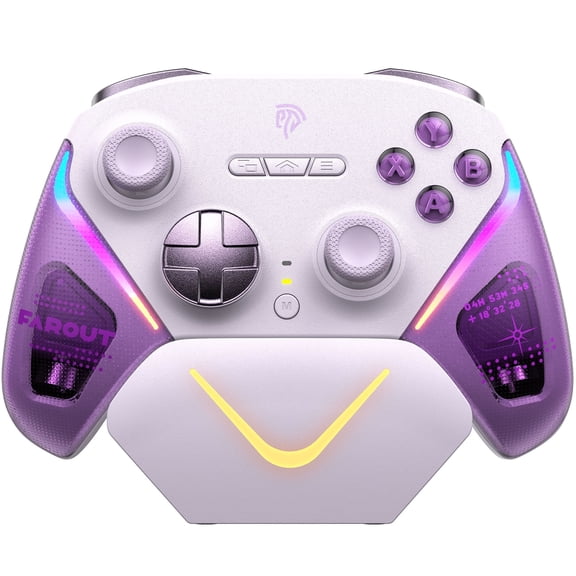 EasySMX D10 PC Controller with Charging Dock/TMR Joysticks/Dual-Mode Triggers/Motion Control, Wireless Gaming Controller for PC,iOS,Android,Switch,Steam$60.09current price $60.09
ISHAKO PC Controller, with 1000Hz Polling Rate, Hall Effect Joystick and Trigger, Controller for PC, Android/iOS/Mac/Steam
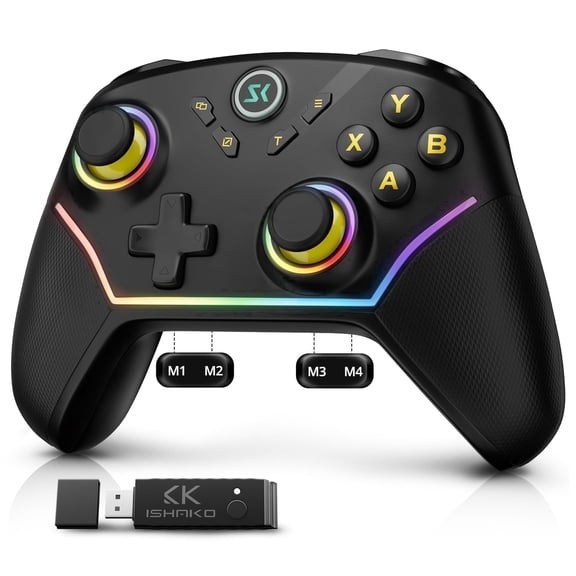 ISHAKO PC Controller, with 1000Hz Polling Rate, Hall Effect Joystick and Trigger, Controller for PC, Android/iOS/Mac/Steam$29.99current price $29.99
ISHAKO Wireless PC Controller with Hall Effect Joysticks & Triggers, 2.4G & Wired 1000Hz Polling Rate, Remappable Buttons - Compatible with PC/Switch/Steam/Android
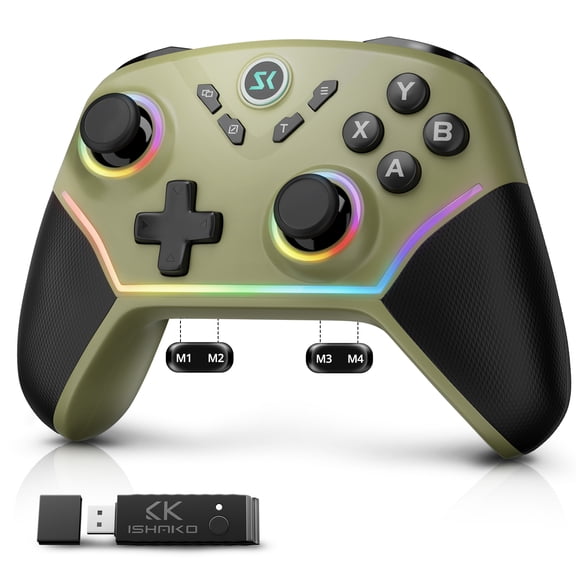 ISHAKO Wireless PC Controller with Hall Effect Joysticks & Triggers, 2.4G & Wired 1000Hz Polling Rate, Remappable Buttons - Compatible with PC/Switch/Steam/Android$29.99current price $29.99
Oilsky 024 Wireless Gaming Controller Compatible with PC,iOS,and Android, Bluetooth Gaming Controller with RGB Lights, Hall Joysticks/Hall Triggers, White
 Oilsky 024 Wireless Gaming Controller Compatible with PC,iOS,and Android, Bluetooth Gaming Controller with RGB Lights, Hall Joysticks/Hall Triggers, White$25.79current price $25.79
PowerA MOGA XP5-i Plus Bluetooth Controller for Mobile & Cloud Gaming on iOS
 PowerA MOGA XP5-i Plus Bluetooth Controller for Mobile & Cloud Gaming on iOS$28.49current price $28.49
ISHAKO Wireless Controller for PC/Switch/iPhone/Android/Laptop– Bluetooth & 2.4G Gaming PC Controller with RGB, Turbo, Back Buttons, Hall Triggers, Hall Joystick -Metallic Berry Powder
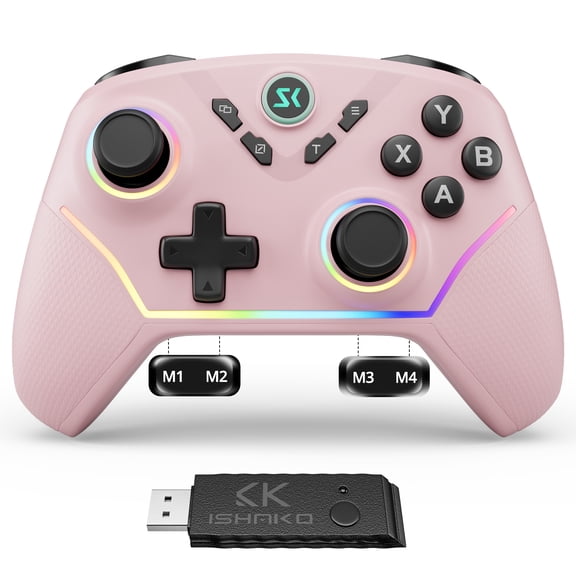 ISHAKO Wireless Controller for PC/Switch/iPhone/Android/Laptop– Bluetooth & 2.4G Gaming PC Controller with RGB, Turbo, Back Buttons, Hall Triggers, Hall Joystick -Metallic Berry Powder$28.89current price $28.89
EasySMX X05 Pro Wireless Game Controller with Hall Effect Joysticks and Programmable Buttons for PC and Android Devices
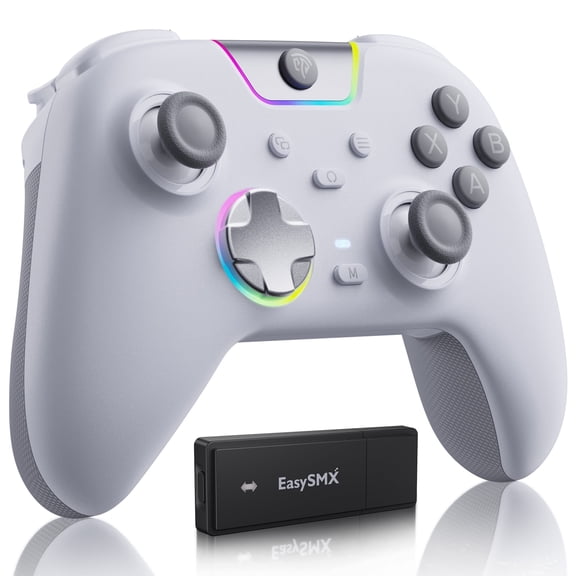 EasySMX X05 Pro Wireless Game Controller with Hall Effect Joysticks and Programmable Buttons for PC and Android Devices$30.99current price $30.99
KoraiTect Wireless Controller Compatible with PC,Android/iOS,Mac,Switch,Steam,PC Cotroller with Hall Joystick Trigger,Black
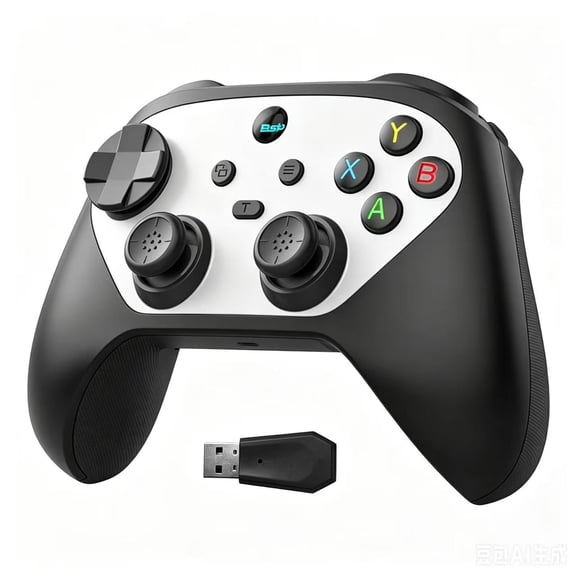 KoraiTect Wireless Controller Compatible with PC,Android/iOS,Mac,Switch,Steam,PC Cotroller with Hall Joystick Trigger,Black$19.99current price $19.99
EasySMX X15 Wireless Game Controller with Hall Joysticks and Triggers, RGB for PC, Android, iOS, Mac
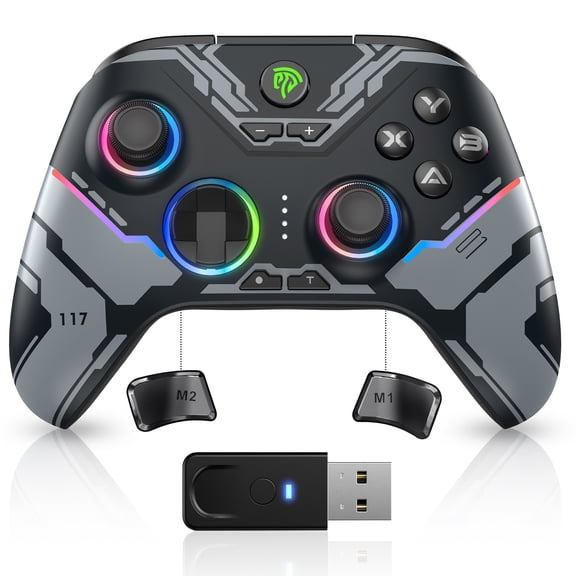 EasySMX X15 Wireless Game Controller with Hall Joysticks and Triggers, RGB for PC, Android, iOS, Mac$40.09current price $40.09
Wireless Gaming Controller for PC, QQV Phone Controller for iOS/Android/Switch2/1/OLED with Charging Dock
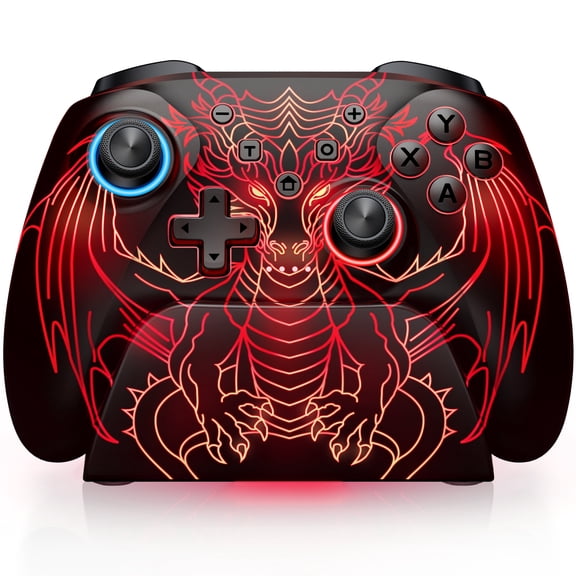 Wireless Gaming Controller for PC, QQV Phone Controller for iOS/Android/Switch2/1/OLED with Charging Dock$35.98current price $35.98
PowerA MOGA XP7-X Plus Wireless Video Game Controller for Android/PC
 PowerA MOGA XP7-X Plus Wireless Video Game Controller for Android/PC$39.99current price $39.99
USB Wireless Gaming Controller Gamepad, Wireless Controller PC Game Controller for PC,for PC/Laptop Computer(Windows XP/7/8/10) & PS3 & Android & Steam (Black)
 USB Wireless Gaming Controller Gamepad, Wireless Controller PC Game Controller for PC,for PC/Laptop Computer(Windows XP/7/8/10) & PS3 & Android & Steam (Black)$13.99current price $13.99
Wireless Game Controller with Phone Mount - Compatible with Android/iOS Switch Mobile - Ergonomic Black Gaming Pad
 Wireless Game Controller with Phone Mount - Compatible with Android/iOS Switch Mobile - Ergonomic Black Gaming Pad$17.90current price $17.90
2X Wireless Bluetooth Gamepad Game Controller For Android Phone TV Box Lot U2
 2X Wireless Bluetooth Gamepad Game Controller For Android Phone TV Box Lot U2$11.39current price $11.39
8BitDo Ultimate 2 Wireless Controller for Windows & Android, Gaming Controller with TMR Joysticks, Switchable Hall Effect/Tactile Triggers, RGB Fire Ring, 8Speed Wireless Tech, White
 8BitDo Ultimate 2 Wireless Controller for Windows & Android, Gaming Controller with TMR Joysticks, Switchable Hall Effect/Tactile Triggers, RGB Fire Ring, 8Speed Wireless Tech, White$59.99current price $59.99