

Alienware Laptops














About Alienware Laptops - Walmart.com
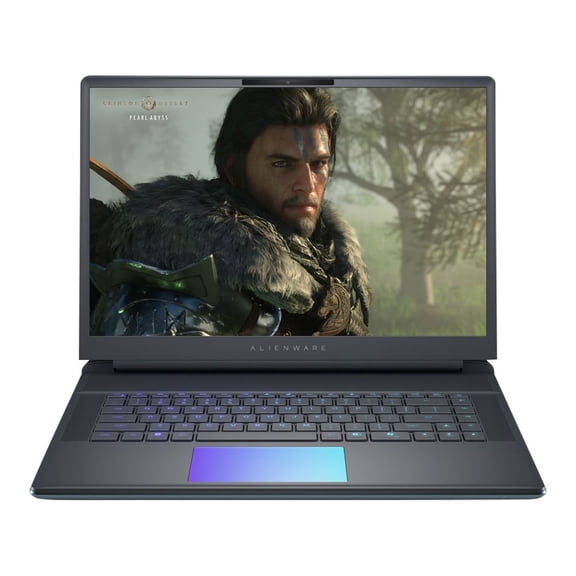
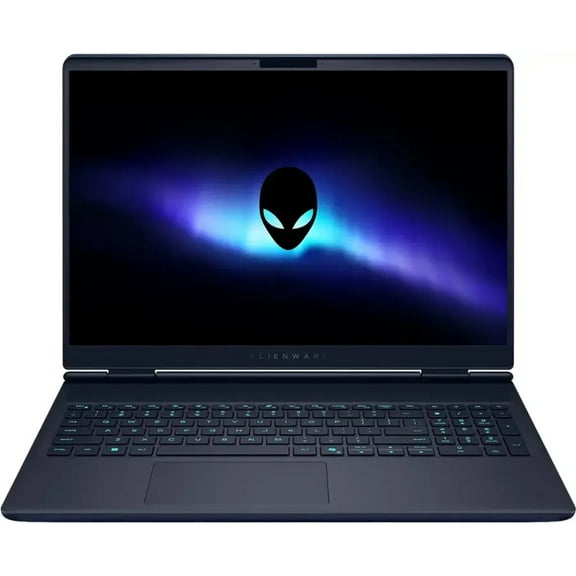
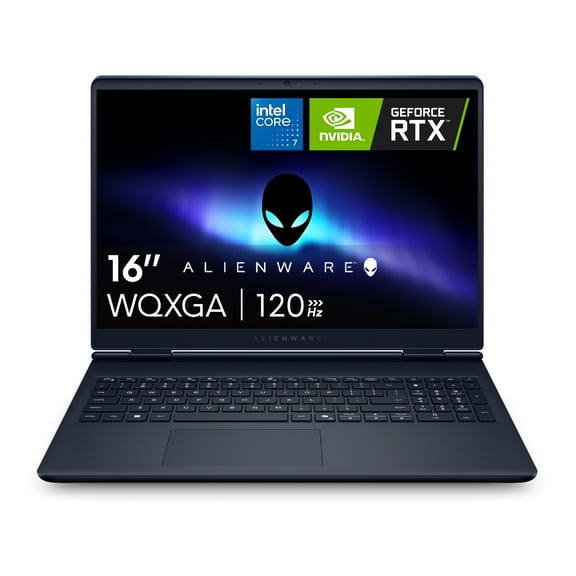
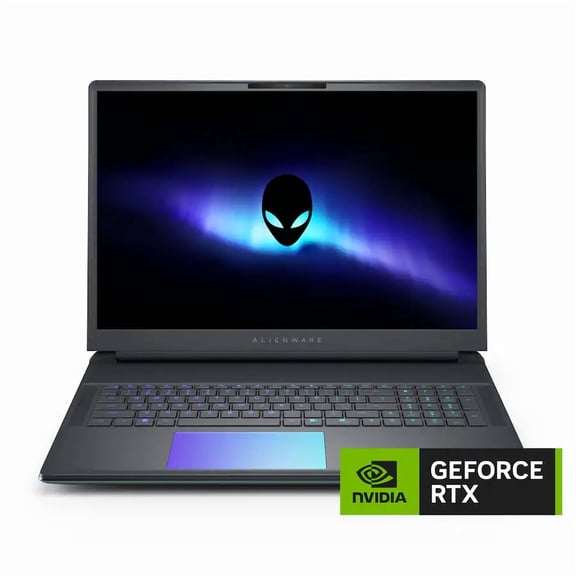
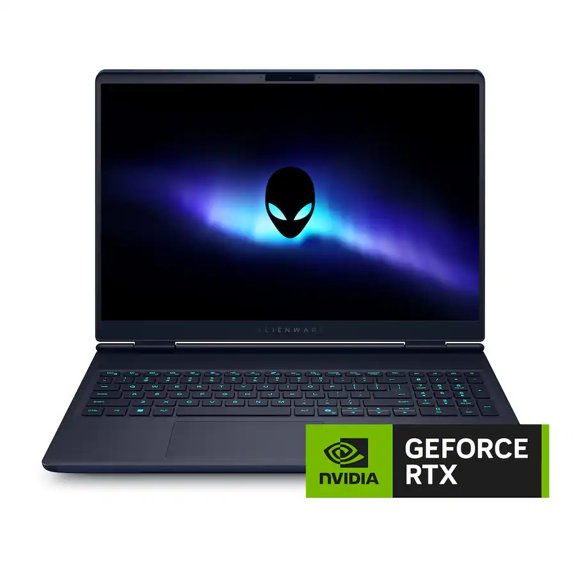
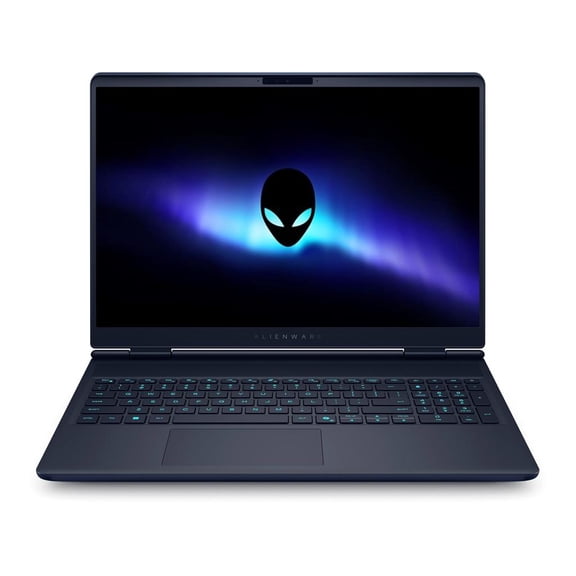
Alienware laptops give you focused gaming performance with clear model differences, advanced cooling details, and hardware options that match how you play. You can compare M-Series and X-Series systems, screen sizes, graphics, and memory before you choose a setup for long sessions.
Choosing the right Alienware laptops setup
When you compare M-Series and X-Series models, you’re choosing between more thermal headroom and a slimmer build. You may prefer M-Series when your gaming space stays at a desk and your sessions run longer.
If you carry your system often, you may prefer X-Series for a thinner profile and easier transport. You can still expect strong gaming support, but you should compare chassis size and port layout closely.
Screen size also shapes your everyday use in ways you’ll notice quickly. You can choose 15-inch or 16-inch models for easier travel, while 17-inch or 18-inch options give you a larger view.
How to choose Alienware gaming laptops by performance
Your processor choice affects how your laptop handles gaming, streaming, and multitasking. Compare Intel Core i7, Intel Core i9, AMD Ryzen 7, or AMD Ryzen 9 options based on your background app usage.
If you play competitive titles and keep voice chat, capture software, or browser tabs open, you may want extra processing headroom. You may notice that stronger processors help your system stay responsive during demanding sessions.
Your graphics card matters even more when you want higher frame rates or sharper visual settings. You can compare NVIDIA GeForce RTX 4060, RTX 4070, RTX 4080, and RTX 4090 options by your display goals.
- You can choose RTX 4060 or RTX 4070 configurations for smooth play at common settings and resolutions.
- You may want RTX 4080 or RTX 4090 options when you target higher frame rates and richer visual detail.
- You should compare VRAM capacity and TGP ratings, because those numbers affect sustained gaming performance.
- You can match your GPU to your screen resolution, so your hardware and display work together efficiently.
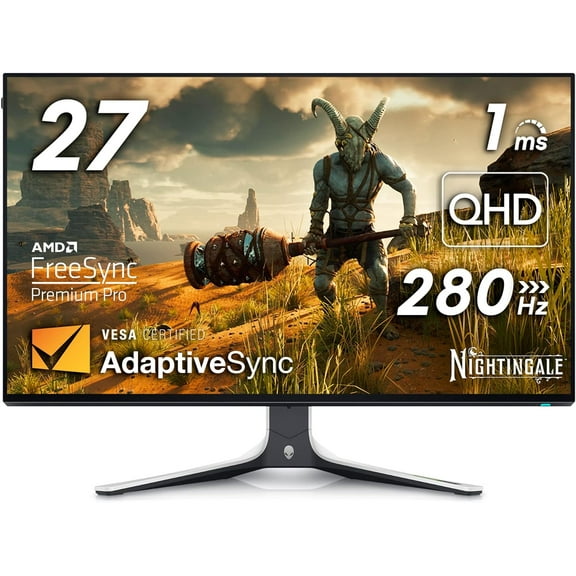
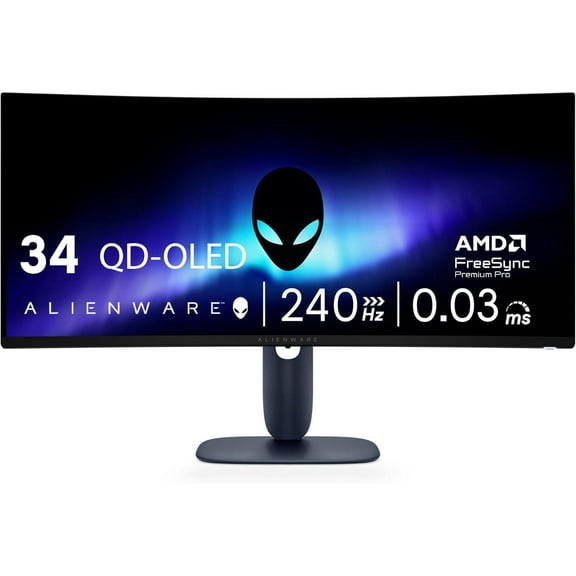
When you shop gaming laptops Alienware fans often seek, you should also compare refresh rate and panel resolution. You can get clearer guidance when you pair QHD or UHD goals with the graphics level you need.
Key features to compare in an Alienware laptop computer
Cooling plays a major role when you game for hours at a time. You should look for designs with advanced thermal materials, multiple fans, and airflow paths that support steadier performance.
Some shoppers look for Element 31 thermal interface details because cooling design can influence consistency. You may find that stronger thermal management helps your system maintain pace during longer matches.
Memory capacity changes how comfortably you multitask across games and daily tasks. You can start with 16GB RAM for many modern games, while 32GB RAM or 64GB RAM suits heavier streaming and editing.
Storage and upgrade paths matter if you want your setup to handle future installs. You should check for SO-DIMM slots and PCIe M.2 slots, because those details show how you may expand later.
A larger keyboard deck, wider vents, and extra ports can shape daily use in practical ways. You may appreciate those details when you connect a mouse, headset, monitor, and external storage together.
Matching use cases to your Alienware laptops choice
If you travel between home, school, and tournaments, you may want a 15-inch or 16-inch system. You can pair that size with an X-Series model and a midrange or upper-tier GPU.
For a desk-first setup, you may prefer a 17-inch or 18-inch model with a stronger graphics card. You can enjoy the larger display area for open-world games, racing games, and multitasking.
If you mainly play fast competitive titles, you should focus on refresh rate, cooling, and consistent GPU output. You can often prioritize those factors before you chase a sharper display format.
When you play cinematic single-player games, you may care more about visual settings and screen detail. You can match an RTX 4080 or RTX 4090 setup with a higher-resolution display for richer scenes.
If your laptop also handles schoolwork or creative projects, you should weigh processor level and memory carefully. You may benefit from 32GB RAM or more when you edit video, render assets, or stream gameplay.
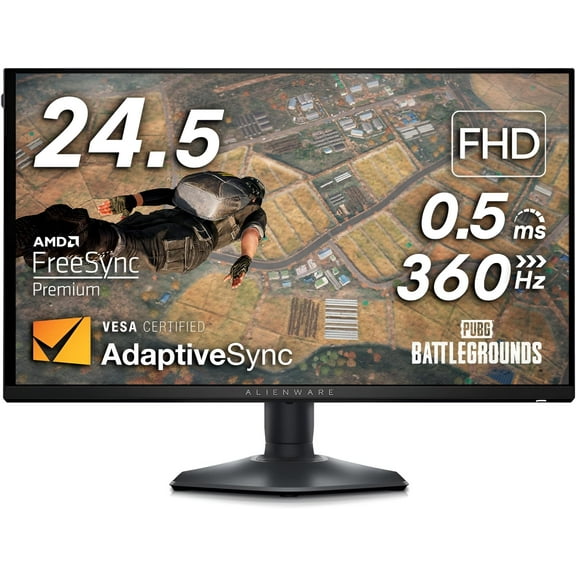
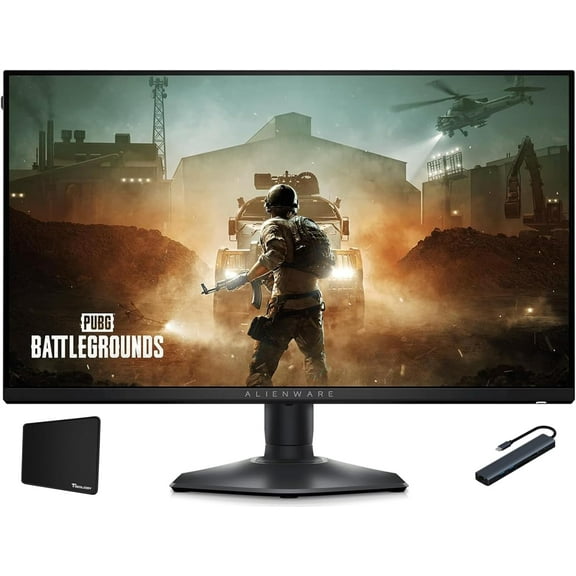
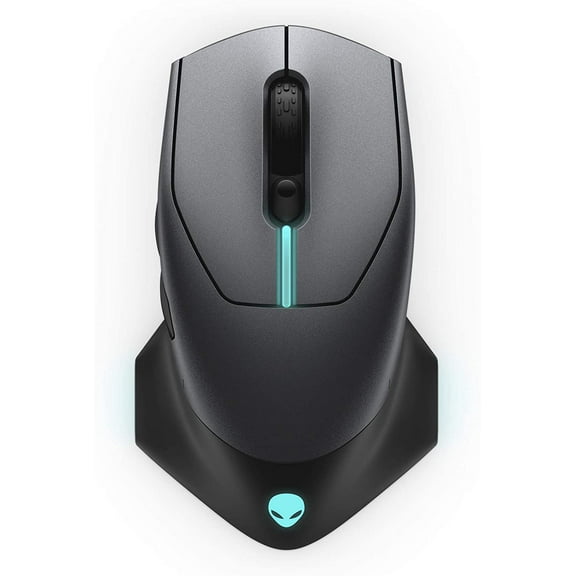
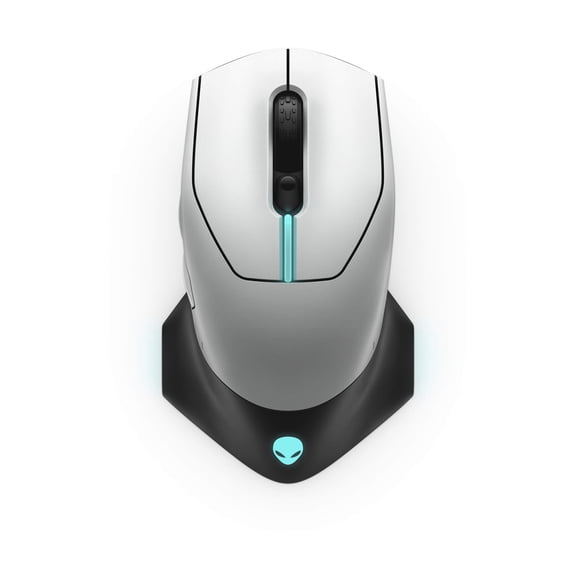
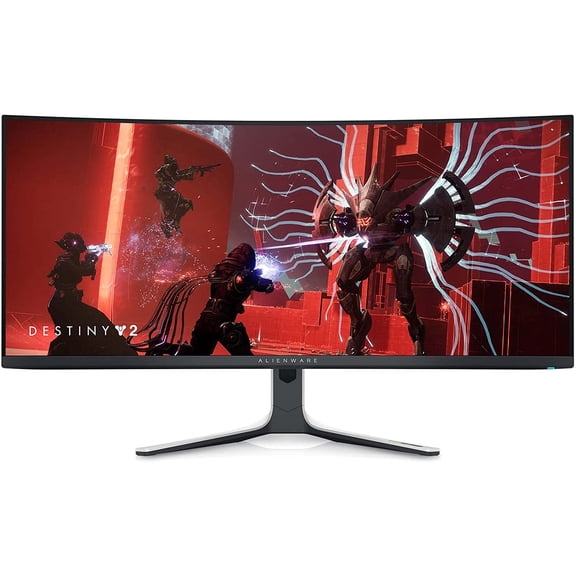
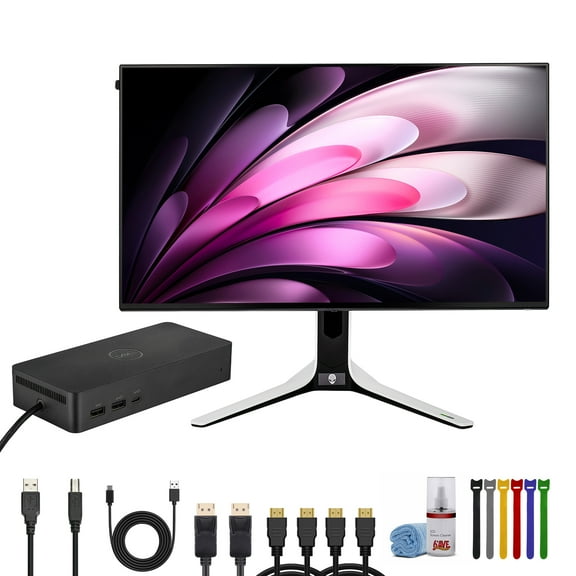
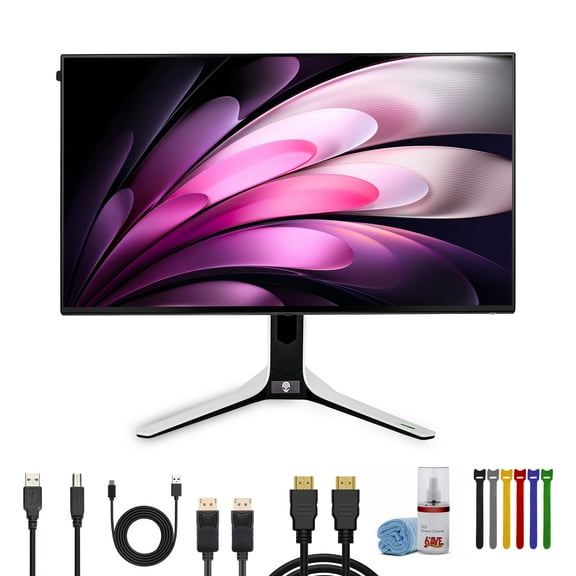
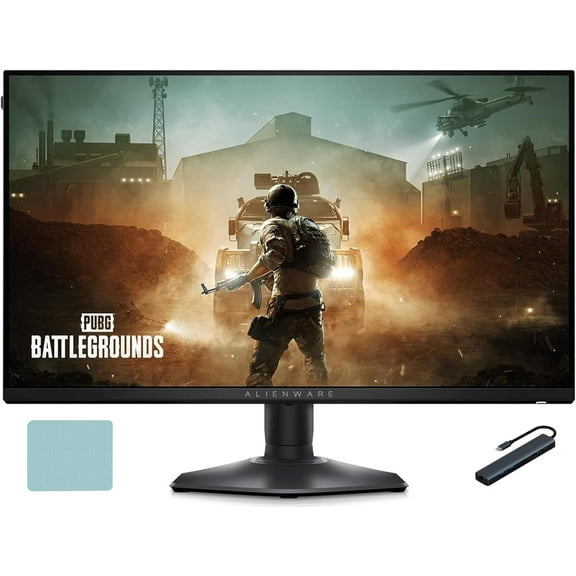
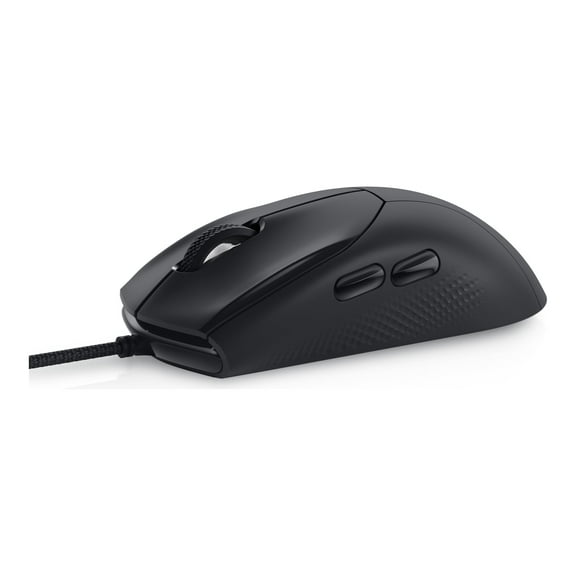
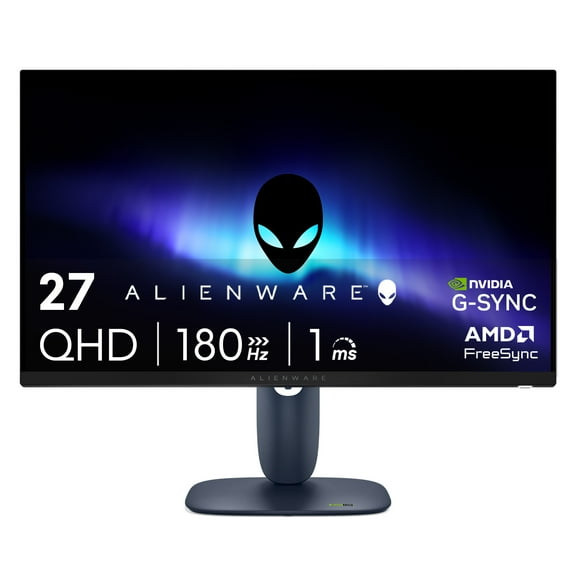
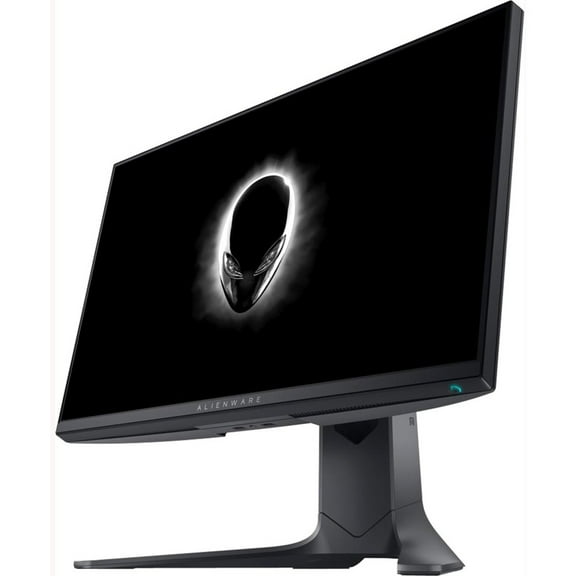
An Alienware notebook can also fit a docking setup with a gaming monitor, keyboard, and mouse. You can create a flexible station that works for both travel days and home sessions.
What to look for before you decide
You should compare series, screen size, processor, graphics, memory, and upgrade paths as one connected system. You can make a clearer choice when each spec matches how and where you actually play.
Alienware laptops stand out when you need focused gaming hardware, advanced cooling, and clear model differences. You can narrow your choice faster and end up with a setup that fits your frame rate goals.