




70-Inch Smart TVs: Shop 4K UHD & LED TVs | Walmart


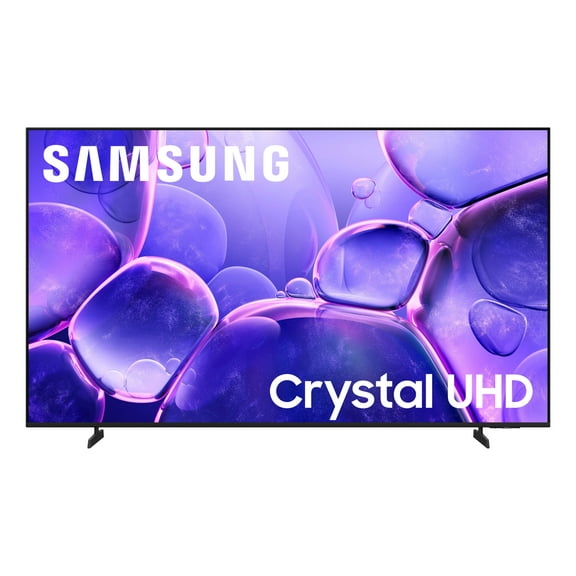
About 70-Inch Smart TVs: Shop 4K UHD & LED TVs | Walmart - Walmart.com
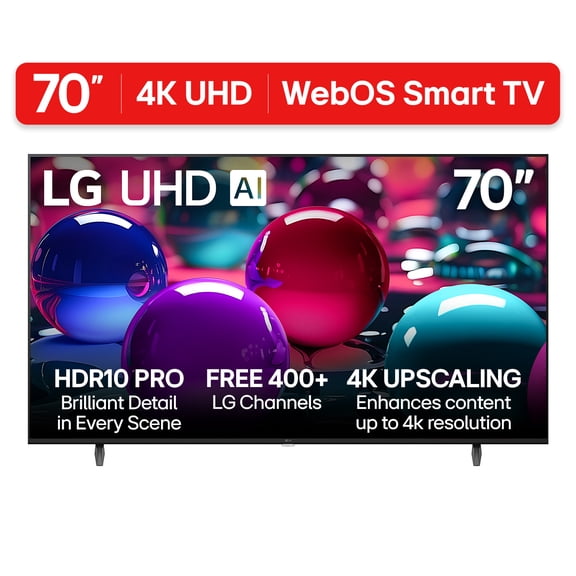
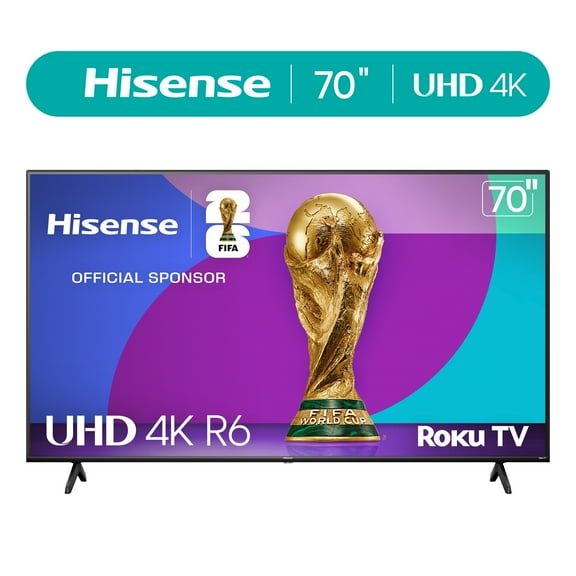
A 70 inch smart tv gives you a cinematic screen for movies, sports, and gaming without stepping into projector territory. You can use this size to fill a large living room wall while keeping built-in streaming and simple remote control access.
When you compare a 70 inch tv category, you should focus on screen fit, viewing distance, and platform compatibility first. You’ll get a clearer choice when you match the screen to your room layout, stand width, and streaming habits.
Choosing the right 70 inch tv for your space
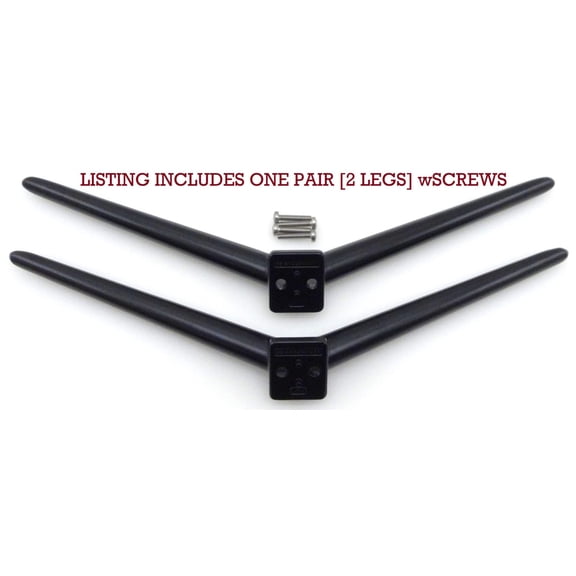
Before you pick a tv 70 inch model, you should measure your wall and your media console. You’ll want to compare the full TV width against your stand width, not just the diagonal screen size.
If you plan to mount your screen, you should check the VESA mount pattern before you buy hardware. You’ll also want to confirm the screen’s depth and port placement for a cleaner fit.
For everyday viewing, you’ll usually get a comfortable experience at about seven to 10 feet away. You can use that range to decide whether a 70inch tv fits your seating distance and room shape.
- You can create a more theater-like view in larger rooms.
- You can stream apps directly from the screen without extra boxes.
- You can match wall mounts, stands, and soundbars more easily when you measure first.
- You can compare display types by brightness, contrast, and color style.
Comparing 70 inch smart tv display technology
When you compare display technology, you should start with how bright your room gets during the day. You’ll often find LED sets work well for bright rooms and everyday family viewing.
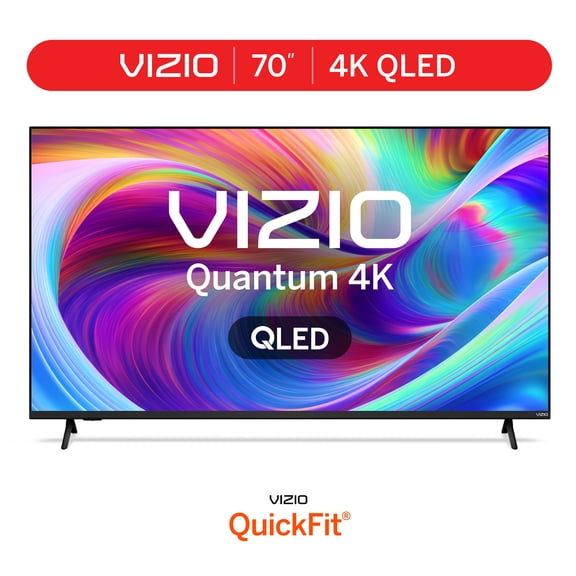
If you want richer color and stronger contrast, you may prefer QLED on a smart tv 70 inch screen. You’ll notice QLED can add more color pop for sports, animation, and nature scenes.
Some shoppers may also compare LCD and OLED options across this size group and nearby sizes. You should check the exact panel type listed, because display naming can vary by model line.
When you search for a 70 led tv, you should also compare refresh features and motion handling. You’ll appreciate those details when you watch fast sports, racing, or action-heavy streaming content.
Checking resolution and picture detail
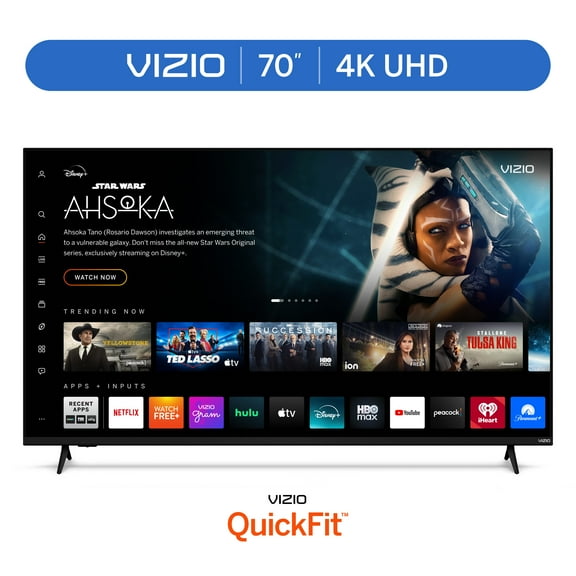
For a 70 in tv, you’ll usually want 4K UHD because the larger screen can show more detail. You can see sharper text, cleaner textures, and more defined streaming visuals at this size.
You may still see 1080p options, but you should compare them carefully against your content sources. You’ll get the most from 4K when your streaming services, game console, or media devices support it.
If you’re reviewing advanced formats, you should check HDR support alongside the listed resolution. You’ll want that combination when you care about brighter highlights and stronger scene detail.
Some shoppers may notice 8K in nearby categories, though selection can vary by screen size. You should focus first on available content, your room setup, and how close you usually sit.
How to choose your smart platform
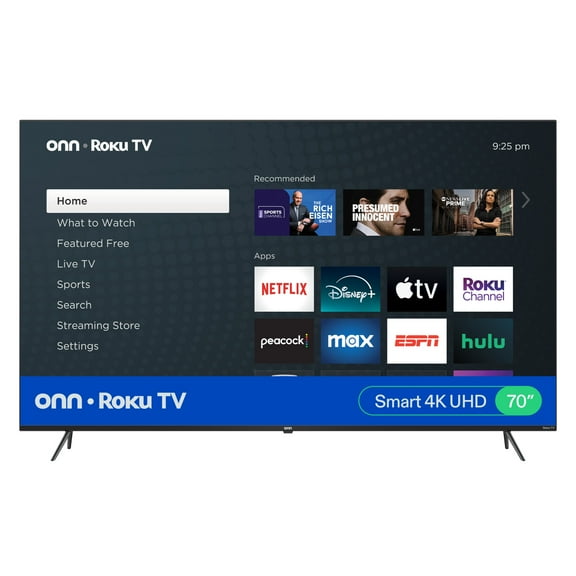
Your smart platform matters because you’ll use it every day for apps, search, and voice features. You should compare Roku, Google TV, Fire TV, and WebOS based on the services you already use.
If you want a simple home screen, you may lean toward Roku for straightforward navigation. If you use Google services often, you might prefer Google TV for familiar account syncing.
If your home already uses Alexa devices, you may want Fire TV for smoother voice control. If you like brand-specific interfaces, you should check whether WebOS fits your app and remote preferences.
Before you decide on a 70 inch smart tv, you should confirm the app lineup and casting options. You’ll also want to check HDMI inputs, eARC support, and Wi-Fi features for your setup.
Matching a 70 inch smart tv to real rooms
If you’re setting up a main living room, you can pair this size with a sofa placed about seven to 10 feet away. You’ll get an immersive view that feels substantial without overwhelming the room.
For movie nights, you may want a wall-mounted screen with a soundbar below it and hidden cables. You should measure outlet placement and mount height so the screen lines up with seated viewing.
If you watch daytime sports, you should compare brighter panels and anti-glare design details. You’ll notice those factors more in rooms with open windows and overhead lighting.
For family streaming, you may want a platform that keeps apps easy to find for everyone. You should also compare remote layout, voice search, and quick access buttons for daily use.
If you game on console, you should look for enough HDMI ports for your system and accessories. You’ll want to check refresh support, input settings, and audio connections before installation.
When you’re planning delivery and setup for a larger screen, you should measure doorways, stairs, and the final wall area. You’ll avoid fit issues and place your screen faster once it arrives.
With the right measurements, platform, and display technology, you can choose a 70 inch smart tv that fits your room and viewing habits. You’ll end up with a screen that feels properly sized, easy to use, and ready for everyday streaming.