

3600 Cl16(2)
G.SKILL Trident Z Neo DDR4 RAM Memory, F4-3600C16D-32GTZNC, 2 Count $279.99

G.SKILL Trident Z Neo DDR4 RAM Memory, F4-3600C16D-32GTZNC, 2 Count
G.SKILL Ripjaws V Series 32GB (2 x 16GB) 288-Pin PC RAM DDR4 3600 (PC4 28800) Desktop Memory Model F4-3600C16D-32GVKC $264.99
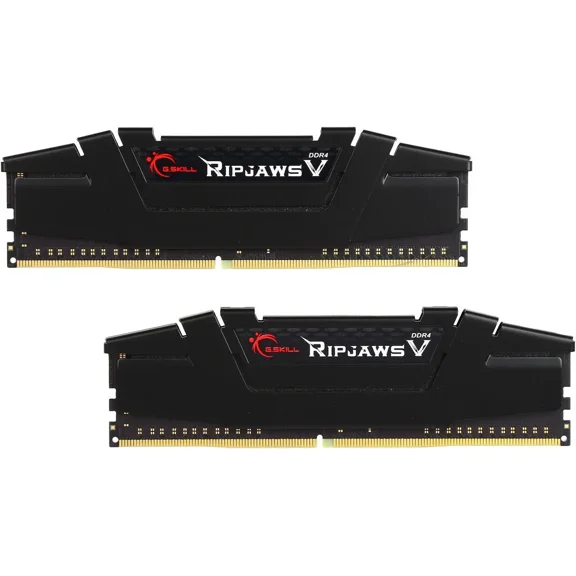
G.SKILL Ripjaws V Series 32GB (2 x 16GB) 288-Pin PC RAM DDR4 3600 (PC4 28800) Desktop Memory Model F4-3600C16D-32GVKC
FAQ
What does 3600 CL16 mean for RAM?
3600 CL16 refers to two important specs for desktop memory:
- 3600 is the memory speed, measured in megahertz (MHz). It shows how fast the RAM can transfer data, with higher numbers generally meaning better performance for tasks like gaming or multitasking.
- CL16 stands for "CAS Latency 16," which is the number of cycles it takes for the RAM to respond to a command. Lower latency can help with responsiveness, especially in demanding applications.
When shopping, these numbers help you compare memory options and find the right fit for your needs.
Will this RAM work with my motherboard?
To check if this RAM is compatible with your motherboard, look for these details:
- DDR4 Support: Make sure your motherboard supports DDR4 memory, as that's the type listed here.
- Speed: Check if your motherboard can handle 3600 MHz RAM. Some boards may require a BIOS update for higher speeds.
- Slots and Capacity: Confirm you have enough available slots and that the total memory fits within your motherboard's maximum supported capacity.
Review your motherboard's manual or product page for these specs before purchasing.
How do I install new desktop memory?
- Turn off your computer and unplug it from the wall.
- Open the case to access the motherboard.
- Locate the memory slots and gently push the side clips outward.
- Align the notch on the RAM stick with the slot and press down firmly until the clips snap into place.
- Close your case, plug the computer back in, and power it on.
After installation, you may want to check your system settings to confirm the new memory is recognized. If you’re unsure, consult your computer’s manual for detailed steps.
Can I mix this RAM with my old memory?
Mixing new RAM with existing memory is possible, but there are a few things to keep in mind:
- Type: Both sets must be DDR4 to work together.
- Speed and Latency: The system will usually run all memory at the speed and latency of the slowest stick.
- Capacity: Mixing different sizes is allowed, but matching sizes and specs can help with stability.
For best results, use memory sticks with similar specifications. If you notice issues, try using only the new set.
What should I do if my PC doesn't boot after installing RAM?
If your computer doesn't start after adding new memory, try these steps:
- Double-check that the RAM is fully seated in the slots.
- Remove and reinstall the memory to ensure proper contact.
- Test each stick individually to rule out a faulty module.
- Consult your motherboard manual for recommended slot placement.
If problems continue, you may need to update your BIOS or check for compatibility issues. If you're unsure, consider reaching out to a professional for help.
Popular in Shop 3600 CL16 DDR4 RAM Memory for Electronics
Related Products
Timetec 8GB DDR3 / DDR3L 1333MHz PC3-10600 Non-ECC Unbuffered 1.5V / 1.35V CL9 2Rx8 Dual Rank 204 Pin SODIMM Laptop Notebook PC Computer Memory RAM Module Upgrade (8GB)
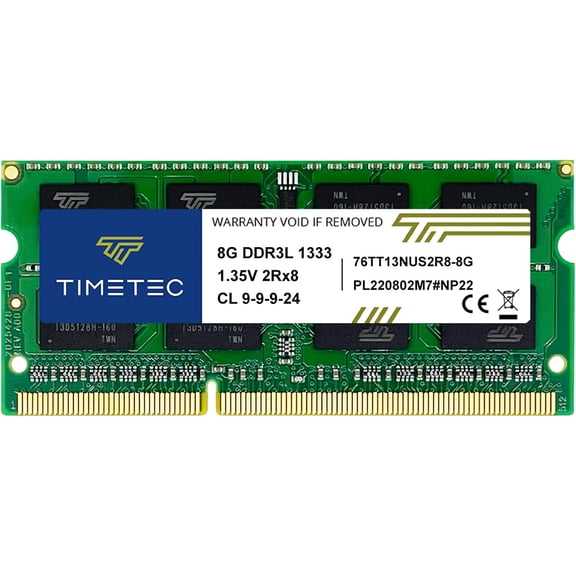 Timetec 8GB DDR3 / DDR3L 1333MHz PC3-10600 Non-ECC Unbuffered 1.5V / 1.35V CL9 2Rx8 Dual Rank 204 Pin SODIMM Laptop Notebook PC Computer Memory RAM Module Upgrade (8GB)$20.99current price $20.99
Timetec 8GB DDR4 Laptop RAM Memory, 2133MHz PC4-17000, SODIMM 260-Pin, Non-ECC Unbuffered, 1.2V CL15, Single Rank 1Rx8
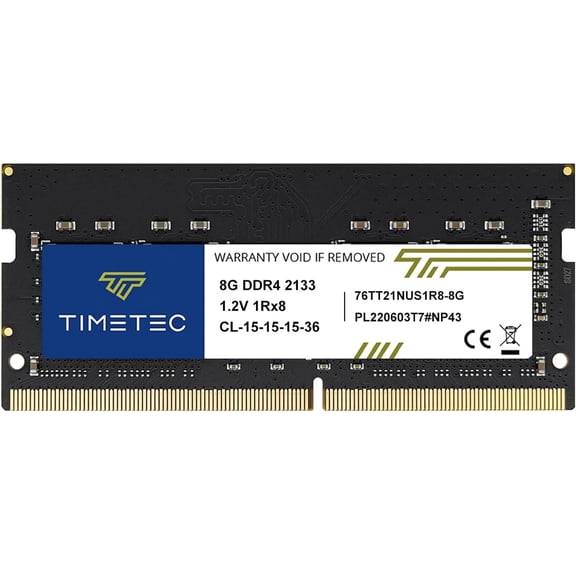 Timetec 8GB DDR4 Laptop RAM Memory, 2133MHz PC4-17000, SODIMM 260-Pin, Non-ECC Unbuffered, 1.2V CL15, Single Rank 1Rx8$52.99current price $52.99
Team T-Force Delta RGB 16GB (2 x 8GB) 288-Pin PC RAM DDR4 3200 (PC4 25600) Desktop Memory Model TF4D416G3200HC16FDC01
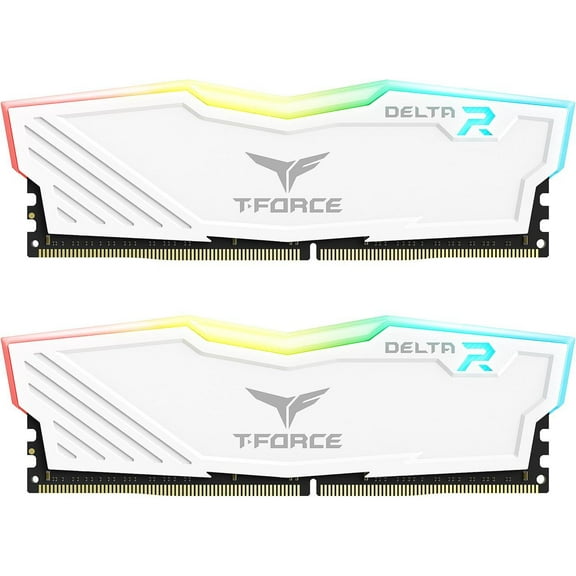 Team T-Force Delta RGB 16GB (2 x 8GB) 288-Pin PC RAM DDR4 3200 (PC4 25600) Desktop Memory Model TF4D416G3200HC16FDC01$129.99current price $129.99
Kingston FURY Beast 16GB DDR5 SDRAM Memory Module - For Motherboard - 16 GB (1 x 16GB) - DDR5-6000/PC5-48000 DDR5 SDRAM - 6000 MHz Single-rank Memory
 Kingston FURY Beast 16GB DDR5 SDRAM Memory Module - For Motherboard - 16 GB (1 x 16GB) - DDR5-6000/PC5-48000 DDR5 SDRAM - 6000 MHz Single-rank Memory$411.30current price $411.30
CORSAIR Vengeance 16GB 260-Pin DDR4 SO-DIMM DDR4 3200 (PC4 25600) Laptop Memory Model CMSX16GX4M1A3200C22
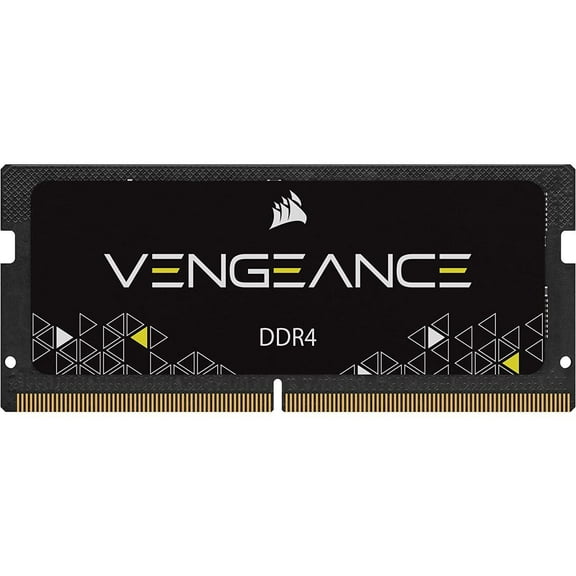 CORSAIR Vengeance 16GB 260-Pin DDR4 SO-DIMM DDR4 3200 (PC4 25600) Laptop Memory Model CMSX16GX4M1A3200C22$109.99current price $109.99
Timetec 16GB DDR4 Laptop RAM Memory, 2133MHz PC4-17000, SODIMM 260-Pin, Non-ECC Unbuffered, 1.2V CL15, Dual Rank 2Rx8
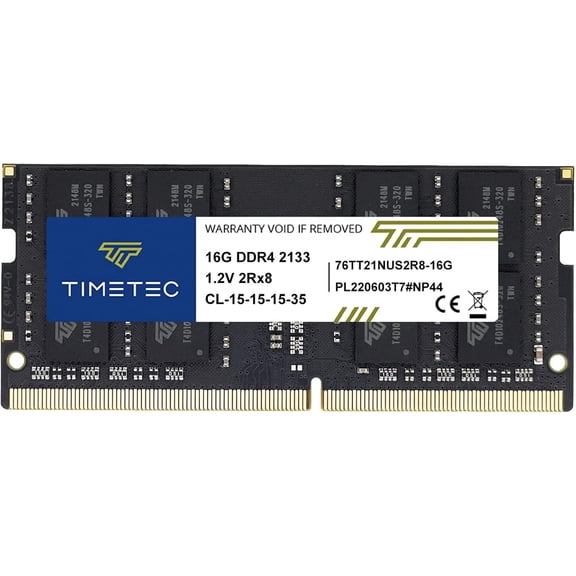 Timetec 16GB DDR4 Laptop RAM Memory, 2133MHz PC4-17000, SODIMM 260-Pin, Non-ECC Unbuffered, 1.2V CL15, Dual Rank 2Rx8$94.99current price $94.99
Micron 64GB (2 x 32GB) DDR4 2666MHz SODIMM Memory Upgrade Kit Compatible with 27 inch iMac (iMac19,1 iMac20,1 iMac20,2)
 Micron 64GB (2 x 32GB) DDR4 2666MHz SODIMM Memory Upgrade Kit Compatible with 27 inch iMac (iMac19,1 iMac20,1 iMac20,2)$519.99current price $519.99
G.SKILL Ripjaws M5 Neo RGB Series 32GB (2 x 16GB) 288-Pin PC RAM DDR5 6000 (PC5 48000) Desktop Memory
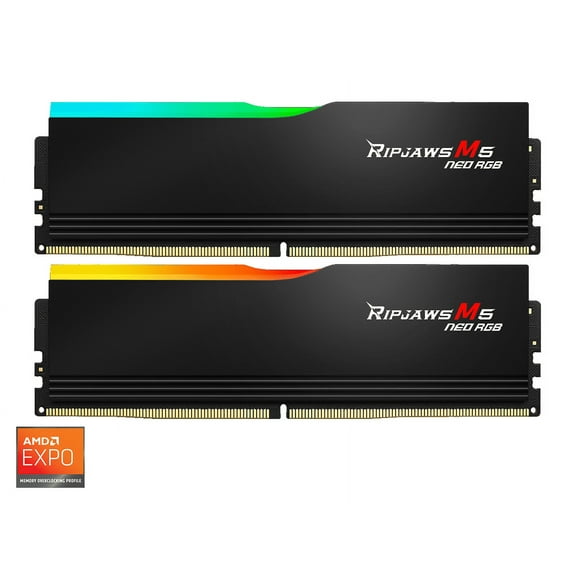 G.SKILL Ripjaws M5 Neo RGB Series 32GB (2 x 16GB) 288-Pin PC RAM DDR5 6000 (PC5 48000) Desktop Memory$559.99current price $559.99
Lenovo 4GB DDR3 1600 SODIMM PC3 12800 Memory Module (0A65723)
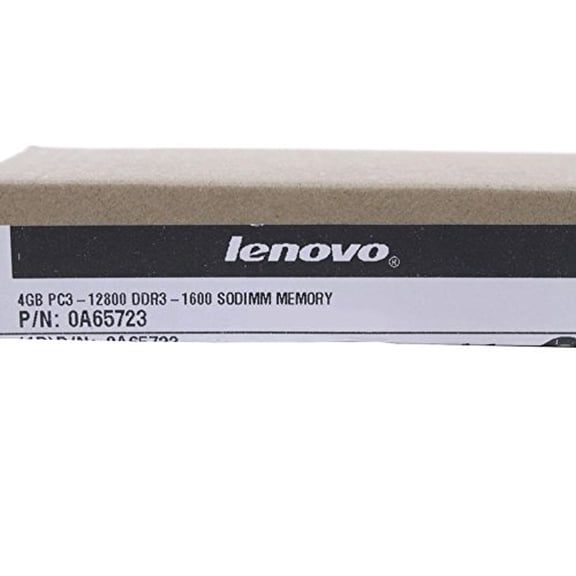 Lenovo 4GB DDR3 1600 SODIMM PC3 12800 Memory Module (0A65723)$9.95current price $9.95
CMS 16GB (2X8GB) DDR3 12800 1600MHz NON ECC DIMM Memory Ram Upgrade Compatible with Dell® Optiplex 9020 Mt, 9020 Sff, 9020 Usff Desktop - A63
 CMS 16GB (2X8GB) DDR3 12800 1600MHz NON ECC DIMM Memory Ram Upgrade Compatible with Dell® Optiplex 9020 Mt, 9020 Sff, 9020 Usff Desktop - A63$41.00current price $41.00
G.SKILL Aegis 32GB (4 x 8GB) DDR4 3200 (PC4 25600) Memory Kit Model F4-3200C16Q-32GIS
 G.SKILL Aegis 32GB (4 x 8GB) DDR4 3200 (PC4 25600) Memory Kit Model F4-3200C16Q-32GIS$239.99current price $239.99