

Youpro(3)
YouPro YP-860 E3 2.4G Wireless Remote Control Shutter Release Receiver 16 Channels for Canon 550D 600D 650D 700D 760D 750D 70D 7D2 60D 1100D 1200D 500D 450D Rebel T2i T3i T4i T5i for Pentax $30.78
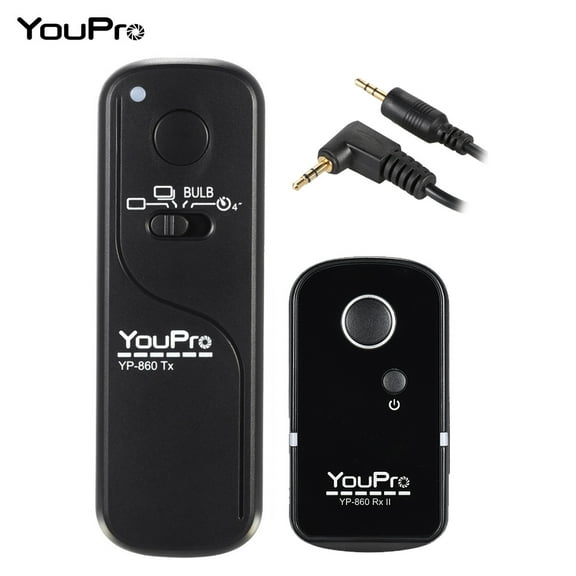
YouPro YP-860 E3 2.4G Wireless Remote Control Shutter Release Receiver 16 Channels for Canon 550D 600D 650D 700D 760D 750D 70D 7D2 60D 1100D 1200D 500D 450D Rebel T2i T3i T4i T5i for Pentax
YouPro YP-860 DC2 2.4G Wireless Remote Control Shutter Release Receiver 16 Channels for Nikon D5000 D750 D7100 D7200 D7000 D600 D610 D5500 D3300 D3200 D3100 D5300 D5200 D5300 DSLR $20.69

YouPro YP-860 DC2 2.4G Wireless Remote Control Shutter Release Receiver 16 Channels for Nikon D5000 D750 D7100 D7200 D7000 D600 D610 D5500 D3300 D3200 D3100 D5300 D5200 D5300 DSLR
YouPro Shutter Release,D3300 D3200 D3100 16 Channels D7200 D7000 D600 D5500 D3300 D3200 Dc2 Remote Shutter D3100 D5300 D5200 Yp-860 Dc2 Remote Shutter Release D750 D7100 D7200 D5000 D750 D7100 Ainn $20.68
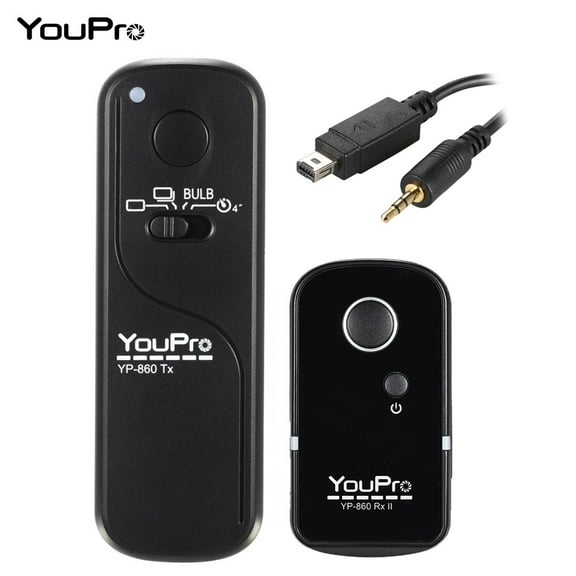
YouPro Shutter Release,D3300 D3200 D3100 16 Channels D7200 D7000 D600 D5500 D3300 D3200 Dc2 Remote Shutter D3100 D5300 D5200 Yp-860 Dc2 Remote Shutter Release D750 D7100 D7200 D5000 D750 D7100 Ainn
FAQ
How does a wireless remote shutter work?
A wireless remote shutter helps you trigger your camera without touching it, which can be great for group photos or long exposures. It typically uses a radio frequency signal to communicate with your camera's receiver.
- Connect the receiver to your camera's remote port.
- Switch both the remote and receiver to the same channel.
- Press the button on the remote to activate the shutter.
This setup can help minimize camera shake and lets you shoot from a distance. Always check your camera's compatibility before use.
Can I use this remote for night photography?
Yes, a wireless remote shutter is especially helpful for night photography. It allows you to trigger the camera without physically touching it, reducing vibrations that could blur your images.
- Set up your camera on a tripod for stability.
- Use the remote to trigger long exposures or timed shots.
This method can be useful for capturing star trails, city lights, or light painting. Make sure to check your camera's settings and battery levels before starting your session.
What cameras are compatible with this remote?
Compatibility depends on your camera's model and connection port. The wireless remote shutter described here supports a range of DSLR cameras from major brands, as listed in the product details.
- Check your camera model against the compatibility list in the product description.
- Look for the correct connector type, such as DC2 or E3 ports.
If you're unsure, consult your camera's manual or reach out to customer support for guidance before purchasing.
How do I set up channels on the remote?
Wireless remote shutters often feature multiple channels to prevent interference with other devices. To set up the channel:
- Locate the channel switch on both the transmitter and receiver.
- Choose the same channel number on both devices.
- Secure the receiver to your camera's remote port.
Matching channels ensures reliable communication between your remote and camera. Refer to your user manual for model-specific instructions.
What should I do if the remote isn't working?
If your wireless remote shutter isn't working, there are a few steps you can try:
- Check that both the transmitter and receiver have fresh batteries installed.
- Confirm both devices are set to the same channel.
- Ensure the receiver is properly connected to your camera's remote port.
- Test the camera with a wired release, if available, to rule out camera issues.
If problems persist, consult the product manual or contact support for additional troubleshooting steps.
Popular in YouPro Remote Shutter Releases for Cameras
Related Products
5 Pack Wireless Remote Control Camera Shutter Button for Smartphones: iPhone and Android Cellphones
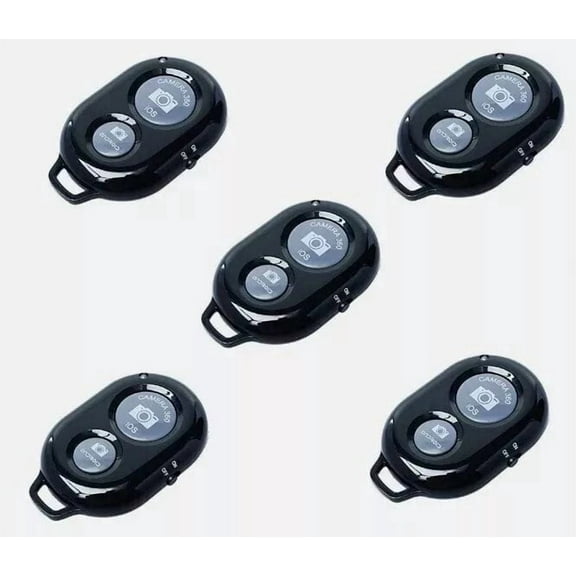 5 Pack Wireless Remote Control Camera Shutter Button for Smartphones: iPhone and Android Cellphones$11.99current price $11.99
2 Pack Wireless Camera Remote Control - Wireless Remote for iPhone & Android Phones iPad iPod Tablet, Clicker for Photos & Videos
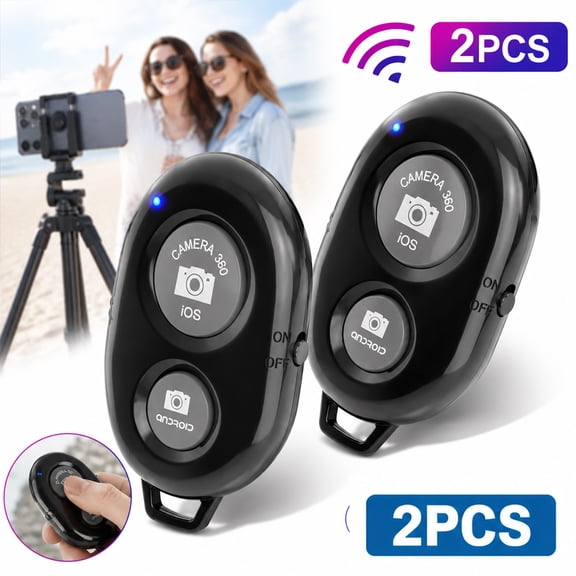 2 Pack Wireless Camera Remote Control - Wireless Remote for iPhone & Android Phones iPad iPod Tablet, Clicker for Photos & Videos$10.99current price $10.99
Multi-Function Remote Control Bluetooth Remote Shutter Control Mobile Phone Computer Wireless Video Volume Control B
 Multi-Function Remote Control Bluetooth Remote Shutter Control Mobile Phone Computer Wireless Video Volume Control B$7.04current price $7.04
1Pcs Black Bluetooth Ring Remote Control, Multi-Function Phone Scroller for Selfie, Page Turning, Volume Control - Compatible with iOS 15+/Android 8+
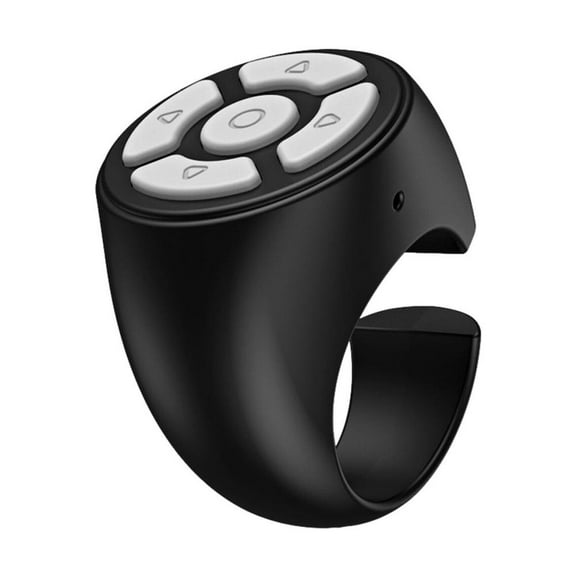 1Pcs Black Bluetooth Ring Remote Control, Multi-Function Phone Scroller for Selfie, Page Turning, Volume Control - Compatible with iOS 15+/Android 8+$6.45current price $6.45
Acuvar Bluetooth Wireless Remote Control Camera Shutter Button for Smartphones:iPhone and Android Cellphones + eCostConnection Microfiber Cloth
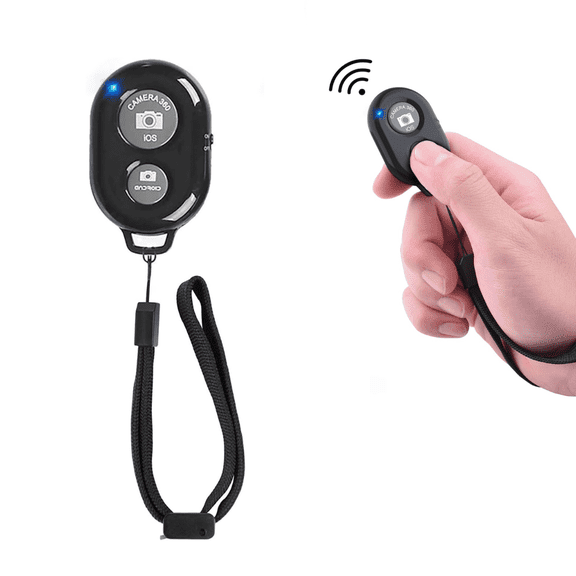 Acuvar Bluetooth Wireless Remote Control Camera Shutter Button for Smartphones:iPhone and Android Cellphones + eCostConnection Microfiber Cloth$7.99current price $7.99
Bluetooth Ring Remote Control for Phone, Mini BT 5.3 Controller for Selfie, Music, Volume, Screen Lock, iOS & Android
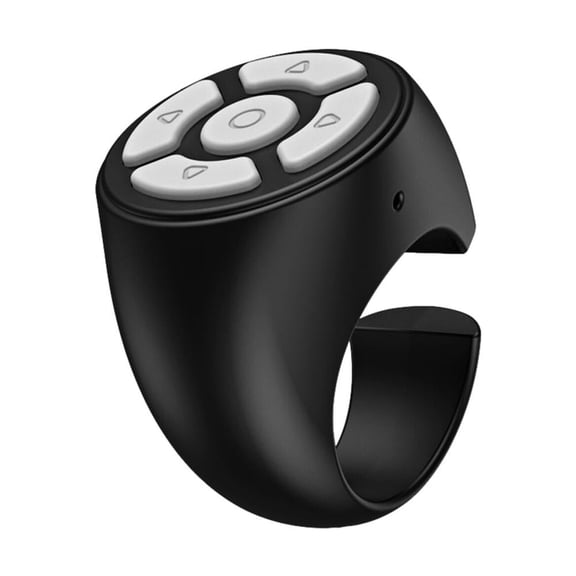 Bluetooth Ring Remote Control for Phone, Mini BT 5.3 Controller for Selfie, Music, Volume, Screen Lock, iOS & Android$7.12current price $7.12
Wired Remote Shutter Release Control Compatible with Nikon COOLPIX P1000, Nikon COOLPIX P950, Nikon Coolpix P7800, Nikon Coolpix A
 Wired Remote Shutter Release Control Compatible with Nikon COOLPIX P1000, Nikon COOLPIX P950, Nikon Coolpix P7800, Nikon Coolpix A$12.99current price $12.99
Wireless Bluetooth Selfie Remote Shutter Controller Button for Phone Cameras with Multi-Function Control for Videos, Apps, and Games
 Wireless Bluetooth Selfie Remote Shutter Controller Button for Phone Cameras with Multi-Function Control for Videos, Apps, and Games$3.38current price $3.38
CamKix Bluetooth Camera Shutter Remote Control for Smartphones Create Amazing Photos and Selfies (Bluetooth Remote, Green)
CamKix Bluetooth Camera Shutter Remote Control for Smartphones Create Amazing Photos and Selfies (Bluetooth Remote, Green)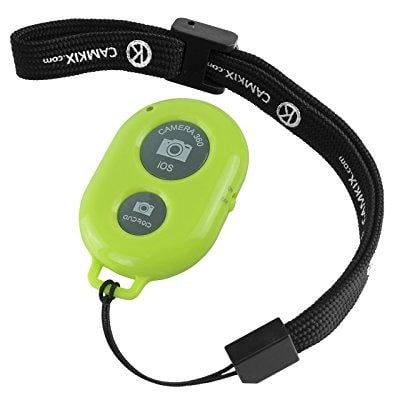
Importer520 Wireless Bluetooth Remote Shutter Button Selfie Stick Smartphones, Black
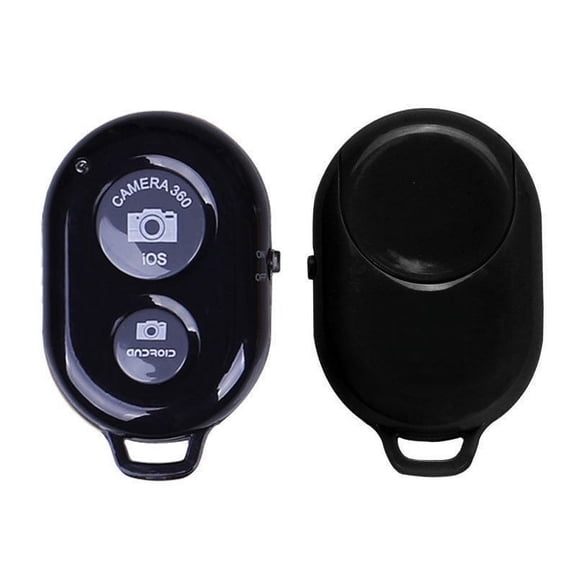 Importer520 Wireless Bluetooth Remote Shutter Button Selfie Stick Smartphones, Black$8.99current price $8.99
HBMYN 2Pcs Bluetooth Selfie Remote for iOS/Android,Black
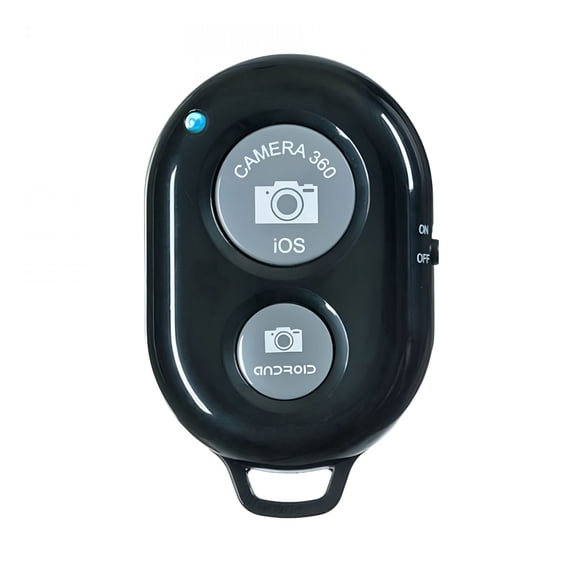 HBMYN 2Pcs Bluetooth Selfie Remote for iOS/Android,Black$8.83current price $8.83
TAPDRA Wireless Remote Control for Insta360 iOS Android Phone Shutter Control Remote Trigger 50m Range
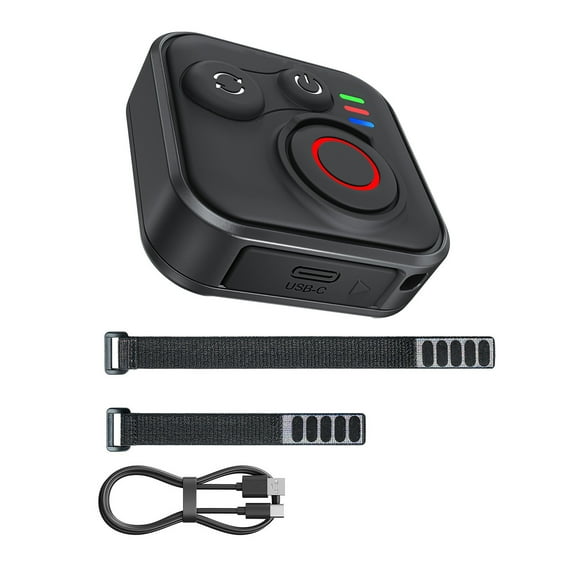 TAPDRA Wireless Remote Control for Insta360 iOS Android Phone Shutter Control Remote Trigger 50m Range$23.96current price $23.96
Wireless Bluetooth Selfie Remote Shutter Controller Button for Phone Cameras with Multi-Function Control for Videos, Apps, and Games
 Wireless Bluetooth Selfie Remote Shutter Controller Button for Phone Cameras with Multi-Function Control for Videos, Apps, and Games$3.38current price $3.38
Vivitar VIV-RC6 Universal Wireless Shutter Release (Black)
Vivitar VIV-RC6 Universal Wireless Shutter Release (Black)
Ultimaxx Universal Wireless Remote Control Shutter Release for Canon, Nikon, Sony, Olympus, Pentax, and Other DSLR Cameras
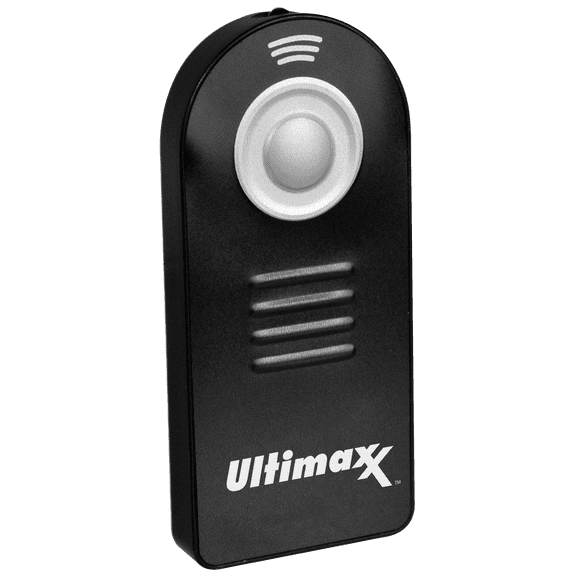 Ultimaxx Universal Wireless Remote Control Shutter Release for Canon, Nikon, Sony, Olympus, Pentax, and Other DSLR Cameras$7.00current price $7.00