Vonsky(2)
MHL Micro USB to HDMI Cable Adapter, MHL to HDMI 1080P Video Graphic Converter, Cable Adapter with Video Audio Output for Android Smart Phones & Tablets $10.99
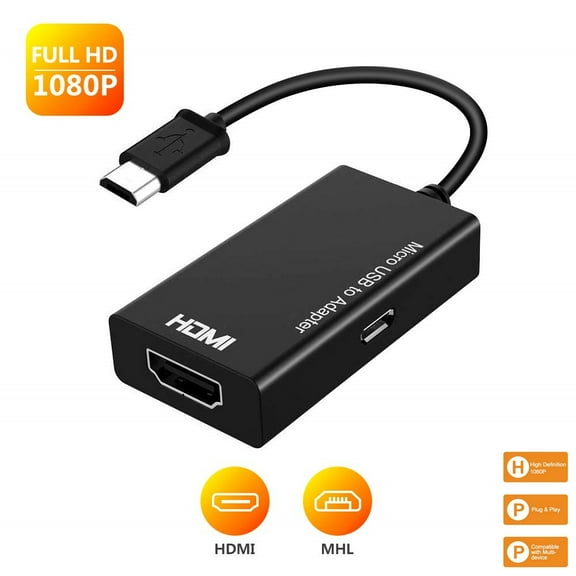
MHL Micro USB to HDMI Cable Adapter, MHL to HDMI 1080P Video Graphic Converter, Cable Adapter with Video Audio Output for Android Smart Phones & Tablets
Wireless Car Charger,10W Qi Fast Charging Auto-Clamping Car Mount,Windshield Dashboard Air Vent Phone Holder Compatible with iPhone Xs MAX/XS/XR/X/8/8+, Samsung S10/S10+/S9/S9+/S8/S8+(Black) $17.99
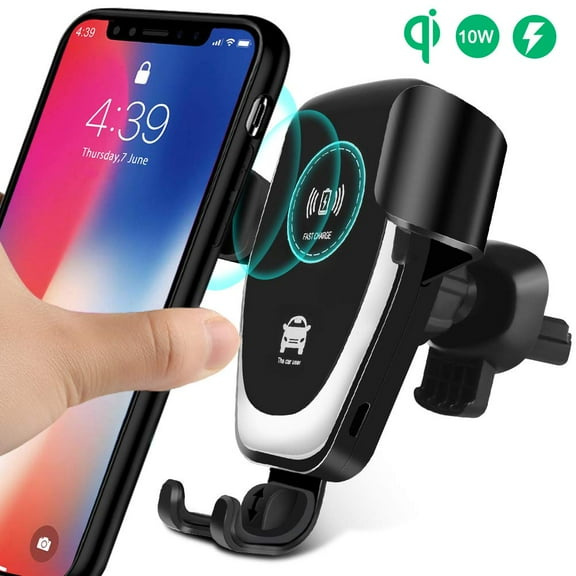
Wireless Car Charger,10W Qi Fast Charging Auto-Clamping Car Mount,Windshield Dashboard Air Vent Phone Holder Compatible with iPhone Xs MAX/XS/XR/X/8/8+, Samsung S10/S10+/S9/S9+/S8/S8+(Black)
FAQ
How do I connect my phone to a TV with a cable?
To connect your phone to a TV using a cable adapter, you'll want to use a compatible MHL Micro USB to HDMI cable. Start by plugging the Micro USB end into your phone, and the HDMI end into your TV's HDMI port.
- Make sure your phone supports MHL technology.
- Switch your TV to the correct HDMI input.
- Your phone may need to be unlocked for the display to show.
This setup can let you watch videos or view photos on a bigger screen, but compatibility may vary depending on your device and cable.
Can I use a wireless car charger with any phone?
Wireless car chargers work best with devices that support Qi wireless charging. If your phone supports Qi, just place it in the holder and charging will start automatically.
- Check if your phone model is Qi-compatible.
- Phones without Qi may need an adapter or case.
- Some wireless chargers are designed for specific phone sizes or brands.
Always review your phone's specs and the charger's compatibility details before buying.
What should I look for in a car phone mount?
When choosing a car phone mount, consider where you want it installed—windshield, dashboard, or air vent. Look for features like auto-clamping, adjustable angles, and compatibility with your phone size.
- Check for secure grip and easy release mechanisms.
- Make sure the mount fits your car's layout.
- Look for added features like wireless charging if needed.
These details can help make your driving experience safer and more convenient.
How do I get the best video quality with a cable adapter?
To maximize video quality when using a Micro USB to HDMI cable, ensure both your phone and TV support 1080P output. Use high-quality cables and avoid long cable runs for clearer signals.
- Set your TV's resolution to match your phone's output.
- Keep connectors clean and firmly plugged in.
- Adjust phone settings for higher resolution if available.
Picture quality may depend on device compatibility and cable quality.
Is it easy to install a wireless charger in my car?
Installing a wireless charger in your car can be straightforward. Most models include mounting hardware for dashboards, windshields, or air vents. Follow the instructions provided for secure placement.
- Choose a mount style that suits your car's interior.
- Plug the charger into your car's USB or power outlet.
- Adjust the holder to fit your phone snugly.
Careful installation can help keep your phone accessible and charged while driving.
Popular in Vonsky
Related Products
Startech 1-Port Serial to Ethernet Adapter, IP Serial Device Server For Remote RS232 Devices, Wall/DIN Rail Mount, LAN To DB9 Converter - Serial to Ethernet device server; Ideal for remote RS232 de...
 Startech 1-Port Serial to Ethernet Adapter, IP Serial Device Server For Remote RS232 Devices, Wall/DIN Rail Mount, LAN To DB9 Converter - Serial to Ethernet device server; Ideal for remote RS232 de...$157.99current price $157.99
USB-A Gigabit Network Adapter 10/100/1000 Mbps Network USB 3.0 Ethernet RJ45 White Three Year Warranty Equivalent to USB31000SW.
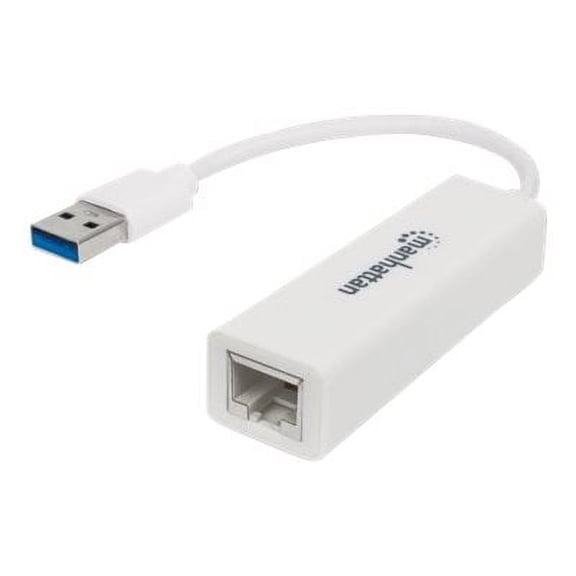 USB-A Gigabit Network Adapter 10/100/1000 Mbps Network USB 3.0 Ethernet RJ45 White Three Year Warranty Equivalent to USB31000SW.$15.99current price $15.99
StarTech StarTech Accessory USB 2.0 to 10-100 Mbps Ethernet Network Adapter Dongle
 StarTech StarTech Accessory USB 2.0 to 10-100 Mbps Ethernet Network Adapter Dongle$39.80current price $39.80
TRENDnet TU3-ETG USB 3.0 to Gigabit Ethernet Adapter
 TRENDnet TU3-ETG USB 3.0 to Gigabit Ethernet Adapter$13.99current price $13.99
StarTech.com USB 3.0 to Gigabit Ethernet Adapter for Windows and Mac - 10/100/1000 NIC Network Converter - USB to RJ45 Gb Network Adapter for Laptop and Desktop Computers - USB Bus Powered
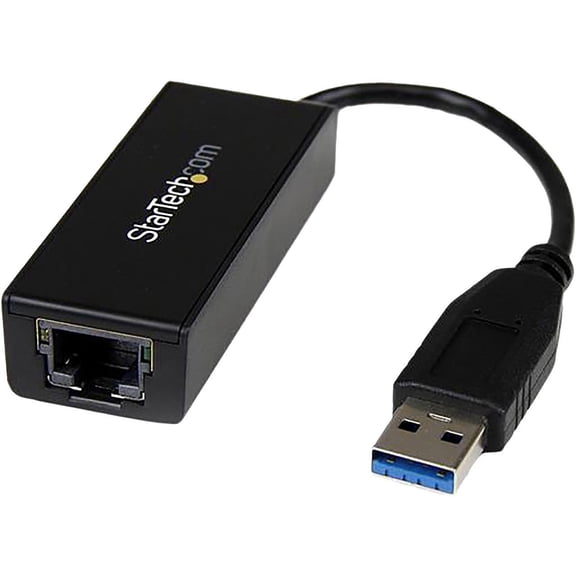 StarTech.com USB 3.0 to Gigabit Ethernet Adapter for Windows and Mac - 10/100/1000 NIC Network Converter - USB to RJ45 Gb Network Adapter for Laptop and Desktop Computers - USB Bus Powered$19.99current price $19.99
HP Ethernet Adapter 10 GB 2-port 570 FLB 718937-001 730701-001 (New)
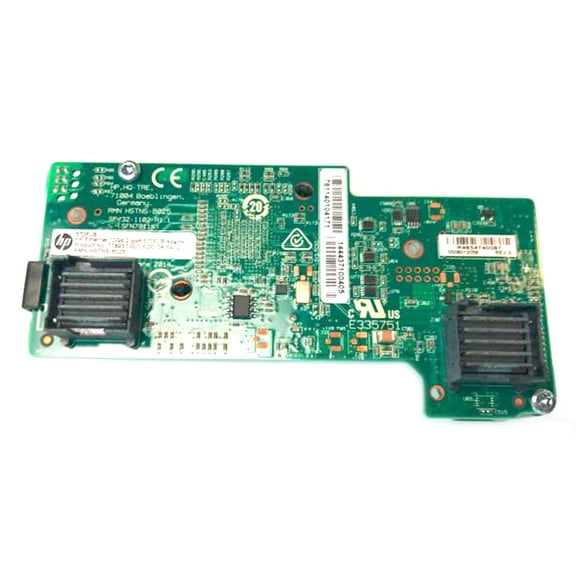 HP Ethernet Adapter 10 GB 2-port 570 FLB 718937-001 730701-001 (New)$58.99current price $58.99
StarTech 1-Port Serial to Ethernet Adapter
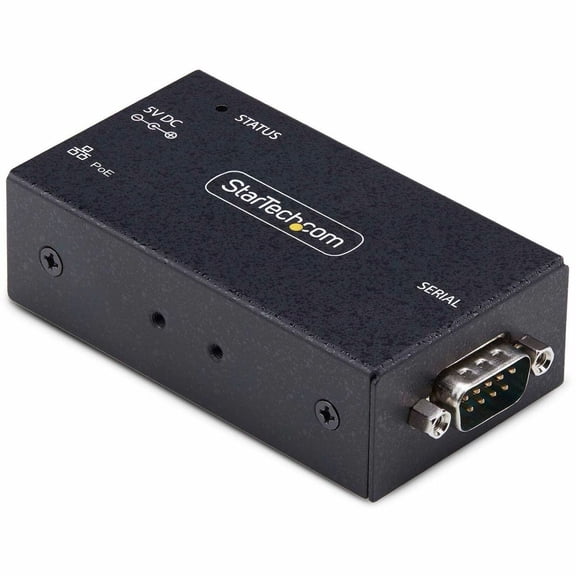 StarTech 1-Port Serial to Ethernet Adapter$223.78current price $223.78