Vec(22)
VEC IN-USB-3 Infinity 3 Digital USB Foot Control $74.50
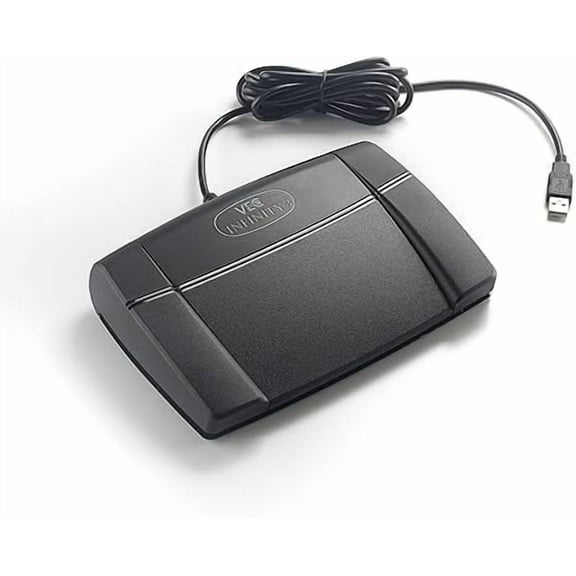
VEC IN-USB-3 Infinity 3 Digital USB Foot Control
VEC SH-50 USB - Earphones - in-ear - wired $32.99

VEC SH-50 USB - Earphones - in-ear - wired
Spectra USB Transcription Headset $37.99

Spectra USB Transcription Headset
VEC MC-30 30 Minute Microcassette $13.00

VEC MC-30 30 Minute Microcassette
VEC in-USB-3 Infinity 3 Digital USB Foot Control $73.75

VEC in-USB-3 Infinity 3 Digital USB Foot Control
VEC TableTop Conference Microphone Kit ,4 Microphones Daisy Chain $289.00
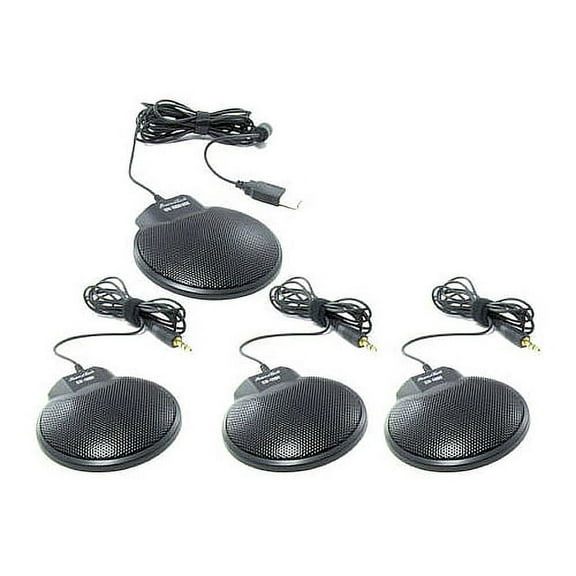
VEC TableTop Conference Microphone Kit ,4 Microphones Daisy Chain
Product TitleVEC LRX-40 TELEPHONE USB HANDSET COUPLER $61.60

Product TitleVEC LRX-40 TELEPHONE USB HANDSET COUPLER
VEC CM-2000BT Bluetooth Desktop Conference Microphone with Playback Speaker $79.00
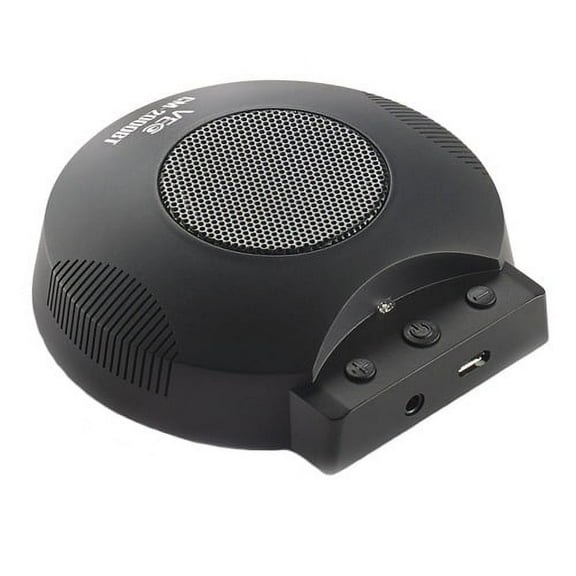
VEC CM-2000BT Bluetooth Desktop Conference Microphone with Playback Speaker
VEC SH-50-RA Hinged-Stetho Headset with 5ft. Cord and 3.5mm Right Angle Plug $29.99

VEC SH-50-RA Hinged-Stetho Headset with 5ft. Cord and 3.5mm Right Angle Plug
VEC GN-USB-PT Professional 18 Inch Uni-directional Noise Cancelling Gooseneck Microphone Illuminated Push-to-Talk (PTT) Switch/Neck Ring with USB Plug $119.00

VEC GN-USB-PT Professional 18 Inch Uni-directional Noise Cancelling Gooseneck Microphone Illuminated Push-to-Talk (PTT) Switch/Neck Ring with USB Plug
VEC ELECTRONICS OEM Dictation, $35.00
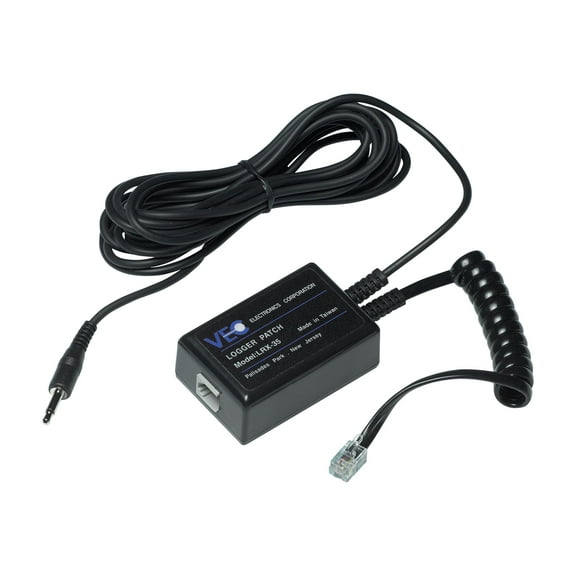
VEC ELECTRONICS OEM Dictation,
VEC GNUSB2 Gooseneck Microphone & USB Plug $75.00
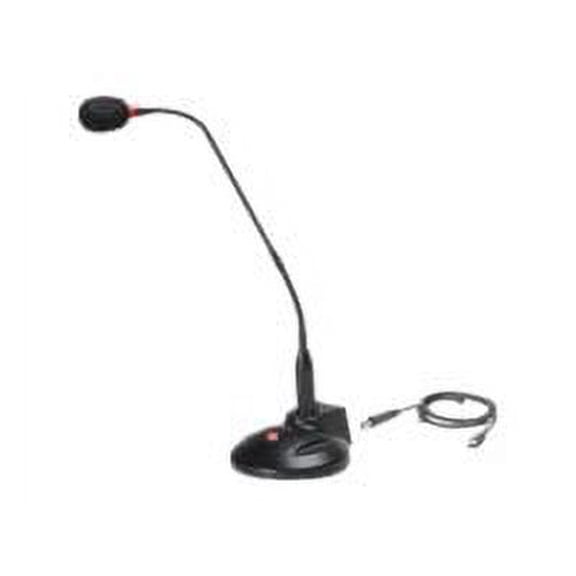
VEC GNUSB2 Gooseneck Microphone & USB Plug
VEC ELECTRONICS OEM Dictation, $29.99
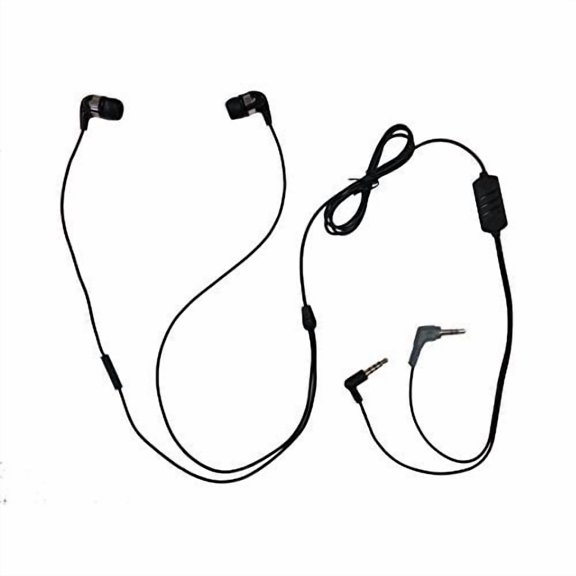
VEC ELECTRONICS OEM Dictation,
VEC CM1000 LOW PROFILE $48.95

VEC CM1000 LOW PROFILE
VEC INS-USB USB Foot Control $67.00
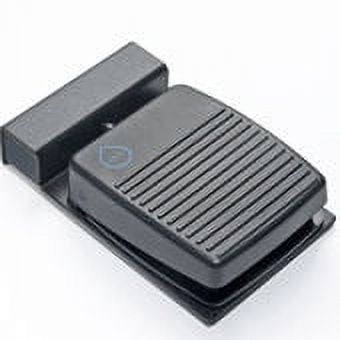
VEC INS-USB USB Foot Control
VEC SPRA 3.5 mm Spectra Headset U-Bow & Right Angle Plug $26.16
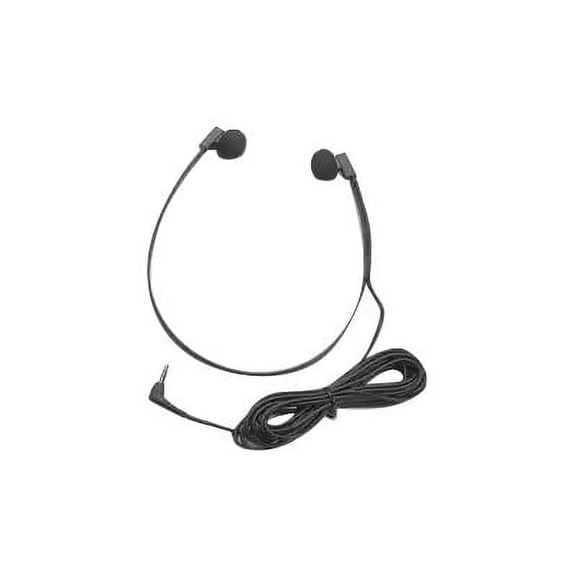
VEC SPRA 3.5 mm Spectra Headset U-Bow & Right Angle Plug
VEC SPECTRA VC-5 HEADSET, 3.5MM, 5' CORD, HE2 $32.44

VEC SPECTRA VC-5 HEADSET, 3.5MM, 5' CORD, HE2
VEC Electronics Spectra SP-VC 5 Deluxe Twin Speaker Transcription Headset, Volume Control and Stereo/Mono Switch, 5 ft. Cord with a 3.5mm Right Angle Stereo Plug, Pouch for Personal Storage $27.16 Was $32.95
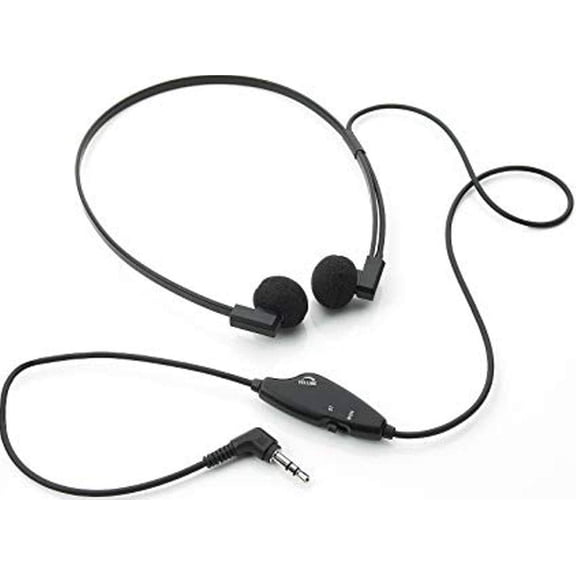
VEC Electronics Spectra SP-VC 5 Deluxe Twin Speaker Transcription Headset, Volume Control and Stereo/Mono Switch, 5 ft. Cord with a 3.5mm Right Angle Stereo Plug, Pouch for Personal Storage
VEC ELECTRONICS OEM Dictation, $20.00

VEC ELECTRONICS OEM Dictation,
VEC MC45 SoundTech 45 Minute Microcassettes $33.00
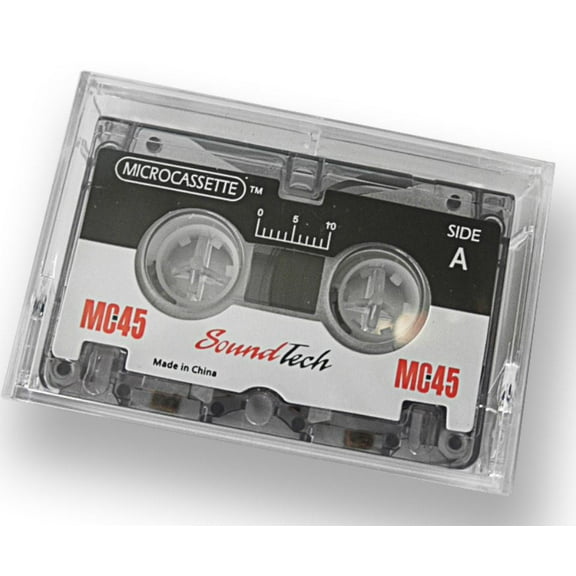
VEC MC45 SoundTech 45 Minute Microcassettes
(Open Box) VEC GN-USB 18 Inch Professional Uni-Direction Noise Canceling Gooseneck Stereo Microphone with 10 FT USB Cord $65.00
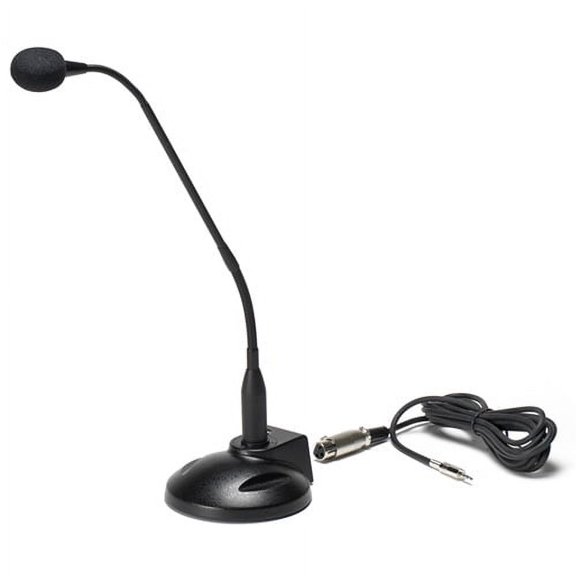
(Open Box) VEC GN-USB 18 Inch Professional Uni-Direction Noise Canceling Gooseneck Stereo Microphone with 10 FT USB Cord
VEC ELECTRONICS OEM Dictation, $75.00
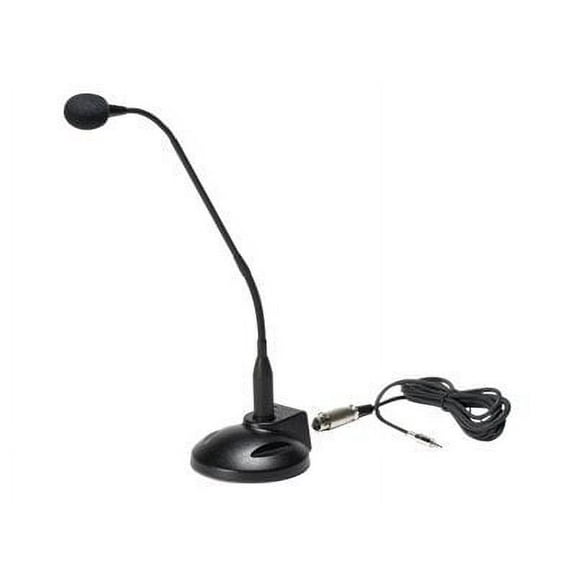
VEC ELECTRONICS OEM Dictation,
FAQ
How do I set up a USB microphone?
Setting up a USB microphone is usually quick and easy. Here’s a simple guide to get started:
- Plug the microphone into an available USB port on your computer or compatible device.
- Wait for the system to recognize the device. Most operating systems will automatically install basic drivers.
- Open your device’s sound settings to select the new USB microphone as your input device.
- If the microphone comes with specific software, you may want to install it for extra controls and features.
Always refer to the included product instructions for details specific to your model.
Can I use a foot pedal for hands-free control?
Yes, many USB foot pedals can offer hands-free control for tasks like audio playback, transcription, or recording. Here are some common uses and tips:
- Connect the pedal to your device through a USB port.
- Check your software settings—many transcription and dictation programs allow you to assign functions to the pedal's buttons.
- Hands-free operation can help maintain productivity, especially in tasks that require frequent start/stop actions.
For the best results, review your device’s compatibility and the pedal’s instruction manual before setup.
What’s the best way to connect a conference microphone?
To connect a conference microphone, follow these easy steps:
- Plug the microphone into an available USB port.
- If you’re using a daisy-chain model, connect additional microphones according to the included guide.
- Head to your device’s sound settings and choose the microphone as the input source.
- Test audio levels using conferencing software or your operating system’s audio tools.
This approach helps you maximize voice pickup and clarity when using multiple microphones in a room.
How do I care for my gooseneck microphone?
To keep your gooseneck microphone working smoothly, consider these tips:
- Avoid bending the neck too sharply; gentle adjustments help prevent damage.
- Wipe the exterior regularly with a dry, soft cloth to remove dust.
- Keep the microphone unplugged when not in use to reduce wear on connections.
- Store in a protective case or safe area if you need to move it frequently.
Proper care can help extend the life and performance of your microphone.
Are replacement parts available for these devices?
Replacement parts and accessories may be available for many USB audio devices and peripherals. On Walmart’s website, you can often find compatible cables, adapters, and even additional microphones or pedals. If you need something specific, searching the product page or contacting customer support can help you find what you’re looking for.
Popular in Shop Brand Home Page for USB and Bluetooth Audio Devices
Related Products
Swiifome Bluetooth Headset V5.3 with Mic for Work, Lightweight Computer Headset with Microphone for PC with Noise Cancelling Mic, Mute Button, Multipoint, and Charging Base
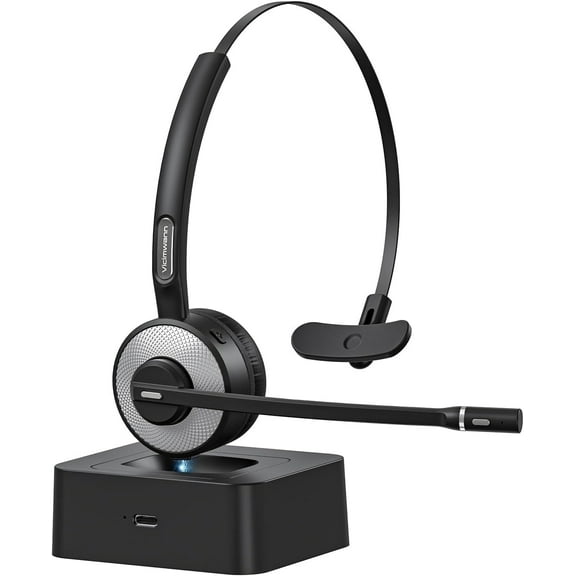 Swiifome Bluetooth Headset V5.3 with Mic for Work, Lightweight Computer Headset with Microphone for PC with Noise Cancelling Mic, Mute Button, Multipoint, and Charging Base$37.99current price $37.99
EPOS IMPACT 1060T Headset - Stereo - Wireless - Bluetooth - On-ear - Binaural - Circumaural - Noise Canceling
 EPOS IMPACT 1060T Headset - Stereo - Wireless - Bluetooth - On-ear - Binaural - Circumaural - Noise Canceling$175.04current price $175.04
Blucalm Wireless Headset with Mic for Work - V5.4 Headset with Noise Canceling, PC Headphones with Mic Mute & USB Dongle, Smart Dock with Touch Screen for Work from Home, Teams, Zoom
 Blucalm Wireless Headset with Mic for Work - V5.4 Headset with Noise Canceling, PC Headphones with Mic Mute & USB Dongle, Smart Dock with Touch Screen for Work from Home, Teams, Zoom$55.00current price $55.00
Swiifome Bluetooth Wireless Headset V5.2 with AI Noise Cancellation Microphone, On Ear Headphones with Charging Base and Bluetooth Adapter, for Computer Home Office Call Center Zoom Skype
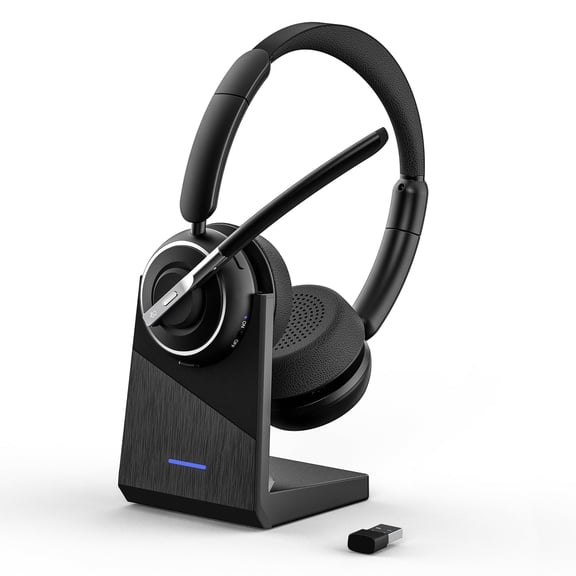 Swiifome Bluetooth Wireless Headset V5.2 with AI Noise Cancellation Microphone, On Ear Headphones with Charging Base and Bluetooth Adapter, for Computer Home Office Call Center Zoom Skype$79.99current price $79.99
Blue Tiger Storm Gold Edition Wireless Bluetooth Headset
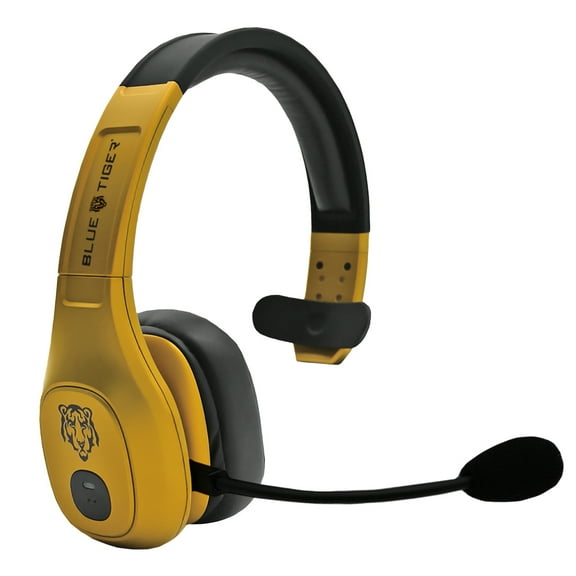 Blue Tiger Storm Gold Edition Wireless Bluetooth Headset$129.99current price $129.99
Swiifome Computer Bluetooth Wireless Headset V5.4 with ANC & ENC, with QCC USB Dongle, with Flip-to-Mute Microphone for Work from Home/Call Center/Office/PC/Laptop/Computer/Zoom/Teams
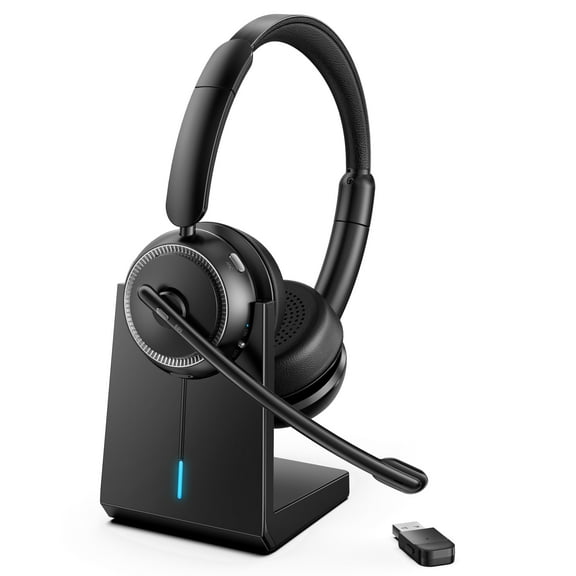 Swiifome Computer Bluetooth Wireless Headset V5.4 with ANC & ENC, with QCC USB Dongle, with Flip-to-Mute Microphone for Work from Home/Call Center/Office/PC/Laptop/Computer/Zoom/Teams$69.99current price $69.99
Ergoguys Black Lightweight Headset with Adjustable Mic
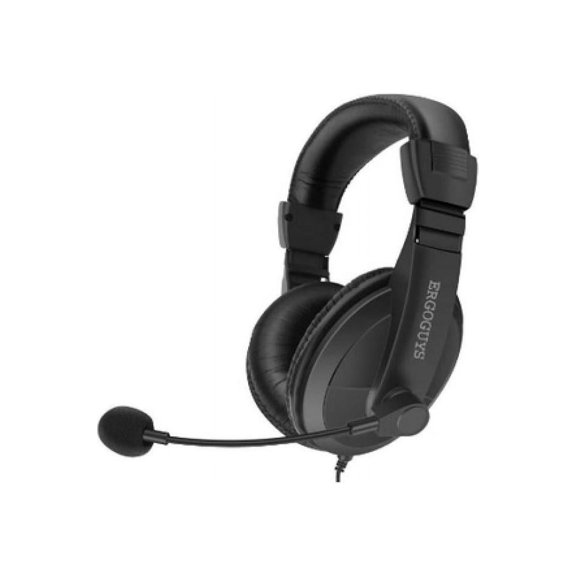 Ergoguys Black Lightweight Headset with Adjustable Mic$19.84current price $19.84
Logitech G POWERPLAY 2 Wireless Charging Mouse Pad for Compatible Gaming Mice
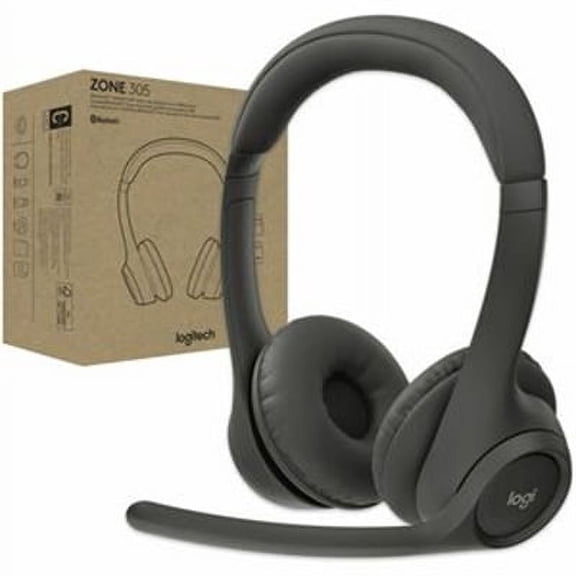 Logitech G POWERPLAY 2 Wireless Charging Mouse Pad for Compatible Gaming Mice$109.99current price $109.99
Williams Sound MIC100 Unidirectional Headset
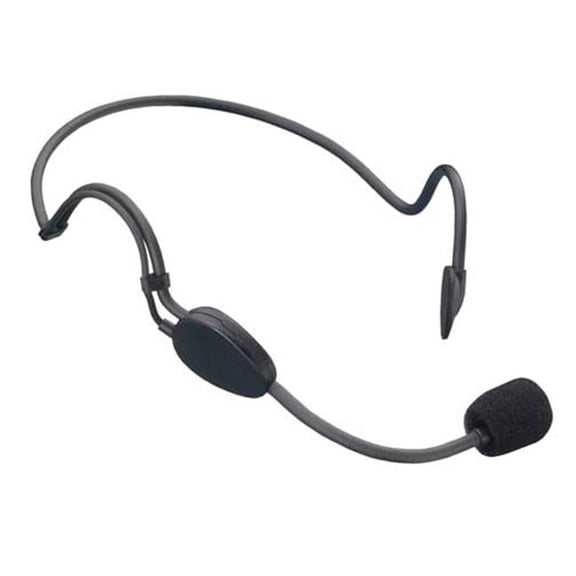 Williams Sound MIC100 Unidirectional Headset$123.99current price $123.99
Savi 740 Monaural Convertible Headset, Microsoft Optimized
Savi 740 Monaural Convertible Headset, Microsoft Optimized
Williams AV Noise-Cancelling Headset Mic
 Williams AV Noise-Cancelling Headset Mic$145.58current price $145.58
TruVoice HD-550 Deluxe Double Ear Headset with Noise Canceling Mic and Bottom Cable That Works with Mitel, Nortel, Avaya Digital, Polycom VVX, Shoretel, Aastra, Fanvil, Digium Phones
 TruVoice HD-550 Deluxe Double Ear Headset with Noise Canceling Mic and Bottom Cable That Works with Mitel, Nortel, Avaya Digital, Polycom VVX, Shoretel, Aastra, Fanvil, Digium Phones$84.95current price $84.95
Aluratek - Wired USB Stereo Headset with Boom Mic - Black
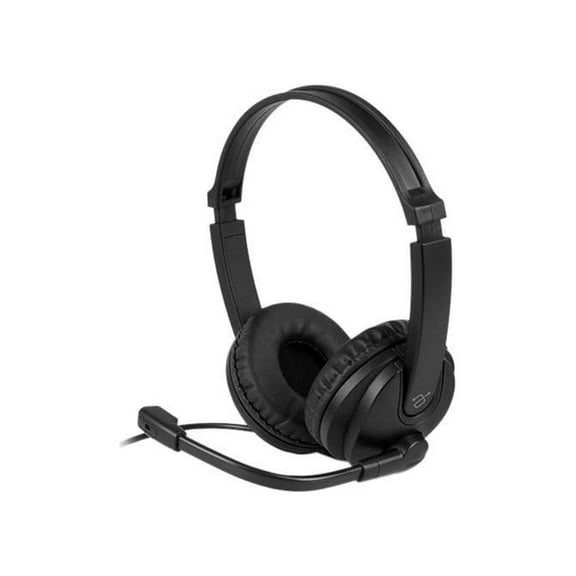 Aluratek - Wired USB Stereo Headset with Boom Mic - Black$19.60current price $19.60