


FAQ
What kinds of products can I find here?
If you're browsing this brand page at Walmart, you'll typically see a range of products within the same category. Items might include different styles, sizes, or types, depending on the brand's focus. Exploring the page helps you compare options side by side and find what fits your needs best.
- Check product descriptions for details like materials and uses.
- Use filters to narrow down your search.
Shopping here makes it easy to see all the brand's offerings in one place.
How do I compare similar products on this page?
Comparing products is simple on a brand page. You can view features, specifications, and images for each item. Pay attention to details like size, color, and extra features listed in the descriptions.
- Read customer reviews for real-life feedback.
- Look at product ratings to spot popular choices.
This approach can help you choose the item that matches your preferences and needs.
Can I find product reviews for items listed here?
Yes, most products shown on this page have customer reviews available. Reviews are typically found right below the product listing or in a dedicated section. They offer insights into quality, ease of use, and performance from people who have already purchased the item.
- Read multiple reviews for a balanced opinion.
- Check for ratings and photos shared by customers.
Reviews can help you feel more confident about your shopping decision.
Is there a way to filter products by features?
Absolutely! Walmart's brand pages usually offer filtering tools so you can quickly narrow down your choices. Filters might include options like product type, color, material, or other relevant features. These tools make it easier to find exactly what you're looking for.
- Use filters to focus on items that meet your specific needs.
- Adjust your selections to explore different possibilities.
Filtering saves time and helps you shop efficiently.
How do I check for in-store availability?
To see if a product is available at a Walmart store near you, look for the 'Check store availability' option on the product's listing. Enter your zip code or location, and the site will show which stores have the item in stock.
- Availability may vary by location.
- Options for pickup or delivery may also be shown.
This feature lets you plan your shopping and avoid unnecessary trips.
Popular in Trubind
Related Products
Staples Black Plastic Comb Binding Spines 3/8" Diameter 55 Sh. 100/PK 17461
 Staples Black Plastic Comb Binding Spines 3/8" Diameter 55 Sh. 100/PK 17461$18.49current price $18.49
Staples Plastic Comb Binding Spines 5/8" Diameter 120 Sh. 25/PK Black 17465
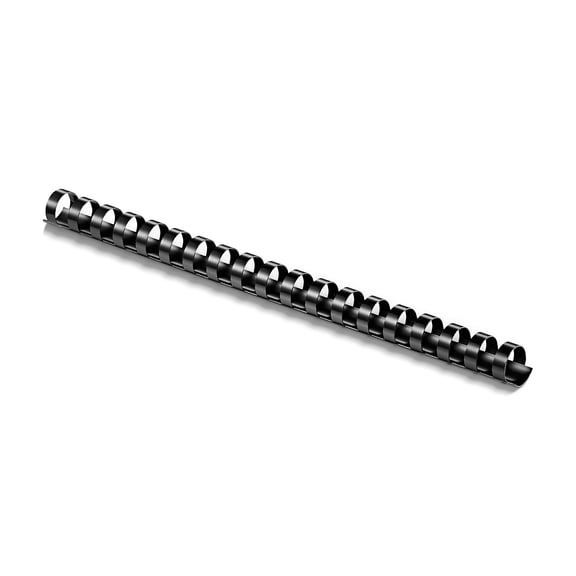 Staples Plastic Comb Binding Spines 5/8" Diameter 120 Sh. 25/PK Black 17465$14.79current price $14.79
VEVOR Coil Spiral Binding Machine, Manual Book Maker 34-Holes Binding 120 Sheets, Punch Binder with Adjustable 3/16" - 9/16" Coil Binding Spines and Side Margin, for Letter Size, A4, A5
 VEVOR Coil Spiral Binding Machine, Manual Book Maker 34-Holes Binding 120 Sheets, Punch Binder with Adjustable 3/16" - 9/16" Coil Binding Spines and Side Margin, for Letter Size, A4, A5$61.90current price $61.90
10 Hole Punch Binding Machine for Planners & Notebooks, Portable Loose Leaf Binder Maker with 10 Colorful 30-Hole Plastic Spines & Opener, Punches US Letter, A4, B5, A5 Paper
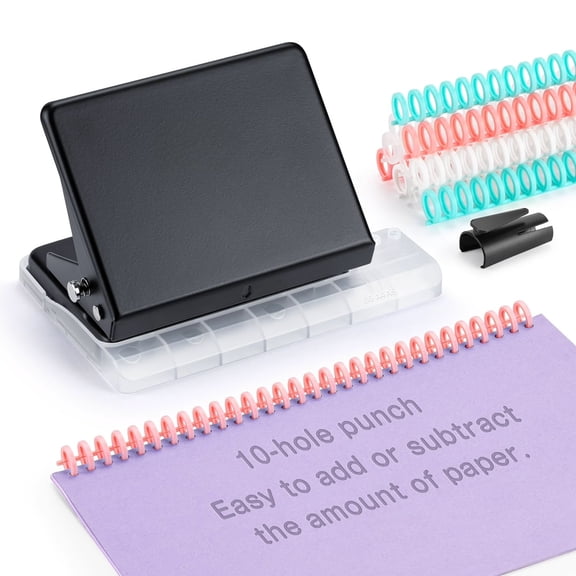 10 Hole Punch Binding Machine for Planners & Notebooks, Portable Loose Leaf Binder Maker with 10 Colorful 30-Hole Plastic Spines & Opener, Punches US Letter, A4, B5, A5 Paper$21.24current price $21.24
Staples 3/4" Plastic Binding Spine Comb 150 Sheet Capacity Black 25/Pack (17460/ST17460)
 Staples 3/4" Plastic Binding Spine Comb 150 Sheet Capacity Black 25/Pack (17460/ST17460)$14.77current price $14.77
Fellowes Plastic Comb Binding Spines, 2" Diameter, 500 Sheets, 40 Pack (52369)
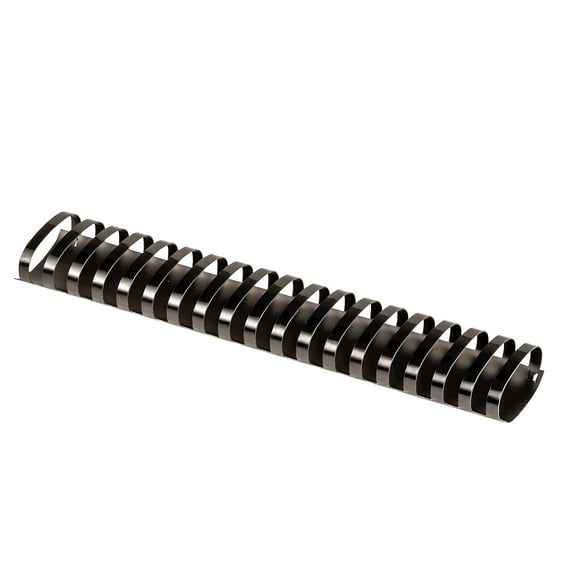 Fellowes Plastic Comb Binding Spines, 2" Diameter, 500 Sheets, 40 Pack (52369)$27.78current price $27.78
SircleCorp 2" Plastic Binding Comb, 50 Count per Box, Black
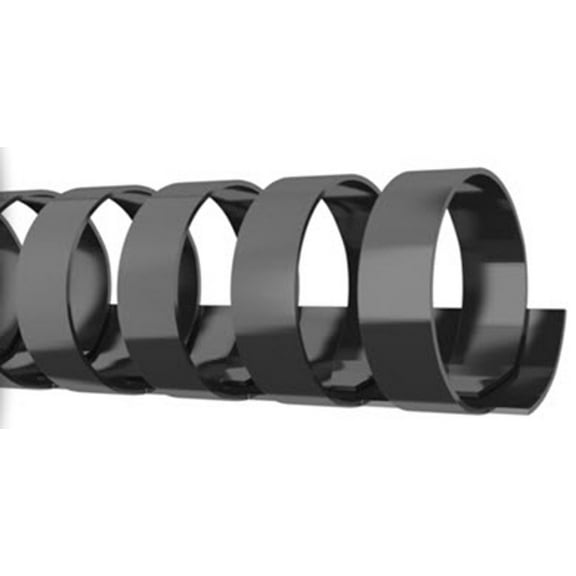 SircleCorp 2" Plastic Binding Comb, 50 Count per Box, Black$34.99current price $34.99
Fellowes Comb Binding - 10.75" Length - 0.75" Diameter - 150 Sheet Capacity - Round - Plastic - 25 / Pack - Black (52509)
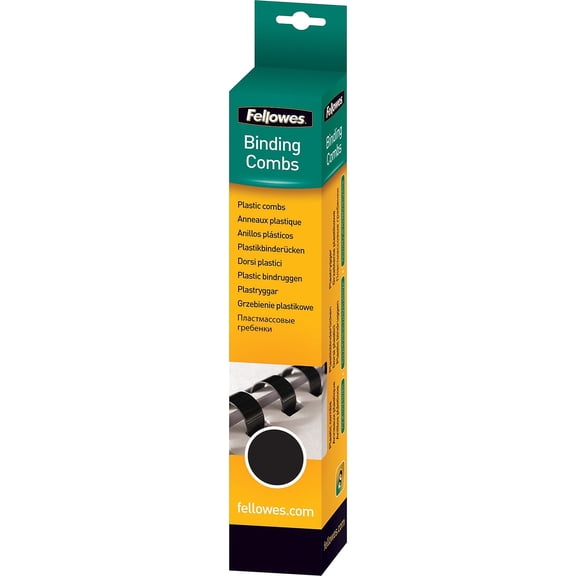 Fellowes Comb Binding - 10.75" Length - 0.75" Diameter - 150 Sheet Capacity - Round - Plastic - 25 / Pack - Black (52509)$13.91current price $13.91
Office Depot® Brand 1/4" Binding Combs, 20-Sheet Capacity, Black, Pack Of 100
 Office Depot® Brand 1/4" Binding Combs, 20-Sheet Capacity, Black, Pack Of 100$13.60current price $13.60
Staples Comb Plastic Binding Spine 1/4" Diameter 20 Sheets 100/Pack (17464) 5232003/5232304
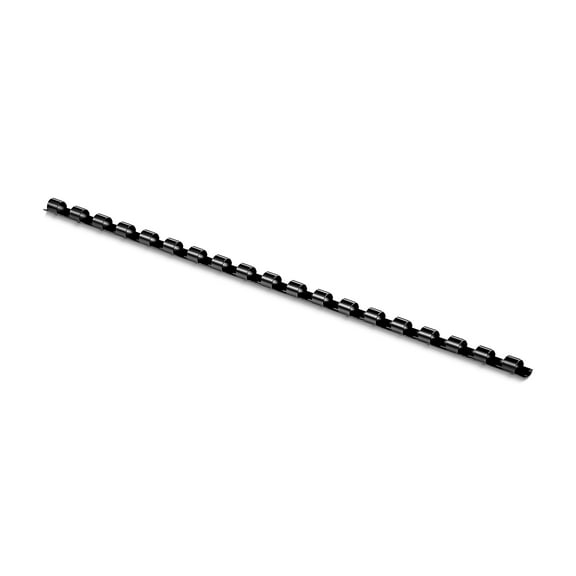 Staples Comb Plastic Binding Spine 1/4" Diameter 20 Sheets 100/Pack (17464) 5232003/5232304$18.49current price $18.49
GBC Color Coil Binding Spines, 12 mm, Navy, 100 Pack
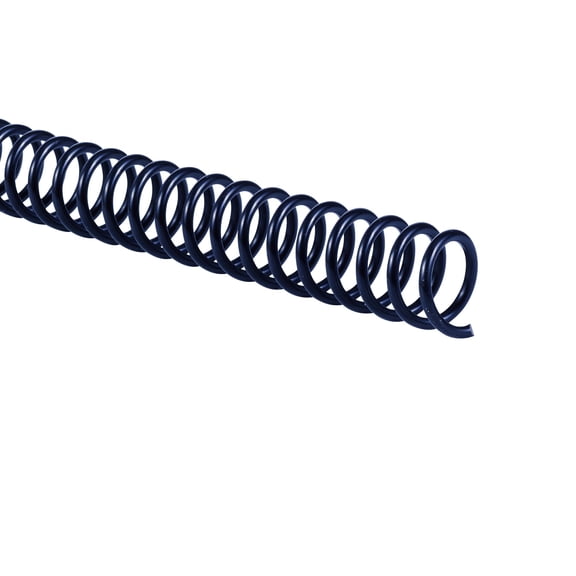 GBC Color Coil Binding Spines, 12 mm, Navy, 100 Pack$18.59current price $18.59
Fellowes Star™+ 150 Manual Comb Binding Machine
 Fellowes Star™+ 150 Manual Comb Binding Machine$159.99current price $159.99
GBC Color Coil Binding Spines, 8 mm, Black, 100 Pack
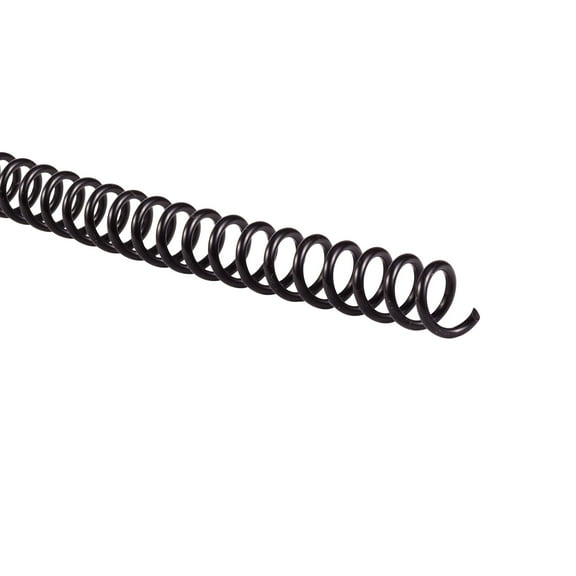 GBC Color Coil Binding Spines, 8 mm, Black, 100 Pack$9.80current price $9.80
SircleCorp 5/8" Plastic Binding Comb, 100 Count per Box, Black
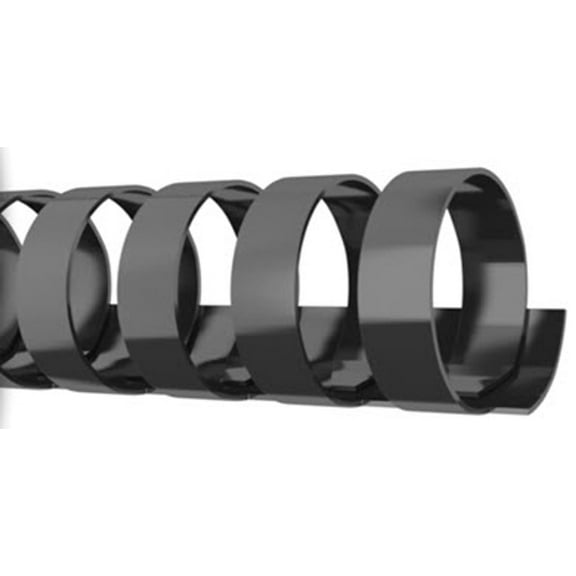 SircleCorp 5/8" Plastic Binding Comb, 100 Count per Box, Black$21.99current price $21.99
Wire Or Spiral Coil Compatible Cinch Book Binding Machine With Integrated Slide Ruler For Making Professional Thick Boo ,Easy to Use
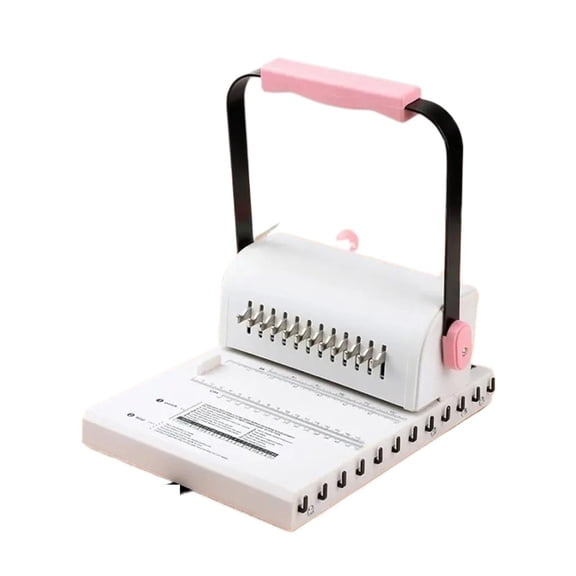 Wire Or Spiral Coil Compatible Cinch Book Binding Machine With Integrated Slide Ruler For Making Professional Thick Boo ,Easy to Use$246.81current price $246.81
Uxcell 25mm (1") Plastic Binding Combs, 10 Pcs 21 Rings Comb Binding Spines 225 Sheet Capacity Letter Size for Binding Paper Sheets, White
 Uxcell 25mm (1") Plastic Binding Combs, 10 Pcs 21 Rings Comb Binding Spines 225 Sheet Capacity Letter Size for Binding Paper Sheets, White$13.89current price $13.89