

Simplecord(2)
Rollback, Simple Cord 150-in Cord Hider Kit, 6-Pack 25-inch Wall-Mounted Cable Management Covers, White From $6.19
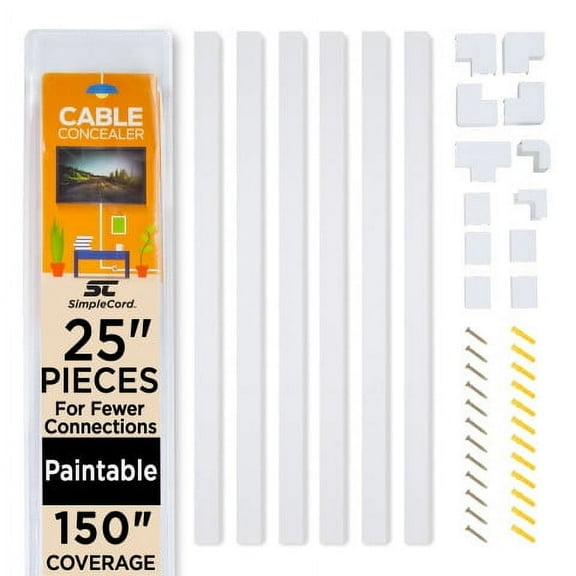


Simple Cord 150-in Cord Hider Kit, 6-Pack 25-inch Wall-Mounted Cable Management Covers, White
simple cord under desk cable organizer cord cover - cable management channel to hide power strips, wires, power supplies, surge protectors, cables or cords at home or office - simplecord $19.95

simple cord under desk cable organizer cord cover - cable management channel to hide power strips, wires, power supplies, surge protectors, cables or cords at home or office - simplecord
FAQ
How do you install a cord hider kit?
Setting up a cord hider kit is pretty straightforward, and it's a great way to keep cables out of sight. Start by measuring the length of the wall or area where you want to hide the cords. Cut the covers to fit if needed. Use the included mounting hardware or adhesive to secure each channel to the wall. Then, place your cords inside before snapping the covers closed.
- Measure and mark your desired placement.
- Mount the channels securely.
- Organize cables inside the covers.
- Snap covers closed for a clean look.
This setup can help keep your space tidy and safer from tripping hazards.
Can cable organizers work for power strips?
Cable organizers are designed to handle all sorts of cords, including power strips. Look for a channel that's wide enough to fit the power strip and its cables. You can tuck the strip and extra wires into the organizer, helping reduce clutter under desks or behind entertainment centers.
- Check the channel size for compatibility.
- Arrange power strips and cords for easy access.
Using a cable organizer can help keep things neat and make cleaning easier.
Are cord covers safe for kids and pets?
Cord covers can be a useful way to help prevent accidental tugging or chewing by kids and pets. When installed properly, they keep cords out of reach and reduce tripping risks. Always make sure the covers are firmly attached and don't have loose parts.
- Secure covers tightly to walls or furniture.
- Check regularly for any damage or loose sections.
While cord covers add a layer of protection, it's still important to supervise children and pets around electronics.
How do you clean cable management covers?
Cleaning cable management covers is simple and keeps your setup looking fresh. Use a dry or damp cloth to wipe away dust and dirt. Avoid using harsh chemicals or soaking the covers, as this could damage the material or adhesive.
- Dust with a soft cloth regularly.
- Spot clean with mild soap if needed.
Keeping the covers clean can help maintain their appearance and functionality over time.
Will cord organizers fit behind furniture?
Cord organizers are designed to be slim and easy to install, making them a good option for spaces behind furniture. Measure the gap to ensure the channel fits comfortably. If needed, you can cut the covers to size or mount them vertically to maximize space.
- Choose slim channels for tight spaces.
- Customize length and placement for your setup.
This can help prevent cords from tangling or getting damaged when moving furniture.
Popular in Cable Management Solutions for Home and Office
Related Products
Alnoor USA Magnetic Cable Organizer | Magnetic Cable Clips with 8-Cable Buckles & 2-Bases | Cable Management for Cell Phone, Office| Black & White
Alnoor USA Magnetic Cable Organizer | Magnetic Cable Clips with 8-Cable Buckles & 2-Bases | Cable Management for Cell Phone, Office| Black & White
CPAN Cable Management Sleeve Flexible Neoprene Wrap Wire Cord Hider Cover Organizer
 CPAN Cable Management Sleeve Flexible Neoprene Wrap Wire Cord Hider Cover Organizer$9.08current price $9.08
Cable Clips 30 Pieces Adhesive Cable Clips Wire Clips Cable Wire Management Wire Cable Holder Clamps Cable Tie Holder for Car, Office and Home
 Cable Clips 30 Pieces Adhesive Cable Clips Wire Clips Cable Wire Management Wire Cable Holder Clamps Cable Tie Holder for Car, Office and Home$9.90current price $9.90
10 Pack Reusable Hook and Loop Cable Ties with Self-Adhesive Backing Adjustable Cord Organizer Straps for Under Desk Wire Management Computer Cables Headphones Christmas Lights Home Office Use
 10 Pack Reusable Hook and Loop Cable Ties with Self-Adhesive Backing Adjustable Cord Organizer Straps for Under Desk Wire Management Computer Cables Headphones Christmas Lights Home Office Use$3.99current price $3.99
WIRESTER 5-Pack Magnetic Cable Clips, Cord Organizer Holder for Desk, Wall, Car - Van Gogh
 WIRESTER 5-Pack Magnetic Cable Clips, Cord Organizer Holder for Desk, Wall, Car - Van Gogh$7.99current price $7.99
LazySpin 42.5in Cord Hider, PVC Half Round Cord Cover Cable Management, 3 Rails
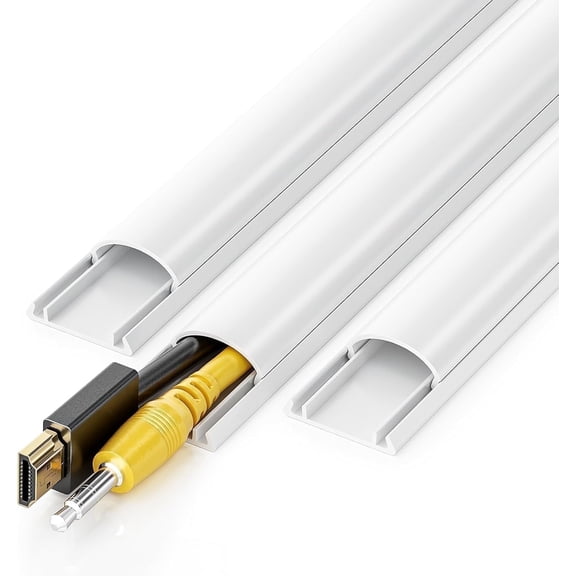 LazySpin 42.5in Cord Hider, PVC Half Round Cord Cover Cable Management, 3 Rails$10.00current price $10.00
Uxcell Cable Sleeve, Wire Manager Cord Protector for Computer Wire Organizer Black 6.6 Ft x 0.31"
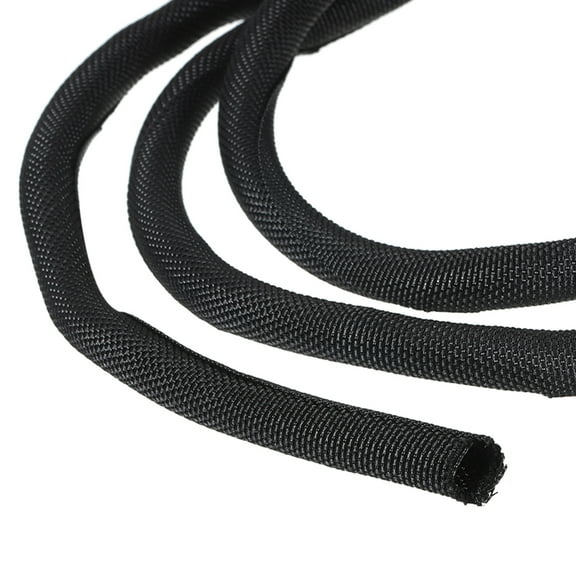 Uxcell Cable Sleeve, Wire Manager Cord Protector for Computer Wire Organizer Black 6.6 Ft x 0.31"$7.99current price $7.99
Binazon Cord Covers, Wire Hiders, Wire Management 142 Inch Cable Cover Set with 10 Pieces, White
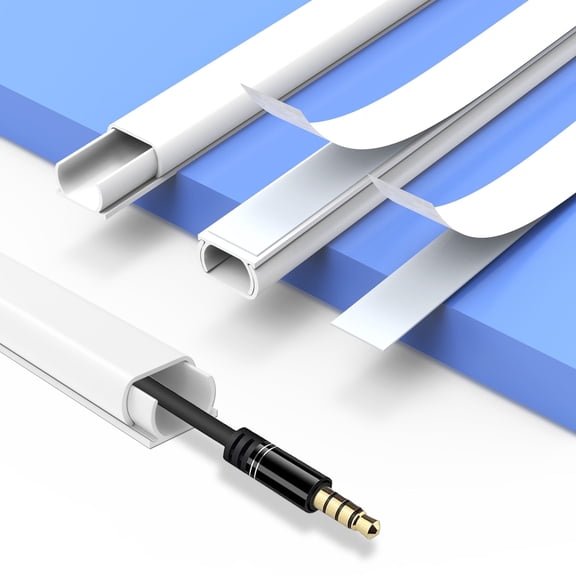 Binazon Cord Covers, Wire Hiders, Wire Management 142 Inch Cable Cover Set with 10 Pieces, White$10.59current price $10.59
D-Line White Cable Spiral Wrap, Organize Cords 0.39-1.5in, 8.2ft Length
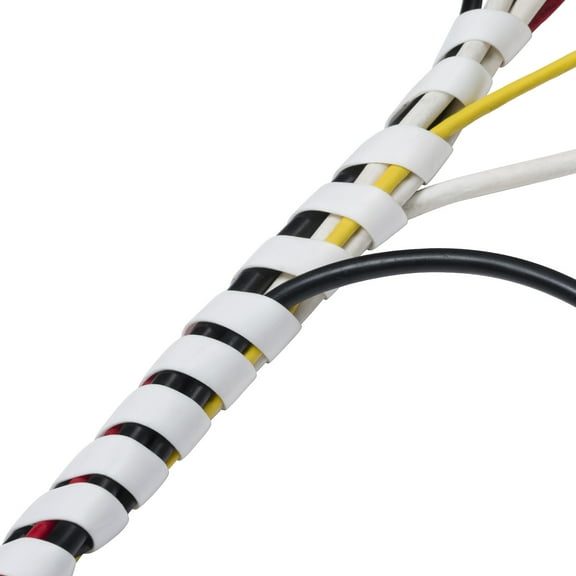 D-Line White Cable Spiral Wrap, Organize Cords 0.39-1.5in, 8.2ft Length$10.99current price $10.99
D-Line Cable Management Box, Hide Power Strips & Cords - Small, White
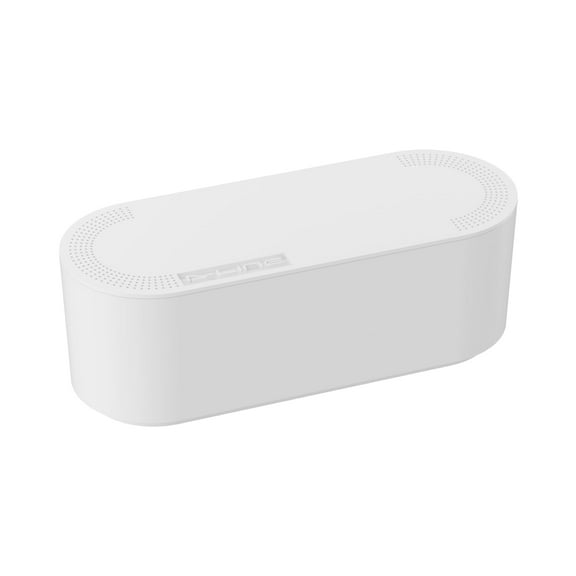 D-Line Cable Management Box, Hide Power Strips & Cords - Small, White$22.99current price $22.99