

Cash Registers for Retail and Money Handling














About Cash Registers for Retail and Money Handling - Walmart.com
Cash registers help you ring up transactions, track totals, and keep cash organized with straightforward controls for daily business use. You can compare department capacity, connectivity, displays, and drawer styles to match your counter, workflow, and receipt needs.
Choosing cash registers by department and PLU capacity
When you compare cash registers, you should start with department capacity because it shapes how you organize items and tax groups. You can keep checkout simpler when your buttons match the products you sell frequently.
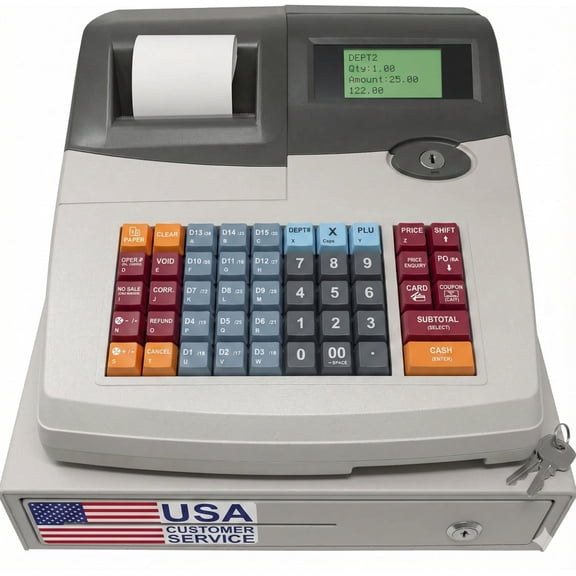
If you run a small counter, you may only need 16 departments for core categories and a shorter menu. If you carry broader inventory, you may prefer 40 departments or 99 departments for finer item grouping.
You should also check PLU capacity because it affects how many specific items you can program for quick entry. You can move faster at checkout when frequent items already have assigned look-ups.
- You can use 16 departments for compact menus and basic retail counters.
- You can choose 40 departments when your store needs more item groups and tax flexibility.
- You can select 99 departments when your checkout handles wider inventory and more detailed programming.
- You can rely on PLU programming to speed repeated entries for common products.
How to compare electronic cash registers and connectivity
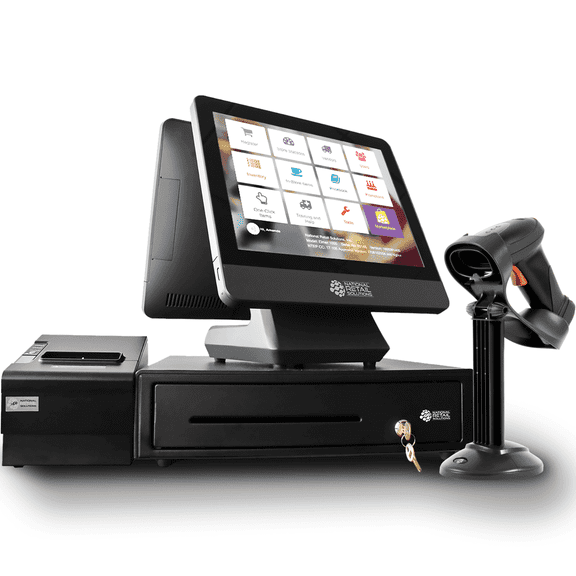
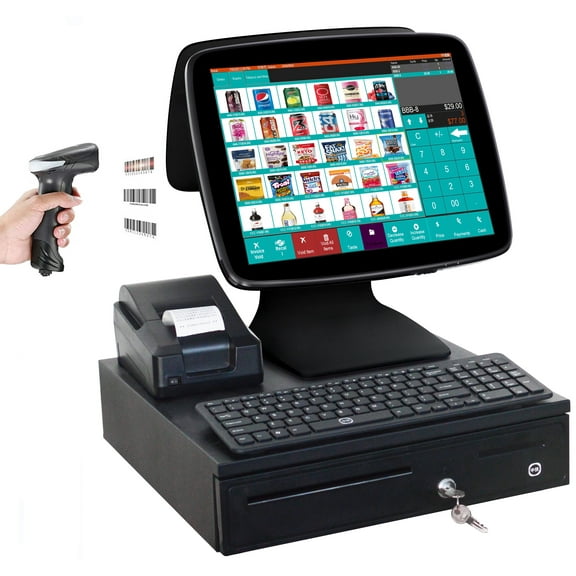
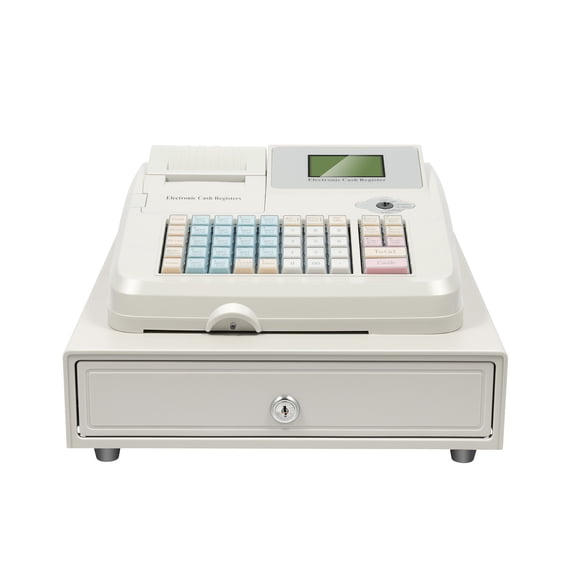
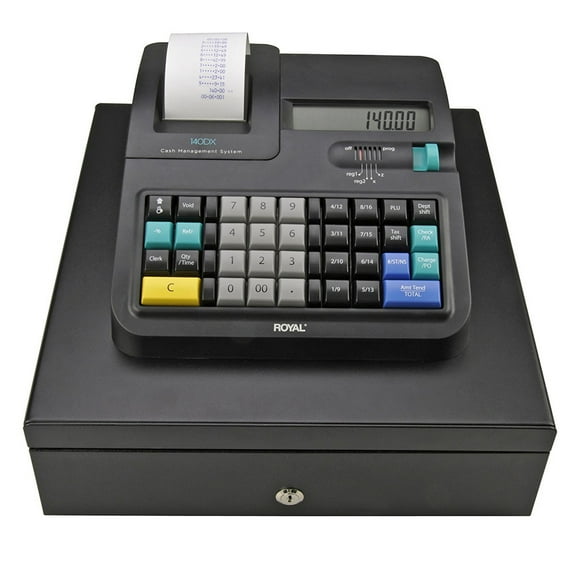
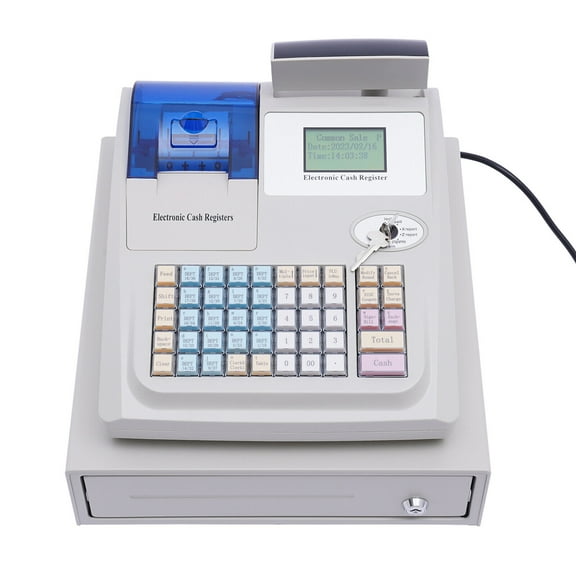
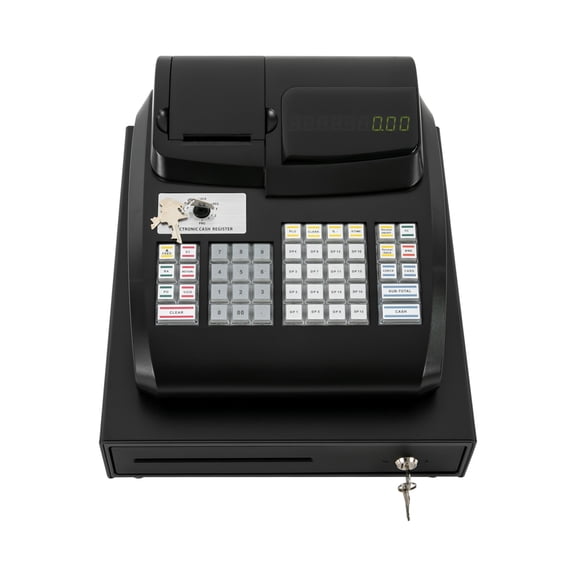
Electronic cash registers give you dedicated checkout tools without the complexity of a full touchscreen setup. You can focus on ringing up transactions, printing receipts, and managing tills from one familiar station.
You should compare USB, SD card, and Ethernet options based on how you move data and connect accessories. You can use USB for simple peripherals, SD card support for backup tasks, and Ethernet for networked environments.
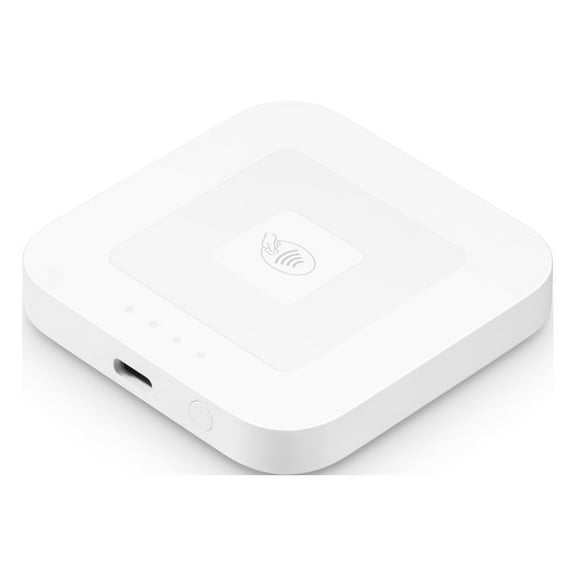
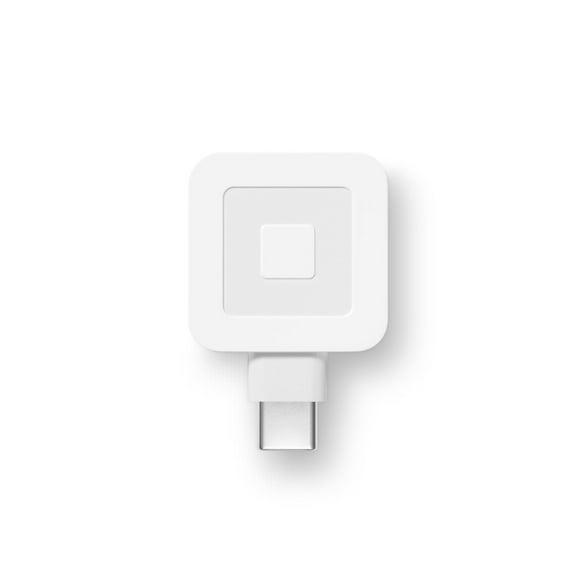
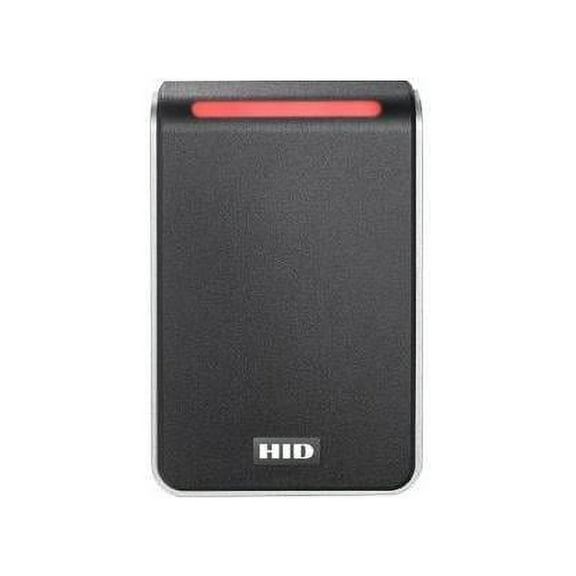
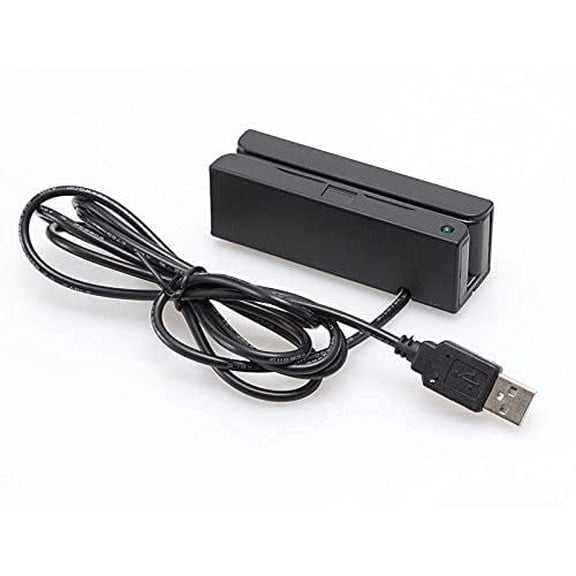
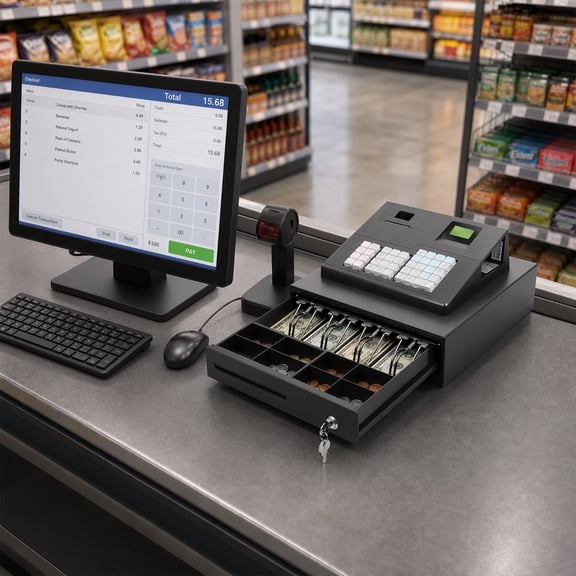
If you already use payment hardware, you should check port options and compatibility before you choose. You can avoid setup friction when your register fits your card reader, scanner, or back-office process.
Programmable cash registers also let you assign tax tables, item names, and clerk settings for smoother daily operation. You can keep transactions more consistent when repeated tasks follow the same programmed rules.
What to look for in displays, printing, and tax setup
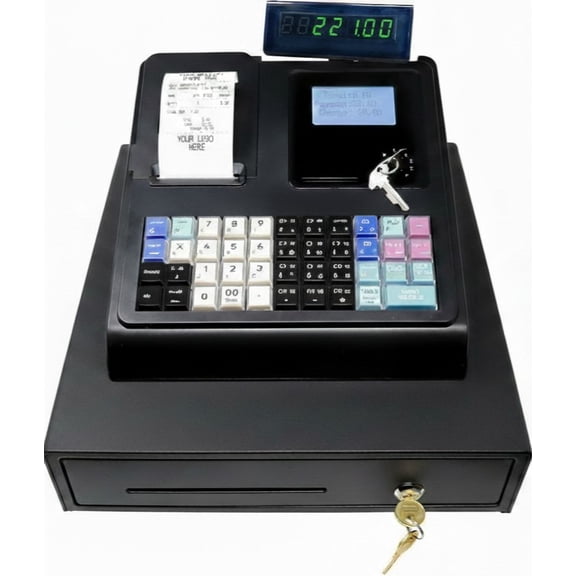
You should compare display types carefully because they affect visibility for both staff and customers. You can read LCD and LED screens differently under bright counter lighting, so placement matters.
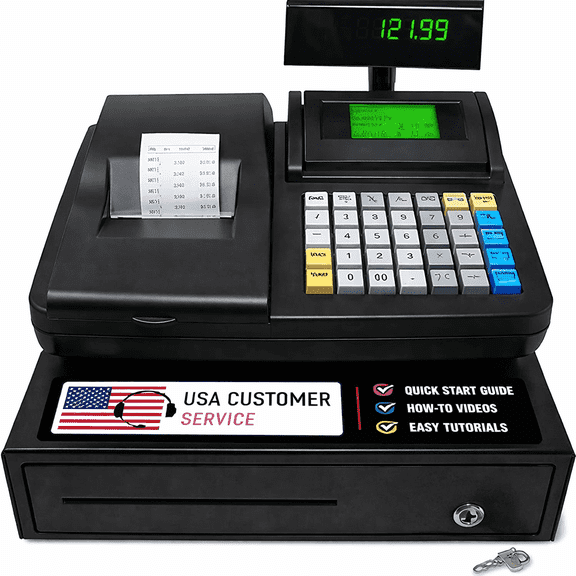
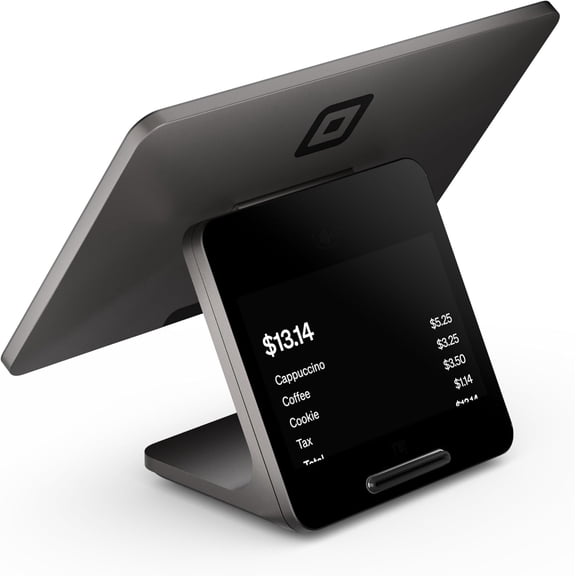
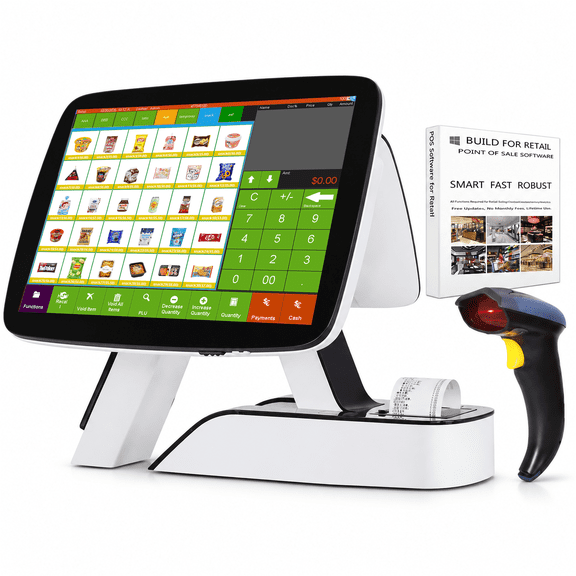
If customer visibility matters, you may want a dual display cash register for shared transaction viewing. You can build confidence at checkout when customers see totals, prices, and entries as they appear.
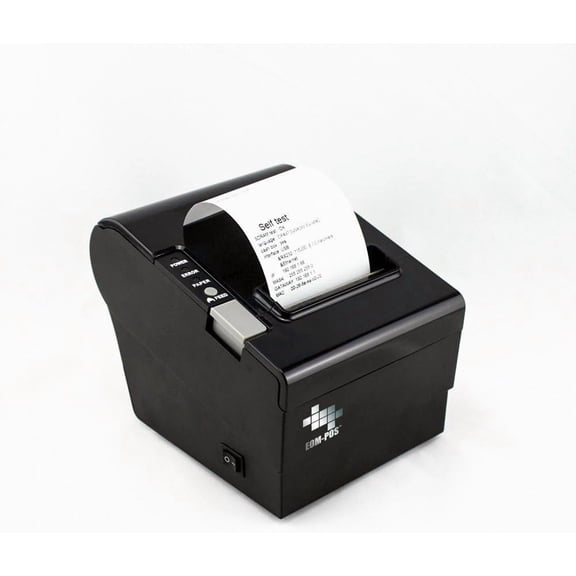
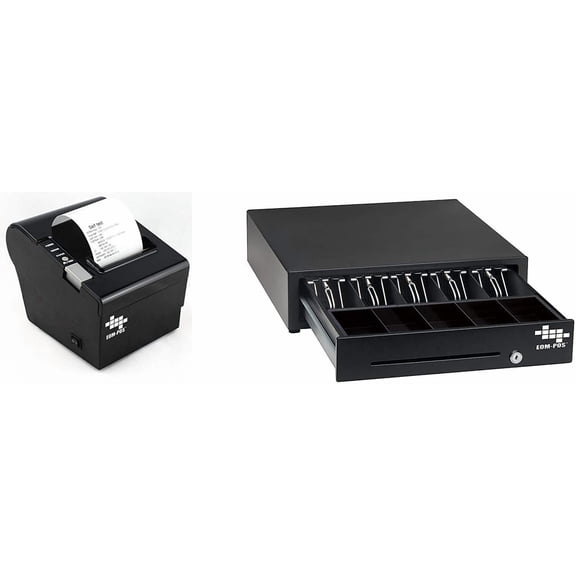
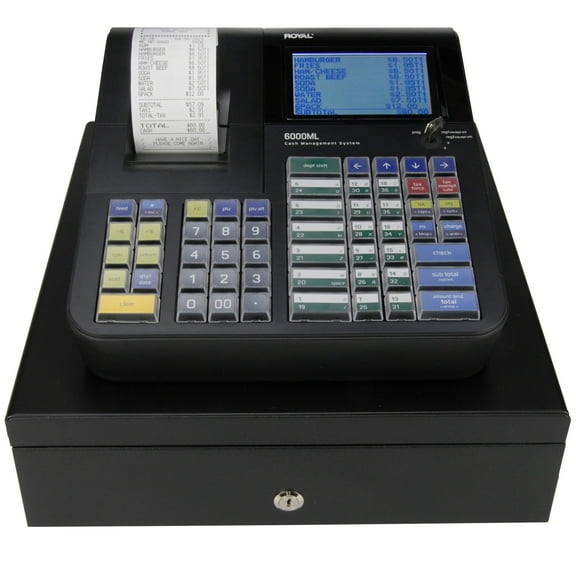
You should also look at receipt printing because it shapes speed, upkeep, and paper handling. You can choose thermal printing for clear receipts without ribbon changes, or compare other print methods if your setup requires them.
Tax programming matters when your business uses fixed categories, prepared food rules, or mixed taxable items. You can work more smoothly when tax tables are easy to set and simple to update.
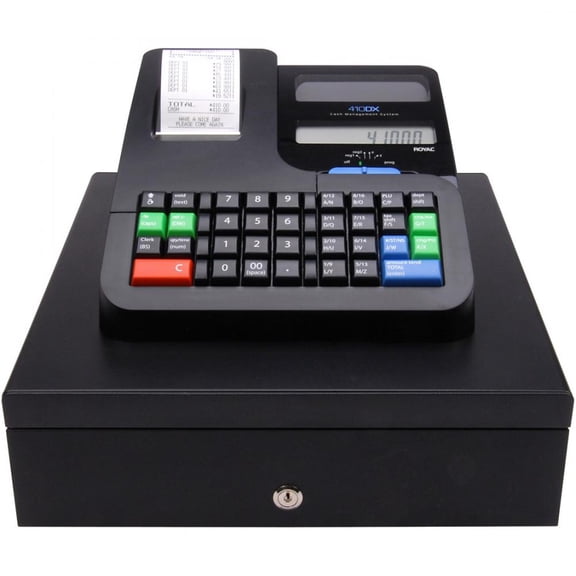
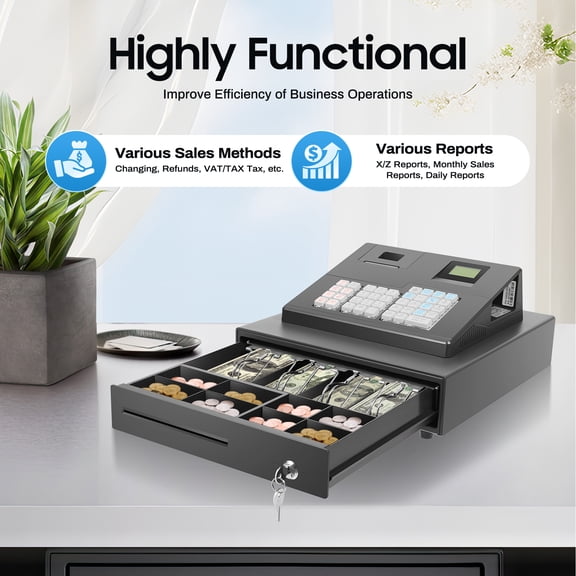
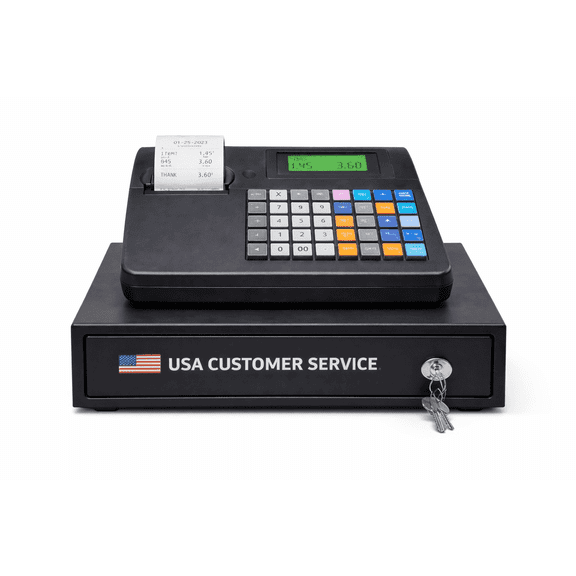
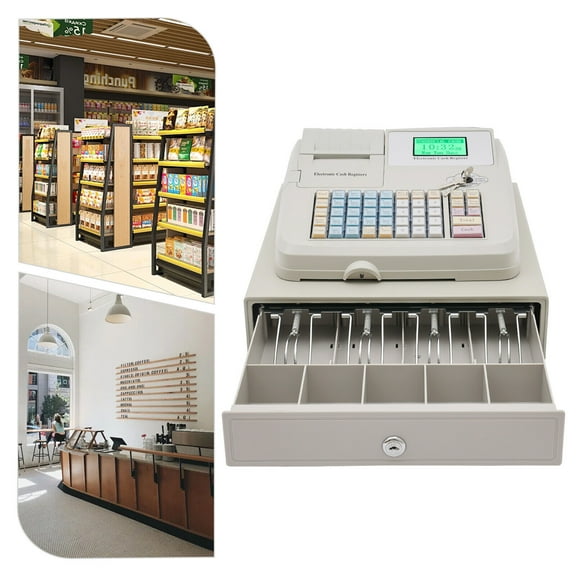
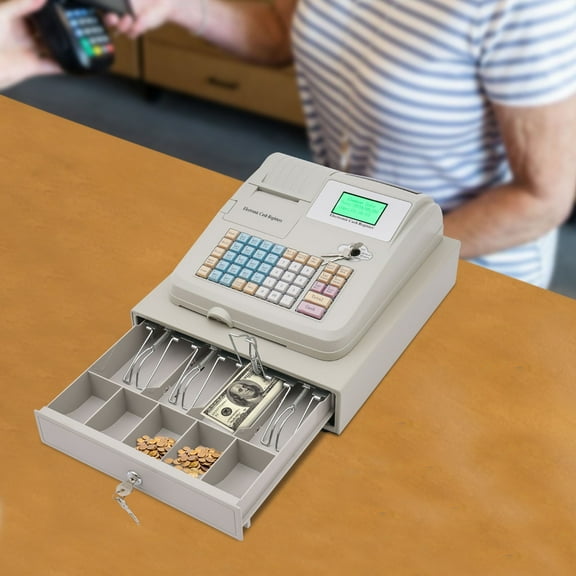
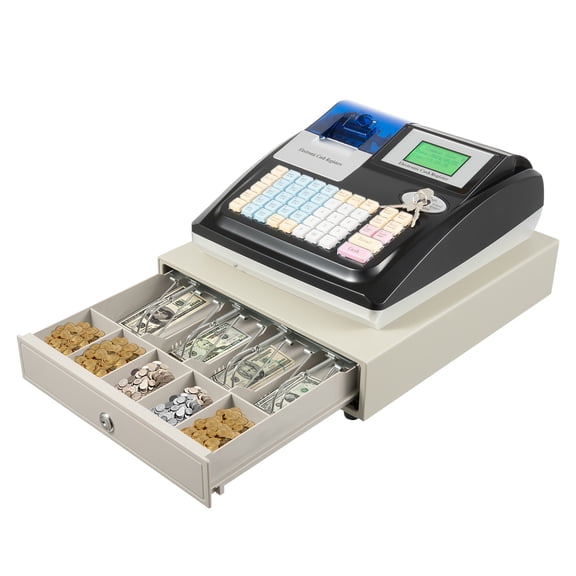
A cash register with drawer can also change how your counter feels during busy periods. You can compare removable tray options, media slots, and heavy duty metal drawers for your preferred cash routine.
Matching cash registers to your business setup
If you run a boutique or small service desk, you may want business cash registers with 16 departments and a removable tray. You can keep bills, coins, and shift changes organized without taking up much counter space.
If you manage a café, snack bar, or quick-service counter, you may prefer electronic cash registers with thermal printing and tax table support. You can move through drink, meal, and combo orders with less manual entry.
If your store carries many item types, you may need programmable cash registers with higher department counts and stronger PLU support. You can label categories more clearly and handle repeat items with fewer keying errors.
For busier checkout lanes, you may look for a cash register with drawer that uses a heavy duty metal build. You can support frequent opens, media drops, and steady cash handling during longer operating hours.
If customer-facing clarity matters, you should consider dual display models for front counter transactions. You can show subtotals and totals clearly when customers watch the screen during each purchase.
You may also want USB, SD card, or Ethernet connections when your workflow includes data transfer or external accessories. You can choose the connection type that fits your reporting habits and equipment layout.
Why these cash register features matter
You can narrow your options faster when you compare departments, PLUs, display style, connectivity, and drawer design together. You can get a setup that fits your inventory, your counter space, and your checkout routine with fewer compromises.