

Selore(13)
Black Friday Deal, USB C Docking Station Dual Monitor Laptop Docking Station Triple Display USB C Hub Dual HDMI Adapter to 2 HDMI, VGA, 10Gpbs USB 3.1, USB 2.0, 100WPD, RJ45, Audio for Dell/Lenovo/Hp $33.74 Was $37.99
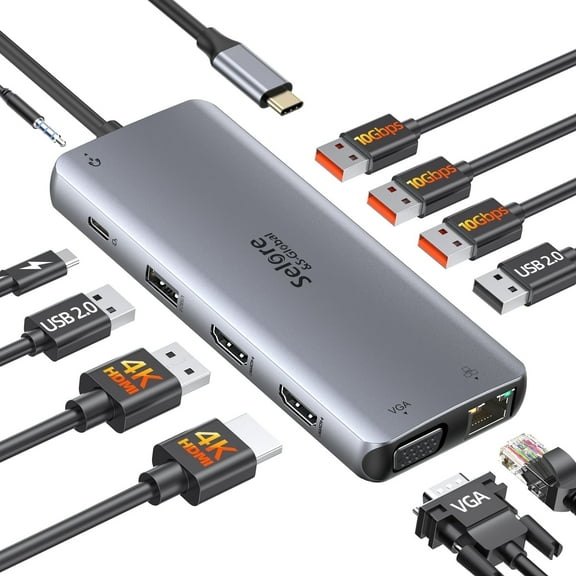
USB C Docking Station Dual Monitor Laptop Docking Station Triple Display USB C Hub Dual HDMI Adapter to 2 HDMI, VGA, 10Gpbs USB 3.1, USB 2.0, 100WPD, RJ45, Audio for Dell/Lenovo/Hp
Black Friday Deal, USB C Docking Station 3 Monitors Laptop Dock Dual Monitor with 2 HDMI DisplayPort 4K144Hz,USB A 2.0/3.0,USB C 3.1 10Gbps&30W Output,Ethernet,MicroSD&SD,Audio&Mic,150W DC Power for Dell/Lenovo/HP $89.99 Was $110.99
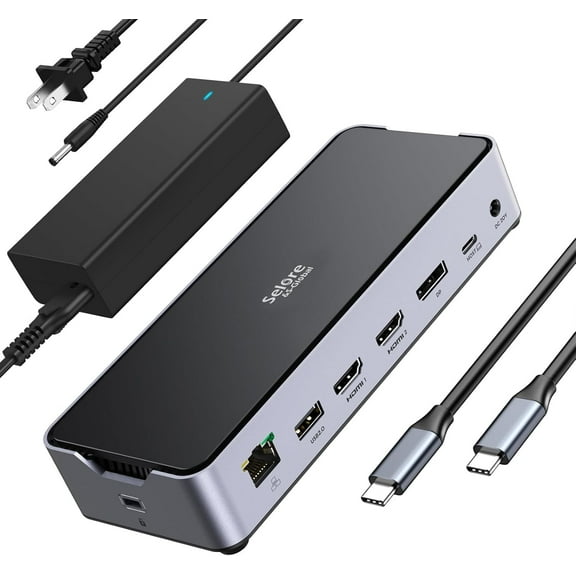
USB C Docking Station 3 Monitors Laptop Dock Dual Monitor with 2 HDMI DisplayPort 4K144Hz,USB A 2.0/3.0,USB C 3.1 10Gbps&30W Output,Ethernet,MicroSD&SD,Audio&Mic,150W DC Power for Dell/Lenovo/HP
Black Friday Deal, Selore USB-C Dual Monitor Laptop Docking Station with Multiport USB-C Hub From $31.39
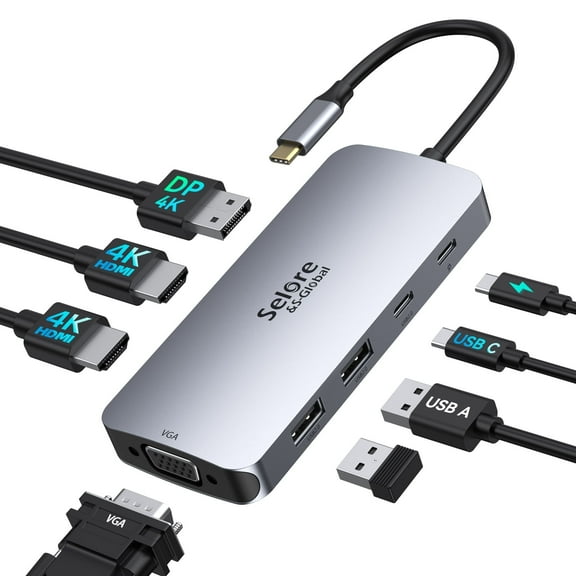


Selore USB-C Dual Monitor Laptop Docking Station with Multiport USB-C Hub
Black Friday Deal, Selore 7-Ports USB 3.0 Hub From $15.99

Selore 7-Ports USB 3.0 Hub
USB C Docking Station Dual Monitor USB C to HDMI Adapter USB C Hub 9 in 1 Laptop Docking Station Dual HDMI with Displayport,100W PD,SD/TF,3 USB Ports $39.99

USB C Docking Station Dual Monitor USB C to HDMI Adapter USB C Hub 9 in 1 Laptop Docking Station Dual HDMI with Displayport,100W PD,SD/TF,3 USB Ports
Black Friday Deal, 10Gbps USB C Hub with 4K@60Hz Video Display, Selore 5 Ports USB C Splitter 100W PD Charging, C Port Data Transfer, Dongle Multiport Adapter for MacBook Pro, iPad, Dell, HP, and More $22.39 Was $34.99

10Gbps USB C Hub with 4K@60Hz Video Display, Selore 5 Ports USB C Splitter 100W PD Charging, C Port Data Transfer, Dongle Multiport Adapter for MacBook Pro, iPad, Dell, HP, and More
Selore USB C Docking Station for Laptop Dual Monitors, Upgrade14 in 1 Triple Monitor Docking Station Display USB C Hub Dual HDMI Adapter Dongle Triple 4K Docking Station for Dell/HP/Surface/MacBook $52.99
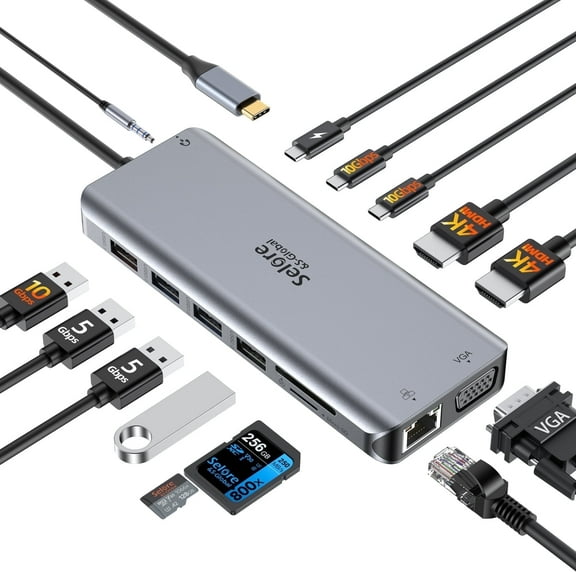
Selore USB C Docking Station for Laptop Dual Monitors, Upgrade14 in 1 Triple Monitor Docking Station Display USB C Hub Dual HDMI Adapter Dongle Triple 4K Docking Station for Dell/HP/Surface/MacBook
Black Friday Deal, Selore&S-Global USB C Splitter with 4K/60Hz Video Output,USB C Hub Dual Monitor with DP Alt Mode,10Gbps Data Transfer,100W PD,Docking Station Dual Monitor for Windows Laptop,Portable Monitors $30.59 Was $46.99
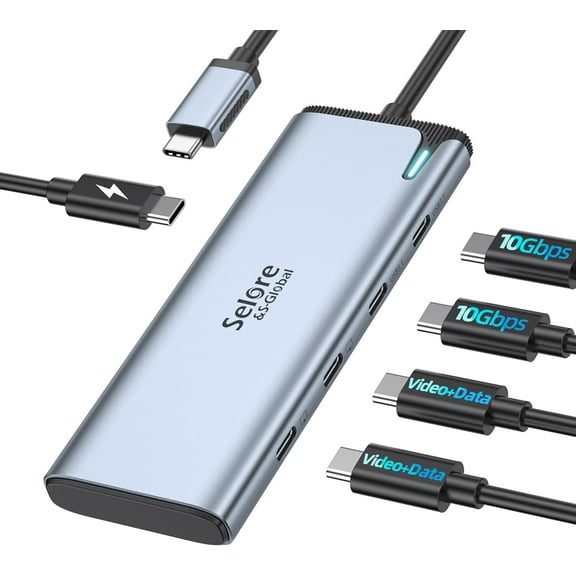
Selore&S-Global USB C Splitter with 4K/60Hz Video Output,USB C Hub Dual Monitor with DP Alt Mode,10Gbps Data Transfer,100W PD,Docking Station Dual Monitor for Windows Laptop,Portable Monitors
Black Friday Deal, ClearanceUSB C Docking Station for Laptop Dual Monitor, 8 in 1 USB C Hub with 2 HDMI,Ethernet,USB 3.0, 100W PD Port $33.99 Was $40.99
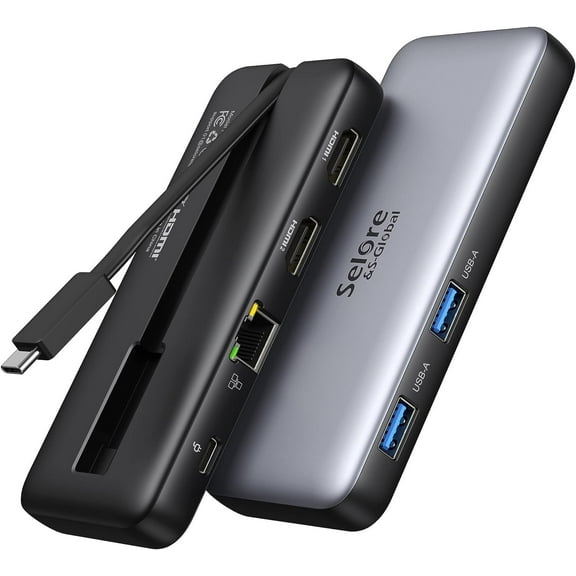
ClearanceUSB C Docking Station for Laptop Dual Monitor, 8 in 1 USB C Hub with 2 HDMI,Ethernet,USB 3.0, 100W PD Port
Black Friday Deal, Selore Docking Station for MacBook Pro Air, USB C Hub for MacBook,Dual HDMI Adapter for USB for MacBook,Docking Station Dual Monitor for MacBook Pro Air with Dual HDMI,USB C,2 USB A,PD,SD/TF Reader $32.99 Was $43.99

Selore Docking Station for MacBook Pro Air, USB C Hub for MacBook,Dual HDMI Adapter for USB for MacBook,Docking Station Dual Monitor for MacBook Pro Air with Dual HDMI,USB C,2 USB A,PD,SD/TF Reader
Black Friday Deal, Laptop Docking Station Dual Monitor, 12-in-1 USB-C Docking Station with Smart LCD Display, 2 HDMI Ports+100W PD+10Gbps USB-C/A+2.5G Ethernet+SD/microSD, Docking Station for Dell/HP/Lenovo Laptop $29.99 Was $49.99
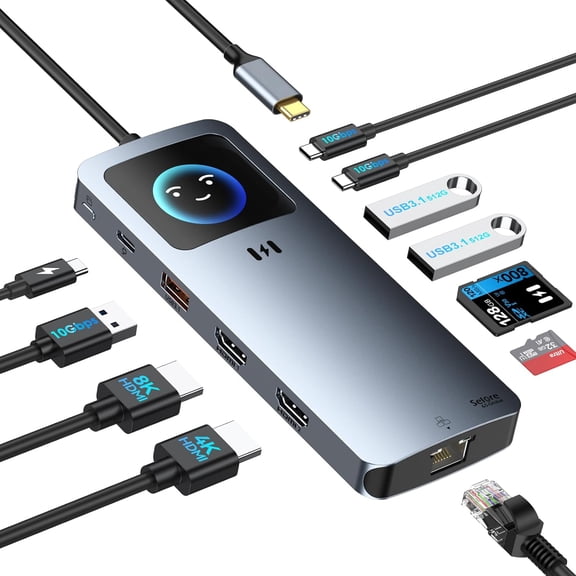
Laptop Docking Station Dual Monitor, 12-in-1 USB-C Docking Station with Smart LCD Display, 2 HDMI Ports+100W PD+10Gbps USB-C/A+2.5G Ethernet+SD/microSD, Docking Station for Dell/HP/Lenovo Laptop
Black Friday Deal, USB C Docking Station Dual Monitor, 9 in 1 Triple Display Docking Station to Dual HDMI Adapter Displayport SD TF Card Reader 2 USB 2.0, 1 USB 3.0, 100W PD for USB C Thunderbolt 3/4 Laptops $35.99 Was $40.99
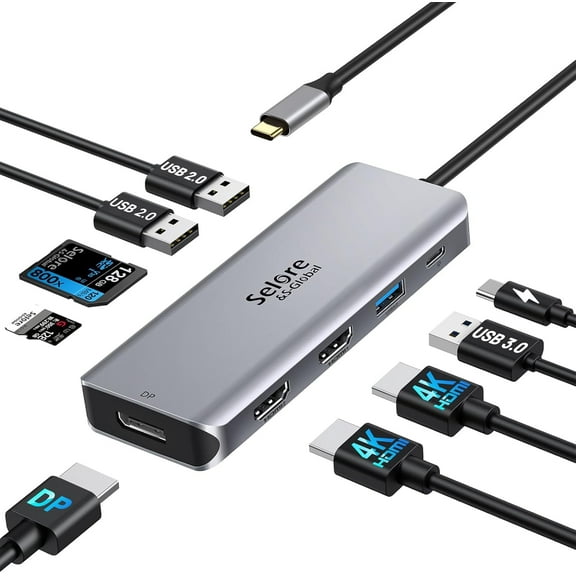
USB C Docking Station Dual Monitor, 9 in 1 Triple Display Docking Station to Dual HDMI Adapter Displayport SD TF Card Reader 2 USB 2.0, 1 USB 3.0, 100W PD for USB C Thunderbolt 3/4 Laptops
Black Friday Deal, USB C Hub HDMI Adapter for MacBook Pro/Air, 8 in 1 USB C Video Hub with HDMI 4K@60Hz,SD/TF,USB C Data Port,100W PD,USB 3.0 USB CDongle Compatible for Dell XPS/Lenovo Thinkpad/HP/Surface/Yoga etc

USB C Hub HDMI Adapter for MacBook Pro/Air, 8 in 1 USB C Video Hub with HDMI 4K@60Hz,SD/TF,USB C Data Port,100W PD,USB 3.0 USB CDongle Compatible for Dell XPS/Lenovo Thinkpad/HP/Surface/Yoga etc
FAQ
How do I connect a docking station to my laptop?
Getting your docking station set up is pretty straightforward. Start by plugging the station's USB-C cable into your laptop's USB-C port. If your device supports DisplayPort Alt Mode, you can connect monitors using HDMI or DisplayPort on the docking station. For extra devices like keyboards, mice, or external storage, use the USB ports. Make sure your laptop's USB-C port supports charging if you want to power your laptop through the dock. Always check your laptop's manual for compatibility before connecting.
Can I use multiple monitors with a USB-C hub?
Many USB-C hubs and docking stations are designed to support dual or even triple monitor setups. Look for models with multiple HDMI or DisplayPort outputs. To get the best experience, your laptop needs to support DisplayPort Alt Mode or Thunderbolt for multi-display functionality. You may need to adjust your display settings once connected. Keep in mind, not all laptops or hubs can output to three screens at once—check your device specs for details.
What ports should I look for in a laptop docking station?
Choosing the right docking station depends on what devices you plan to connect. Useful ports include:
- USB-C for power and data transfer
- HDMI and DisplayPort for monitors
- USB 3.0/3.1 for fast data connections
- Ethernet for reliable internet
- SD/microSD card slots for storage
- Audio jacks for headphones or speakers
Consider your daily needs so you get a station that covers all your accessories without extra adapters.
Do I need special software to use a docking station?
Most USB-C docking stations are plug-and-play, meaning they don't require extra software to get started. However, some advanced models with features like smart displays or custom configurations might need drivers. Usually, your laptop's operating system will prompt you if drivers are needed. If you run into issues, check the manufacturer's website for downloads and troubleshooting tips.
How do I troubleshoot display issues with my docking station?
If your monitors aren't showing up as expected, try these steps:
- Check all cable connections
- Ensure your laptop supports multi-display via USB-C
- Restart your laptop and docking station
- Update your graphics drivers
- Adjust display settings in your operating system
If problems persist, consult the docking station's manual or reach out to customer support for specific guidance.
Popular in USB C Docking Stations and Hubs for Laptops
Related Products
Belkin USB-C Hub - 6-in-1 Multi-Port Adapter Dock with 4K HDMI, USB-C 100W PD Pass-Through Charging, 2X USB-A Ports, Gigabit Ethernet Ports, and SD Slot for MacBook Pro, Air, iPad, Pro, XPS and More
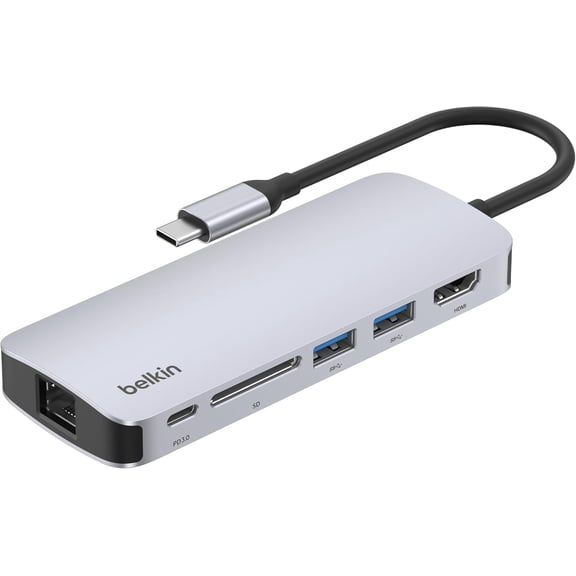 Belkin USB-C Hub - 6-in-1 Multi-Port Adapter Dock with 4K HDMI, USB-C 100W PD Pass-Through Charging, 2X USB-A Ports, Gigabit Ethernet Ports, and SD Slot for MacBook Pro, Air, iPad, Pro, XPS and More$52.49current price $52.49
INTPW P9 9-in-1 USB C Hub for Laptop, Black Multiport Adapter with Long 3.28ft Cable, 4K HDMI, 100W PD Charging, USB C and USB A 5Gbps Ports, SD/TF Card Reader for MacBook, iPad, Windows PC
 INTPW P9 9-in-1 USB C Hub for Laptop, Black Multiport Adapter with Long 3.28ft Cable, 4K HDMI, 100W PD Charging, USB C and USB A 5Gbps Ports, SD/TF Card Reader for MacBook, iPad, Windows PC$30.99current price $30.99
USB C Hub HDMI Adapter for Monitor,7 in 1 USB C Docking Station with 4K HDMI, SD/TF Card Reader Compatible for MacBook Pro, XPS More Type C Devices
 USB C Hub HDMI Adapter for Monitor,7 in 1 USB C Docking Station with 4K HDMI, SD/TF Card Reader Compatible for MacBook Pro, XPS More Type C Devices$10.99current price $10.99
WAVLINK USB C docking station USB 3.0 C Hub, Triple Monitor Adapter with Dual 4K HDMI DP dock station, 5Gbps USB3.0, SD/TF, 100W PD Charging, for Mini Laptop dock, MacBook/Dell/HP/Lenovo
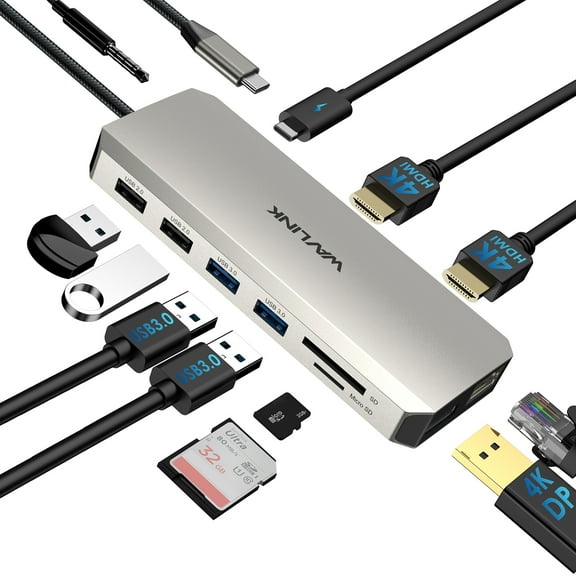 WAVLINK USB C docking station USB 3.0 C Hub, Triple Monitor Adapter with Dual 4K HDMI DP dock station, 5Gbps USB3.0, SD/TF, 100W PD Charging, for Mini Laptop dock, MacBook/Dell/HP/Lenovo$51.18current price $51.18
Lemorele Type-C Docking Station, 8-in-1 Laptop USB C Hub with HDMI, 100w Pd, Sd/Tf, 4 USB Ports for Windows/Mac/Switch
 Lemorele Type-C Docking Station, 8-in-1 Laptop USB C Hub with HDMI, 100w Pd, Sd/Tf, 4 USB Ports for Windows/Mac/Switch$25.99current price $25.99
USB C Hub Ethernet HDMI Adapter, 10 in 1 USB C Docking Station with 4K HDMI, RJ45 Ethernet, SD/TF Card Reader, USB 3.0/2.0, PD 100W, USB C, LAN USB C Dongle for MacBook Pro/Air, iPad Pro, XPS, etc
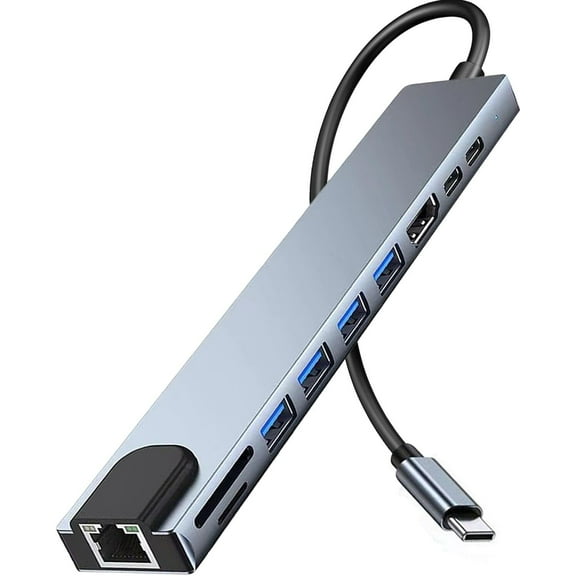 USB C Hub Ethernet HDMI Adapter, 10 in 1 USB C Docking Station with 4K HDMI, RJ45 Ethernet, SD/TF Card Reader, USB 3.0/2.0, PD 100W, USB C, LAN USB C Dongle for MacBook Pro/Air, iPad Pro, XPS, etc$19.99current price $19.99
Lemorele 7-in-1 USB-C Docking Station with 4k HDMI, 100w PD Fast Charging, SD/TF Card Slot, USB 3.0 5Gpbs, Type-C 3.0, USB C Dongle for Hp/Lenovo/Asus/Dell
 Lemorele 7-in-1 USB-C Docking Station with 4k HDMI, 100w PD Fast Charging, SD/TF Card Slot, USB 3.0 5Gpbs, Type-C 3.0, USB C Dongle for Hp/Lenovo/Asus/Dell$29.69current price $29.69
USB 3 Type C Docking Station/Hub w/2 HDMI 4K, VGA, PD and 4 Ports
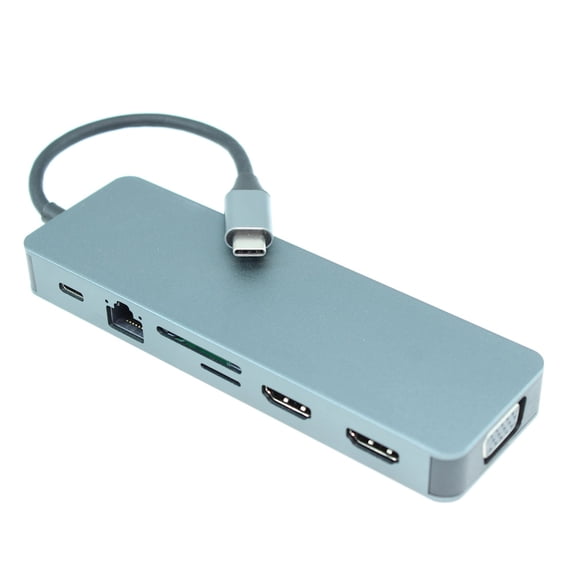 USB 3 Type C Docking Station/Hub w/2 HDMI 4K, VGA, PD and 4 Ports$63.81current price $63.81
Lemorele TC18L 5-in-1 Docking Station, 4k HDMI USB C Hub, With SD/TF Card Reader, 2 USB A 2.0 Ports,USB-C Dongle for Windows/Macos/Android/Ios/Linux
 Lemorele TC18L 5-in-1 Docking Station, 4k HDMI USB C Hub, With SD/TF Card Reader, 2 USB A 2.0 Ports,USB-C Dongle for Windows/Macos/Android/Ios/Linux$17.99current price $17.99
USB-C Dual HDMI 4K Docking Station with 100W PD Pass-Thru - Expand Your HDMI, USB, and Ethernet Connections On-The-Go (DOCK423TT)
 USB-C Dual HDMI 4K Docking Station with 100W PD Pass-Thru - Expand Your HDMI, USB, and Ethernet Connections On-The-Go (DOCK423TT)$49.99current price $49.99
Plugable USB 3.0 and USB-C Dual 4K Display Docking Station with DisplayPort and HDMI for Windows and Mac (Dual 4K DisplayPort & HDMI, Gigabit Ethernet, Audio, 6 USB Ports) Vertical
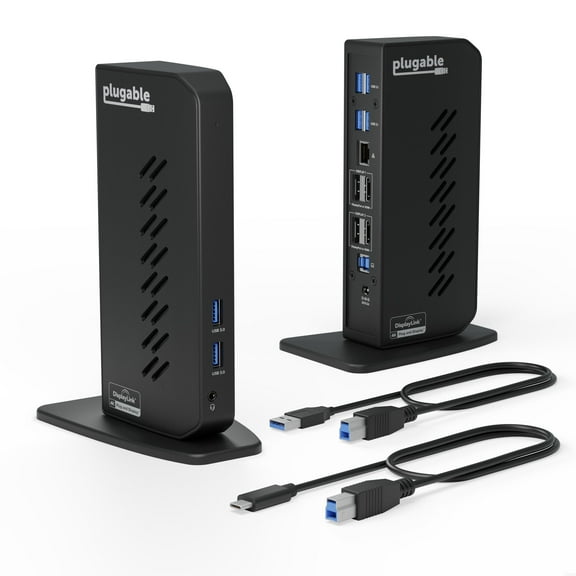 Plugable USB 3.0 and USB-C Dual 4K Display Docking Station with DisplayPort and HDMI for Windows and Mac (Dual 4K DisplayPort & HDMI, Gigabit Ethernet, Audio, 6 USB Ports) Vertical$159.99current price $159.99
Plugable 14-in-1 USB C Docking Station with 4x HDMI, Quad Dock with 100W Charging
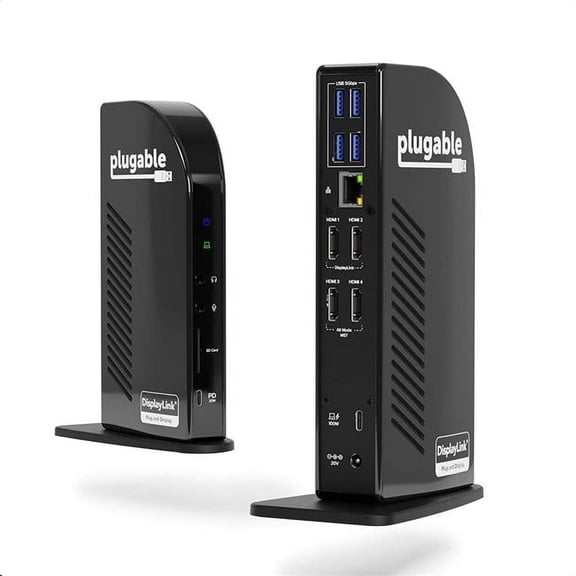 Plugable 14-in-1 USB C Docking Station with 4x HDMI, Quad Dock with 100W Charging$244.99current price $244.99
Plugable USB C Triple Display Docking Station with Laptop Charging, for Thunderbolt, USB4, or USB C Systems, Compatible with Windows, macOS, ChromeOS laptops
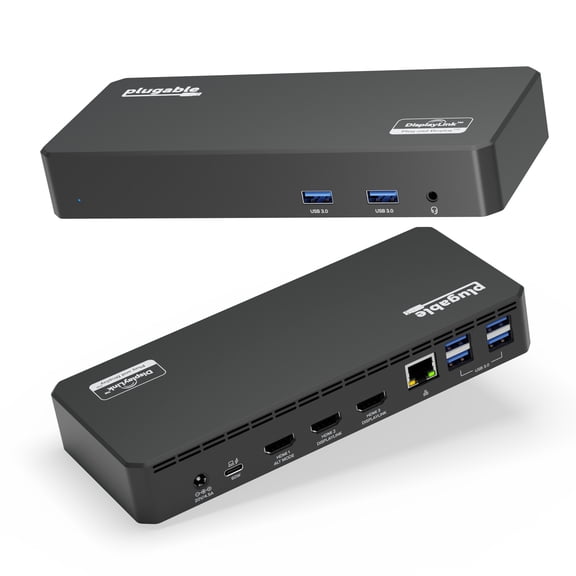 Plugable USB C Triple Display Docking Station with Laptop Charging, for Thunderbolt, USB4, or USB C Systems, Compatible with Windows, macOS, ChromeOS laptops$169.99current price $169.99
UGREEN 7 in 1 USB C Hub Dual Display Laptop Docking Station, Dual 4K 60Hz HDMI, 100W PD
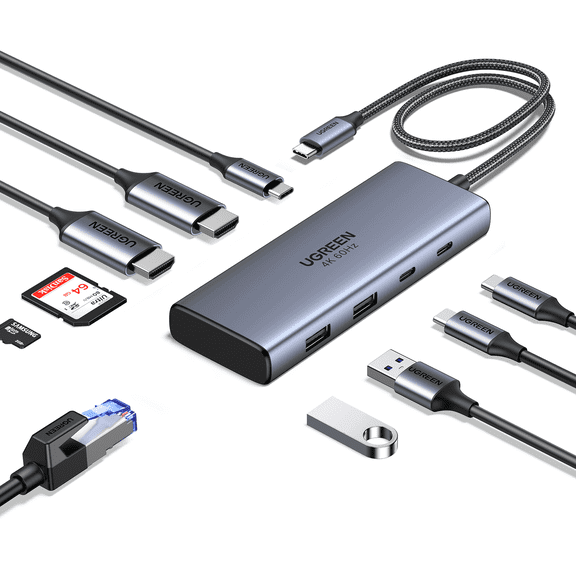 UGREEN 7 in 1 USB C Hub Dual Display Laptop Docking Station, Dual 4K 60Hz HDMI, 100W PD$27.99current price $27.99
Plugable USB 3.0 and USB-C Universal Laptop Docking Station for Windows and Mac (Dual Video HDMI, Gigabit Ethernet, Audio, 6 USB Ports)
 Plugable USB 3.0 and USB-C Universal Laptop Docking Station for Windows and Mac (Dual Video HDMI, Gigabit Ethernet, Audio, 6 USB Ports)$116.83current price $116.83
Lemorele USB C Docking Station Triple Monitor,13 in 1 USB C Hub, Multi-functional Adapter with 2 HDMI, VGA,Gigabit Ethernet,USB/USB C 3.2 Data,100W PD for Laptop MacBook/Dell/HP
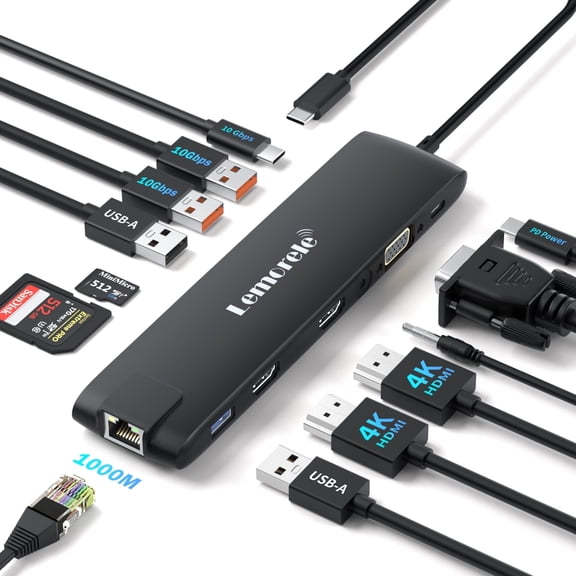 Lemorele USB C Docking Station Triple Monitor,13 in 1 USB C Hub, Multi-functional Adapter with 2 HDMI, VGA,Gigabit Ethernet,USB/USB C 3.2 Data,100W PD for Laptop MacBook/Dell/HP$28.79current price $28.79