

Rocketfish Computer Cables & Connectors(4)
Rocketfish - Twist-On RG6 F-Connectors (2-Pack) - Gold $6.25
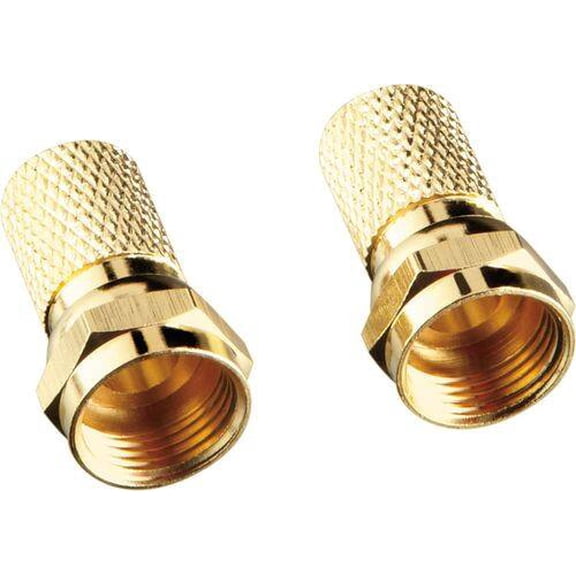
Rocketfish - Twist-On RG6 F-Connectors (2-Pack) - Gold
Open Box svga 3.5mm stereo audio cable $15.99
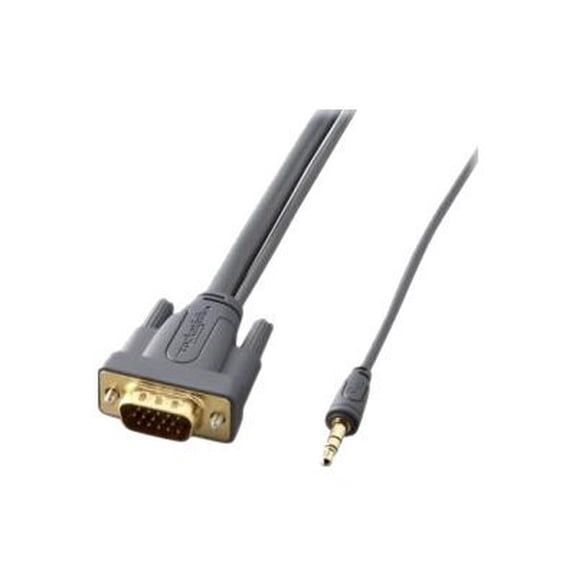
Open Box svga 3.5mm stereo audio cable
Rocketfish RF-PCC131 - VGA cable - HD-15 (VGA), stereo mini jack (M) to HD-15 (VGA), stereo mini jack (M) - 12 ft $15.19

Rocketfish RF-PCC131 - VGA cable - HD-15 (VGA), stereo mini jack (M) to HD-15 (VGA), stereo mini jack (M) - 12 ft
Rocketfish RF-PCC103 - USB extension cable - USB (M) to USB (F) - USB 2.0 - 3.7 m $19.95

Rocketfish RF-PCC103 - USB extension cable - USB (M) to USB (F) - USB 2.0 - 3.7 m
Other options to consider(4)
Rocketfish 7.3m (24ft.) 4K Ultra HD HDMI Cable - 4K and HDR Compatible, 18 Gbps HDMI Premium Certifed Cable, 24K gold-plated contacts, EMI and RFI Resistance From $49.99
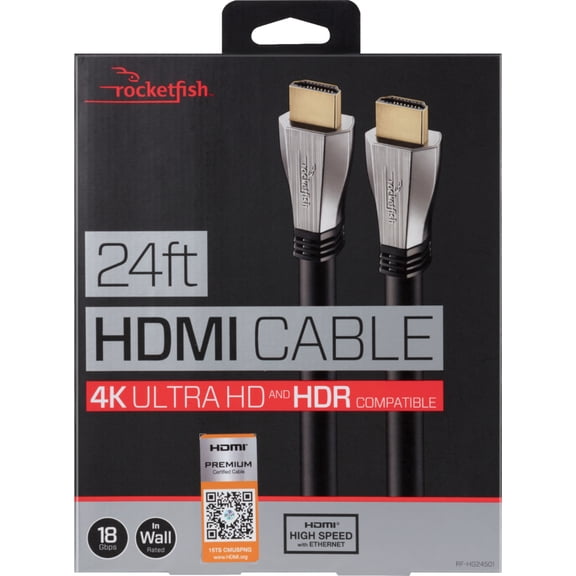
Rocketfish 7.3m (24ft.) 4K Ultra HD HDMI Cable - 4K and HDR Compatible, 18 Gbps HDMI Premium Certifed Cable, 24K gold-plated contacts, EMI and RFI Resistance
Rocketfish 2-Output HDMI Splitter 4K at 60Hz HDR Pass-Through Black $46.99

Rocketfish 2-Output HDMI Splitter 4K at 60Hz HDR Pass-Through Black
Rocketfish 2-Port 8K UHD HDMI Splitter - Black $49.99
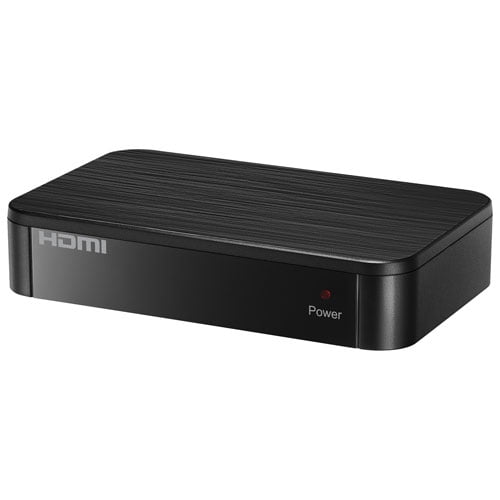
Rocketfish 2-Port 8K UHD HDMI Splitter - Black
Rocketfish - 12 RG6 In-Wall Indoor/Outdoor Coaxial A/V Cable - Black - $9.99

Rocketfish - 12 RG6 In-Wall Indoor/Outdoor Coaxial A/V Cable - Black -
FAQ
how do I connect a VGA cable?
To connect a VGA cable, first locate the VGA port on your device, which typically has 15 pins. Make sure both devices are powered off. Align the cable's connector with the port and gently push it in, then tighten the screws to secure it.
- Check that the cable fits snugly.
- Power on the devices after connecting.
If you're using an audio cable alongside, connect the stereo jack to the audio port for sound.
can USB extension cables affect speed?
USB extension cables can sometimes impact data transfer speeds, especially if they're longer than typical cables or if they're not USB 2.0 or higher. Devices may perform differently depending on the cable's quality and length.
- Shorter cables usually maintain better speed.
- Look for USB 2.0 or newer for optimal performance.
If you notice slower speeds, try swapping cables or reducing the length.
what are F-connectors used for?
F-connectors are often used to connect coaxial cables to devices like TVs, cable boxes, and internet modems. They're designed to provide a secure, twist-on connection for RG6 cables, which are common for home entertainment and networking setups.
- Useful for cable TV and internet setups.
- Help maintain signal quality.
Always check your device's port before attaching the connector.
how do I store audio cables safely?
To store audio cables safely, gently coil them without tight bends or knots. Avoid wrapping them too tightly, as this can damage the cable over time. Keep them away from moisture and extreme heat.
- Use cable ties or velcro straps for neat storage.
- Store in a dry, cool place.
This helps prevent tangles and extends the cable's lifespan.
can I use these cables for gaming setups?
Many of these cables, like VGA, USB extension, stereo audio, and F-connectors, can be part of a gaming setup. The specific cable you need depends on your devices and connections, such as monitors, sound systems, or consoles.
- Check device compatibility before connecting.
- Match cable types to ports for best results.
Using quality cables can help improve your gaming experience.
Popular in Audio Video and Data Cables and Connectors Online
Related Products
Monoprice M1-D(P&D) Male to HDMI Female Adapter (Gold Plated Connector) For Use With M1 Ports On Infocus Projectors
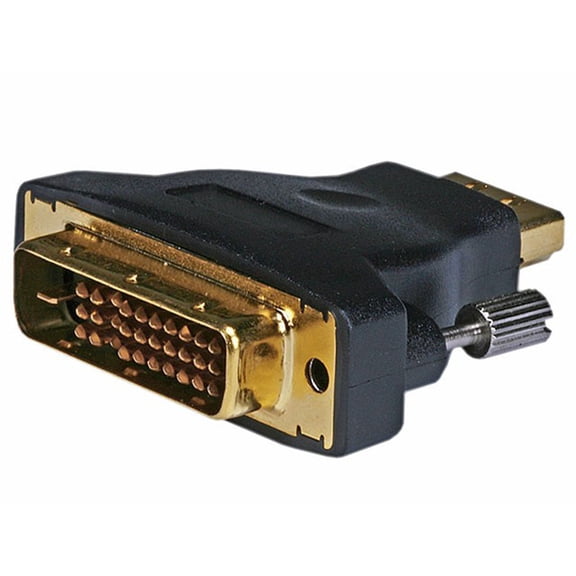 Monoprice M1-D(P&D) Male to HDMI Female Adapter (Gold Plated Connector) For Use With M1 Ports On Infocus Projectors$12.93current price $12.93
Monoprice 6FT S-VIDEO CABLE DVD DSS SVHS CABLE SVIDEO M/M (24K Gold Plated)
 Monoprice 6FT S-VIDEO CABLE DVD DSS SVHS CABLE SVIDEO M/M (24K Gold Plated)$14.51current price $14.51
S-Video Cable Black 6 ft Audio Video Cord for TV, DVD Players, Consoles, Cables Direct Online
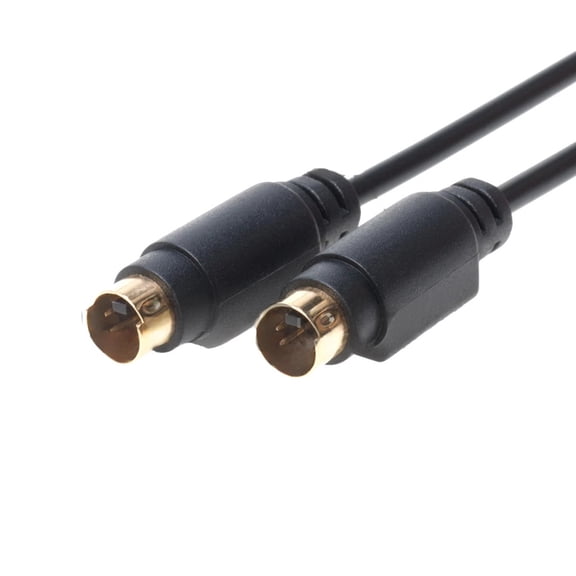 S-Video Cable Black 6 ft Audio Video Cord for TV, DVD Players, Consoles, Cables Direct Online$8.35current price $8.35
CableVantage 15 Pin VGA SVGA Female to Female Plug Coupler gender Changer Converter Adapter
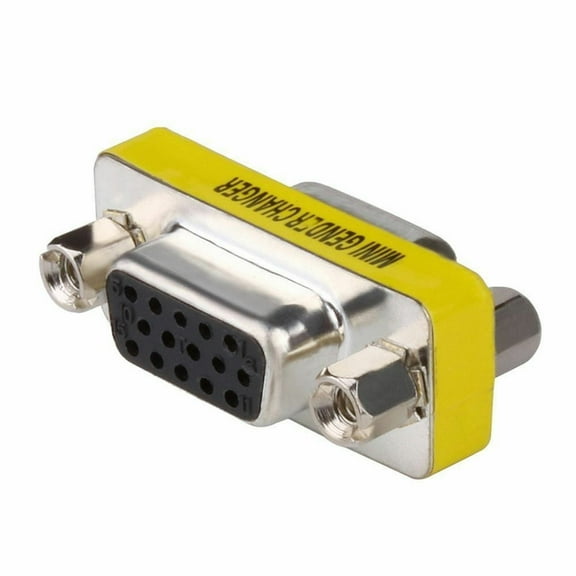 CableVantage 15 Pin VGA SVGA Female to Female Plug Coupler gender Changer Converter Adapter$5.95current price $5.95
Treedix HDMI Solderless Adapter Solder Gold Plated Extension Cable Connector Signals Terminal Breakout Board with Case
 Treedix HDMI Solderless Adapter Solder Gold Plated Extension Cable Connector Signals Terminal Breakout Board with Case$11.99current price $11.99
CableVantage 9 Pin RS-232 DB9 Female to Female F Serial Cable Gender Changer Coupler Adapter
 CableVantage 9 Pin RS-232 DB9 Female to Female F Serial Cable Gender Changer Coupler Adapter$6.49current price $6.49
Monoprice HDMI Female to DVI-D Single Link Female Adapter, 24k Gold Contacts
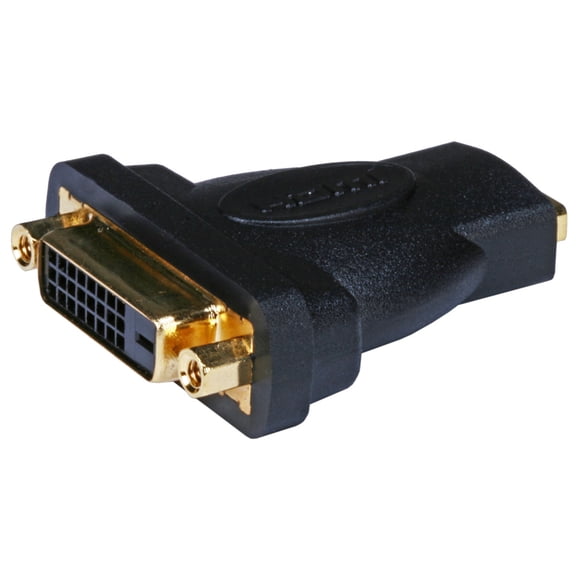 Monoprice HDMI Female to DVI-D Single Link Female Adapter, 24k Gold Contacts$8.16current price $8.16
Monoprice HDMI High Speed Cable - 4 Feet - Black, 4K@60Hz, HDR, 18Gbps, 36AWG, YUV 4:4:4 - Ultra Slim Series
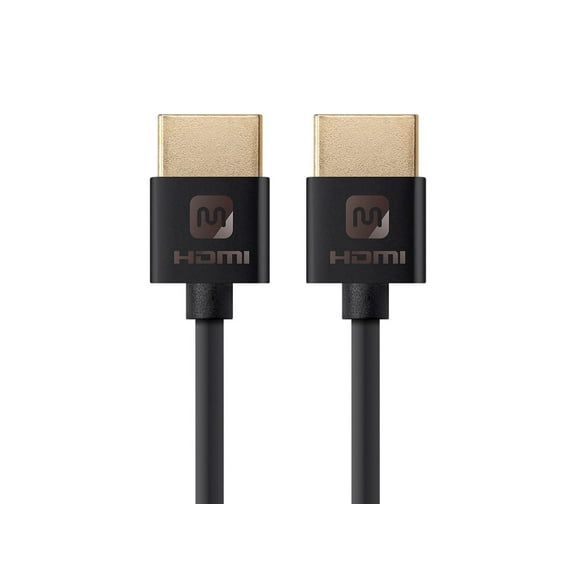 Monoprice HDMI High Speed Cable - 4 Feet - Black, 4K@60Hz, HDR, 18Gbps, 36AWG, YUV 4:4:4 - Ultra Slim Series$9.98current price $9.98
Cable Wholesale 30DV-00410 DVI-I Coupler & Gender Changer, DVI-I Female
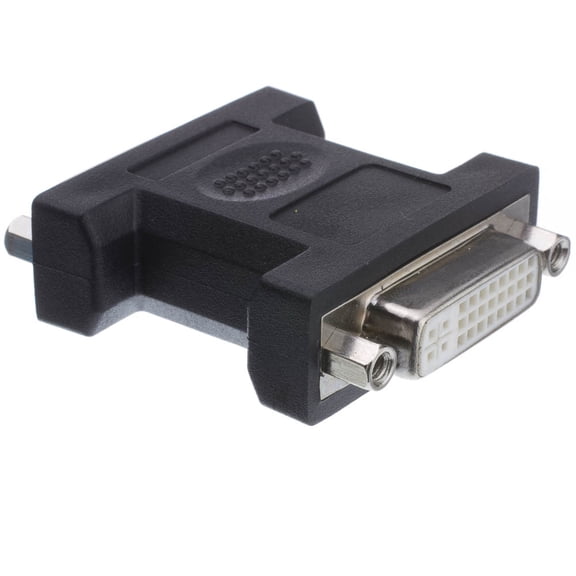 Cable Wholesale 30DV-00410 DVI-I Coupler & Gender Changer, DVI-I Female$11.83current price $11.83
Monoprice DVI-D Cable - 6 Feet - Black | 28AWG CL2 Dual Link 9.9 Gbps Ferrite Cores
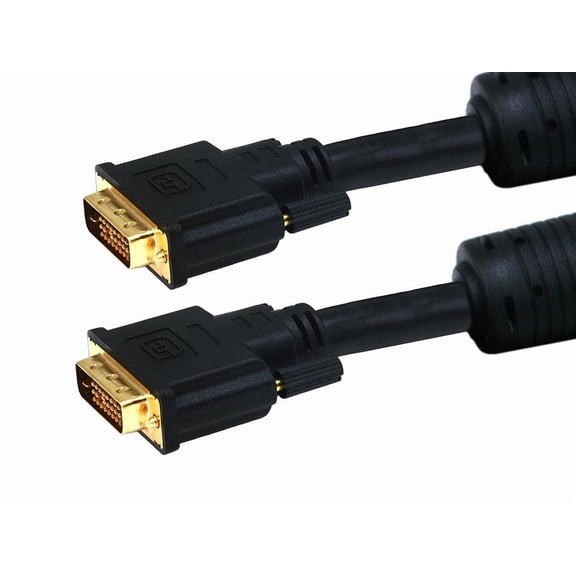 Monoprice DVI-D Cable - 6 Feet - Black | 28AWG CL2 Dual Link 9.9 Gbps Ferrite Cores$23.99current price $23.99
CY Up Angled 90 Degree DP DisplayPort Male to Female Extension Adapter 4K
 CY Up Angled 90 Degree DP DisplayPort Male to Female Extension Adapter 4K$10.88current price $10.88
Black Box 6.5ft DVI-I Dual-Link Digital/Analog Video Cable Male/Male DVIIDL002M
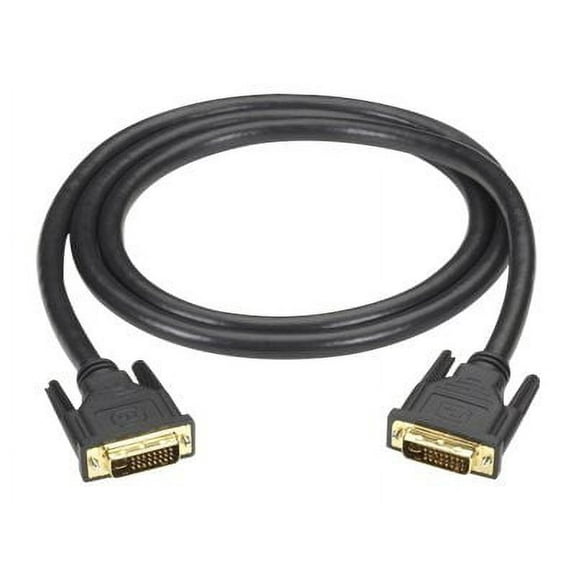 Black Box 6.5ft DVI-I Dual-Link Digital/Analog Video Cable Male/Male DVIIDL002M$49.56current price $49.56
Serial Mini Gender Changer - Coupler, Db9 Female To Db9 Female
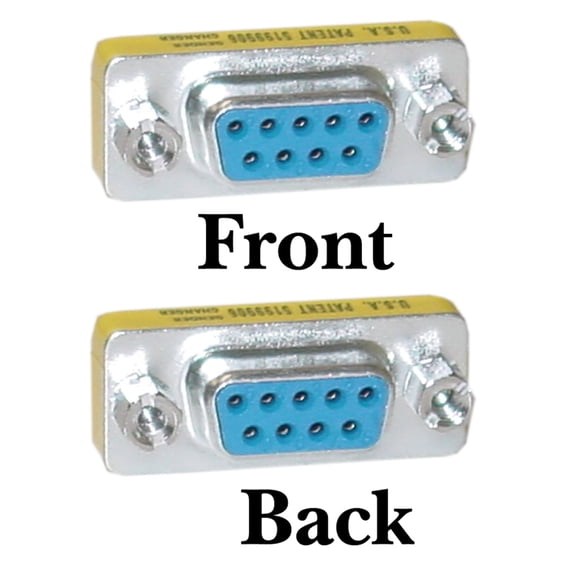 Serial Mini Gender Changer - Coupler, Db9 Female To Db9 Female$10.78current price $10.78
Monoprice HD15 (SVGA) Male/Female Port Saver
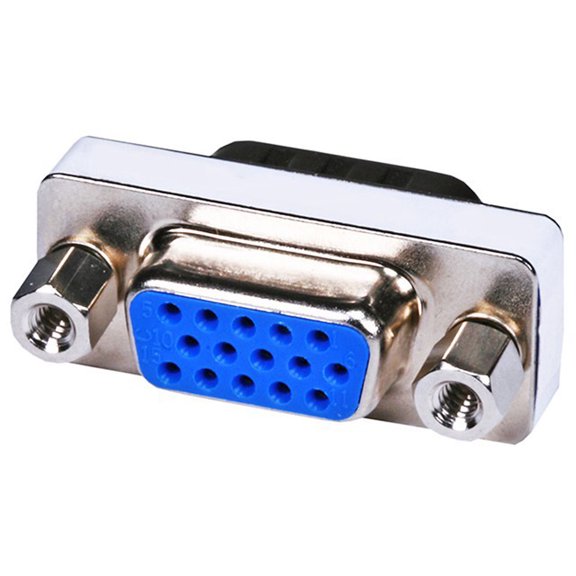 Monoprice HD15 (SVGA) Male/Female Port Saver$8.16current price $8.16
Construct Pro Keystone HDMI Female to HDMI Female Connector Insert (5-1/2” Pigtail, Black) Manufactured by Skywalker
 Construct Pro Keystone HDMI Female to HDMI Female Connector Insert (5-1/2” Pigtail, Black) Manufactured by Skywalker$14.99current price $14.99
