

Rocketfish(11)
Rocketfish 2-Port 8K UHD HDMI Splitter - Black $39.99
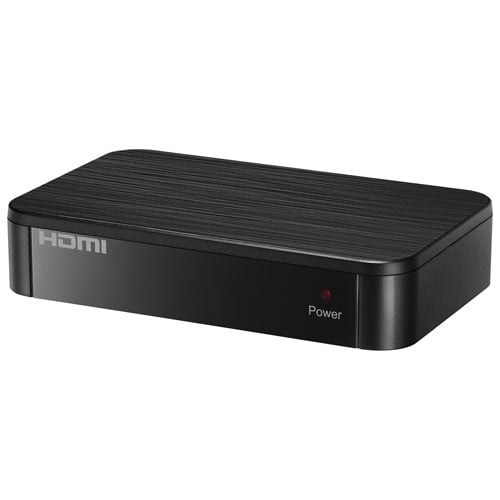
Rocketfish 2-Port 8K UHD HDMI Splitter - Black
Rocketfish 1.2m (4ft.) 4K Ultra HD HDMI Cable - 4K and HDR Compatible, 18 Gbps HDMI Premium Certifed Cable, 24K gold-plated contacts, EMI and RFI Resistance From $22.67
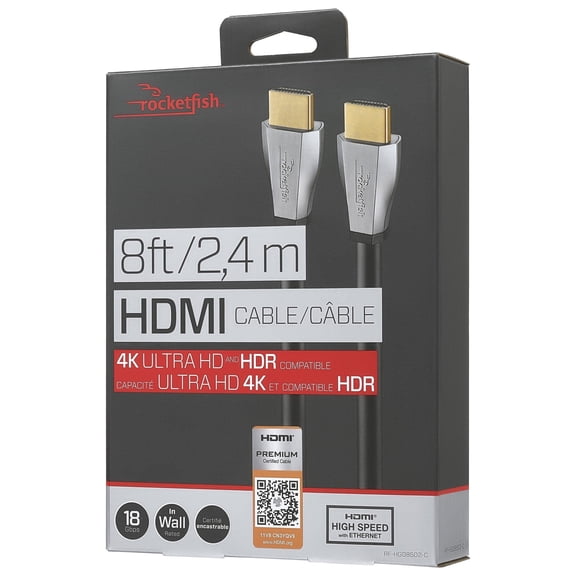
Rocketfish 1.2m (4ft.) 4K Ultra HD HDMI Cable - 4K and HDR Compatible, 18 Gbps HDMI Premium Certifed Cable, 24K gold-plated contacts, EMI and RFI Resistance
rocketfish tilting wall mounts small speakers (5-pack) (rf-hswm5b) black - new $18.59

rocketfish tilting wall mounts small speakers (5-pack) (rf-hswm5b) black - new
Rocketfish 2-Output HDMI Splitter 4K at 60Hz HDR Pass-Through Black $46.99

Rocketfish 2-Output HDMI Splitter 4K at 60Hz HDR Pass-Through Black
Rocketfish - Twist-On RG6 F-Connectors (2-Pack) - Gold $6.25
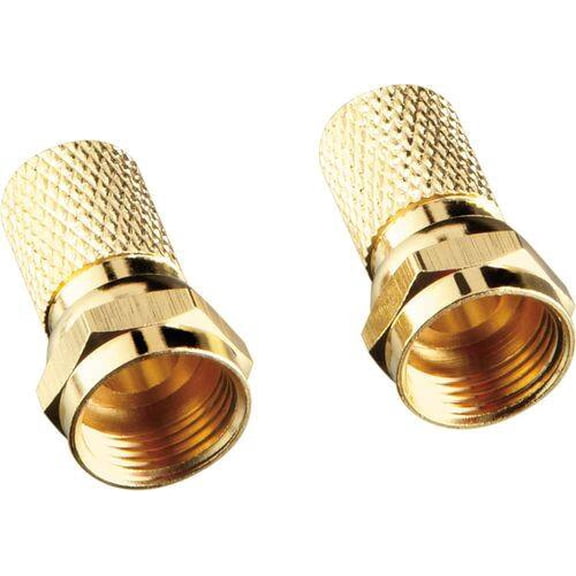
Rocketfish - Twist-On RG6 F-Connectors (2-Pack) - Gold
Rocketfish - Full-Motion TV Wall Mount for Most 42"90" TVs Extends 26" - Black $169.99

Rocketfish - Full-Motion TV Wall Mount for Most 42"90" TVs Extends 26" - Black
Rocketfish RF-PCC131 - VGA cable - HD-15 (VGA), stereo mini jack (M) to HD-15 (VGA), stereo mini jack (M) - 12 ft $15.19

Rocketfish RF-PCC131 - VGA cable - HD-15 (VGA), stereo mini jack (M) to HD-15 (VGA), stereo mini jack (M) - 12 ft
rocketfish low-profile tilting wall mount for most 13 inch to 26 inch flat-panel tvs - black $27.99
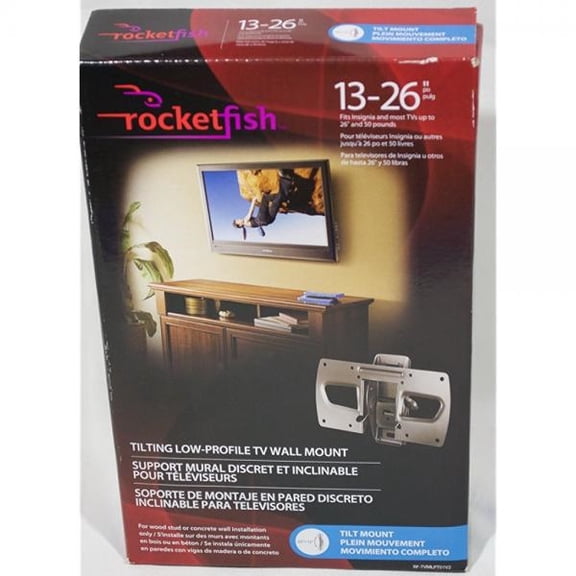
rocketfish low-profile tilting wall mount for most 13 inch to 26 inch flat-panel tvs - black
Rocketfish - 12 RG6 In-Wall Indoor/Outdoor Coaxial A/V Cable - Black - $9.99

Rocketfish - 12 RG6 In-Wall Indoor/Outdoor Coaxial A/V Cable - Black -
Rocketfish 12ft. Toslink Optical Audio Cable - Fiber Optic Audio Cable for Home Theater & Sound System - Durable Cable Cord for Audio - Black Optical Cable for TV & Soundbar

Rocketfish 12ft. Toslink Optical Audio Cable - Fiber Optic Audio Cable for Home Theater & Sound System - Durable Cable Cord for Audio - Black Optical Cable for TV & Soundbar
Open Box svga 3.5mm stereo audio cable $15.99
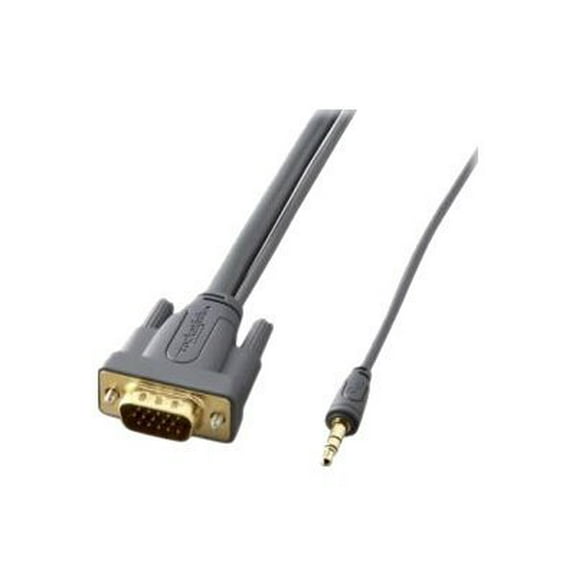
Open Box svga 3.5mm stereo audio cable
FAQ
What can I use Rocketfish cables for?
Rocketfish cables are designed to connect and enhance your home entertainment setup. You can use them to:
- Connect TVs, soundbars, and gaming consoles for high-quality audio and video.
- Link devices like Blu-ray players, streaming boxes, or computers to your TV.
- Set up home theater systems with HDMI, optical, or coaxial connections.
- Split signals to multiple screens or extend connections across rooms.
Choosing the right Rocketfish cable depends on your devices and the type of connection you need. Always check device compatibility before purchasing.
How do I pick the right Rocketfish wall mount?
To choose the best Rocketfish wall mount for your TV or speakers, consider these steps:
- Check your TV or speaker size and weight to match the mount's specifications.
- Decide on movement: Full-motion mounts allow for swiveling and tilting, while tilting mounts offer angle adjustments.
- Measure your wall space to ensure the mount fits and allows for proper viewing angles.
- Review included hardware to confirm it works with your wall type (drywall, brick, etc.).
Following these tips can help you find a secure and convenient mounting solution.
Can Rocketfish splitters work with 4K TVs?
Many Rocketfish HDMI splitters are designed to support 4K Ultra HD and HDR signals. This means you can use them to connect a single 4K source, like a streaming device or gaming console, to multiple 4K TVs or monitors. For the best results:
- Check the splitter's specifications for 4K and HDR compatibility.
- Use high-speed HDMI cables rated for 4K content.
- Ensure all connected devices support the same resolution and features.
Compatibility can vary, so reviewing product details before setup is always a good idea.
What makes Rocketfish cables different from others?
Rocketfish cables often feature details like gold-plated connectors, triple shielding, and support for high-speed data transfer. These features can help:
- Reduce signal interference for clearer audio and video.
- Provide reliable connections for home theater systems.
- Support advanced formats like 4K, 8K, and HDR (depending on the model).
While many cables look similar, these design elements can make a difference in performance, especially for demanding setups.
How do I install a Rocketfish HDMI switch?
Installing a Rocketfish HDMI switch is straightforward. Here’s a quick guide:
- Connect your source devices (like streaming boxes or game consoles) to the switch’s input ports using HDMI cables.
- Connect the switch’s output port to your TV or monitor.
- Plug in the switch’s power adapter, if required.
- Use the switch’s button or remote to select which device you want to view.
Always follow the included instructions for your specific model, and double-check that all cables are securely connected for the best performance.