

Realtek(2)
RTL8111F Mini PCIE Gigabit Network Card Single-Port Ethernet LAN Card Realtek 8111F Industrial Control Network Card $13.65

RTL8111F Mini PCIE Gigabit Network Card Single-Port Ethernet LAN Card Realtek 8111F Industrial Control Network Card
USB Wireless Network Card Receiver for High-Speed 5G Dual Band Connectivity $10.02

USB Wireless Network Card Receiver for High-Speed 5G Dual Band Connectivity
FAQ
How do I install a network card?
Installing a network card can be straightforward if you follow a few steps. First, make sure your device is powered off and unplugged. Next, locate the network card slot—this could be a Mini PCIe or USB port depending on your card type.
- Insert the card gently into the appropriate slot.
- Secure it with any screws or clips provided.
- Once installed, power your device back on and follow any prompts to install drivers.
If needed, you can download drivers from the manufacturer's website. Always handle components with care to avoid damage.
Can I use a wireless network card with any computer?
Wireless network cards are often compatible with most computers, but there are a few things to check. Make sure your computer has an available USB port or the correct slot type for your card.
- Check your operating system's compatibility with the card.
- Review the network card's specifications for supported systems.
- Some cards may require driver installation, so access to the internet or a driver disk is helpful.
Compatibility details are usually listed in the product documentation or online product descriptions.
What is the difference between a wired and wireless network card?
The main difference comes down to how each card connects your device to a network. Wired network cards require a physical Ethernet cable connection, offering stable and often faster speeds.
- Wireless network cards connect via Wi-Fi, providing mobility and flexibility.
- Wired cards are ideal for stationary setups, while wireless cards work well for devices that move around.
- Both types need proper drivers and compatibility with your device.
Choosing between them depends on your networking needs and setup environment.
How can I improve my network card's performance?
To enhance your network card's performance, start by ensuring it's installed correctly and that the latest drivers are in use. Placement matters for wireless cards—try to position your device closer to your router.
- Update drivers regularly for best compatibility.
- Keep your device free from physical obstructions that may block signals.
- For wired cards, use high-quality Ethernet cables.
These tips may help boost speed and reliability, though results depend on your environment and hardware.
Is there maintenance needed for a network card?
Network cards generally require minimal maintenance, but a few simple practices can help keep them running smoothly. Periodically check connections to ensure they're secure and free from dust.
- Update drivers as new versions are released.
- Inspect for wear or damage, especially for cards in industrial setups.
- Avoid exposing cards to moisture or extreme temperatures.
Routine checks can help prolong the life and performance of your network card.
Popular in Realtek
Related Products
1 Set M.2 SSD Mounting Screw Stainless Steel SSD Mounting Fixing Screw
 1 Set M.2 SSD Mounting Screw Stainless Steel SSD Mounting Fixing Screw$5.14current price $5.14
Monoprice M6 x 16mm Server Rack Mount Cage Nuts, Screws and Washers (50 sets) Zinc Plated, Black, For Cabinet or Server Racks Tapped with 12/24 Universal Square Hole Rails
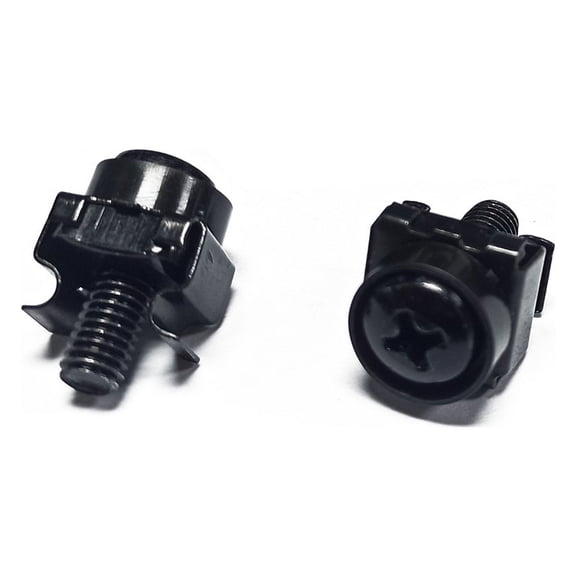 Monoprice M6 x 16mm Server Rack Mount Cage Nuts, Screws and Washers (50 sets) Zinc Plated, Black, For Cabinet or Server Racks Tapped with 12/24 Universal Square Hole Rails$23.05current price $23.05
1 Set SSD Screw Kit with Stainless Steel Standoffs for Secure Mounting and Installation
 1 Set SSD Screw Kit with Stainless Steel Standoffs for Secure Mounting and Installation$5.75current price $5.75
7" LTT-7 GTT-7 CATV CABLE Locking Terminator TV Tool
 7" LTT-7 GTT-7 CATV CABLE Locking Terminator TV Tool$4.99current price $4.99
Starlink Cable Routing Kit for 1" Wall Hole, Starlink Cable Feed Through Bushings, Starlink Wall Grommet for Starlink Ethernet Cable Grommet, Silicone Starlink Accessories
 Starlink Cable Routing Kit for 1" Wall Hole, Starlink Cable Feed Through Bushings, Starlink Wall Grommet for Starlink Ethernet Cable Grommet, Silicone Starlink Accessories$8.30current price $8.30
StarTech.com M6 x 12mm - Screws and Cage Nuts - 100 Pack, Black - M6 Mounting Screws & Cage Nuts for Server Rack & Cabinet
 StarTech.com M6 x 12mm - Screws and Cage Nuts - 100 Pack, Black - M6 Mounting Screws & Cage Nuts for Server Rack & Cabinet$107.98current price $107.98
Alloy Steel 132Pcs PC Screws Assortment Kit, Universal Desktop Computer Repair Screws Set for Motherboard, GPU, HDD, SSD, Case Fans, Includes Standoffs, Thumbscrews & Screwdriver
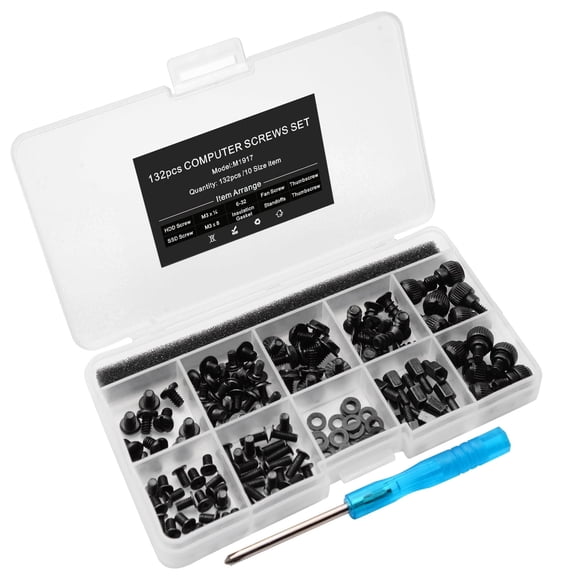 Alloy Steel 132Pcs PC Screws Assortment Kit, Universal Desktop Computer Repair Screws Set for Motherboard, GPU, HDD, SSD, Case Fans, Includes Standoffs, Thumbscrews & Screwdriver$9.99current price $9.99
Borcorz 4-Pack Starlink Wall Cable Pass Through Bushing Kit, 3/4 inch Silicone Grommets for Ethernet Routing, Black
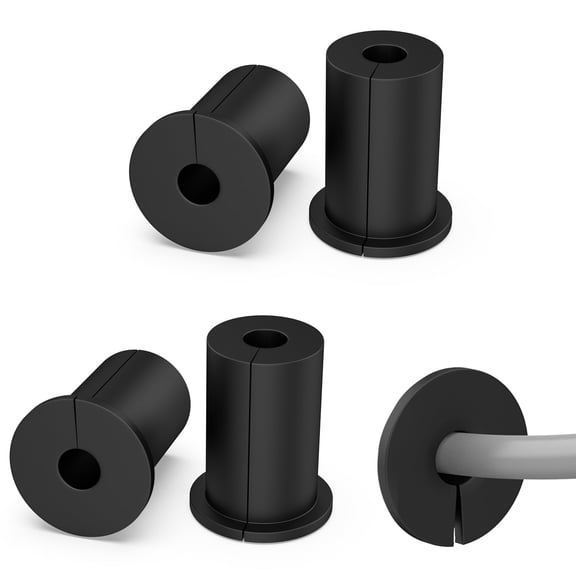 Borcorz 4-Pack Starlink Wall Cable Pass Through Bushing Kit, 3/4 inch Silicone Grommets for Ethernet Routing, Black$10.09current price $10.09
Platinum Tools 100003C EZ-RJ45 Connectors, 50 Pc. Clamshell
 Platinum Tools 100003C EZ-RJ45 Connectors, 50 Pc. Clamshell$33.99current price $33.99
These High-Quality M5 X 12Mm Screws And Cage Nuts Make It Easy To Mount Equipmen
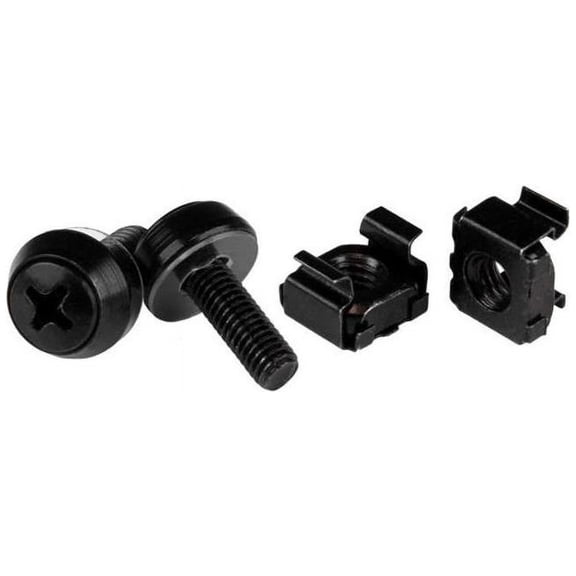 These High-Quality M5 X 12Mm Screws And Cage Nuts Make It Easy To Mount Equipmen$92.32current price $92.32
20Pcs/Lot UNC6 -32 M3.5 Hand Screw for GPU Holder PSU Computer Case Side Panel Screws PC Assemble WaterCooling Silver
 20Pcs/Lot UNC6 -32 M3.5 Hand Screw for GPU Holder PSU Computer Case Side Panel Screws PC Assemble WaterCooling Silver$9.18current price $9.18
Thomas & Betts 6H-5B-1 Conduit Hanger with Carriage Bolt and Nut for 2-Inch Rigid or 2-Inch Electrical Metallic Tubing
 Thomas & Betts 6H-5B-1 Conduit Hanger with Carriage Bolt and Nut for 2-Inch Rigid or 2-Inch Electrical Metallic Tubing$8.47current price $8.47
