

Powerskin(3)
PoP'n for Micro-USB/B

PoP'n for Micro-USB/B
PoP'n -Micro USB/A (MBA) - White $9.99
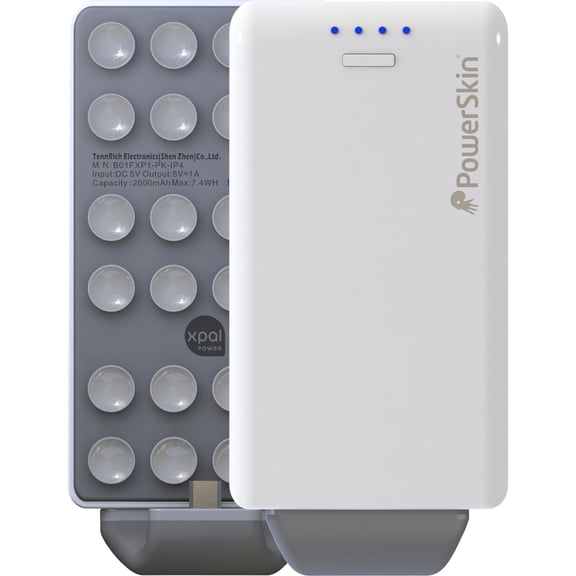
PoP'n -Micro USB/A (MBA) - White
PoP'n for Apple iPhone 4 (30 Pin) $7.95
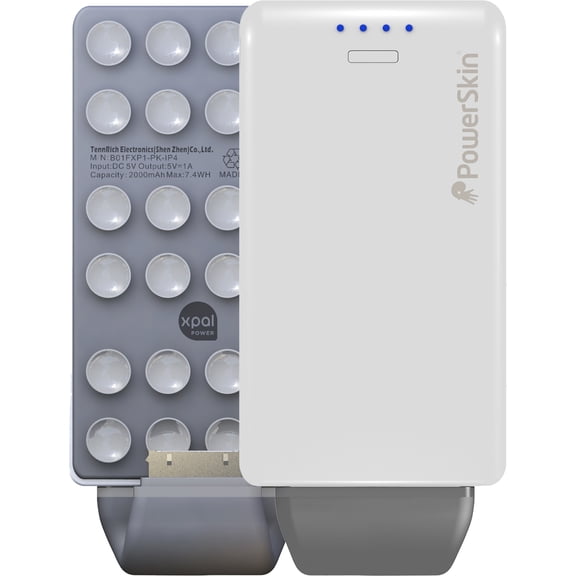
PoP'n for Apple iPhone 4 (30 Pin)
FAQ
What does a Powerskin do for my device?
A Powerskin is a type of portable charging accessory designed to give your device extra power when you're on the go. It's especially handy if you use your phone or tablet a lot during the day and worry about running out of battery.
- Some models attach directly to your device for easy charging.
- They can offer additional talk, text, or standby time depending on your usage.
- Different versions may fit different connectors, so be sure to pick one that matches your device.
Having a Powerskin can help you stay connected and worry less about finding an outlet.
How do I know if my device is compatible?
To check if a Powerskin works with your device, look at the connection type on your device and compare it to the Powerskin's connector.
- Some Powerskins are made for Micro-USB, while others fit older Apple 30 Pin connectors.
- Check your device's charging port shape and make sure it matches the Powerskin model you're considering.
- Reading the packaging or product description helps confirm compatibility.
If you have any doubts, ask a Walmart associate or check your device's manual for supported accessories.
Can I use my phone while it's charging with a Powerskin?
Yes, you can usually continue to use your phone while it's charging with a Powerskin attached. The design allows you to make calls, text, or browse as usual.
- The case stays securely on your device, so you don't have to stop what you're doing to get a charge.
- Just be mindful that using your phone heavily while charging might affect how quickly it powers up.
It's a convenient way to keep your device powered without interrupting your routine.
How do I care for and clean my Powerskin?
Keeping your Powerskin in good shape helps it last longer. To clean it, first unplug it from your device and power source.
- Wipe the surface with a dry or slightly damp, soft cloth.
- Avoid using harsh chemicals or soaking it in water, as moisture can damage the electronics.
- Let it dry thoroughly before reconnecting it to your device.
Regular care can help your accessory stay reliable and functional over time.
Are replacement parts available for Powerskin products?
Replacement parts for Powerskin accessories, such as charging cables or connector adapters, may be available depending on the model and availability at Walmart.
- Check the product details page or visit your local Walmart store to see what's in stock.
- If you need a specific part, bringing the accessory with you can help store associates assist you better.
Availability can vary, so it's a good idea to check ahead online or in-store for the parts you need.
Popular in Shop USB Connectors and Adapters for USB C and A
Related Products
25W Portable Charger Type-C to Type-C Android Fast Charging Charger + Cable Adapter, Black
 25W Portable Charger Type-C to Type-C Android Fast Charging Charger + Cable Adapter, Black$10.00current price $10.00
60W T-Tip Magnetic Charger Power Adapter Compatible with Air/Pro 13-Inch Retina Display(After 2012)
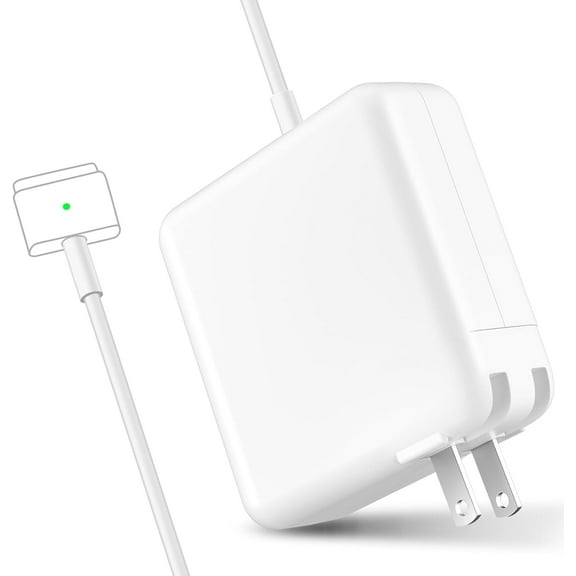 60W T-Tip Magnetic Charger Power Adapter Compatible with Air/Pro 13-Inch Retina Display(After 2012)$14.98current price $14.98
GaN Charger - Super Fast Charging Adapter with Duals Retractable Type-C Cable, Compact GaN Technology for Quick Charge(Green)
 GaN Charger - Super Fast Charging Adapter with Duals Retractable Type-C Cable, Compact GaN Technology for Quick Charge(Green)$10.66current price $10.66
Coreykin 12W USB Wall Charge with Cable-Foldable Portable Travel Plug with USB Charging Cable Compatible for iPhone14/13/13 Mini/13 Pro/12/12Pro/12 Pro Max/12 Mini/11/11 Pro/11 P
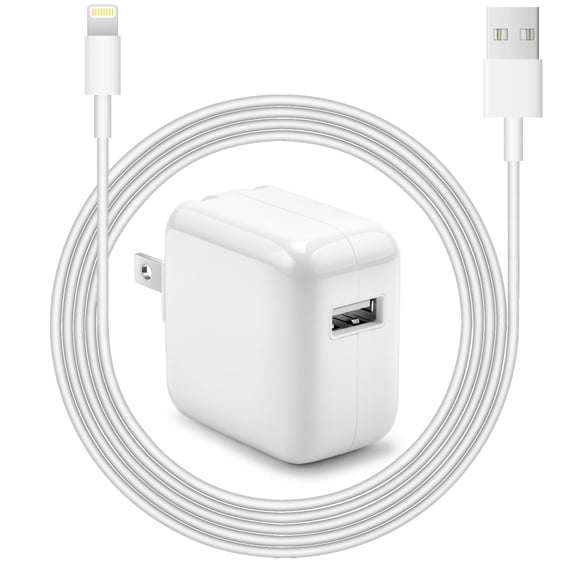 Coreykin 12W USB Wall Charge with Cable-Foldable Portable Travel Plug with USB Charging Cable Compatible for iPhone14/13/13 Mini/13 Pro/12/12Pro/12 Pro Max/12 Mini/11/11 Pro/11 P$9.69current price $9.69
My Cable Mart USB Charger 5V 1000mA Device-Specific Electronics Charger
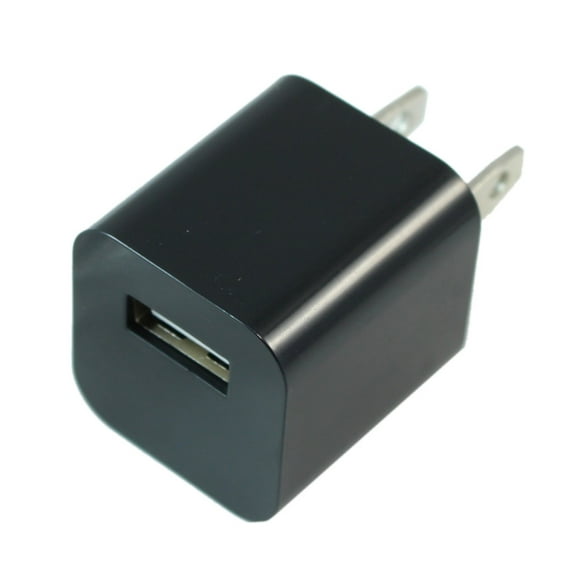 My Cable Mart USB Charger 5V 1000mA Device-Specific Electronics Charger$7.33current price $7.33
Techmatte Android Devices Single Charger with Anti-Lost Holder, 2 Count
 Techmatte Android Devices Single Charger with Anti-Lost Holder, 2 Count$7.99current price $7.99
OMNIHIL Wall Charger+USB-C-to-USB-C Cable Compatible with Energizer MAX 30,000mAh Power Bank Model: UE30068
 OMNIHIL Wall Charger+USB-C-to-USB-C Cable Compatible with Energizer MAX 30,000mAh Power Bank Model: UE30068$24.96current price $24.96