

Netascout(4)
Netscout HH Tools HW-SW-SupPort NetScout WireView WireMapper for NTS2, ES, ES2 & OPV INA $115.91
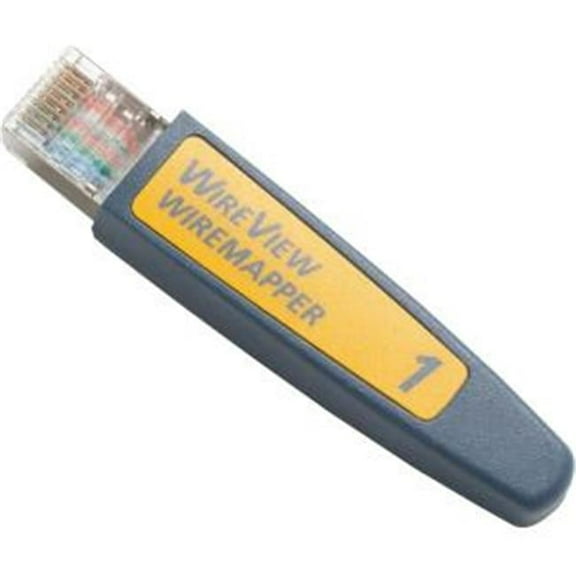
Netscout HH Tools HW-SW-SupPort NetScout WireView WireMapper for NTS2, ES, ES2 & OPV INA
Netscout HH Tools HW-SW-SupPort NetScout WireView Cable IDs, 2-6 - Wiremap, Network Testing $409.40
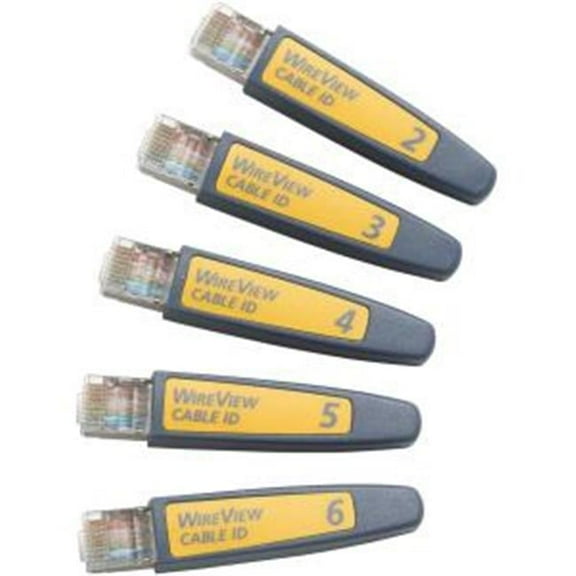
Netscout HH Tools HW-SW-SupPort NetScout WireView Cable IDs, 2-6 - Wiremap, Network Testing
Netascout LSPRNTR-300 LinkSprinter Network Cable Tester $462.51
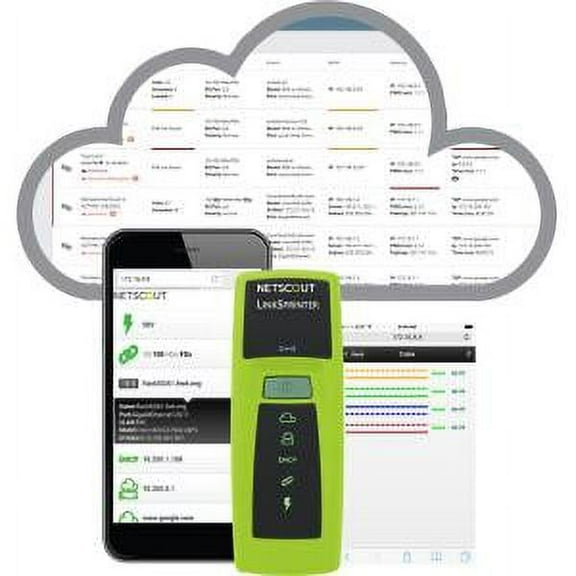
Netascout LSPRNTR-300 LinkSprinter Network Cable Tester
WIREVIEW 1 WIREVIEW WIREMAPPER #1 $102.32

WIREVIEW 1 WIREVIEW WIREMAPPER #1
FAQ
What does a network cable tester actually do?
A network cable tester helps you check if your network cables are working properly. It can identify issues like broken wires, incorrect wiring, or poor connections. Here's how it can help:
- Detects open or shorted wires.
- Checks for correct wiring order (pinout).
- Helps troubleshoot network issues caused by faulty cables.
Using a cable tester can save time by pinpointing problems, so you don't have to guess which cable is causing trouble.
How do I use a wire mapper for cables?
To use a wire mapper, connect one end of your cable to the main unit and the other end to the remote identifier. Power on the device and follow the instructions on the screen. The tester will show results for each wire inside the cable, helping you spot miswires or faults. Always read the manual for your specific tool to ensure proper use and accurate results.
Can I test different cable types with these tools?
Many network cable testers are designed to handle various cable types, like Ethernet (Cat5e, Cat6) and sometimes coaxial cables. Check the product specifications to see which cables are supported. Some testers include adapters or additional features for more types, while others may focus only on standard network cables. Using the right tool for your cable type can improve accuracy and help avoid damage.
What should I look for when buying a network tester?
When choosing a network tester, consider what you'll need it for. Here are some things to think about:
- Cable compatibility (Ethernet, coaxial, etc.).
- Features like wire mapping, fault finding, or digital displays.
- Ease of use and portability.
- Included accessories, such as remote identifiers or carrying cases.
Reading product details and user reviews can help you find a tester that fits your needs.
How do I keep my network tester in good shape?
To maintain your network tester, store it in a dry, cool place and keep it in its case when not in use. Replace batteries regularly and clean the connectors gently to avoid dust buildup. Avoid dropping the tool or exposing it to moisture. Following these steps can help your tester stay accurate and last longer.
Popular in Shop Netscout WireView Cable IDs and WireMappers
Related Products
iMBAPrice RJ45 Network Cable Tester, LAN Phone Tool USB LED Circuit Test, 6.2 oz - 1 Count per Pack
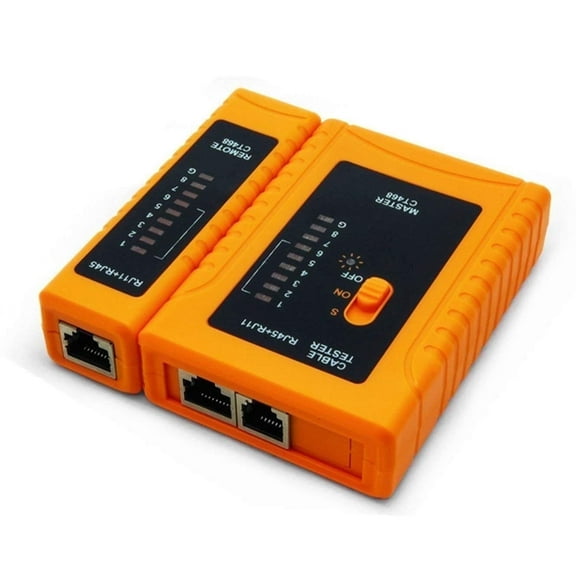 iMBAPrice RJ45 Network Cable Tester, LAN Phone Tool USB LED Circuit Test, 6.2 oz - 1 Count per Pack$10.99current price $10.99
Klein Tools Ethernet Cable Tester Set Lan Scout Jr Cable Tester Rj45 Remote
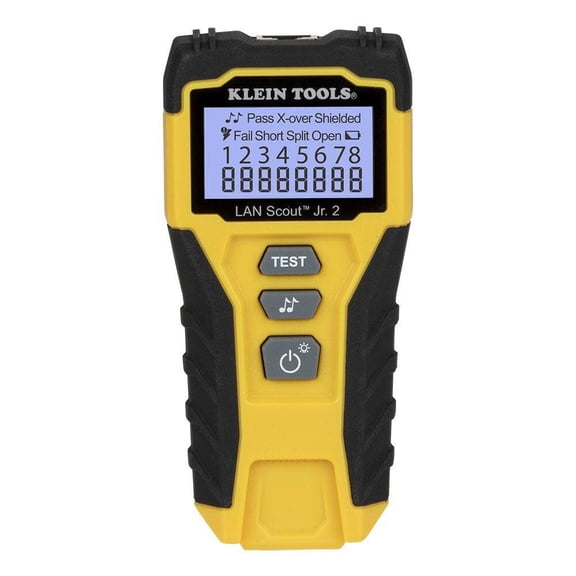 Klein Tools Ethernet Cable Tester Set Lan Scout Jr Cable Tester Rj45 Remote$62.43current price $62.43
EM415PRO Automotive Short Open Finder Cable Tester
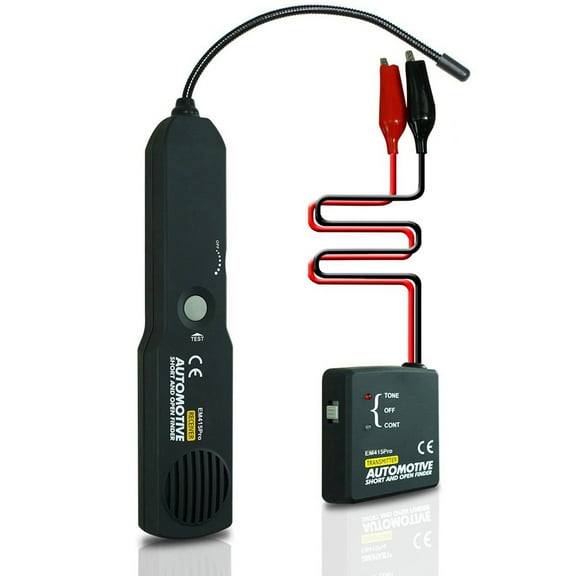 EM415PRO Automotive Short Open Finder Cable Tester$14.60current price $14.60
Klein Tools LAN Explorer Data Cable Tester with Remote
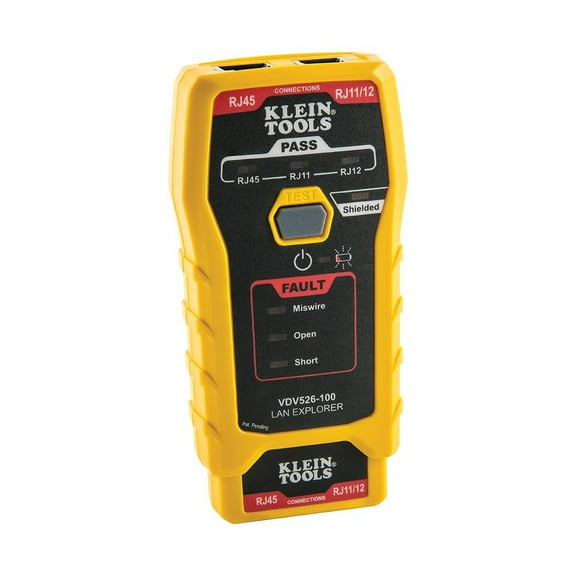 Klein Tools LAN Explorer Data Cable Tester with Remote$36.75current price $36.75
NOYAFA NF-8508 Network Cable Tester with Optical Power Meter, Visual Fault Locator and PoE Detection
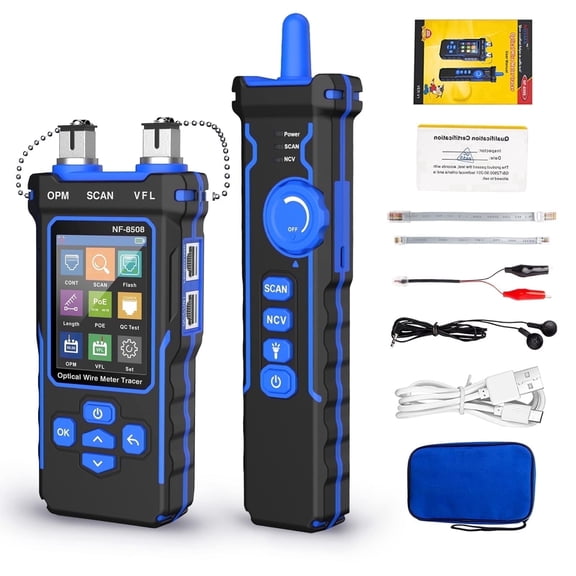 NOYAFA NF-8508 Network Cable Tester with Optical Power Meter, Visual Fault Locator and PoE Detection$89.99current price $89.99
TOPTENG 13 PCS Voltage Outlet Tester Multimeter Accessories Storage with Ethernet Crimper, Diagonal Cutting Pliers, Cable Tester and Tool Case
 TOPTENG 13 PCS Voltage Outlet Tester Multimeter Accessories Storage with Ethernet Crimper, Diagonal Cutting Pliers, Cable Tester and Tool Case$35.99current price $35.99
AUTOOL 48 In 1 Lead Terminal Test Kit, Multimeter Test Leads Set, W/ Banana Plug Connectors Alligator Clips 32A/1000V Test Hook Clips Replaceable Wire Piercing Probes Test Tweezer Jumpers
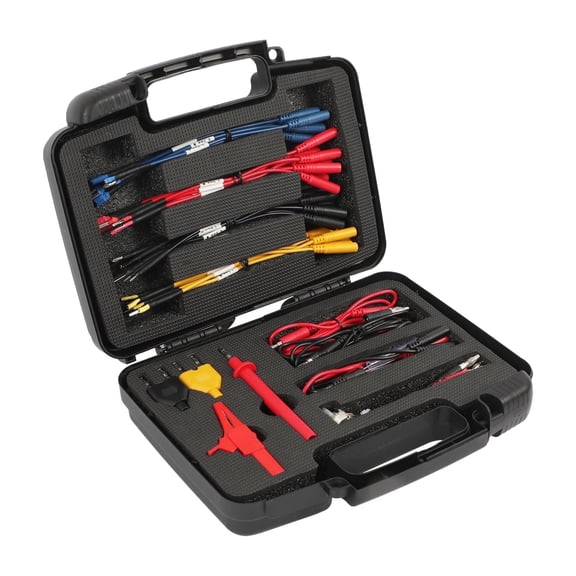 AUTOOL 48 In 1 Lead Terminal Test Kit, Multimeter Test Leads Set, W/ Banana Plug Connectors Alligator Clips 32A/1000V Test Hook Clips Replaceable Wire Piercing Probes Test Tweezer Jumpers$49.97current price $49.97
NOYAFA NF-826 Underground Cable Locator, Breakpoint Locator Tracker
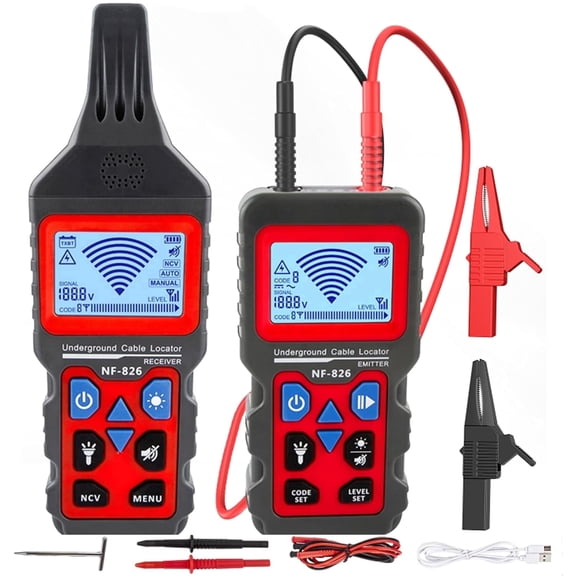 NOYAFA NF-826 Underground Cable Locator, Breakpoint Locator Tracker$121.59current price $121.59
Coax Continuity Tester and Mapper 58744940
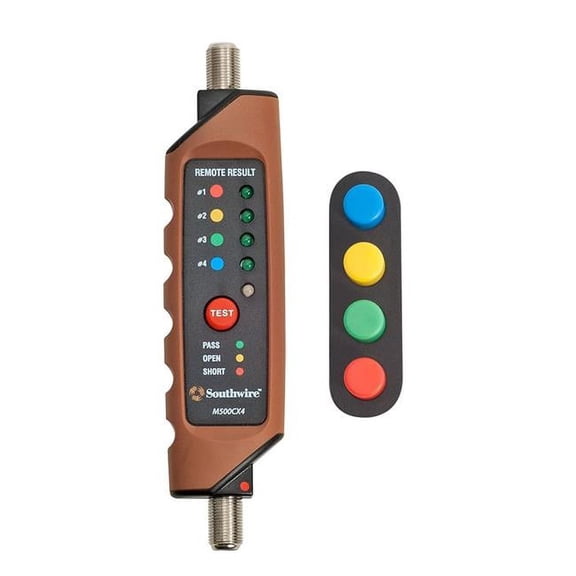 Coax Continuity Tester and Mapper 58744940$47.85current price $47.85
NOYAFA NF-8601S TDR Cable Tester 500m/1640ft - Wire Fault Locator, Power Cable & BNC Compatible, PING Test, Color Screen, Data Export, PoE
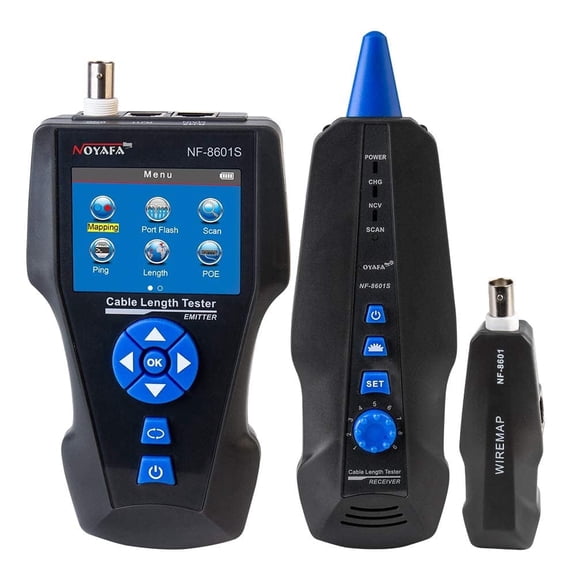 NOYAFA NF-8601S TDR Cable Tester 500m/1640ft - Wire Fault Locator, Power Cable & BNC Compatible, PING Test, Color Screen, Data Export, PoE$122.99current price $122.99
Tripp Lite Multi-Functional Network Cable Tester - RJ-45 Female Network , RJ-11 Female Phone
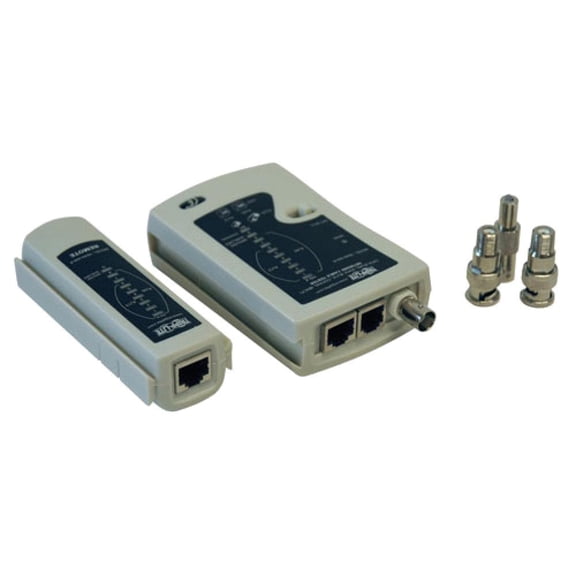 Tripp Lite Multi-Functional Network Cable Tester - RJ-45 Female Network , RJ-11 Female Phone$63.21current price $63.21
Klein Tools VDV512-101 Coax Explorer 2 Cordless Tester Kit with Cable Tester/ Wire Tracer/ Coax Mapper
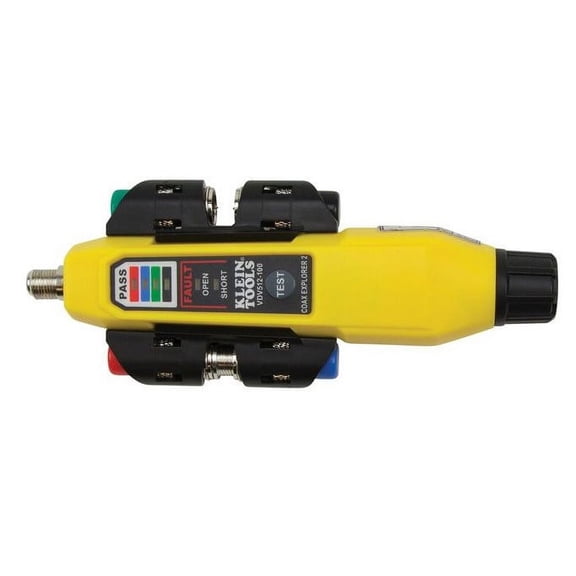 Klein Tools VDV512-101 Coax Explorer 2 Cordless Tester Kit with Cable Tester/ Wire Tracer/ Coax Mapper$44.98current price $44.98
iMeshbean Fiber Optic FTTH Tool Kit with FC-6S Cutter Cleaver Optical Power Meter Visual
 iMeshbean Fiber Optic FTTH Tool Kit with FC-6S Cutter Cleaver Optical Power Meter Visual$51.99current price $51.99
Triplett PoE (Power over Ethernet) Tester Pro POE2000
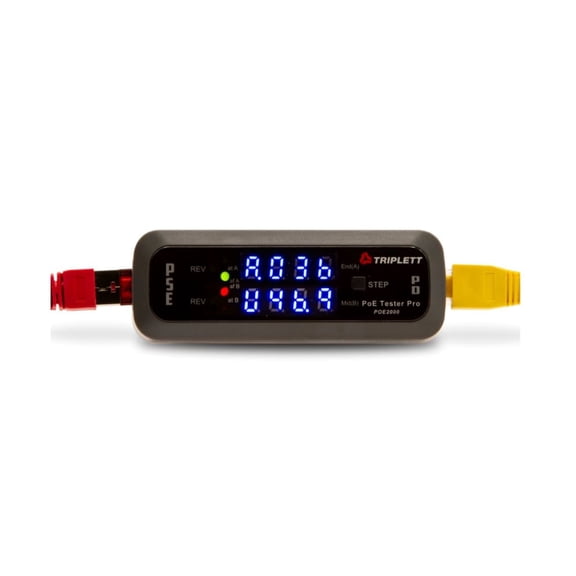 Triplett PoE (Power over Ethernet) Tester Pro POE2000$99.19current price $99.19
