

Masscool Collection(3)
Masscool FDC09025S1M Cooling Fan, 200 Pack $11.99

Masscool FDC09025S1M Cooling Fan, 200 Pack
Masscool FG-2P-90MM Cooling Fan Guard $8.99

Masscool FG-2P-90MM Cooling Fan Guard
MassCool UHB-UE212 2.5 inch SATA to USB 2.0 External Hard Drive Enclosure $13.89

MassCool UHB-UE212 2.5 inch SATA to USB 2.0 External Hard Drive Enclosure
FAQ
How do I pick the right cooling fan size?
Choosing the right cooling fan size depends on your device's compatibility and airflow needs.
- Check the device's specifications or manual for the recommended fan size (commonly in millimeters, like 90mm).
- Consider the space available in your case or enclosure to ensure a proper fit.
- Think about airflow and noise balance; larger fans often move more air with less noise.
Taking these factors into account can help you find a fan that works well with your setup.
What does a fan guard do?
A fan guard helps protect both the cooling fan and anything nearby from accidental contact.
- It acts as a safety barrier, preventing fingers or wires from touching the spinning blades.
- Guards can also help reduce dust and debris from entering the fan, which may improve longevity.
- They are easy to install and can add an extra layer of safety to your system.
Using a guard is a simple way to enhance safety and protect your equipment.
How do I use a hard drive enclosure?
Using a hard drive enclosure lets you turn an internal drive into an external one.
- Open the enclosure by following the included instructions.
- Insert your 2.5 inch SATA hard drive into the connector inside the enclosure.
- Secure the enclosure, then connect it to your computer using the USB cable provided.
- Once connected, your computer should recognize it as an external drive for easy file transfers.
This setup is handy for backups or accessing files on the go.
Can I add a cooling fan to any device?
Not every device is designed to support an added cooling fan.
- Check your device's case or enclosure for available fan mounts or pre-drilled holes.
- Review the manufacturer's guidelines to confirm compatibility and avoid potential issues.
- If you're unsure, consult the device's manual or reach out to customer support for guidance.
Making sure your device can accommodate a fan helps prevent installation challenges.
What's the best way to clean a cooling fan?
Cleaning a cooling fan regularly can help keep it running efficiently.
- First, unplug the device and remove the fan if possible.
- Use a soft brush or compressed air to gently remove dust and debris from the blades and housing.
- Avoid using liquids directly on the fan; if necessary, use a lightly dampened cloth on non-electronic parts.
- Reinstall the fan once it's completely dry.
Regular maintenance can help extend the life of your cooling fan.
Popular in Masscool Collection
Related Products
Aluminum 370 380 Motor Heat Sink Heatsink Cooling Fins for RC 1/16 Car (Pack of 4)
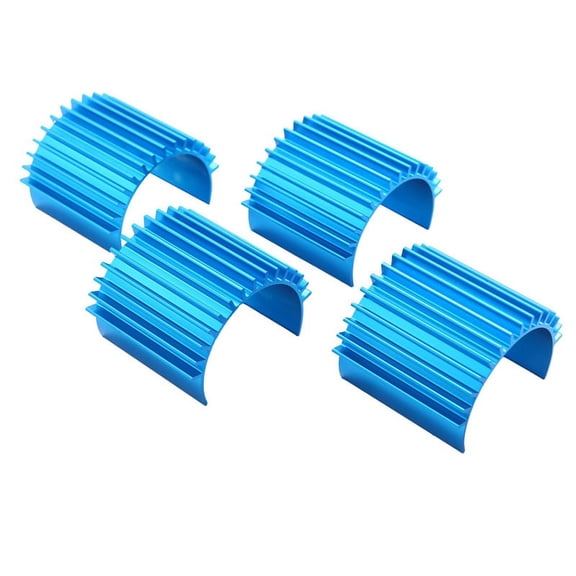 Aluminum 370 380 Motor Heat Sink Heatsink Cooling Fins for RC 1/16 Car (Pack of 4)$8.31current price $8.31
PTM7950 40x80x0.25mm Phase Change Thermal Pad, JOYJOM High Conductive Silicone Grease 8.5W/mK CPU Thermal Paste for PS5 Steam Deck ROG Ally CPU GPU SSD M.2 Laptop
 PTM7950 40x80x0.25mm Phase Change Thermal Pad, JOYJOM High Conductive Silicone Grease 8.5W/mK CPU Thermal Paste for PS5 Steam Deck ROG Ally CPU GPU SSD M.2 Laptop$11.99current price $11.99
Speedway Motors Aluminum Heatsink Transmission Cooler, 18” Compact Design with Finned Cooling Core, Frame Rail Mount, 3/8” Hose Fittings, Universal Fit for Automatic Transmissions
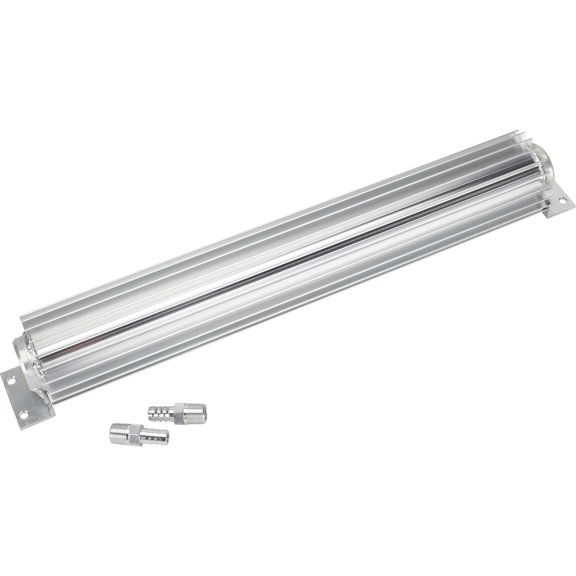 Speedway Motors Aluminum Heatsink Transmission Cooler, 18” Compact Design with Finned Cooling Core, Frame Rail Mount, 3/8” Hose Fittings, Universal Fit for Automatic Transmissions$64.99current price $64.99
Aluminum Heatsink Transmission Cooler, 12 Inch
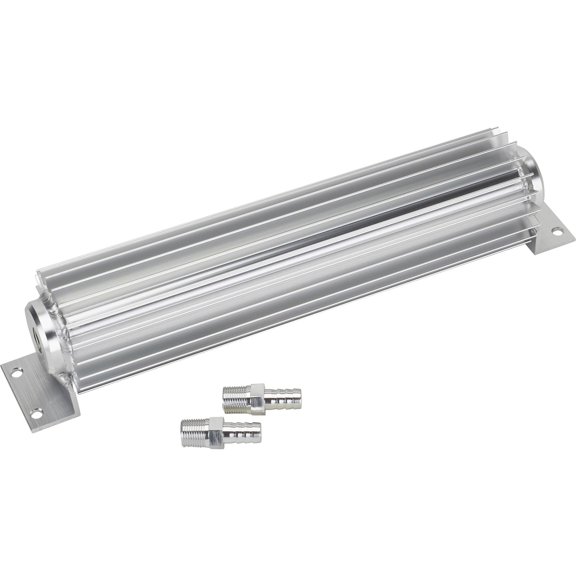 Aluminum Heatsink Transmission Cooler, 12 Inch$63.99current price $63.99
12V 5.8A 65W TEC1-12706 Thermoelectric Cooler Cooling Peltier Plate Module 40x40mm
 12V 5.8A 65W TEC1-12706 Thermoelectric Cooler Cooling Peltier Plate Module 40x40mm$6.09current price $6.09
Heatsink Thermal Grease Paste Compound CPU Cooler Silicone Adhesive Cooling US C7G4
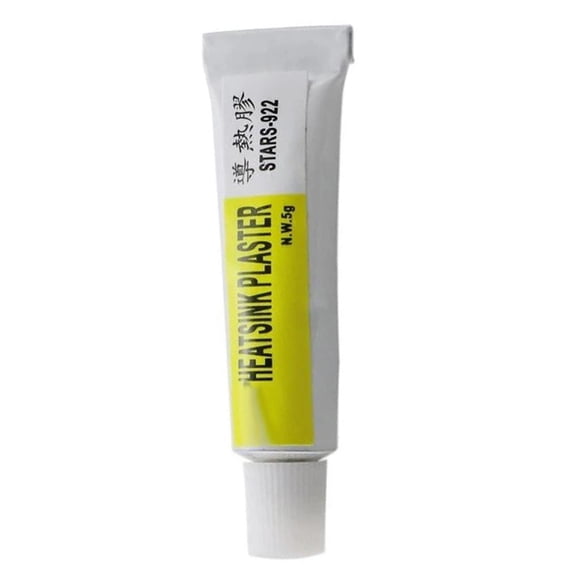 Heatsink Thermal Grease Paste Compound CPU Cooler Silicone Adhesive Cooling US C7G4$3.69current price $3.69
Asus ROG Ryujin III 360 ARGB Extreme Cooling Fan/Radiator/Water Block, 1 Pack
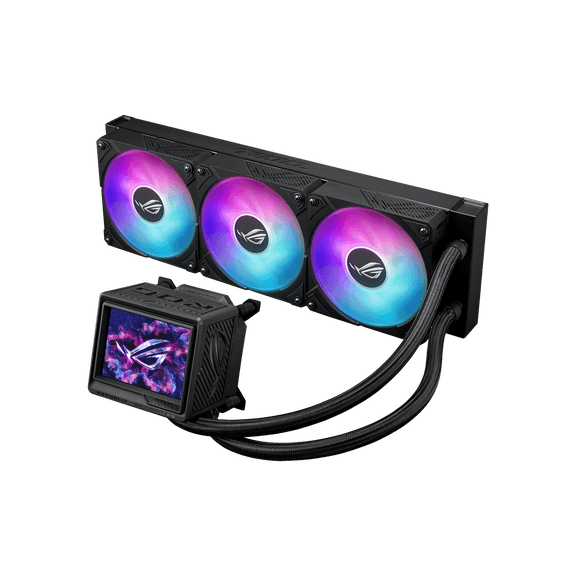 Asus ROG Ryujin III 360 ARGB Extreme Cooling Fan/Radiator/Water Block, 1 Pack$324.99current price $324.99
be quiet! SILENT LOOP 3 420mm All-in-One Water Cooling I Intel LGA 1851 / 1700 / 1200 / 1150 / 1151 / 1155 I AMD Socket AM5 / AM4 / TR5 / TR4
 be quiet! SILENT LOOP 3 420mm All-in-One Water Cooling I Intel LGA 1851 / 1700 / 1200 / 1150 / 1151 / 1155 I AMD Socket AM5 / AM4 / TR5 / TR4$139.90current price $139.90
Arctic Silver 5 Thermal Compound, AS5-3.5G High-Density, 2.5-inch Width - CPU Fans, Computer Cooling
 Arctic Silver 5 Thermal Compound, AS5-3.5G High-Density, 2.5-inch Width - CPU Fans, Computer Cooling$15.99current price $15.99
be quiet! Pure Rock 3 Black 120mm Rifle CPU Cooler Socket compatibility Intel 1851 / 1700 / 1200 / 1150 / 1151 / 1155 and AMD AM5 / AM4
 be quiet! Pure Rock 3 Black 120mm Rifle CPU Cooler Socket compatibility Intel 1851 / 1700 / 1200 / 1150 / 1151 / 1155 and AMD AM5 / AM4$29.90current price $29.90
Vetroo R240 Black 240mm Radiator Liquid CPU Cooler with Customized Pure Copper Base Pump Head Addressable RGB & FDB Fans & PWM Smart Control, Durable Braided Tube - AMD & Intel Socket
 Vetroo R240 Black 240mm Radiator Liquid CPU Cooler with Customized Pure Copper Base Pump Head Addressable RGB & FDB Fans & PWM Smart Control, Durable Braided Tube - AMD & Intel Socket$49.88current price $49.88
Thermal Grizzly - Aeronaut - High Performance Thermal Paste - Cooling and Mute Heat Sink Paste for CPU (All Kinds of Them) and Graphics Card Coolers (1 Gram)
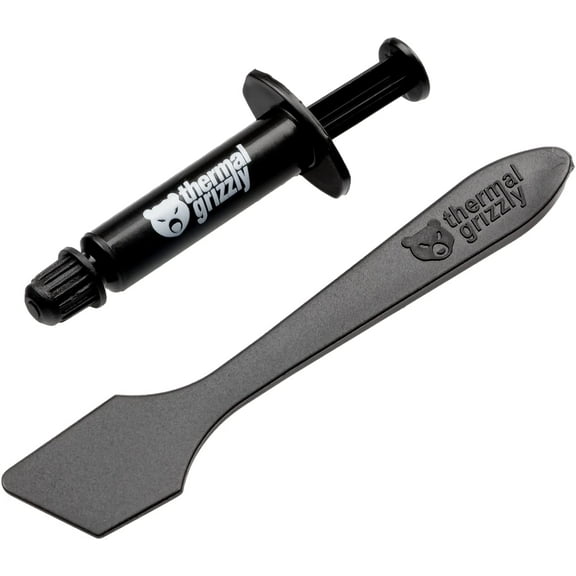 Thermal Grizzly - Aeronaut - High Performance Thermal Paste - Cooling and Mute Heat Sink Paste for CPU (All Kinds of Them) and Graphics Card Coolers (1 Gram)$7.89current price $7.89
ASUS ROG Ryujin III 240 all-in-one liquid CPU cooler with 240mm radiator. Asetek 8th gen pump, 2x Noctua industrialPPC 120mm fans, 3.5” color LCD
 ASUS ROG Ryujin III 240 all-in-one liquid CPU cooler with 240mm radiator. Asetek 8th gen pump, 2x Noctua industrialPPC 120mm fans, 3.5” color LCD$188.99current price $188.99
Antec FLUXPRO Flux Pro Full-Tower E-ATX PC Case Black
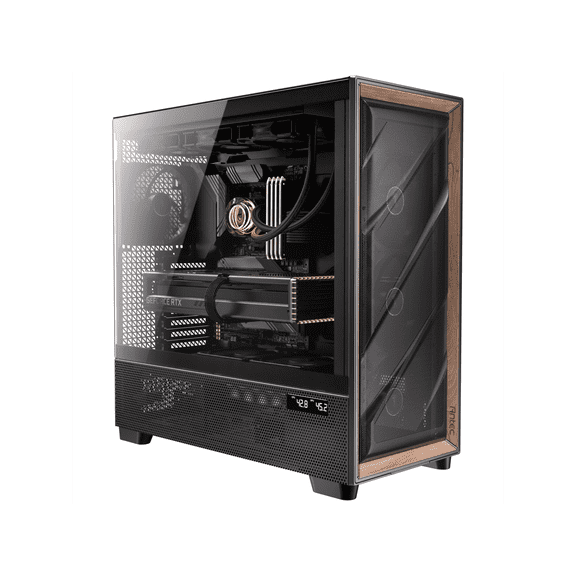 Antec FLUXPRO Flux Pro Full-Tower E-ATX PC Case Black$149.99current price $149.99
Vetroo V5 CPU Air Cooler with 5 Heat Pipes, 120mm PWM Processor, 150W TDP, for Intel LGA 1851/1700/1200/115X, AMD AM5/AM4
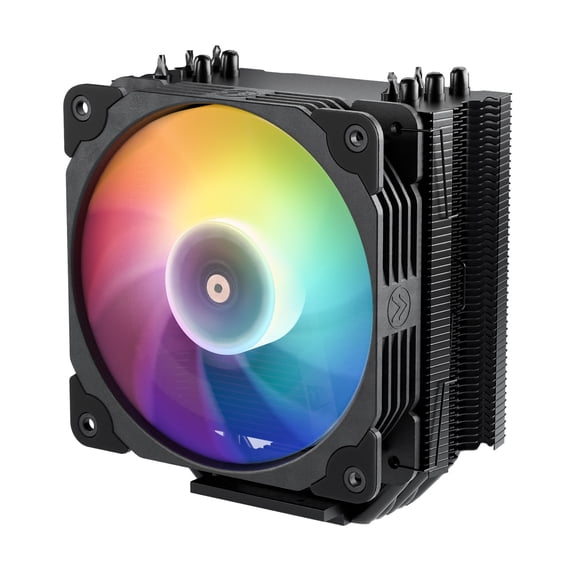 Vetroo V5 CPU Air Cooler with 5 Heat Pipes, 120mm PWM Processor, 150W TDP, for Intel LGA 1851/1700/1200/115X, AMD AM5/AM4$29.99current price $29.99
