Kingwin Collection(1)
ESAC-01 3.3 ft. 1000 mm eSATA to eSATA Black Cable 26 AWG $14.99
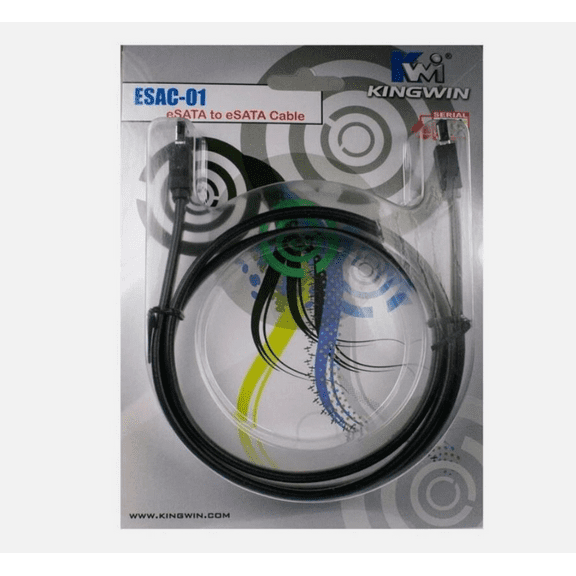
ESAC-01 3.3 ft. 1000 mm eSATA to eSATA Black Cable 26 AWG
FAQ
What does an eSATA cable do?
An eSATA cable is used to connect external storage devices to computers, providing high-speed data transfer. It's commonly used for hard drives and external enclosures that support eSATA ports.
- Offers faster speeds than standard USB cables.
- Helps expand storage capacity easily.
Choosing an eSATA cable can help streamline your setup if you need quick and reliable access to large files.
How long is this cable?
This cable measures approximately 3.3 feet, or 1,000 millimeters, in length. That's a good range for connecting devices that aren't too far apart, like a desktop computer and an external drive.
- Helps reduce clutter and tangling.
- Allows flexible placement of connected devices.
Double-check your setup space to make sure this length fits your needs.
Can I use this cable for data backups?
You can use an eSATA cable to connect compatible external drives for backing up your data. It's designed for fast transfers, which can make large backups more efficient.
- Works well with eSATA-enabled devices.
- Speeds up moving files compared to some older connections.
Just ensure both your computer and external drive have eSATA ports before setting up your backup routine.
Is this cable easy to install?
Installing an eSATA cable is straightforward. Simply plug one end into your computer's eSATA port and the other into your external device.
- No special tools are needed.
- Both ends are designed to fit securely.
If your devices have eSATA ports, you should be set in just a few steps.
What should I check before buying an eSATA cable?
Before purchasing, check that your computer and external device both have eSATA ports. Also, think about the cable length and thickness (AWG rating) to match your setup.
- Confirm port compatibility.
- Consider the distance between devices.
- Review technical details like AWG for performance needs.
Reviewing these points can help you avoid compatibility issues and get the most out of your cable.
Popular in Kingwin Collection
Related Products
Tripp Lite DisplayPort to HD Adapter Cable (M/M), DP to HDMI, 1080p, 25 ft. 25' (P582-025)
 Tripp Lite DisplayPort to HD Adapter Cable (M/M), DP to HDMI, 1080p, 25 ft. 25' (P582-025)$40.50current price $40.50
SatelliteSale Mini Display Port to Display Port DP Cable Male to Male Universal Wire PVC Compatible with Computers Mac Laptops Monitors White Cord 15 feet
 SatelliteSale Mini Display Port to Display Port DP Cable Male to Male Universal Wire PVC Compatible with Computers Mac Laptops Monitors White Cord 15 feet$9.99current price $9.99
Kentek 6 Feet FT 3 in 1 KVM cable cord SVGA VGA HD15 with PS/2 mouse keyboard mini din 6 pin male to male M/M EMI filter Ferrite core moleded PC MAC
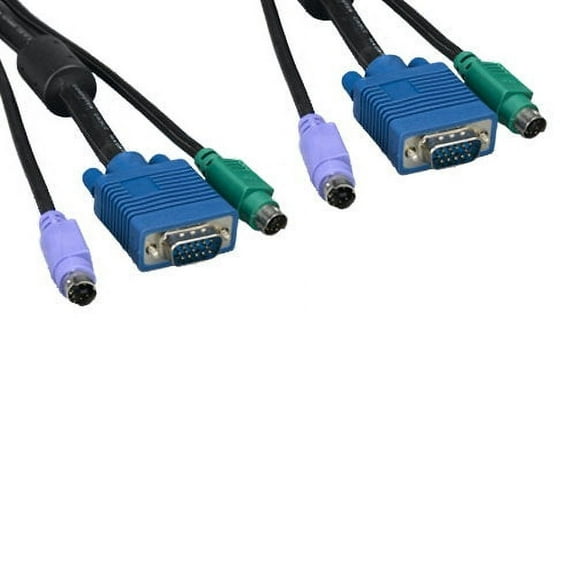 Kentek 6 Feet FT 3 in 1 KVM cable cord SVGA VGA HD15 with PS/2 mouse keyboard mini din 6 pin male to male M/M EMI filter Ferrite core moleded PC MAC$14.99current price $14.99
HDMI2VGA Hdmi To Vga Active Adapter Converter Cable - Male To Female
 HDMI2VGA Hdmi To Vga Active Adapter Converter Cable - Male To Female$32.84current price $32.84
Monoprice Braided DisplayPort 1.4 Cable - 3 Feet - Gray, 8K Capable For Graphic Design, TV Walls and PC Gaming
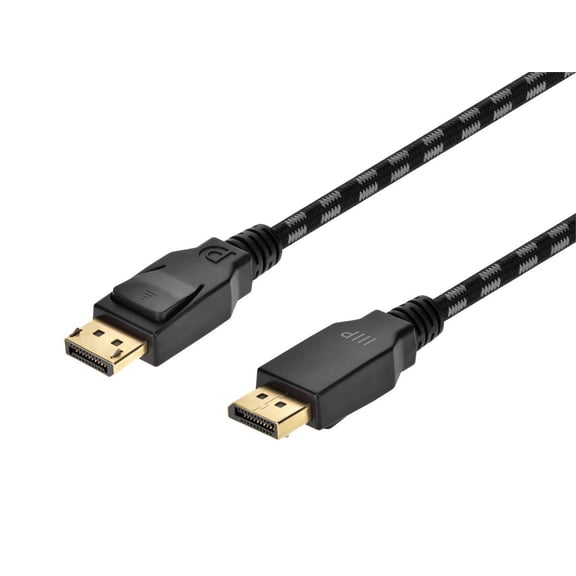 Monoprice Braided DisplayPort 1.4 Cable - 3 Feet - Gray, 8K Capable For Graphic Design, TV Walls and PC Gaming$15.40current price $15.40
1.5ft Premium VGA Male/Male Triple-Shielded Cable w/Ferrites Gold Plated
 1.5ft Premium VGA Male/Male Triple-Shielded Cable w/Ferrites Gold Plated$10.64current price $10.64
Kentek Mini DB15 15 Pin Male to Male M/M for PC MAC VGA Mini Adapter Gender Changer Coupler D-Sub
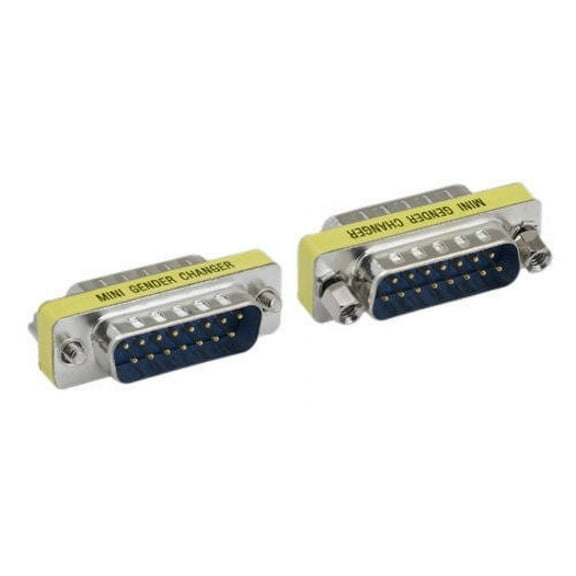 Kentek Mini DB15 15 Pin Male to Male M/M for PC MAC VGA Mini Adapter Gender Changer Coupler D-Sub$9.90current price $9.90
Monoprice Braided DisplayPort 1.4 Cable - 6 Feet - Gray, 8K Capable For Graphic Design, TV Walls and PC Gaming
 Monoprice Braided DisplayPort 1.4 Cable - 6 Feet - Gray, 8K Capable For Graphic Design, TV Walls and PC Gaming$16.59current price $16.59
Steren 3ft SVGA Male-to-Male Video Cable – High-Resolution VGA Display Cord, Black
Steren 3ft SVGA Male-to-Male Video Cable – High-Resolution VGA Display Cord, Black