

Keyscaper Keyboards(1)
Canada Wireless USB Keyboard $67.99
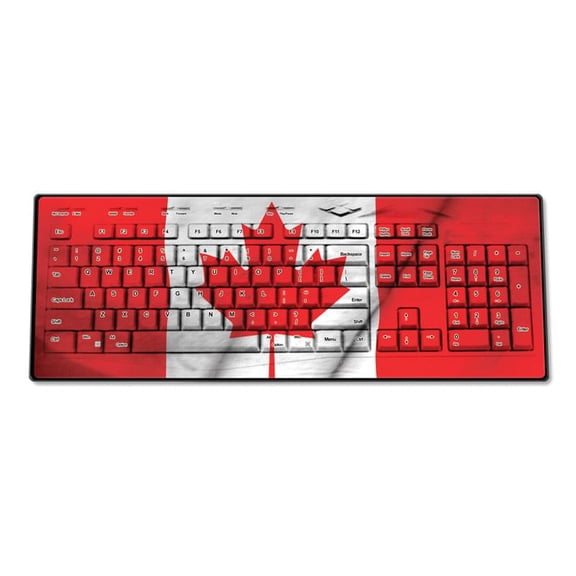
Canada Wireless USB Keyboard
Other options to consider(1)
England Wireless USB Mouse $41.99

England Wireless USB Mouse
FAQ
how do you connect a wireless usb keyboard?
Getting started with a wireless USB keyboard is usually simple. First, plug the USB receiver (often called a dongle) into an available USB port on your computer or laptop. Most devices will automatically recognize the new hardware and install any necessary drivers.
- Insert batteries into the keyboard if required.
- Turn the keyboard on using its power switch.
- Wait a few moments for the connection to establish.
If the keyboard doesn't respond, check the battery level and ensure the receiver is securely connected. Some models may need you to press a 'connect' button on the keyboard or receiver.
will a wireless usb keyboard work with any computer?
Most wireless USB keyboards are designed to work with a wide range of computers, including desktops and laptops. Compatibility usually depends on your device having a standard USB port and supporting basic plug-and-play functionality.
- Check your computer's operating system requirements.
- Verify you have available USB ports for the receiver.
- Some keyboards may offer limited features on certain systems.
For the smoothest experience, review your keyboard's packaging or online details for specific compatibility information before purchase.
how do you change batteries in a wireless keyboard?
When your wireless keyboard starts acting sluggish or stops working, it might be time to replace the batteries. Most wireless keyboards have a battery compartment on the underside or at the back.
- Flip the keyboard over and locate the battery cover.
- Open the cover, remove the old batteries, and insert new ones, following the indicated polarity (+/-).
- Close the compartment securely and turn the keyboard back on.
Using fresh batteries can help restore full performance, but always dispose of used batteries properly.
can you use a wireless usb keyboard for smart tvs?
Some smart TVs support wireless USB keyboards, making typing and navigation easier. To check if yours does, look for a USB port on your TV and review its user manual or settings menu for supported accessories.
- Plug the wireless keyboard's USB receiver into the TV's USB port.
- Turn on the keyboard and see if the TV recognizes it.
- Functionality may vary—basic typing usually works, but special keys might not.
Not all smart TVs offer full compatibility, so it's helpful to check with your TV's manufacturer if you're unsure.
what's the best way to clean a wireless keyboard?
Keeping your wireless keyboard clean can help extend its life and improve your typing experience. Start by turning the keyboard off and removing the batteries for extra safety.
- Shake out loose crumbs by gently tilting the keyboard.
- Use a soft, dry brush or compressed air to remove dust between keys.
- Wipe the surface with a slightly damp microfiber cloth, avoiding excess moisture.
Let the keyboard dry completely before reinserting the batteries and turning it back on. Regular cleaning can help keep your workspace tidy and your keyboard working well.
Popular in Keyscaper Keyboards
Related Products
T96 Smart Display Wireless Gaming Keyboard and Mouse Comb, 94Key LED Lighting Rechargeable Silent Membrane Keyboard with Knobs, 2000mAh Battery, 6-Button 4KDPI Mouse for Win/Mac(Glimmer)
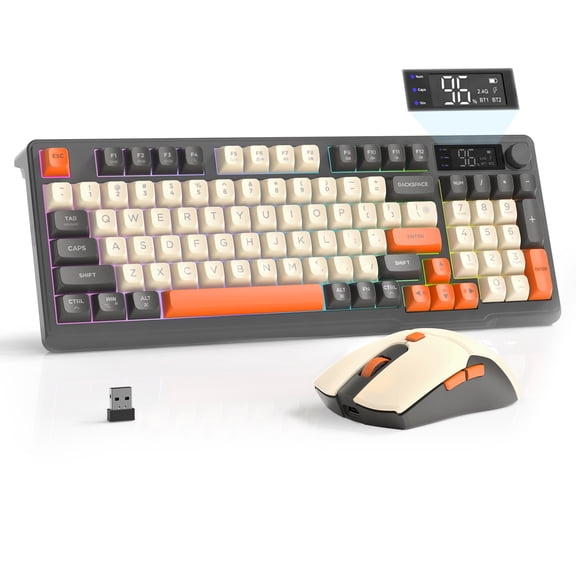 T96 Smart Display Wireless Gaming Keyboard and Mouse Comb, 94Key LED Lighting Rechargeable Silent Membrane Keyboard with Knobs, 2000mAh Battery, 6-Button 4KDPI Mouse for Win/Mac(Glimmer)$49.99current price $49.99
Wired Computer Keyboard and Mouse Combos for Windows, Plug and Play, Full-Size, Spill-Resistant, Ergonomic Silent Design, 12 Shortcut Keys, Compatible with PC, Laptop - Black
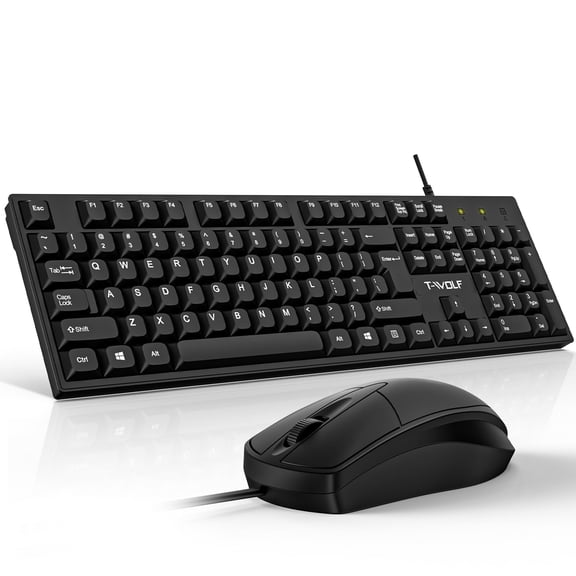 Wired Computer Keyboard and Mouse Combos for Windows, Plug and Play, Full-Size, Spill-Resistant, Ergonomic Silent Design, 12 Shortcut Keys, Compatible with PC, Laptop - Black$15.99current price $15.99
Snpurdiri 2.4G Wireless Gaming Keyboard and Mouse Combo, Include Mini 60% Merchanical Feel RGB Backlit Keyboard, Ergonomic Vertical Feel Small Wireless Mouse(White and Black)
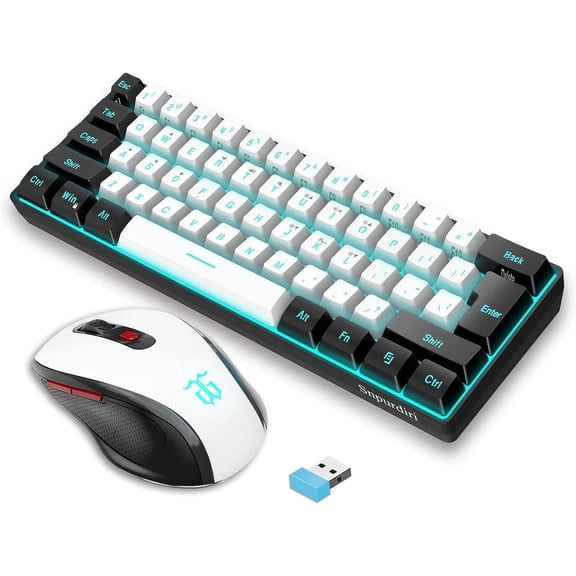 Snpurdiri 2.4G Wireless Gaming Keyboard and Mouse Combo, Include Mini 60% Merchanical Feel RGB Backlit Keyboard, Ergonomic Vertical Feel Small Wireless Mouse(White and Black)$32.39current price $32.39
Incase Wired Desktop 600 Keyboard & Mouse Combo ? Designed by Microsoft ? Four Hot Keys, Spill-Resistant Keyboard, Quiet-Touch Keys, Optical Mouse
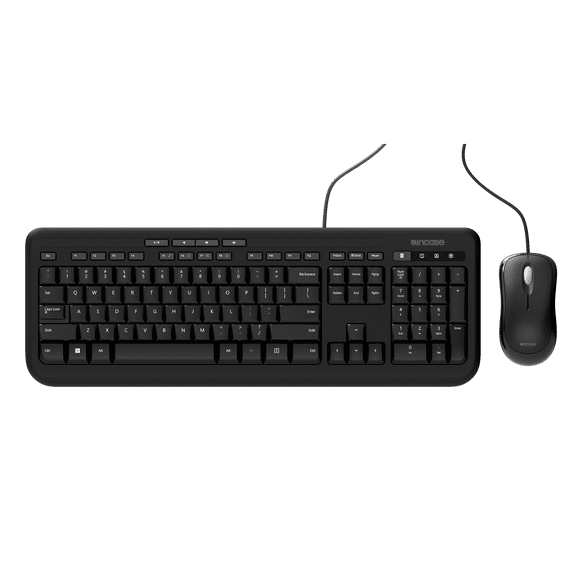 Incase Wired Desktop 600 Keyboard & Mouse Combo ? Designed by Microsoft ? Four Hot Keys, Spill-Resistant Keyboard, Quiet-Touch Keys, Optical Mouse$27.99current price $27.99
Dell Wired Keyboard and Mouse - KM300C
 Dell Wired Keyboard and Mouse - KM300C$28.99current price $28.99
Perixx PERIDUO-512B US, Wired Ergonomic Keyboard and Vertical Mouse Combo - USB - Black - US English
 Perixx PERIDUO-512B US, Wired Ergonomic Keyboard and Vertical Mouse Combo - USB - Black - US English$59.99current price $59.99
T3 Wireless Gaming Keyboard and Mouse Combo Rainbow Backlight Rechargeable Mouse for Computer
 T3 Wireless Gaming Keyboard and Mouse Combo Rainbow Backlight Rechargeable Mouse for Computer$42.99current price $42.99
ZIYOU LANG T96 Wireless Gaming Keyboard and Mouse Combo, Dual Bluetooth//2.4G RGB Backlit Mechanical Feeling Keyboard with Smart Display & Knob, 4000 DPI Gaming Mouse for PC Laptop Mac Wins
 ZIYOU LANG T96 Wireless Gaming Keyboard and Mouse Combo, Dual Bluetooth//2.4G RGB Backlit Mechanical Feeling Keyboard with Smart Display & Knob, 4000 DPI Gaming Mouse for PC Laptop Mac Wins$38.07current price $38.07
Dell KM300C Wired Keyboard and Mouse Combo - Black
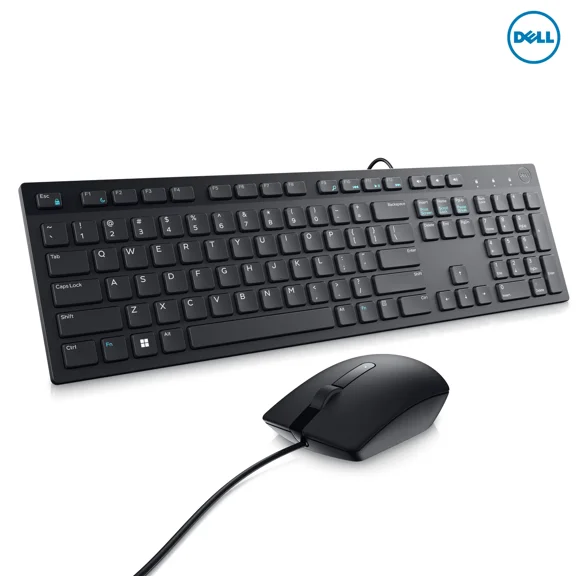 Dell KM300C Wired Keyboard and Mouse Combo - Black$20.14current price $20.14
Snpurdiri 2.4G Wireless Gaming Keyboard and Mouse Combo, Include Mini 60% Merchanical Feel Keyboard, Ergonomic Vertical Feel Small Wireless Mouse(Red and Black)
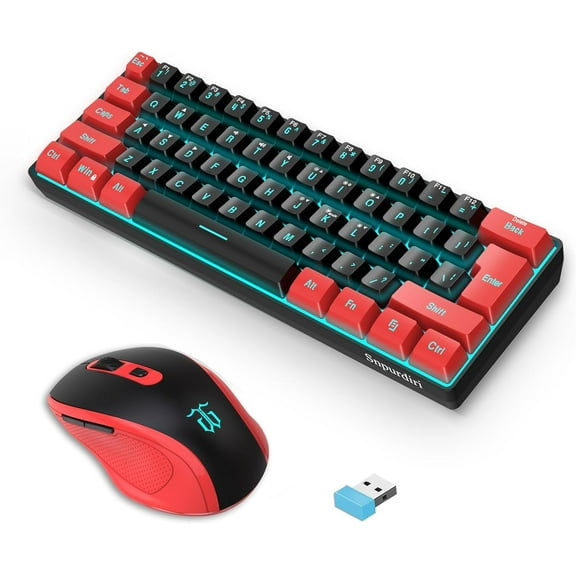 Snpurdiri 2.4G Wireless Gaming Keyboard and Mouse Combo, Include Mini 60% Merchanical Feel Keyboard, Ergonomic Vertical Feel Small Wireless Mouse(Red and Black)$29.96current price $29.96
ZIYOU LANG K100 90% Wireless Gaming Keyboard, Tri-Mode Bluetooth/2.4GHz/USB-C, RGB Backlit, Number Pad, for PC/Mac, Blue Creamy
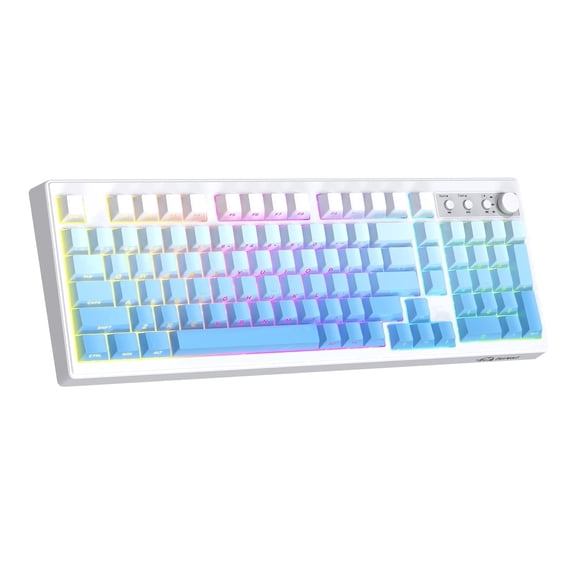 ZIYOU LANG K100 90% Wireless Gaming Keyboard, Tri-Mode Bluetooth/2.4GHz/USB-C, RGB Backlit, Number Pad, for PC/Mac, Blue Creamy$23.99current price $23.99
Wireless Gaming Keyboard with Smart Display & Knob Control, Tri-Mode BT/2.4G/USB-C RGB Backlit Creamy Keyboard with Number Pad, Anti-Ghosting Keys, Compatible for Windows Mac
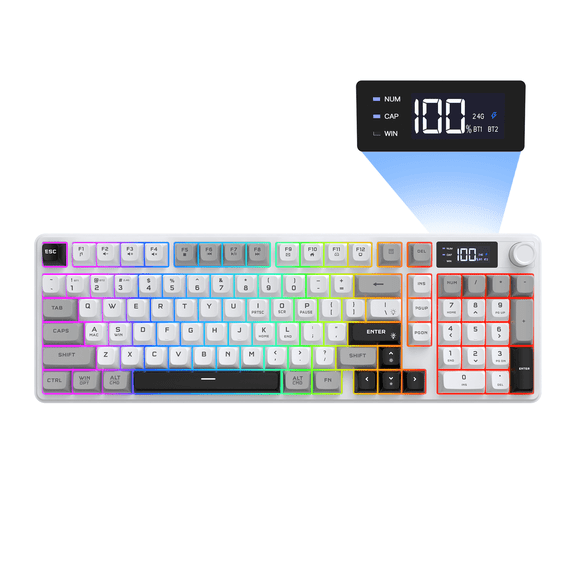 Wireless Gaming Keyboard with Smart Display & Knob Control, Tri-Mode BT/2.4G/USB-C RGB Backlit Creamy Keyboard with Number Pad, Anti-Ghosting Keys, Compatible for Windows Mac$24.99current price $24.99
Wireless Gaming Keyboard and Mouse Combo with 87 Key Rainbow LED Backlight Rechargeable 3800mAh Battery Mechanical Feel Anti-ghosting Ergonomic Waterproof RGB Mute Mice for Computer PC Gamer (Black)
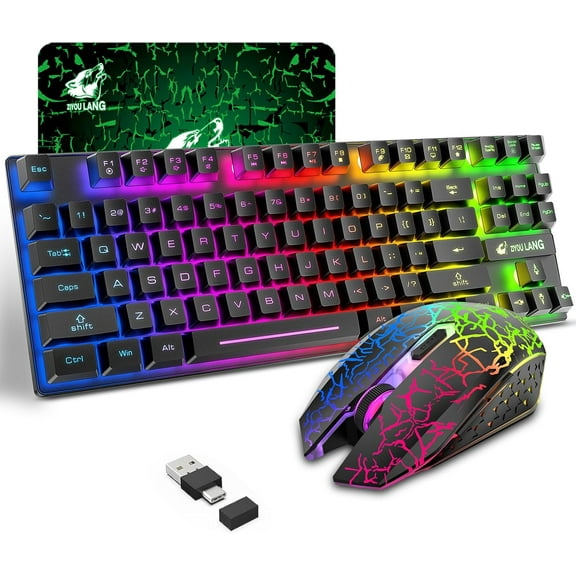 Wireless Gaming Keyboard and Mouse Combo with 87 Key Rainbow LED Backlight Rechargeable 3800mAh Battery Mechanical Feel Anti-ghosting Ergonomic Waterproof RGB Mute Mice for Computer PC Gamer (Black)$35.99current price $35.99
Verbatim Keyboard & Mouse - USB Cable - Black - USB Cable - Optical - Scroll Wheel - QWERTY - Black - Compatible with Computer for PC, Mac
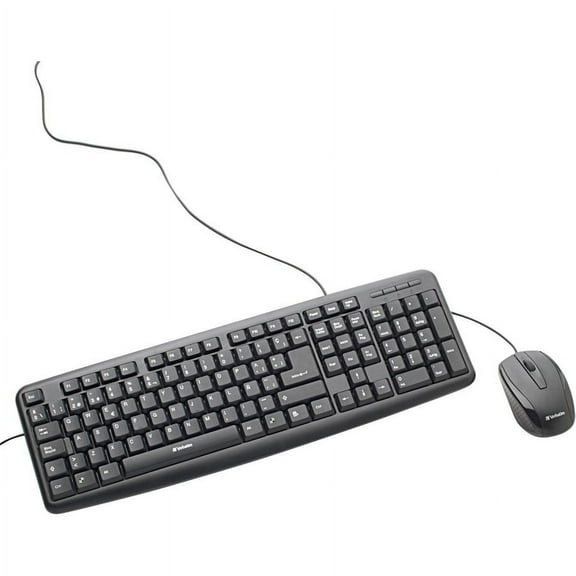 Verbatim Keyboard & Mouse - USB Cable - Black - USB Cable - Optical - Scroll Wheel - QWERTY - Black - Compatible with Computer for PC, Mac$25.36current price $25.36