

Kandao(6)
Kandao QooCam EGO 3D Camera, Black #262550 Was $331.78

Kandao QooCam EGO 3D Camera, Black #262550
KanDao QooCam 3 360 Action Camera + 64GB Extreme Pro Card + 50IN1 Action Kit $284.95

KanDao QooCam 3 360 Action Camera + 64GB Extreme Pro Card + 50IN1 Action Kit
Kandao QooCam 3 360 Action Camera, 5.7K 62MP 360 Sports Camera, Dual 1/1.55" Sensors Larger Aperture Camera, 60fps Flawless Video Camera, Outdoor Stabilization Waterproof Night Shot, Travel Combo $225.99
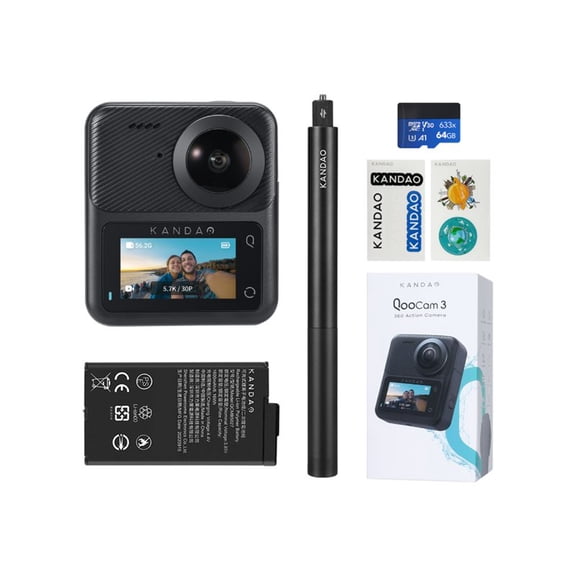
Kandao QooCam 3 360 Action Camera, 5.7K 62MP 360 Sports Camera, Dual 1/1.55" Sensors Larger Aperture Camera, 60fps Flawless Video Camera, Outdoor Stabilization Waterproof Night Shot, Travel Combo
Kandao QooCam 3 360Panoramic Action Camera, 5.7K 62MP Video Camera, Dual 1/1.55" Sensors F1.6 Larger Aperture Vlog Camera, 60fps Flawless Video Camera, Waterproof, Stabilization Outdoor Camera $239.49
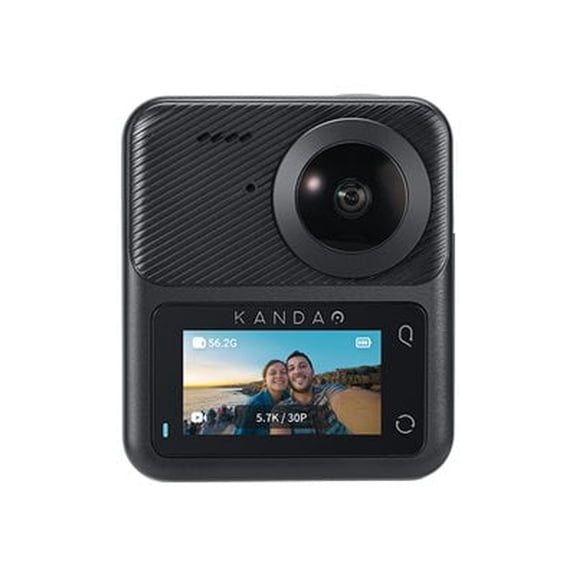
Kandao QooCam 3 360Panoramic Action Camera, 5.7K 62MP Video Camera, Dual 1/1.55" Sensors F1.6 Larger Aperture Vlog Camera, 60fps Flawless Video Camera, Waterproof, Stabilization Outdoor Camera
KanDao Waterproof 1080p 62mp With 64GB Extreme Pro Card and 50IN1 Action Kit, Black From $269.95


KanDao Waterproof 1080p 62mp With 64GB Extreme Pro Card and 50IN1 Action Kit, Black
Kandao Extendable Selfie Stick for Qoocam 8K $39.95

Kandao Extendable Selfie Stick for Qoocam 8K
FAQ
How do I use a 360 action camera outdoors?
Using a 360 action camera outdoors is all about capturing immersive footage. Start by choosing a well-lit location, since good lighting can make a big difference in video quality. Mount the camera securely—many options come with action kits or compatible selfie sticks for stability. Check if the camera is waterproof or has outdoor stabilization features, so you can film in different weather conditions. Make sure the lens is clean before recording, and explore different angles to highlight your adventure. Remember to charge the battery before heading out for uninterrupted shooting.
Can these cameras be used for video conferencing?
Some cameras in this collection are designed for video conferencing, especially models labeled as all-in-one or meeting cameras.
- Look for features like 360-degree coverage, auto speaker focus, and smart zooming.
- These functionalities help provide clear visuals and make meetings more collaborative.
- Many also work with standard conference software via USB or HDMI connections, so setup is usually straightforward.
What's the best way to clean the camera lens?
Keeping your camera lens clean helps maximize photo and video clarity.
- Use a soft, microfiber cloth to gently wipe the lens—avoid paper towels or rough fabrics.
- If needed, use a camera-safe cleaning solution or a little distilled water applied to the cloth, not directly to the lens.
- Always steer clear of abrasive cleaners that might scratch the lens.
Do I need extra memory cards for long trips?
If you’re planning to record high-resolution footage or take lots of photos, bringing extra memory cards can be really helpful.
- Some kits come bundled with memory cards, but you might want to buy additional ones to safeguard against running out of storage.
- Look for class 10 or higher microSD cards for smooth recording, especially for 5.7K or 4K video formats.
- Having backup cards allows you to switch quickly and keep filming without interruption.
How do I transfer videos from the camera to my computer?
Transferring videos is usually straightforward.
- Connect the camera to your computer using the included USB cable or remove the memory card and insert it into a compatible card reader.
- Your computer should recognize the device or card as external storage, letting you copy the files directly.
- For optimal results, organize your videos into folders for easy access later.
Popular in Kandao
Related Products
RONY 4K Autofocus Webcam with Ring Light, Plug & Play Computer Camera with Microphone for PC Laptop Video Streaming
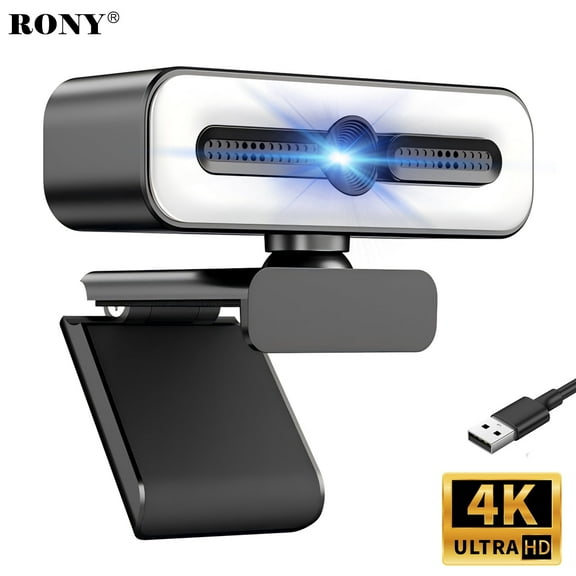 RONY 4K Autofocus Webcam with Ring Light, Plug & Play Computer Camera with Microphone for PC Laptop Video Streaming$23.59current price $23.59
Hexamurby 1080P Webcam with Microphone,Plug and Play USB Computer Video Camera for Conferencing/Laptop/PC/Zoom/Skype/Facetime/YouTube
 Hexamurby 1080P Webcam with Microphone,Plug and Play USB Computer Video Camera for Conferencing/Laptop/PC/Zoom/Skype/Facetime/YouTube$14.39current price $14.39
Insta360 Link 2C 4K AI Webcam - CINSABNA
 Insta360 Link 2C 4K AI Webcam - CINSABNA$149.99current price $149.99
4K Webcam, Auto-zoom,with remote control,Privacy Cover, White Balance, Webcam with Microphone, Plug & Play, 4K Web Camera for PC/Laptop/Desktop, Video Calling,Conferencing
 4K Webcam, Auto-zoom,with remote control,Privacy Cover, White Balance, Webcam with Microphone, Plug & Play, 4K Web Camera for PC/Laptop/Desktop, Video Calling,Conferencing$27.77current price $27.77
ZIQIAN 4K/8MP HD Webcam - Desk Top Camera/Gaming PC Camera/Pro Streaming Web Camera/ Xbox Camera/Webcam with Microphone with Privacy Cover and Tripod-Black
 ZIQIAN 4K/8MP HD Webcam - Desk Top Camera/Gaming PC Camera/Pro Streaming Web Camera/ Xbox Camera/Webcam with Microphone with Privacy Cover and Tripod-Black$26.99current price $26.99
4K Webcam for PC, Auto-zoom,with remote control,Privacy Cover, White Balance, Webcam with Microphone, Plug & Play, 4K Web Camera for Laptop/Desktop, Video Calling,Conferencing
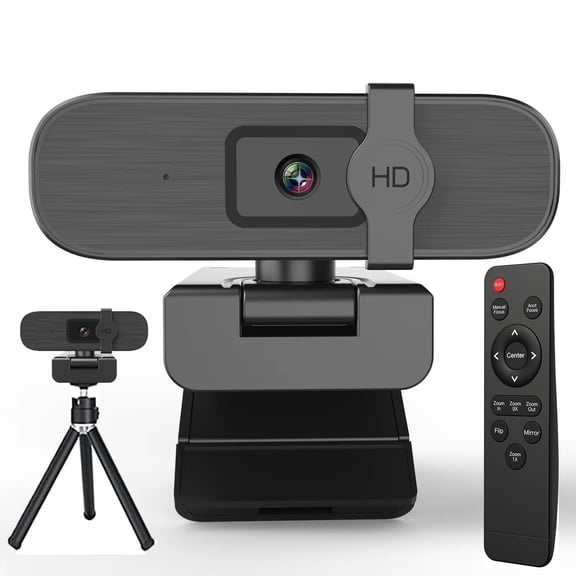 4K Webcam for PC, Auto-zoom,with remote control,Privacy Cover, White Balance, Webcam with Microphone, Plug & Play, 4K Web Camera for Laptop/Desktop, Video Calling,Conferencing$35.99current price $35.99
T200 Full HD Webcam 1080p 30FPS Widescreen Mode, Autofocus System, Hi-Speed USB 2.0
 T200 Full HD Webcam 1080p 30FPS Widescreen Mode, Autofocus System, Hi-Speed USB 2.0$14.99current price $14.99
UVQYC 1080P HD Webcam with Noise-Cancelling Mic/360° Rotation/180° Adjustable/100° Wide Andsgle/Automatic White Balance and Color Correction/Plug & Play PC Camera for Laptops/Monitors
 UVQYC 1080P HD Webcam with Noise-Cancelling Mic/360° Rotation/180° Adjustable/100° Wide Andsgle/Automatic White Balance and Color Correction/Plug & Play PC Camera for Laptops/Monitors$13.49current price $13.49
1080p Webcam Full HD Web Camera w/ Built-In Microphone, 30fps, USB 2.0, 120° View Streaming Cam by Mata1-USA
 1080p Webcam Full HD Web Camera w/ Built-In Microphone, 30fps, USB 2.0, 120° View Streaming Cam by Mata1-USA$14.99current price $14.99
Macally 1080P Webcam with Microphone - Stay Connected Virtually - 120° Wide Angle HD 30FPS USB Computer Camera for Desktop - Web Cam for Streaming, Meetings, Skype, Zoom, PC, Laptop, Mac, Face Time
 Macally 1080P Webcam with Microphone - Stay Connected Virtually - 120° Wide Angle HD 30FPS USB Computer Camera for Desktop - Web Cam for Streaming, Meetings, Skype, Zoom, PC, Laptop, Mac, Face Time$16.99current price $16.99
4K Webcam for PC, Webcam with Microphone, 4K UHD Video Calling, Computer Camera with Privacy Cove for Computer/Laptop/Desktop, Dual Noise-Canceling Microphones, Auto Focused
 4K Webcam for PC, Webcam with Microphone, 4K UHD Video Calling, Computer Camera with Privacy Cove for Computer/Laptop/Desktop, Dual Noise-Canceling Microphones, Auto Focused$17.99current price $17.99
RONY 4K UHD USB Autofocus Webcam with Mic for PC Laptop Computer Conference Video Streaming Web cam
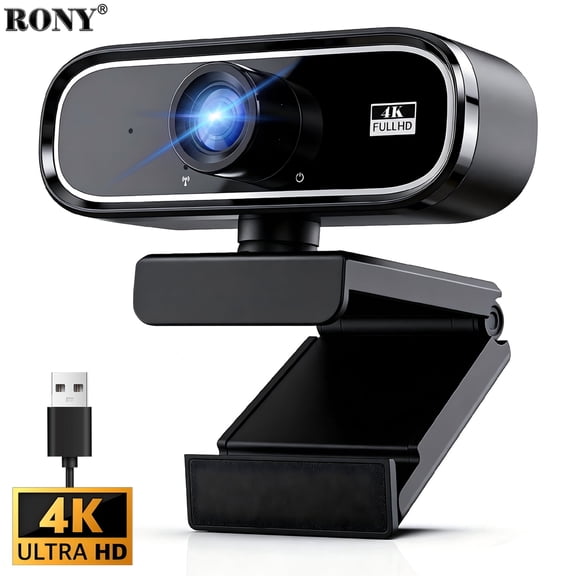 RONY 4K UHD USB Autofocus Webcam with Mic for PC Laptop Computer Conference Video Streaming Web cam$20.99current price $20.99
HD Webcam for PC, USB Camera with Microphone Plug Play Built-in Mic Full Ultra HD 1080P Web Camera Video Cam Video Calling Conferencing Streaming for Desktop/Computer/Mac/Laptop/MacBook
 HD Webcam for PC, USB Camera with Microphone Plug Play Built-in Mic Full Ultra HD 1080P Web Camera Video Cam Video Calling Conferencing Streaming for Desktop/Computer/Mac/Laptop/MacBook$19.99current price $19.99
1080P Full HD Webcam Auto Focusing Web Camera Full HD Cam Microphone for live streaming, video calling
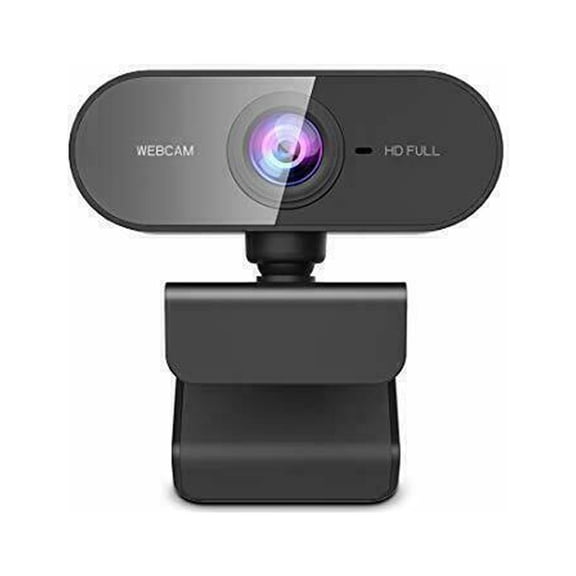 1080P Full HD Webcam Auto Focusing Web Camera Full HD Cam Microphone for live streaming, video calling$11.99current price $11.99
JLab GO 1080p Webcam, Universal, 2.1 Megapixel, 30 fps, Black, USB Type A
 JLab GO 1080p Webcam, Universal, 2.1 Megapixel, 30 fps, Black, USB Type A$39.99current price $39.99
Cablevantage CableVantage USB 50.0 M 6-LED Webcam Web Cam Camera with Built-in Mic for Laptop Desktop PC
 Cablevantage CableVantage USB 50.0 M 6-LED Webcam Web Cam Camera with Built-in Mic for Laptop Desktop PC$8.99current price $8.99
Vivitar Digital Clip-On Web Camera Virtual Meeting Optimized VWC107-BLK
Vivitar Digital Clip-On Web Camera Virtual Meeting Optimized VWC107-BLK
Webcam with Microphone Full 1080P HD with Privacy Cover & Tripod 110°Wide View Angle Plug and Play,Web Camera for Video Calling Online Class Conferencing Recording Gaming
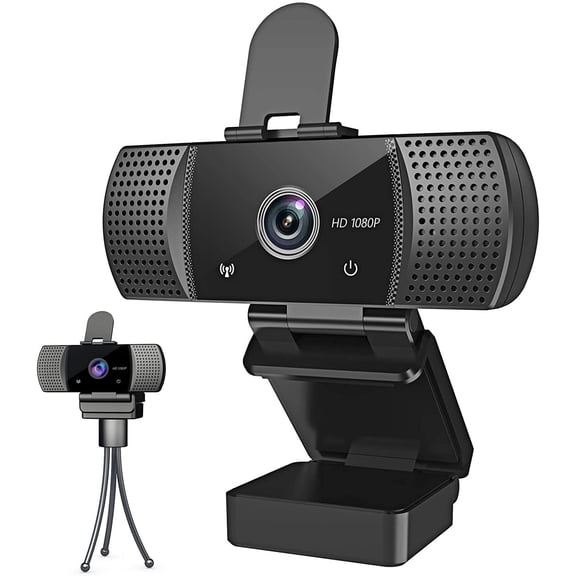 Webcam with Microphone Full 1080P HD with Privacy Cover & Tripod 110°Wide View Angle Plug and Play,Web Camera for Video Calling Online Class Conferencing Recording Gaming$39.99current price $39.99