Kado(2)
New, Kado Portable Monitor 15.6" IPS FHD 1920x1080 Second Display Extender USB Type-C Plug & Play Office Gaming Hybrid Built-In Speakers $49.89
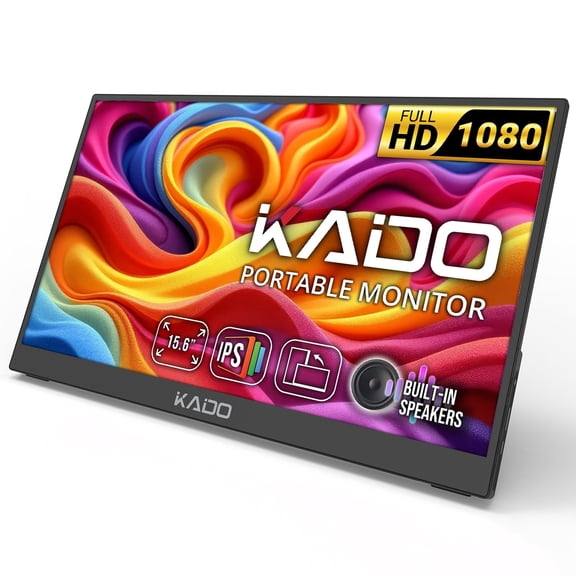
Kado Portable Monitor 15.6" IPS FHD 1920x1080 Second Display Extender USB Type-C Plug & Play Office Gaming Hybrid Built-In Speakers
Kado 15.6" Portable Monitor for Laptop IPS 1920x1080 Screen Extender Dual USB Type-C Plug & Play Second Display Built-In Speakers $49.89
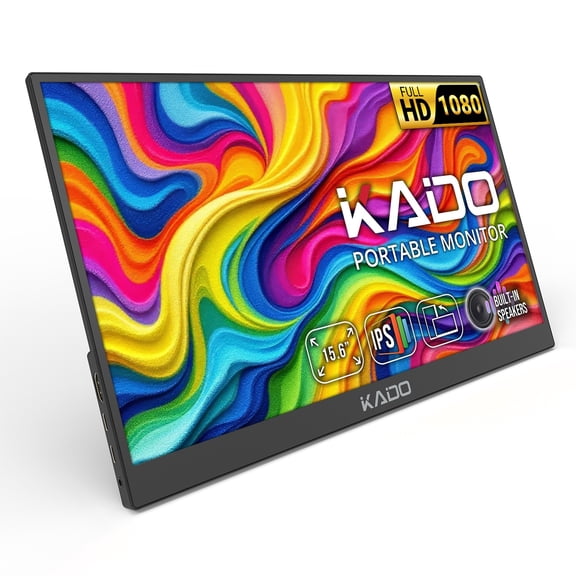
Kado 15.6" Portable Monitor for Laptop IPS 1920x1080 Screen Extender Dual USB Type-C Plug & Play Second Display Built-In Speakers
FAQ
How do I connect a portable monitor to my laptop?
Connecting a portable monitor is usually quick and straightforward. Most portable monitors use a USB Type-C cable for both power and video, so you'll typically just need to plug one end into your laptop and the other into the monitor. If your laptop doesn't have a USB Type-C port, some models may also support HDMI with an adapter. Make sure to check your laptop's compatibility and select the right cable for your setup. Once connected, your laptop should automatically detect the new display, allowing you to adjust settings as needed.
Can I use a portable monitor for gaming?
You can definitely use a portable monitor for gaming, especially if you're looking for a flexible second screen or want to game on the go. Many portable monitors feature full HD resolution and fast response times, which can offer a smooth gaming experience. Keep in mind, performance may depend on your device's hardware and the types of games you play. For casual and mobile gaming, a portable monitor is a convenient option, but for high-end or competitive gaming, you may want to check the refresh rate and response time details before making a choice.
What devices can I connect to a portable monitor?
Portable monitors are designed to be versatile and compatible with a range of devices. You can connect them to laptops, desktops, some tablets, and even certain smartphones that support video output. Many monitors also work with gaming consoles, making them useful for entertainment or work. Just ensure your device has the right output port, like USB Type-C or HDMI, and check for any required adapters. This flexibility makes portable monitors a practical addition for travel, work, or play.
How do I adjust the brightness on a portable monitor?
Most portable monitors include built-in buttons or an on-screen menu to adjust brightness and other settings. Look for buttons along the side or bottom edge of the monitor; pressing these typically brings up a menu where you can tweak brightness, contrast, and more. If the monitor is connected to a laptop, you may also be able to adjust some settings through your computer's display controls. Checking the included manual or quick-start guide can also provide step-by-step instructions specific to your model.
Are portable monitors good for travel?
Portable monitors are a popular choice for travelers who need extra screen space while on the move. They're slim, lightweight, and usually come with protective covers, making them easy to pack in a bag or suitcase. Since they often use a single USB Type-C cable for both power and video, setup is simple and clutter-free. Whether you're working remotely, giving presentations, or just want a bigger screen on vacation, a portable monitor can help you stay productive away from your main workspace.