

Istore(1)
iStore USB-C to Dual USB-C Adapter $23.50
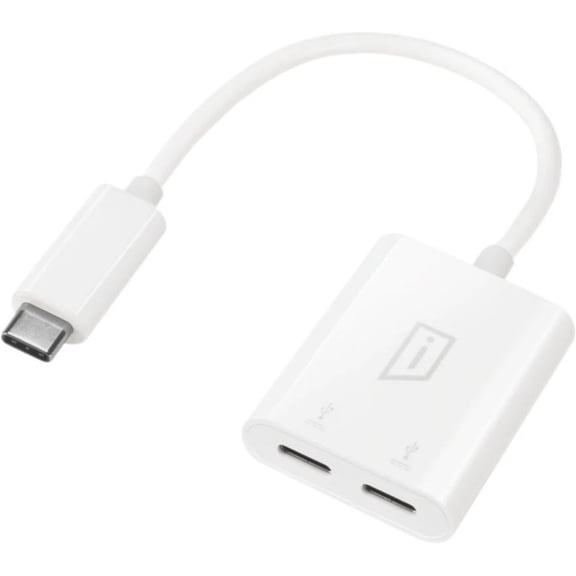
iStore USB-C to Dual USB-C Adapter
FAQ
What devices work with a USB-C to dual USB-C adapter?
A USB-C to dual USB-C adapter is designed to connect with devices that have a USB-C port, such as many laptops, tablets, and smartphones. Before using the adapter, check your device’s specifications to confirm compatibility with USB-C accessories. Some devices may support data transfer, charging, or both, while others might have limited functionality. If you’re unsure, consult your device’s user manual or reach out to the manufacturer for details. This can help you get the most out of your adapter and avoid any unexpected issues.
How do I use a dual USB-C adapter for charging?
To use a dual USB-C adapter for charging, simply plug the adapter into your device’s USB-C port. Then, connect your charging cable to one of the adapter’s USB-C ports.
- Some adapters allow you to charge two devices at once, but charging speed may vary depending on your device and power source.
- Always use cables and chargers that meet your device’s recommended specifications for safety and optimal performance.
Can I transfer files with a USB-C to dual USB-C adapter?
Yes, many USB-C to dual USB-C adapters support file transfers between compatible devices.
- To transfer files, connect the adapter to your device and plug in the other USB-C device or accessory.
- Depending on your devices, you may need to select the correct transfer mode or approve the connection on your screen.
Are there any tips for keeping my USB-C adapter in good shape?
Taking care of your USB-C adapter can help extend its lifespan. Here are a few tips:
- Store the adapter in a dry, cool place when not in use.
- Avoid bending or pulling on the cables connected to the adapter.
- Keep the ports free from dust and debris by using protective caps or cases.
- Unplug the adapter gently to prevent damage to the connectors.
What should I do if my adapter isn’t working?
If your USB-C to dual USB-C adapter isn’t working as expected, try these steps:
- Disconnect and reconnect the adapter to ensure a secure fit.
- Test the adapter with another device or cable to rule out other issues.
- Restart your device, as this can sometimes resolve connection problems.
Popular in Shop Brand USB C Chargers and Adapters Online
Related Products
FITE ON 5V 2A USB Cable Lead Charger Power Supply 2.5mmx0.7mm 2.5x0.7 for Android Tablet
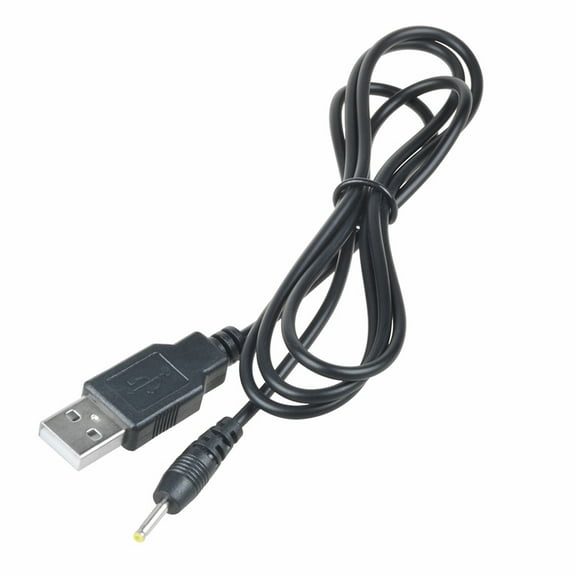 FITE ON 5V 2A USB Cable Lead Charger Power Supply 2.5mmx0.7mm 2.5x0.7 for Android Tablet$7.99current price $7.99
Guy-Tech USB PC Charging Cable PC Laptop Power Cord Compatible with 32202 Amara 7", 32203 Aria 7", 32200 Shiloh 5", 32199 Alexa 5", 32201 Willow 5", 32212 Mylo 5" Baby Monitor (Not Fit Camera Unit
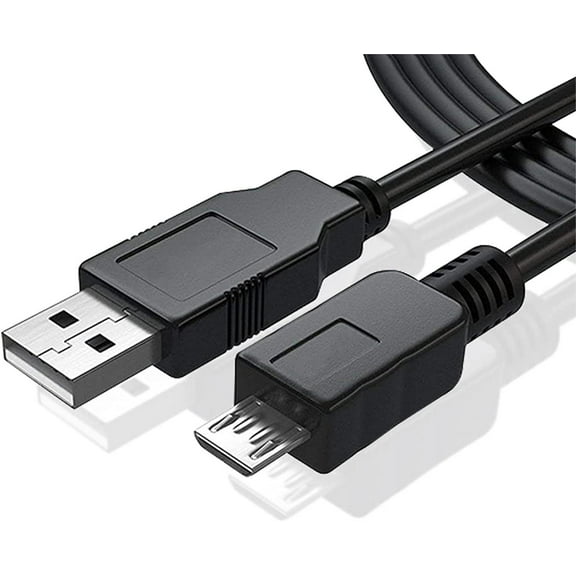 Guy-Tech USB PC Charging Cable PC Laptop Power Cord Compatible with 32202 Amara 7", 32203 Aria 7", 32200 Shiloh 5", 32199 Alexa 5", 32201 Willow 5", 32212 Mylo 5" Baby Monitor (Not Fit Camera Unit$10.30current price $10.30
CY Type C USB-C Female Input to DC 5.5*2.1mm Power PD Charge Cable fit for Laptop 18-20V
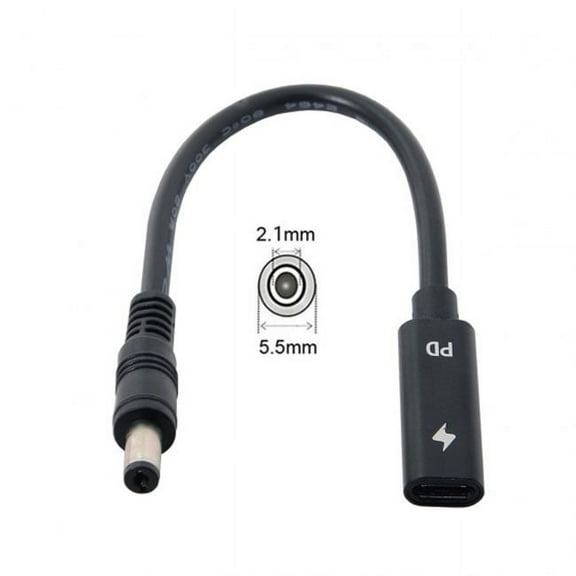 CY Type C USB-C Female Input to DC 5.5*2.1mm Power PD Charge Cable fit for Laptop 18-20V$8.99current price $8.99
BICMICE USB DC Charging Cable 2.5mm Charger Cord 2.7Ft Replacement for Massager, 2 Pack, White
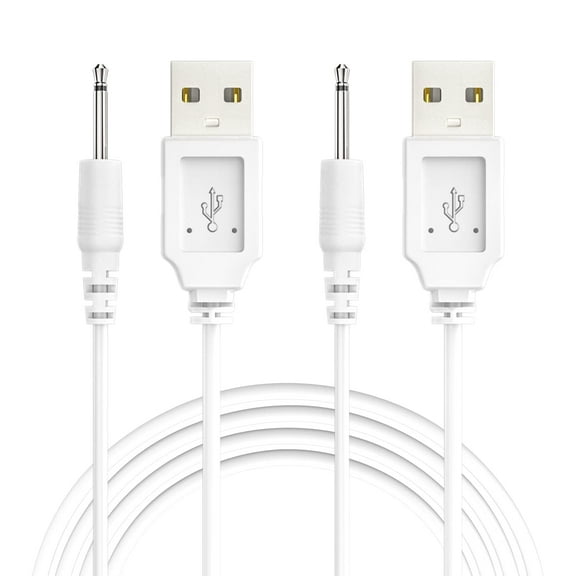 BICMICE USB DC Charging Cable 2.5mm Charger Cord 2.7Ft Replacement for Massager, 2 Pack, White$7.99current price $7.99
Redi Tech Go™ Green Streamer RGB USB-A to USB-C Cable 60W 3A – 3.3ft, 3.1 Intelligent Charging, Pure Copper – Fast Charge for iPhone 17, Android, MacBook & Steam Deck
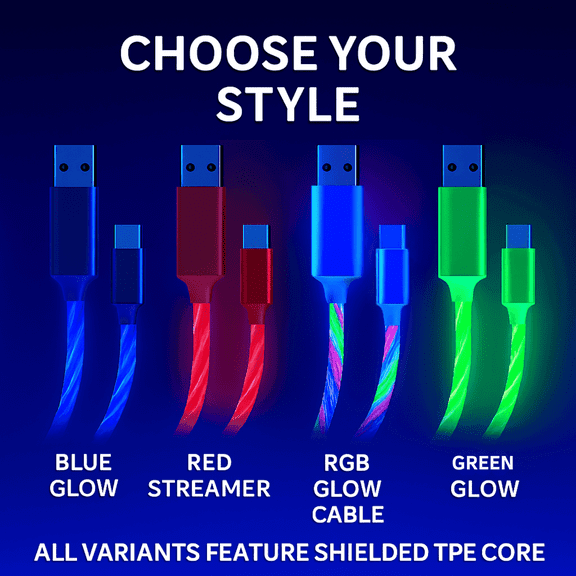 Redi Tech Go™ Green Streamer RGB USB-A to USB-C Cable 60W 3A – 3.3ft, 3.1 Intelligent Charging, Pure Copper – Fast Charge for iPhone 17, Android, MacBook & Steam Deck$13.98current price $13.98
GAEF USB C Cable Fast Charging, 5 Pack USB A to Type C Charger Cords 6FT, Nylon Braided High Speed Charging Cable Data Transfer Cable Compatible for iPhone Samsung Android, Mixed A
 GAEF USB C Cable Fast Charging, 5 Pack USB A to Type C Charger Cords 6FT, Nylon Braided High Speed Charging Cable Data Transfer Cable Compatible for iPhone Samsung Android, Mixed A$13.99current price $13.99
UGREEN Nexode Pro 100W USB C Charger, GaN Fast Charger Kit for Laptop Cellphone
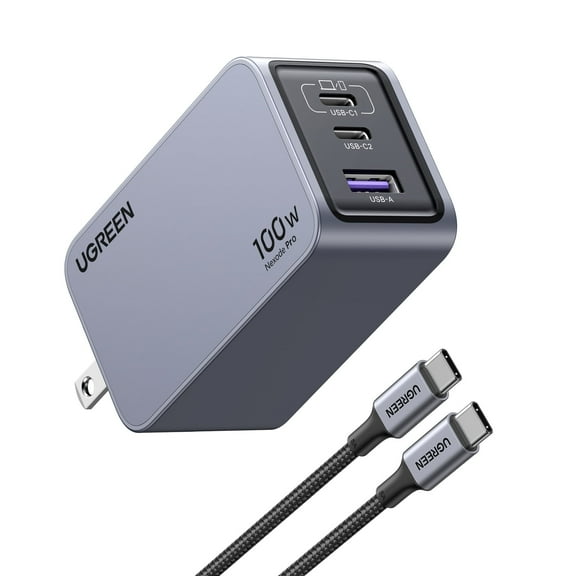 UGREEN Nexode Pro 100W USB C Charger, GaN Fast Charger Kit for Laptop Cellphone$37.99current price $37.99
FVH Type C USB-C Female Input to DC 5.5*2.1mm Power PD Charge Cable fit for Laptop 18-20V
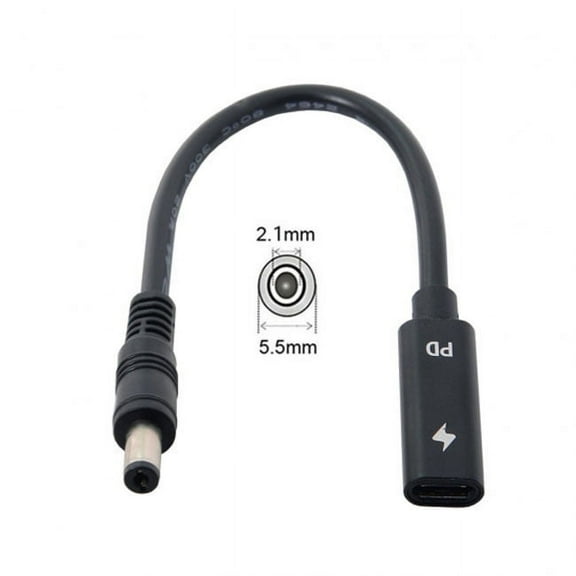 FVH Type C USB-C Female Input to DC 5.5*2.1mm Power PD Charge Cable fit for Laptop 18-20V$8.99current price $8.99
96W USB C Fast Charger Laptop Charger Compatible with All USB C Charge Device, Include Charge Cable (6.6ft/2m)
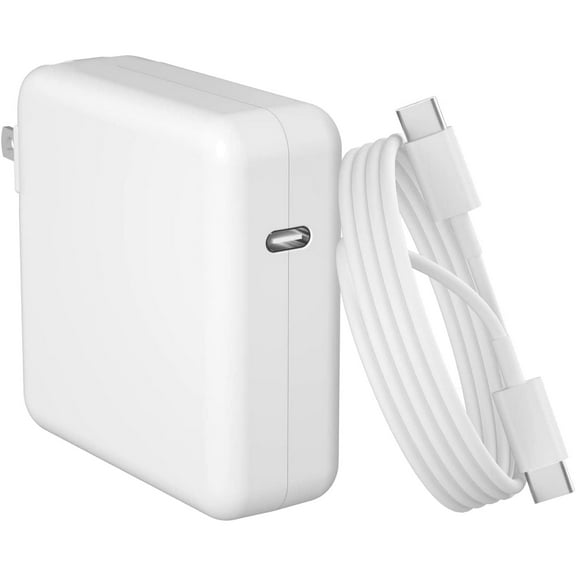 96W USB C Fast Charger Laptop Charger Compatible with All USB C Charge Device, Include Charge Cable (6.6ft/2m)$15.99current price $15.99
[UL Listed] OMNIHIL 2-Port Wall Charger+15FT-MICRO-USB Cable Compatible with INSIGNIA NS-MINISONIC20
 [UL Listed] OMNIHIL 2-Port Wall Charger+15FT-MICRO-USB Cable Compatible with INSIGNIA NS-MINISONIC20$18.96current price $18.96
HQRP AC Adapter Charger for Samsung Galaxy S10 S10e S9 S8 Plus Note 8 9, USB-C Cable Power Supply Cord
 HQRP AC Adapter Charger for Samsung Galaxy S10 S10e S9 S8 Plus Note 8 9, USB-C Cable Power Supply Cord$22.86current price $22.86