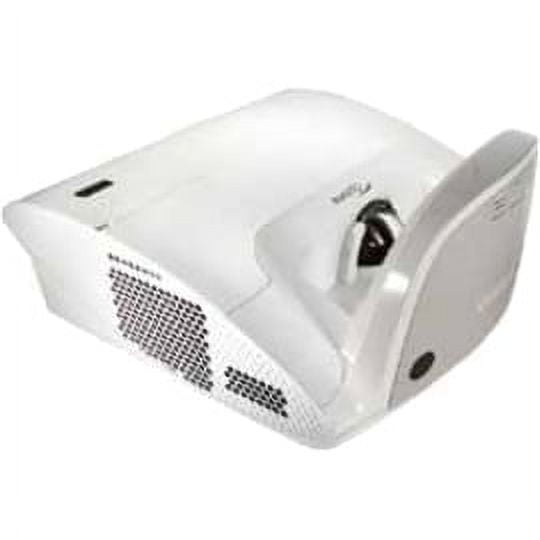
Brand: Infocus Displays(3)
InFocus JTouch IN7513 Collaboration Display $2,294.30 Was $2,806.38

InFocus JTouch IN7513 Collaboration Display
InFocus JTouch IN6513 Collaboration Display $1,653.77 Was $1,797.52
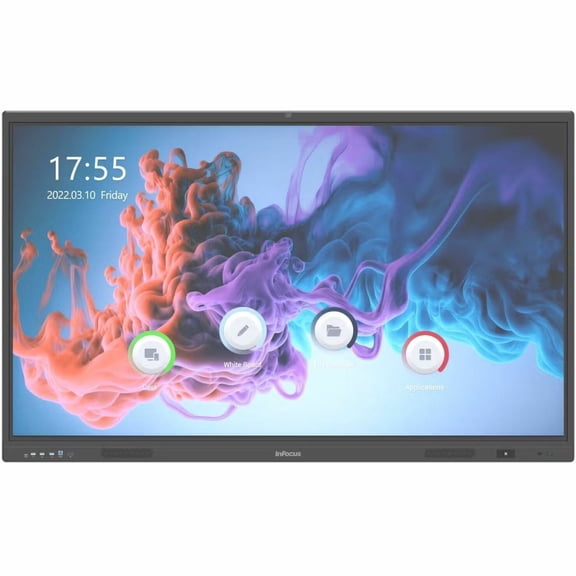
InFocus JTouch IN6513 Collaboration Display
InFocus JTouch INF6550 Collaboration Display

InFocus JTouch INF6550 Collaboration Display
Other options to consider(13)
InFocus Superior IN1089SL 3D Standard Throw DLP Projector - 16:10 - Ceiling Mountable, Floor Mountable $1,456.58

InFocus Superior IN1089SL 3D Standard Throw DLP Projector - 16:10 - Ceiling Mountable, Floor Mountable
INFOCUS, MULTIMEDIA PROJECTOR, P135, AUTHENTIC II, WUXGA, IN1069SL $2,661.53

INFOCUS, MULTIMEDIA PROJECTOR, P135, AUTHENTIC II, WUXGA, IN1069SL
Infocus IN1028ST Nemesis II IN1028ST Short Throw DLP Projector $1,245.43 Was $1,318.06
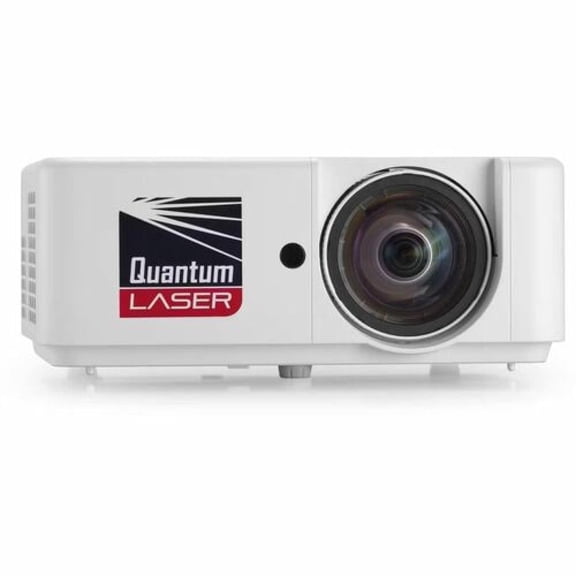
Infocus IN1028ST Nemesis II IN1028ST Short Throw DLP Projector
INFOCUS, MULTIMEDIA PROJECTOR, P135, AUTHENTIC II, 1080P, IN1068SL $3,195.43
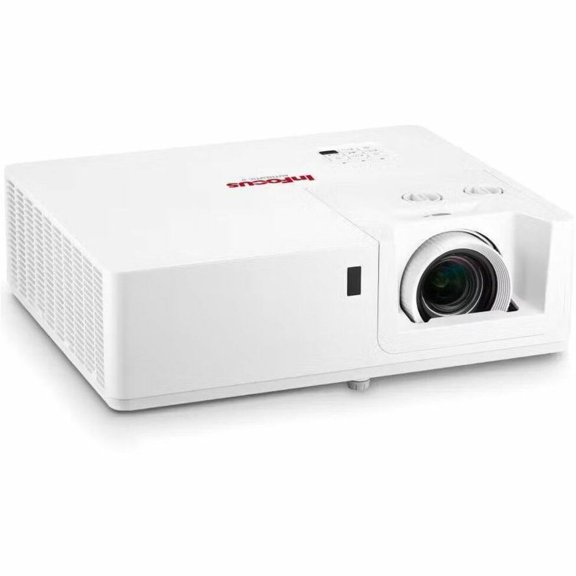
INFOCUS, MULTIMEDIA PROJECTOR, P135, AUTHENTIC II, 1080P, IN1068SL
InFocus LightPro IN0061SL 3D Standard Throw DLP Projector - 16:9 $973.73 Was $1,084.58
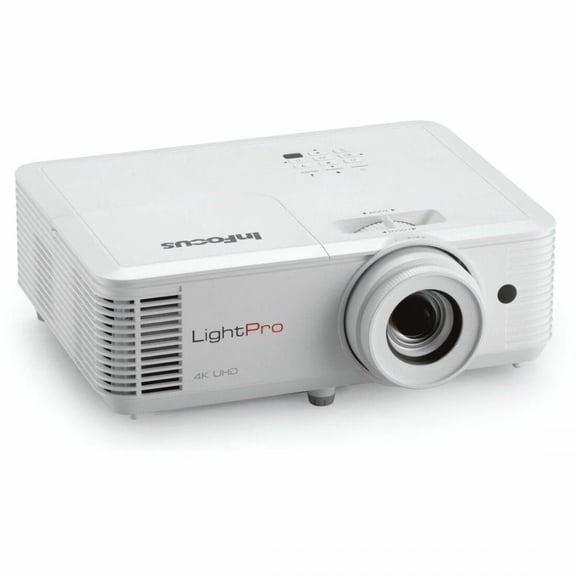
InFocus LightPro IN0061SL 3D Standard Throw DLP Projector - 16:9
Infocus Managed IN1034 Model P161 Xga Multimedia Projector $640.80 Was $681.99
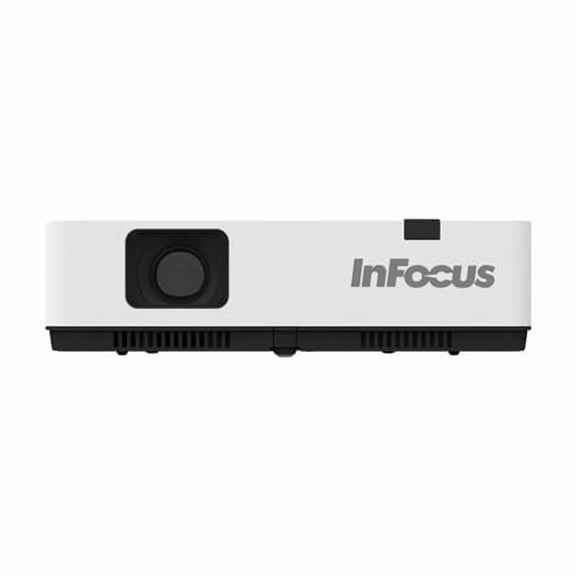
Infocus Managed IN1034 Model P161 Xga Multimedia Projector
InFocus IN1048SL 1080p P133 Projector with 1.6x Lens - 30 $1,942.30 Was $2,111.16
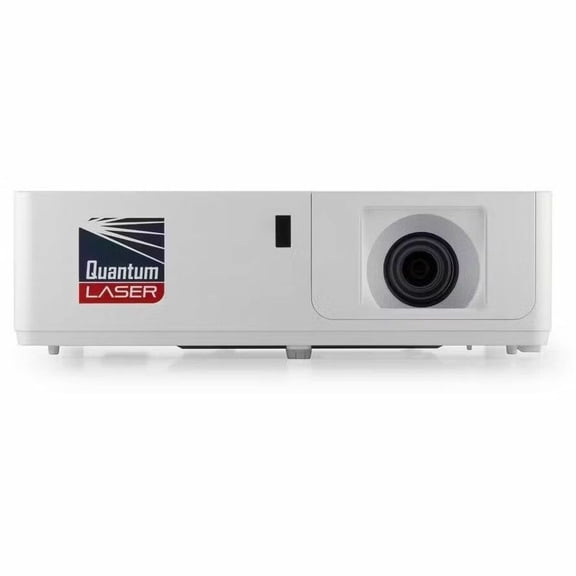
InFocus IN1048SL 1080p P133 Projector with 1.6x Lens - 30
InFocus IN1049SL WUXGA P133 Projector with 1.6x Lens - 30 $2,053.28 Was $2,250.56
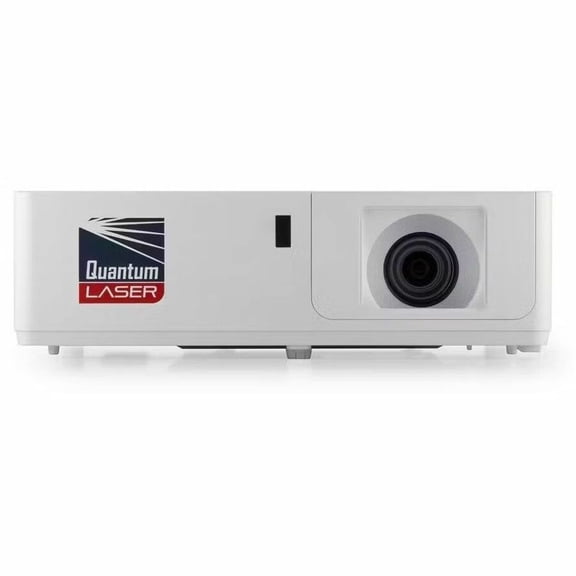
InFocus IN1049SL WUXGA P133 Projector with 1.6x Lens - 30
Pre-Owned InFocus IN112x DLP Projector 3200 ANSI Home Theater PC 3D Ready 1080p HDMI $120.70

Pre-Owned InFocus IN112x DLP Projector 3200 ANSI Home Theater PC 3D Ready 1080p HDMI
Pre-Owned InFocus IN114x DLP Projector 3200 Lumens XGA Full HD 1080p PC 3D Ready HDMI USB with Accessories Bundle $133.45

Pre-Owned InFocus IN114x DLP Projector 3200 Lumens XGA Full HD 1080p PC 3D Ready HDMI USB with Accessories Bundle
Infocus Multimedia Projector Proj P124 Genesis Iii Xga In0006sl $475.85 Was $508.00

Infocus Multimedia Projector Proj P124 Genesis Iii Xga In0006sl
Infocus IN0048ST Multimedia Projector Model Proj P123 Vitsa Ii 1080p In0048st $767.09 Was $893.00

Infocus IN0048ST Multimedia Projector Model Proj P123 Vitsa Ii 1080p In0048st
InFocus INOPS5 Single Board Computer - Intel - Core i5 - i5-12450H - 8 GB - DDR4 SDRAM - 256 GB Solid State Drive - Intel - UHD Graphics - Wireless LAN - Bluetooth - HDMI - 7 x Number of USB Ports ... $1,026.21

InFocus INOPS5 Single Board Computer - Intel - Core i5 - i5-12450H - 8 GB - DDR4 SDRAM - 256 GB Solid State Drive - Intel - UHD Graphics - Wireless LAN - Bluetooth - HDMI - 7 x Number of USB Ports ...
FAQ
How do I set up a collaboration display?
Getting started with a collaboration display is pretty straightforward. You'll want to find a spot with easy access to power and any devices you plan to connect.
- Plug in the display and turn it on.
- Connect your computer or device using HDMI, USB, or wireless options.
- Follow the on-screen prompts to select input sources or adjust settings.
If you run into any trouble, check the included manual or reach out to Walmart's customer support for guidance.
Can I use these displays for video calls?
Yes, collaboration displays can be used for video calls if you connect them to a compatible device with video conferencing software.
- Attach a webcam and microphone if needed.
- Open your preferred video call app on the connected device.
- Adjust audio and video settings for clarity.
This setup can make meetings more interactive and help everyone stay engaged.
What features make these displays good for teamwork?
Collaboration displays are designed to help groups work together more easily.
- Large touchscreens let everyone interact directly with content.
- Multiple connectivity options make sharing files quick and easy.
- Built-in tools often support drawing, annotating, and screen sharing.
These features can simplify brainstorming and project planning for teams.
How can I keep the screen clean without damaging it?
It's important to clean the screen gently to avoid scratches or damage.
- Turn off the display before cleaning.
- Use a soft, dry microfiber cloth to wipe away dust.
- If needed, lightly dampen the cloth with water—never use harsh chemicals or sprays directly.
Regular cleaning can help keep the display looking sharp and functioning well.
Are replacement parts or accessories easy to find?
Replacement parts and accessories, like cables or styluses, are often available online or in stores.
- Check the product's documentation for compatible accessories.
- Search Walmart's website for specific items you need.
- If unsure, contact customer service for assistance matching parts.
Having the right accessories on hand can help you get the most out of your collaboration display.
Popular in InFocus JTouch Collaboration Displays for Offices
- Viewsonic Projectors & Presentation Equipment
- Infocus Collection
- Brand: Nec Projectors
- Infocus Projectors & Presentation Equipment
- Infocus Corporation Projectors & Presentation Equipment
- Brand: Nec Projectors Proav
- BenQ Projectors
- Epson Office Projectors
- Epson Projectors
- Projector Bulbs
- Premium Projectors
- Projector Parts and Supplies
Related Products
ViewSonic LS740HD 1080P Laser Projector, 5500 Lumens, Full HD Home Theater
 ViewSonic LS740HD 1080P Laser Projector, 5500 Lumens, Full HD Home Theater$1199.99current price $1199.99
ViewSonic PS502W WXGA Short Throw Projector 4000 Lumens, Dual HDMI
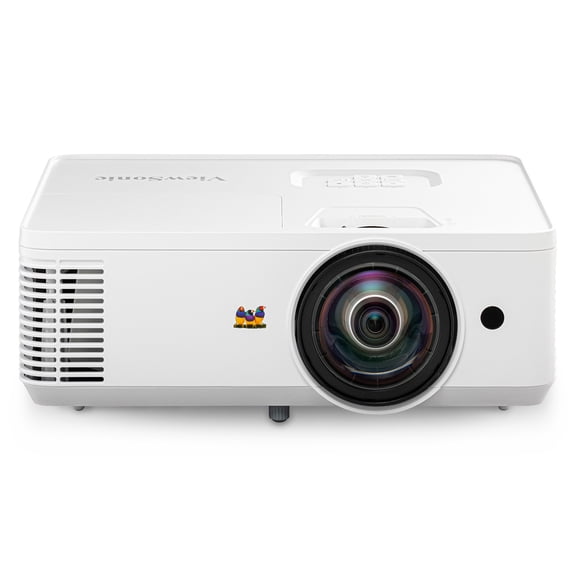 ViewSonic PS502W WXGA Short Throw Projector 4000 Lumens, Dual HDMI$579.99current price $579.99
BenQ TH671ST Short Throw Home Theater and Gaming 1080p 3000 Lumens DLP Projector - White
 BenQ TH671ST Short Throw Home Theater and Gaming 1080p 3000 Lumens DLP Projector - White$849.00current price $849.00
Optoma Standard Throw 4K HDR Multimedia Projector, White, HD30LV
 Optoma Standard Throw 4K HDR Multimedia Projector, White, HD30LV$599.00current price $599.00
Optoma GT3500HDR 3D Ultra Short Throw DLP Projector - 16:9 - Wall Mountable - White
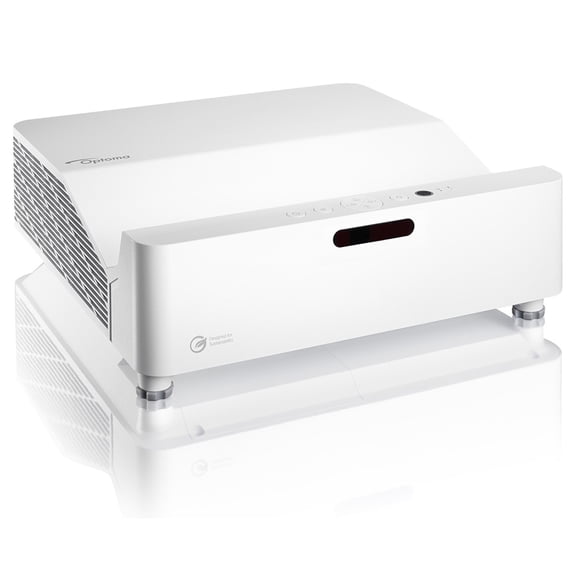 Optoma GT3500HDR 3D Ultra Short Throw DLP Projector - 16:9 - Wall Mountable - White$1499.00current price $1499.00
BenQ LH650 DLP Projector 16:9 White
 BenQ LH650 DLP Projector 16:9 White$1413.00current price $1413.00
Optoma ZU920TST WUXGA Short-Throw Ultra-Bright Professional Laser DLP Projector
 Optoma ZU920TST WUXGA Short-Throw Ultra-Bright Professional Laser DLP Projector$9999.00current price $9999.00
ViewSonic LS560WH 3000 Lumens WXGA Short Throw LED Projector
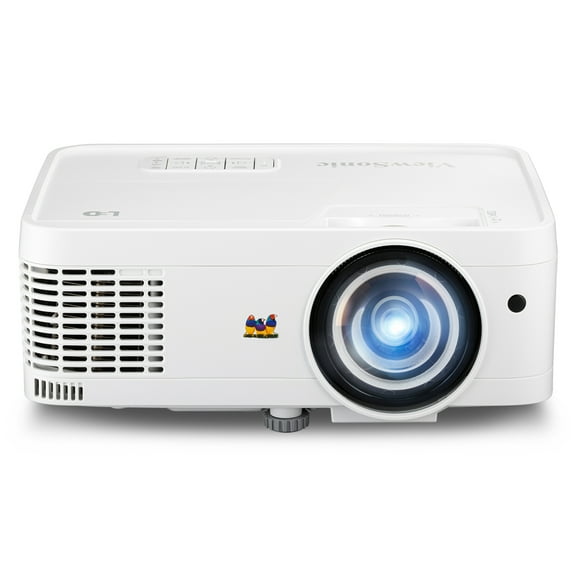 ViewSonic LS560WH 3000 Lumens WXGA Short Throw LED Projector$656.25current price $656.25
Optoma ML1050STi 3D Ready Short Throw DLP Projector 16:10 Portable Mountable
 Optoma ML1050STi 3D Ready Short Throw DLP Projector 16:10 Portable Mountable$972.02current price $972.02
BenQ LH750 3D DLP Projector - 16:9 - Ceiling Mountable
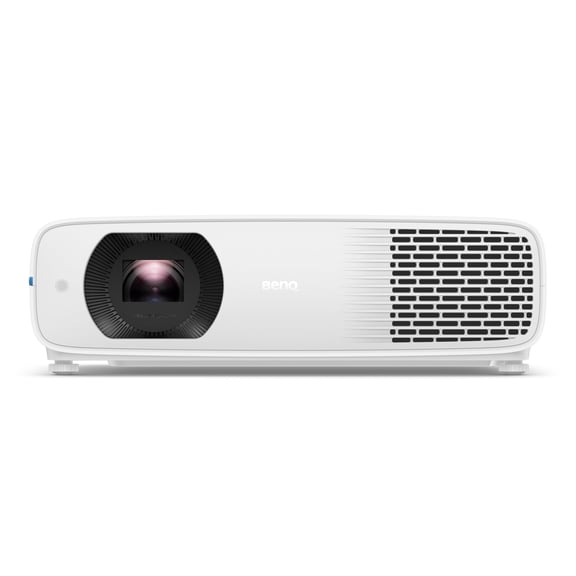 BenQ LH750 3D DLP Projector - 16:9 - Ceiling Mountable$1299.00current price $1299.00