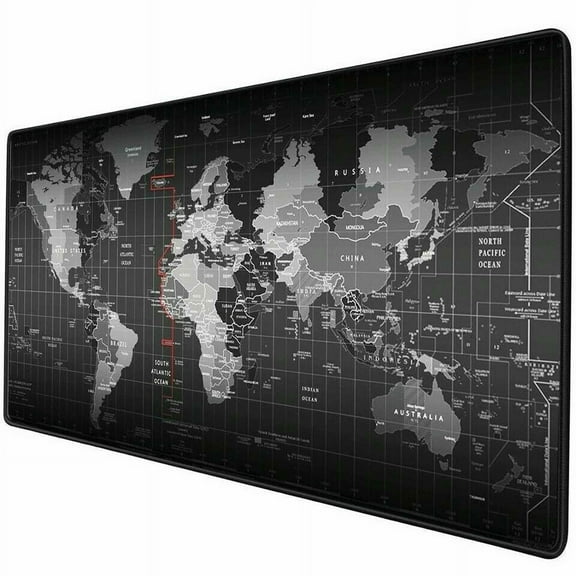
Gaming Eagle(2)
Mouse Ultra Thin Gaming Mouse Wired Usb Gamer Mice For Gaming Computer Pc 3 Buttons 1200dpi Optical 3d Roller Usb Gaming Mouse O6J9 $7.99
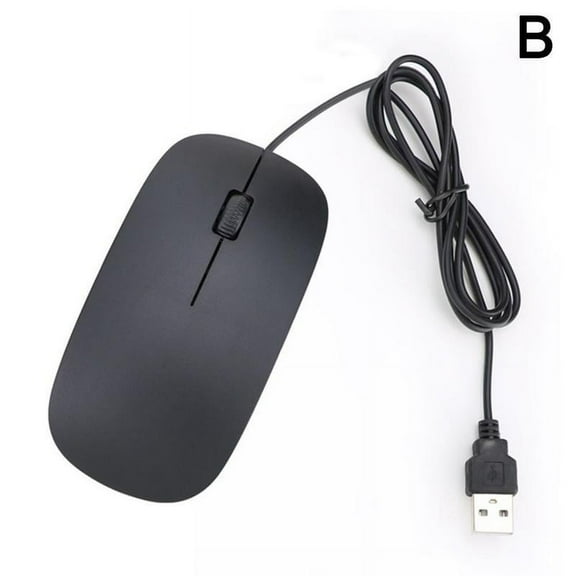
Mouse Ultra Thin Gaming Mouse Wired Usb Gamer Mice For Gaming Computer Pc 3 Buttons 1200dpi Optical 3d Roller Usb Gaming Mouse O6J9
Sea Wave Gaming Mouse Pad Japanese Computer XL Extended Desk Mat Large Non Slip Ocean Desk Pad for Home Office Funny 31.5 X 11.8 in, Black From $17.90
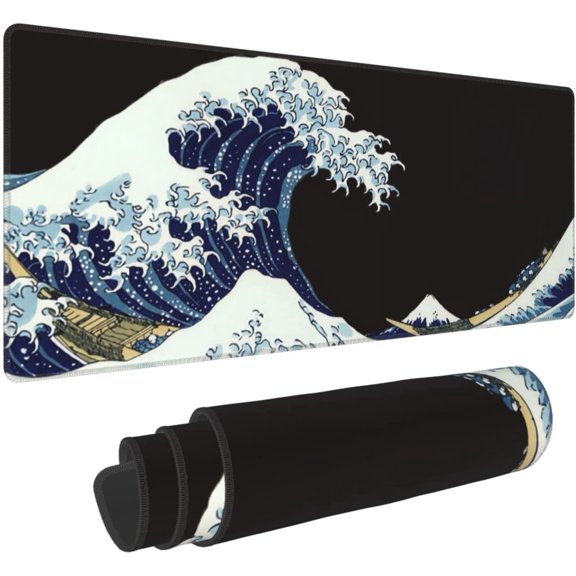


Sea Wave Gaming Mouse Pad Japanese Computer XL Extended Desk Mat Large Non Slip Ocean Desk Pad for Home Office Funny 31.5 X 11.8 in, Black
FAQ
Is this gaming mouse comfortable for long hours?
Comfort can make or break your gaming sessions, and this mouse is designed with an ultra-thin, lightweight profile to help reduce hand fatigue over time. The contoured shape aims to fit most hand sizes, allowing easier grip during extended use. Since everyone’s comfort needs are a bit different, it may help to take breaks and adjust your hand position periodically to find what feels best for you. If comfort is a top priority, you might also want to check out the product measurements and see if they match your preferences.
How do I set up the wired gaming mouse?
- Connect the mouse: Just plug the USB connector into any available USB port on your computer or laptop. No batteries are needed since it’s wired.
- Automatic recognition: Most computers will recognize the mouse automatically and install the necessary drivers on their own—no extra software typically required.
- Ready to use: Once your system recognizes it, you can start using it right away. For best results, ensure your computer's operating system is up-to-date to minimize compatibility issues.
If you ever run into trouble, restarting your computer or switching USB ports can help resolve most setup issues.
What does 1200dpi mean for gaming?
DPI, or dots per inch, measures how sensitive the mouse is to movement. A setting of 1200dpi means the mouse will move the cursor farther on the screen with less physical movement. This level of sensitivity strikes a balance between fast cursor navigation and precise control, which can be helpful for casual gaming or everyday computer use. Gamers often choose DPI settings based on personal preference and game type, so trying out different speeds can help you find what feels right for you.
Can I use this mouse with a laptop?
Absolutely! As long as your laptop has a USB port, you can plug in this wired gaming mouse and use it straight away. It's compatible with most major operating systems, so whether you're using a Windows laptop or another platform, setup tends to be simple and straightforward. If your laptop has limited ports, a USB hub can help you connect multiple devices.
How do I clean my gaming mouse safely?
- Unplug the mouse from your computer before cleaning.
- Use a soft, slightly damp cloth to wipe down the surface. Avoid excessive moisture.
- For hard-to-reach spots or between buttons, use a dry cotton swab.
- Let the mouse dry completely before plugging it back in.
Avoid using strong cleaning chemicals, as these could damage the surface or buttons. Keeping your mouse clean can help maintain its appearance and smooth operation.
Popular in Shop Brand Products for Home, Clothing, and Electronics
Related Products
Gaming Mouse Pad Extended Mouse Mat (31.5"x11.8"inch,3mm),Nonslip Base Thick Comfy, Waterproof and Foldable Mat for Desktop Computer Laptop Keyboard Consoles, Black
 Gaming Mouse Pad Extended Mouse Mat (31.5"x11.8"inch,3mm),Nonslip Base Thick Comfy, Waterproof and Foldable Mat for Desktop Computer Laptop Keyboard Consoles, Black$12.99current price $12.99
PC Laptop Rubber Gaming Computer Mouse Pad Mat Large Size 600*300*2mm Red Edge
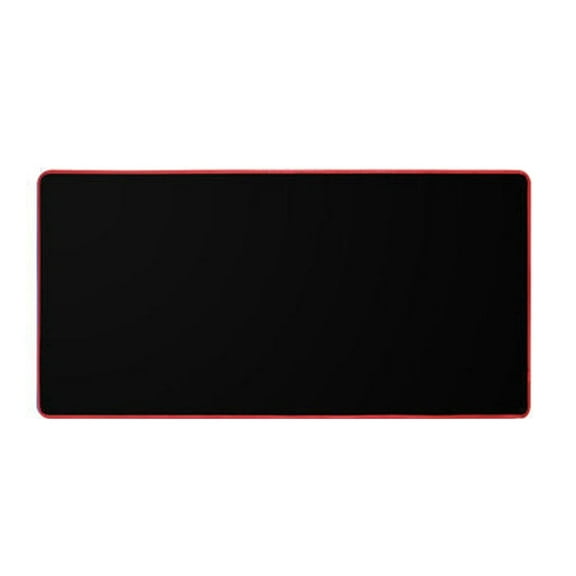 PC Laptop Rubber Gaming Computer Mouse Pad Mat Large Size 600*300*2mm Red Edge$7.99current price $7.99
Jahosin Large Gaming Mouse Pad with Stitched Edges,[35.4x15.7In] Extended Mouse Pad with Non-Slip Natural Rubber Base for Gamer/Desktop/Office/Home 90x40 BlackJ
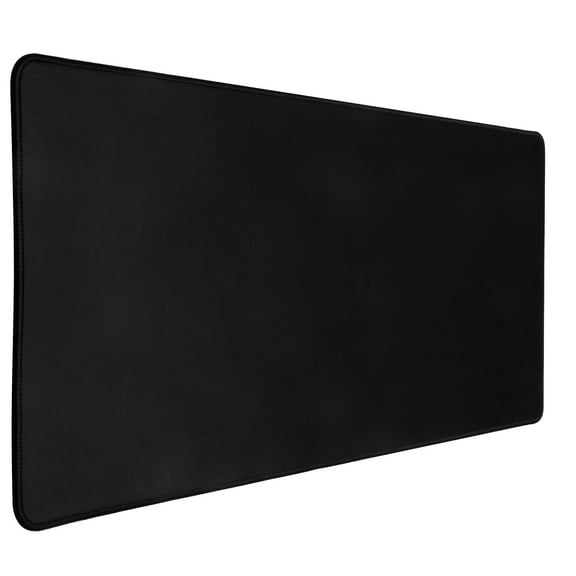 Jahosin Large Gaming Mouse Pad with Stitched Edges,[35.4x15.7In] Extended Mouse Pad with Non-Slip Natural Rubber Base for Gamer/Desktop/Office/Home 90x40 BlackJ$13.89current price $13.89
Gamexcel Large RGB Mouse Pad 32 x 12 in, USB Powered Extended Gaming Desk Mat for Keyboard and Mouse, Black
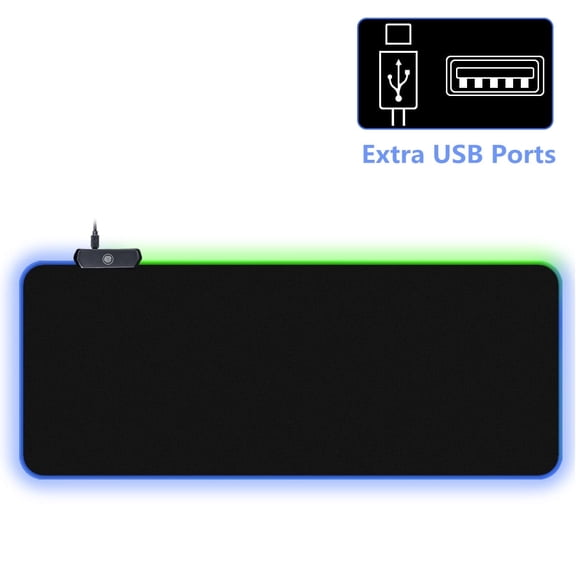 Gamexcel Large RGB Mouse Pad 32 x 12 in, USB Powered Extended Gaming Desk Mat for Keyboard and Mouse, Black$6.86current price $6.86
WIRESTER Round Customized Personalized Gaming Mat Mousepads Non-Slip Rubber Base Mousepad Stitched Edge 7.9x7.9x0.12 in, Non-Slip Mouse Pad for Home, Office, and Gaming Desk
 WIRESTER Round Customized Personalized Gaming Mat Mousepads Non-Slip Rubber Base Mousepad Stitched Edge 7.9x7.9x0.12 in, Non-Slip Mouse Pad for Home, Office, and Gaming Desk$5.99current price $5.99
Large 31.50x11.81x0.16inch RGB Gaming Mouse Pad,LED Soft Extra Extended Mouse Pad,Anti-Slip Rubber Base,for Laptop Computer PC Games
Large 31.50x11.81x0.16inch RGB Gaming Mouse Pad,LED Soft Extra Extended Mouse Pad,Anti-Slip Rubber Base,for Laptop Computer PC Games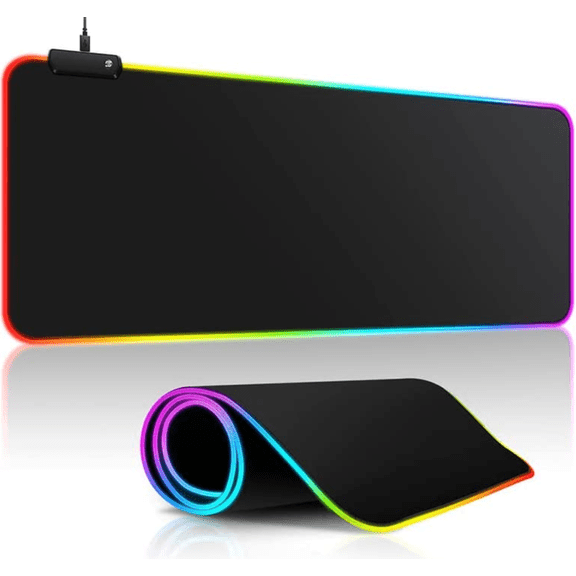
31.5" X 12" Large Mouse Pad, RGB LED Gaming Mouse Pad with Smooth PU Leather & Stitched Edges, Waterproof Large Mouse Mat with Non-Slip Rubber Base for Gamer
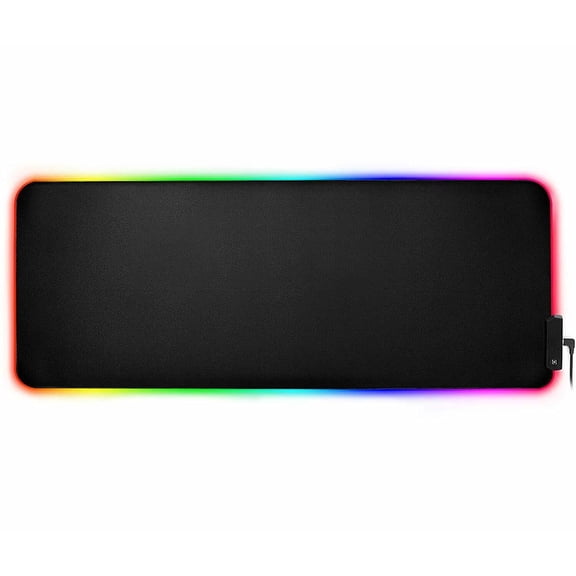 31.5" X 12" Large Mouse Pad, RGB LED Gaming Mouse Pad with Smooth PU Leather & Stitched Edges, Waterproof Large Mouse Mat with Non-Slip Rubber Base for Gamer$20.59current price $20.59
Forest Blue Mountains Gaming Mouse Pad XL, Extended Large Mouse Mat Desk Pad, Stitched Edges Mousepad, Long Nonslip Rubber Base Mice Pad, 31.5 X 11.8 Inch
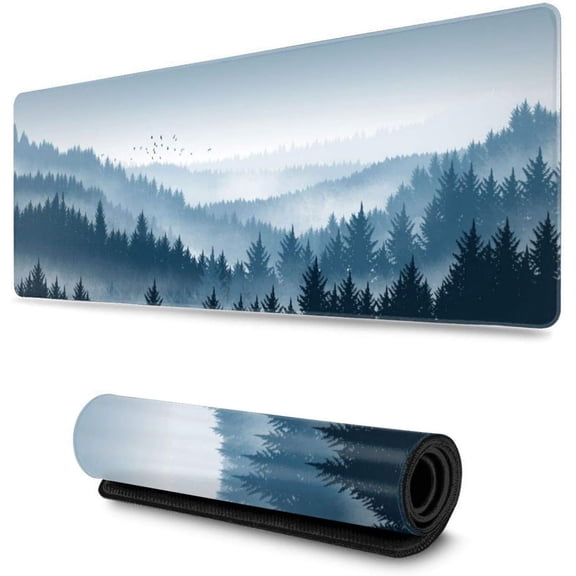 Forest Blue Mountains Gaming Mouse Pad XL, Extended Large Mouse Mat Desk Pad, Stitched Edges Mousepad, Long Nonslip Rubber Base Mice Pad, 31.5 X 11.8 Inch$18.18current price $18.18
INTSUPERMAI PC Computer Mouse Pad Large Gaming Pad Rubber Mouse Mat Random Color
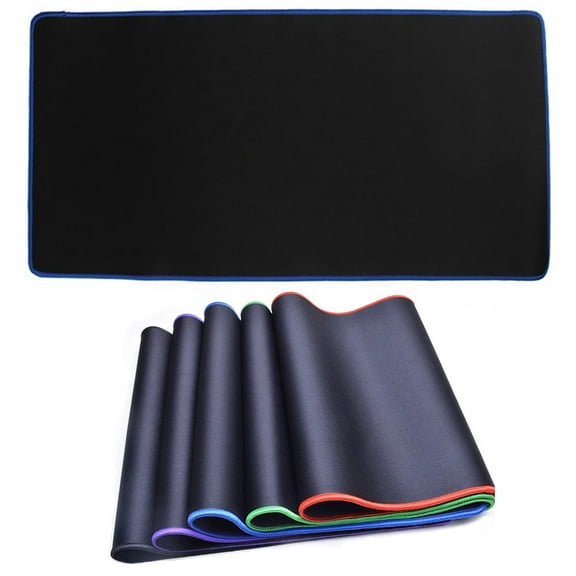 INTSUPERMAI PC Computer Mouse Pad Large Gaming Pad Rubber Mouse Mat Random Color$7.65current price $7.65
XL Wide Gaming Mousepad Black Extra Large Mat Mouse Pad Non Slip Rubber
 XL Wide Gaming Mousepad Black Extra Large Mat Mouse Pad Non Slip Rubber$12.98current price $12.98
Aluminium Alloy Waterproof Round Desktop Gaming Mouse Mat Pad Computer Accessory,Silver
 Aluminium Alloy Waterproof Round Desktop Gaming Mouse Mat Pad Computer Accessory,Silver$10.89current price $10.89
Extended Large Mouse Pad, XXL Gaming Mousepad 31.5 x 15.7 Inch, Big Computer Keyboard Desk Pad, Waterproof Mouse Mat with Stitched Edges and Non-Slip Base for Office Gaming, Green Marble
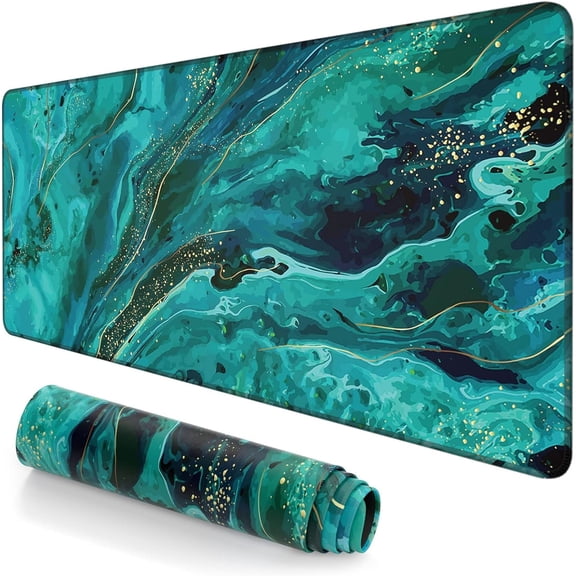 Extended Large Mouse Pad, XXL Gaming Mousepad 31.5 x 15.7 Inch, Big Computer Keyboard Desk Pad, Waterproof Mouse Mat with Stitched Edges and Non-Slip Base for Office Gaming, Green Marble$21.99current price $21.99
New Large Mouse Pad Extended Gaming XXL 900x400mm Big Size Desk Mat
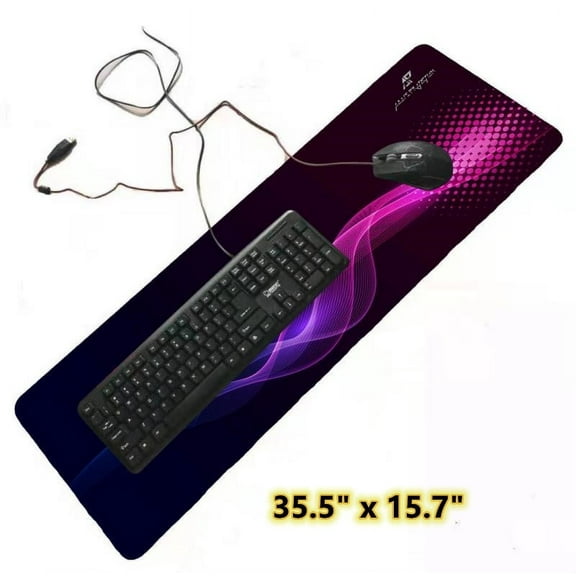 New Large Mouse Pad Extended Gaming XXL 900x400mm Big Size Desk Mat$14.99current price $14.99
Rectangular Solid-Color Mouse Pad Extended Large Gaming Pad With Rubber Base Desk Mat Computer Keyboard Cover For Work And Home Use
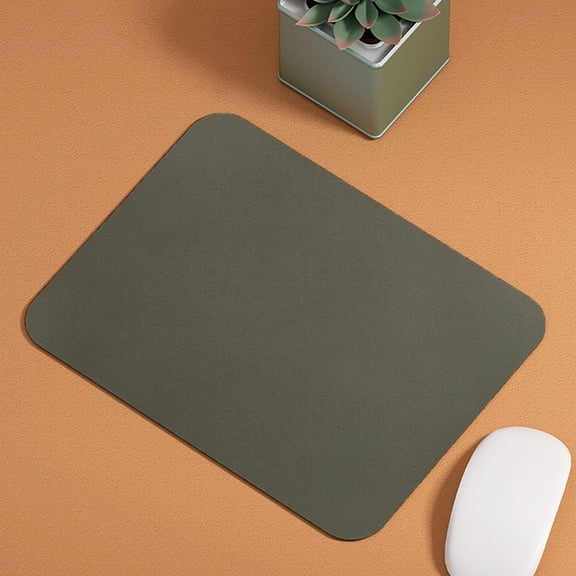 Rectangular Solid-Color Mouse Pad Extended Large Gaming Pad With Rubber Base Desk Mat Computer Keyboard Cover For Work And Home Use$2.89current price $2.89
New Extended Gaming Mouse Pad Large Size Desk Keyboard Mat 800MM X 300MM
New Extended Gaming Mouse Pad Large Size Desk Keyboard Mat 800MM X 300MM