

Frisby Audio(2)
Frisby Audio FS-910 USB Powered Computer Desktop PC Laptop 2.0 Stereo Speakers w/Volume Control, Black $8.96

Frisby Audio FS-910 USB Powered Computer Desktop PC Laptop 2.0 Stereo Speakers w/Volume Control, Black
Frisby Audio 125 Watt Home Theater 5.1 Surround Sound Speaker System with Subwoofer, Bluetooth Wireless Streaming from Devices & Media Reader, RGB LED Pulse Lighting, Digital Optical Input Black $69.95
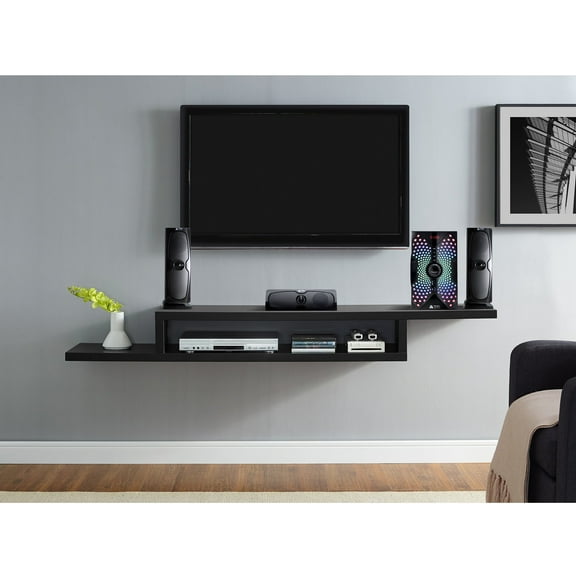
Frisby Audio 125 Watt Home Theater 5.1 Surround Sound Speaker System with Subwoofer, Bluetooth Wireless Streaming from Devices & Media Reader, RGB LED Pulse Lighting, Digital Optical Input Black
FAQ
How do I set up computer speakers?
Getting your computer speakers connected can be straightforward. Most desktop speakers plug into a USB port or an audio jack on your computer or laptop. For USB-powered models, just plug the cable into your computer and turn them on. Adjust the volume knob to your preference. If your speakers have a separate power supply, make sure they're plugged into a wall outlet as well. For the best sound, place the speakers on either side of your monitor, angled toward you. Check your computer's sound settings to ensure the correct output is selected.
Can I use these speakers with my TV?
Many speaker systems can connect to a TV, depending on the available ports. If your speakers support Bluetooth or have an optical input, you can often pair or connect them directly to your TV. For wired connections, look for headphone or audio output jacks on your TV and use the correct cable. Always consult your TV's manual to confirm which audio outputs are available. Using external speakers can enhance your TV's sound experience, especially for movies and music.
What devices work with a home theater speaker system?
Home theater speaker systems are designed to be versatile. You can typically connect them to:
- TVs with audio output ports
- Game consoles with compatible connections
- Blu-ray or DVD players
- Streaming devices like media boxes
- Smartphones or tablets via Bluetooth
Always check the speaker system's available inputs (like optical, RCA, or Bluetooth) and match them with your devices for the best compatibility.
How do you clean desktop speakers safely?
Keeping your desktop speakers clean helps maintain sound quality. First, unplug the speakers to prevent any electrical issues. Dust the exterior gently with a dry microfiber cloth. For tougher spots, slightly dampen the cloth with water—avoid getting moisture near any openings or controls. Use a soft brush to clean around grills or buttons. Let everything dry completely before plugging the speakers back in. Regular cleaning can help your speakers look and perform their best.
Why does speaker placement matter?
Where you put your speakers can impact how they sound. Placing desktop speakers at ear level and slightly apart helps create balanced audio, making music and dialogue clearer. For home theater systems, position the main speakers in front of your seating area, with satellite speakers to the sides or behind you for surround effects. Avoid blocking any speaker openings, and try to keep them away from walls to reduce unwanted echoes. Experimenting with placement can help you find the setup that works best in your space.
Popular in Shop Surround Sound Systems and Computer Speakers Online
Related Products
Frisby FS-2700BT 2.1 CH USB Powered Desktop Subwoofer Speaker Media System (3-Piece)
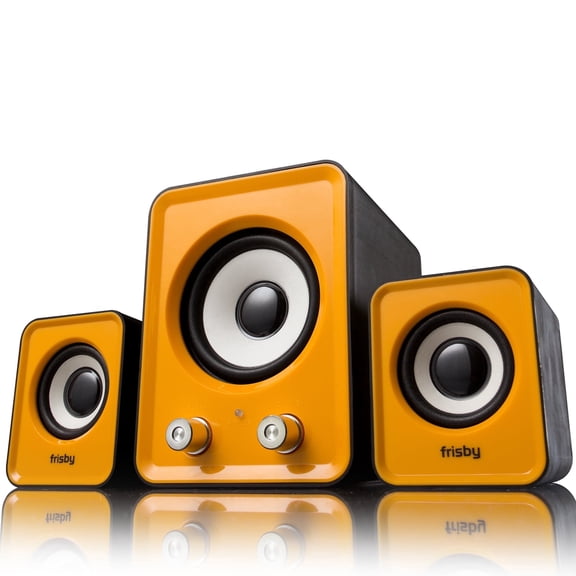 Frisby FS-2700BT 2.1 CH USB Powered Desktop Subwoofer Speaker Media System (3-Piece)$19.95current price $19.95
Kanto YU2 Powered Desktop Speakers - Pair (Walnut)
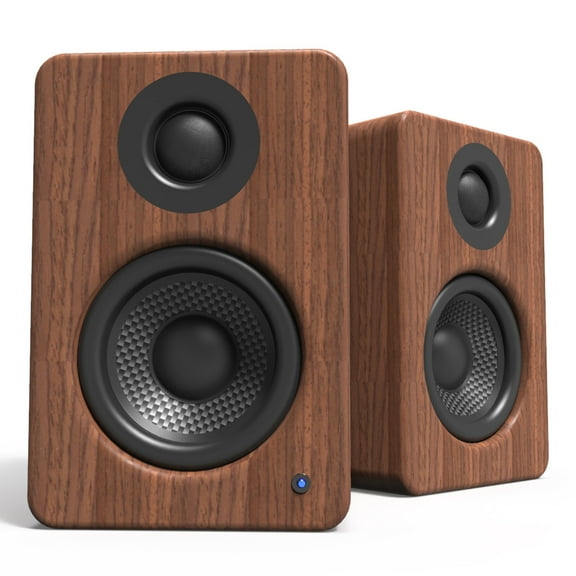 Kanto YU2 Powered Desktop Speakers - Pair (Walnut)$299.99current price $299.99
Music Speakers,SADA D-202 USB Wired Speaker Subwoofer TV Home Theater, for Desktop Laptop Notebook Tablet PC Smart Phone
Music Speakers,SADA D-202 USB Wired Speaker Subwoofer TV Home Theater, for Desktop Laptop Notebook Tablet PC Smart Phone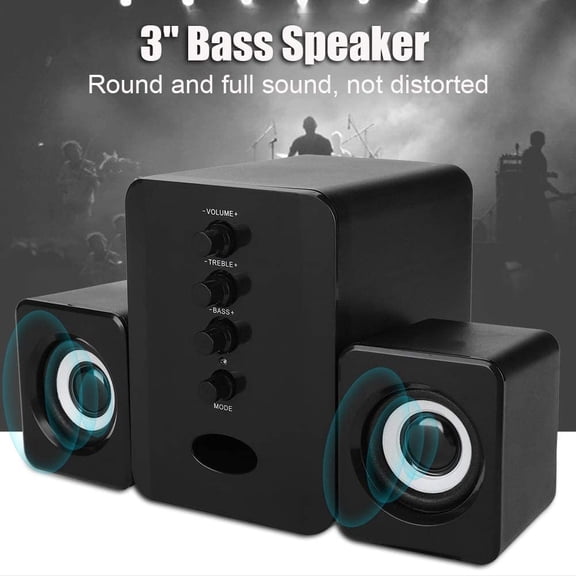
Edifier S2000mkiil Bluetooth Bookshelf Speaker 2.0.
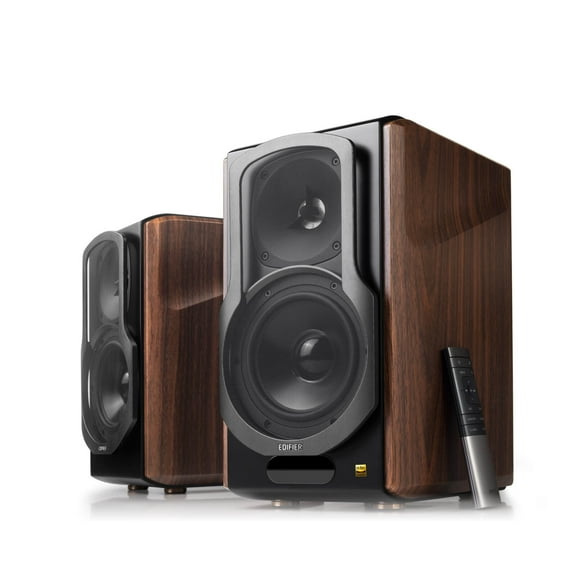 Edifier S2000mkiil Bluetooth Bookshelf Speaker 2.0.$529.99current price $529.99
Edifier M601DB Computer Speaker System with Wireless Subwoofer, 2.0+1 Bookshelf Sound System, Bluetooth 5.1 AptX, 110W RMS, For Desktop, Laptop, Tablets, Phone, TV, Black
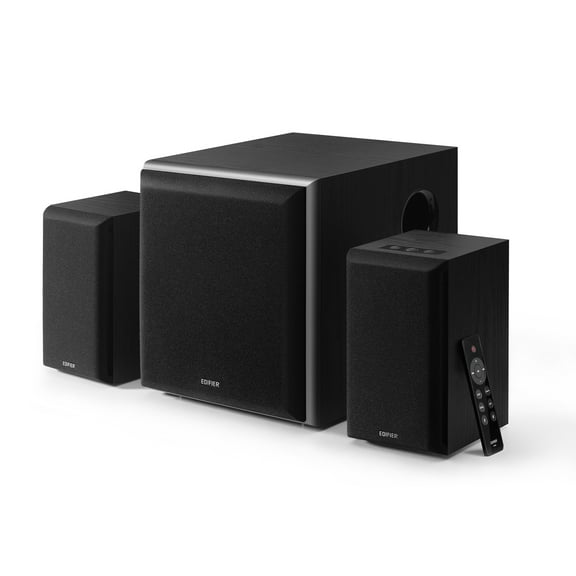 Edifier M601DB Computer Speaker System with Wireless Subwoofer, 2.0+1 Bookshelf Sound System, Bluetooth 5.1 AptX, 110W RMS, For Desktop, Laptop, Tablets, Phone, TV, Black$313.49current price $313.49