

Epadlink Collection(4)
ePadLink 3.50'' Sig Pad with Integrisign Desktop, Multicolor $130.26
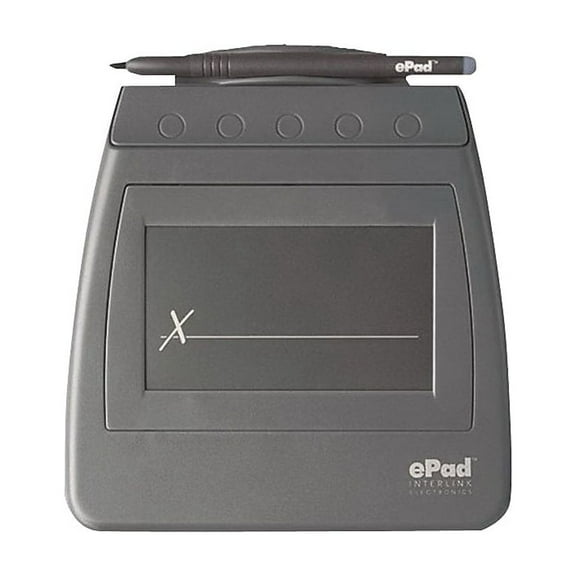
ePadLink 3.50'' Sig Pad with Integrisign Desktop, Multicolor
EPADLINK SIG PAD INK USB WITH INTEGRISIGN DESKTOP SW $310.01

EPADLINK SIG PAD INK USB WITH INTEGRISIGN DESKTOP SW
ePadlink ePad-ink Electronic Signature Capture Pad VP9805 $287.39
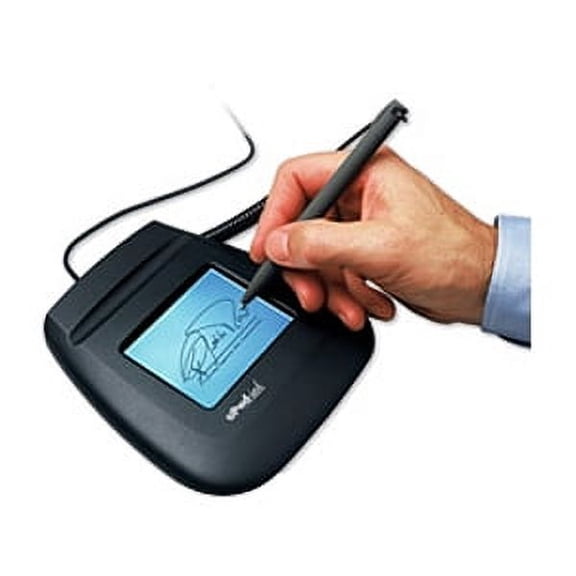
ePadlink ePad-ink Electronic Signature Capture Pad VP9805
Epadlink VP9801 Epad Electronic Signature Capture Pad $148.53
Epadlink VP9801 Epad Electronic Signature Capture Pad
FAQ
How does an electronic signature pad work?
An electronic signature pad lets you sign documents digitally by capturing your handwritten signature using a stylus on its surface. This signature is then stored securely for use in contracts, forms, and other paperwork. It connects to your computer via USB and works with compatible software to authenticate your signature digitally.
- Captures handwritten signatures electronically
- Connects via USB for easy setup
- Works with software to record and store signatures
It's a practical way to streamline paperwork and keep digital records organized.
What should I check before buying a signature pad?
If you're considering a signature pad, it's helpful to look at a few key features. Check if it connects easily to your computer (like USB), whether it supports the digital software you plan to use, and if the pad size fits your workspace.
- Check compatibility with your software
- Consider connection type (USB is common)
- Review pad size and display options
Looking into these details can help you choose the right electronic signature pad for your needs.
Can I use electronic signature pads with different software?
Most electronic signature pads are designed to work with various signature software, but it's important to confirm compatibility before getting started. Some pads come bundled with software options, while others need separate downloads.
- Check manufacturer documentation for supported programs
- Look for software bundles included with the pad
- Verify compatibility with your workflow
Reviewing these points can help you use your signature pad smoothly with your preferred software.
How do I clean my signature pad safely?
To keep your signature pad in good shape, it's best to clean it using a soft, lint-free cloth. Avoid using harsh chemicals or abrasive materials, as these can damage the surface. If needed, lightly dampen the cloth with water, but make sure the pad is unplugged before cleaning.
- Use a gentle, lint-free cloth
- Avoid strong cleaners or rough materials
- Unplug before wiping
Regular care can help maintain your signature pad's performance over time.
What can I do if my signature pad isn't responding?
If your electronic signature pad isn't responding, there are a few steps you can try. First, check that it's properly connected via USB. Restart your computer and check for any software updates or driver installations. If issues persist, review the manufacturer's troubleshooting guide or reach out for support.
- Verify USB connection
- Restart your device
- Check for software updates or drivers
These troubleshooting steps can help get your signature pad working again.
Popular in Epadlink Collection
Related Products
UGEE UT2 Standalone Drawing Tablet, 10.36" 2K Screen, Android 14 Graphics Drawing Pad.
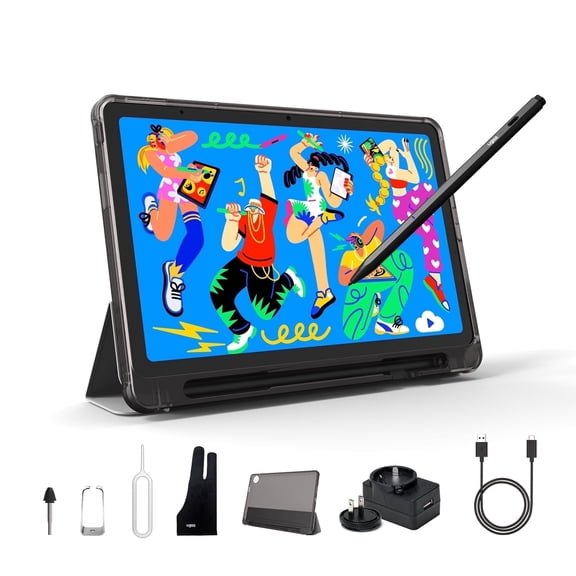 UGEE UT2 Standalone Drawing Tablet, 10.36" 2K Screen, Android 14 Graphics Drawing Pad.$232.00current price $232.00
VEIKK A15 Pro Graphics Drawing Tablet 10x6 inch,12 Shortcut Keys,1 Quick Dial,for Windows,Mac,Linux
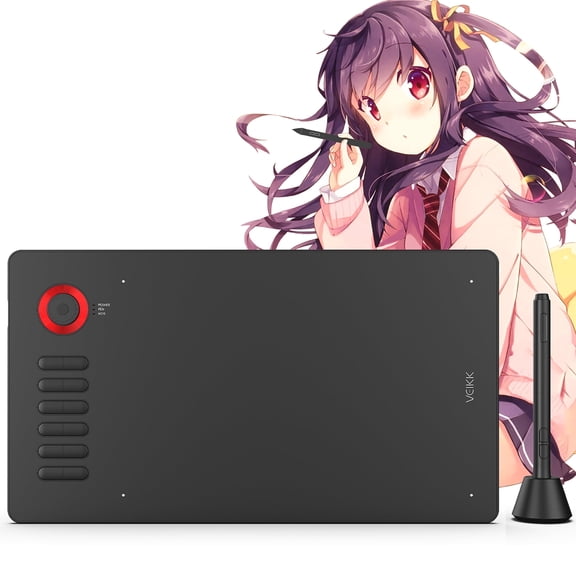 VEIKK A15 Pro Graphics Drawing Tablet 10x6 inch,12 Shortcut Keys,1 Quick Dial,for Windows,Mac,Linux$46.54current price $46.54
XP-PEN Deco Fun XS OSU Tablet Graphic Drawing Tablets 4x3 Inches Pen Tablet with Battery-free Stylus (Black)
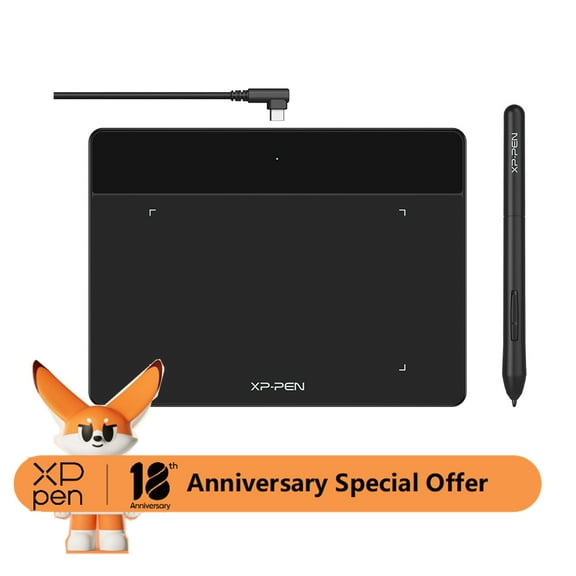 XP-PEN Deco Fun XS OSU Tablet Graphic Drawing Tablets 4x3 Inches Pen Tablet with Battery-free Stylus (Black)$21.99current price $21.99
XPPen 2.5K Drawing Tablet,21.5in Screen,Artist Pro Gen 2 Graphic Tablet, 99% Adobe RGB Display,16384 Pressure Levels Pen,Wireless Bluetooth Keyboard
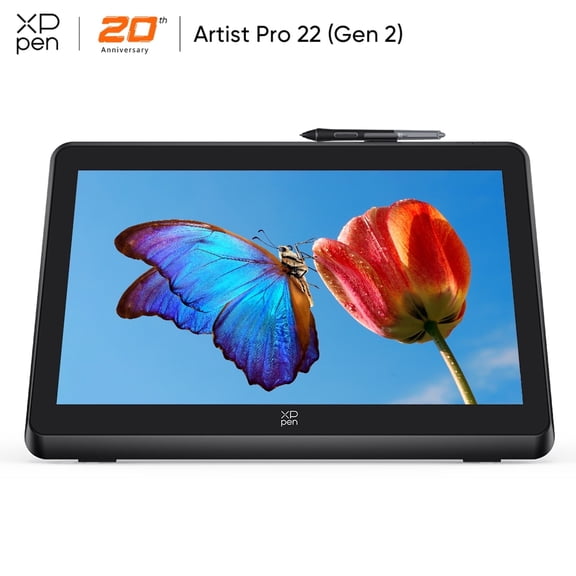 XPPen 2.5K Drawing Tablet,21.5in Screen,Artist Pro Gen 2 Graphic Tablet, 99% Adobe RGB Display,16384 Pressure Levels Pen,Wireless Bluetooth Keyboard$499.99current price $499.99
VEIKK Graphics Drawing Tablet A30 V3 10x6 inch Digital Art Pad,16384 Pen Pressure Stylus for Mac,Windows,Linux and Android
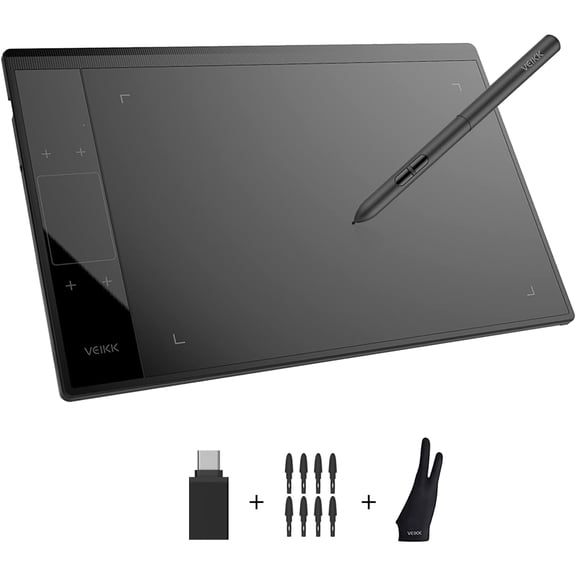 VEIKK Graphics Drawing Tablet A30 V3 10x6 inch Digital Art Pad,16384 Pen Pressure Stylus for Mac,Windows,Linux and Android$39.99current price $39.99
XPPen Latest 10"x6.25" Drawing Tablet, XP Deco Graphic Tablet with Pen, 16384 Levels Pressure/60° Tilt Function/8 Shortcut Keys, Digital Drawing Pad Art Tablet for Phone/Computer OSU/Digital Painting
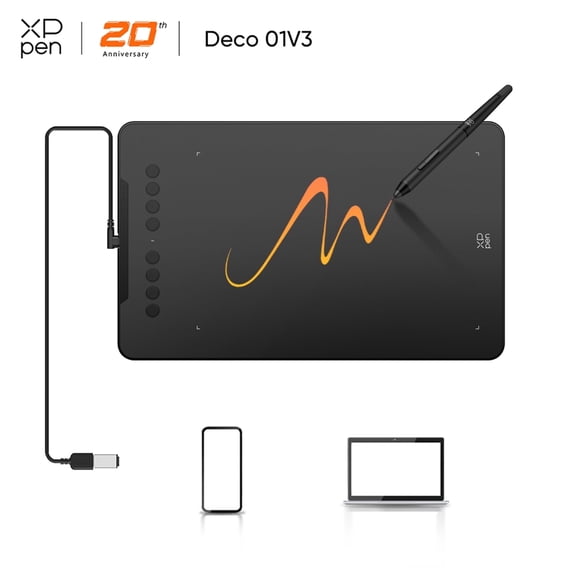 XPPen Latest 10"x6.25" Drawing Tablet, XP Deco Graphic Tablet with Pen, 16384 Levels Pressure/60° Tilt Function/8 Shortcut Keys, Digital Drawing Pad Art Tablet for Phone/Computer OSU/Digital Painting$44.99current price $44.99
XPPen Magic Drawing Pad 12.2 Inch Standalone Drawing Tablet No Computer Needed with 16384 Pressure Levels X3 Pro Slim Stylus PD51B Paper-Like Screen 8GB + 256GB Portable for Digital Drawing Artists
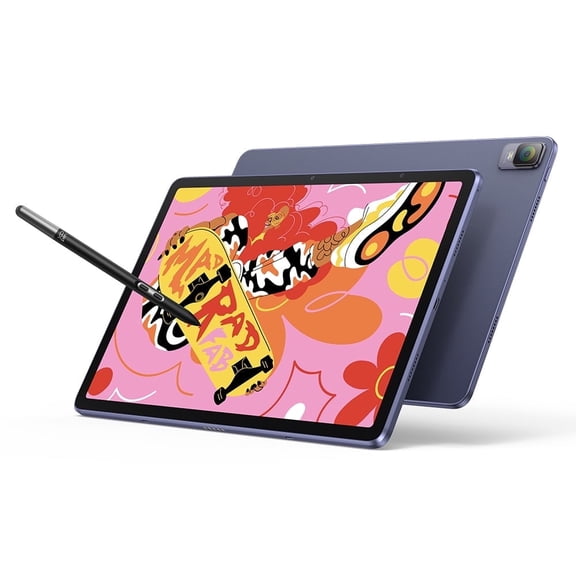 XPPen Magic Drawing Pad 12.2 Inch Standalone Drawing Tablet No Computer Needed with 16384 Pressure Levels X3 Pro Slim Stylus PD51B Paper-Like Screen 8GB + 256GB Portable for Digital Drawing Artists$499.99current price $499.99
Huion Inspiroy H1161 Drawing Pad Graphics Tablet Huge Size with Touch Strip,10 Programmable Press Keys&16 Programmable Soft Keys
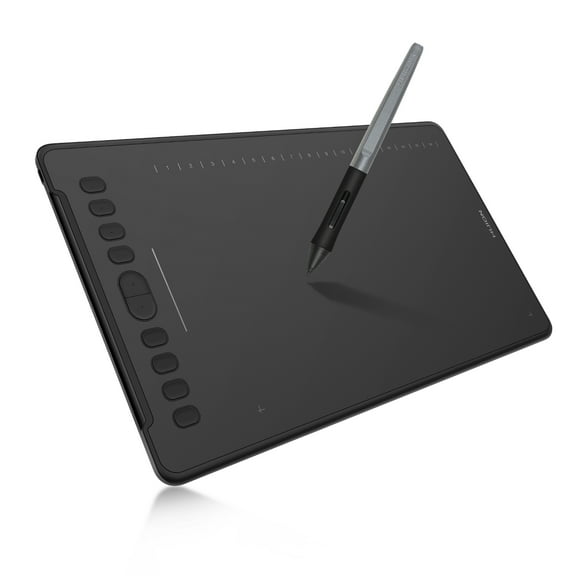 Huion Inspiroy H1161 Drawing Pad Graphics Tablet Huge Size with Touch Strip,10 Programmable Press Keys&16 Programmable Soft Keys$68.63current price $68.63
XPPen Updated Deco01V3 Drawing Tablet,16384 Levels Pressure Battery-Free Stylus,10x6 Inch OSU Graphic Tablet,8 Hotkeys for Digital Art, Teaching,Gaming Drawing Pad for Chrome/PC/Mac/Android
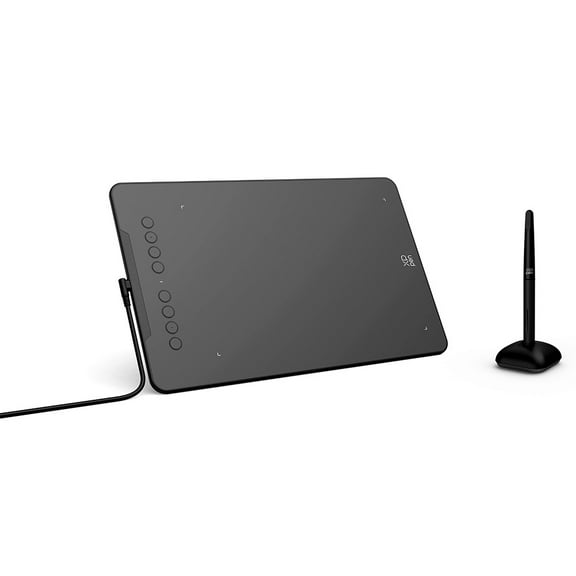 XPPen Updated Deco01V3 Drawing Tablet,16384 Levels Pressure Battery-Free Stylus,10x6 Inch OSU Graphic Tablet,8 Hotkeys for Digital Art, Teaching,Gaming Drawing Pad for Chrome/PC/Mac/Android$59.99current price $59.99
XPPen Deco Fun XS OSU Tablet Graphic Drawing Tablets 4x3 Inches Pen Tablet with Battery-free Stylus (Black)
 XPPen Deco Fun XS OSU Tablet Graphic Drawing Tablets 4x3 Inches Pen Tablet with Battery-free Stylus (Black)$20.99current price $20.99
XP-PEN Artist 22 2nd Graphics Tablet,21.5 Inch Drawing Display,Digital Art Tablet with Screen,Animation Pen Display With Monitor for Windows Mac Laptop
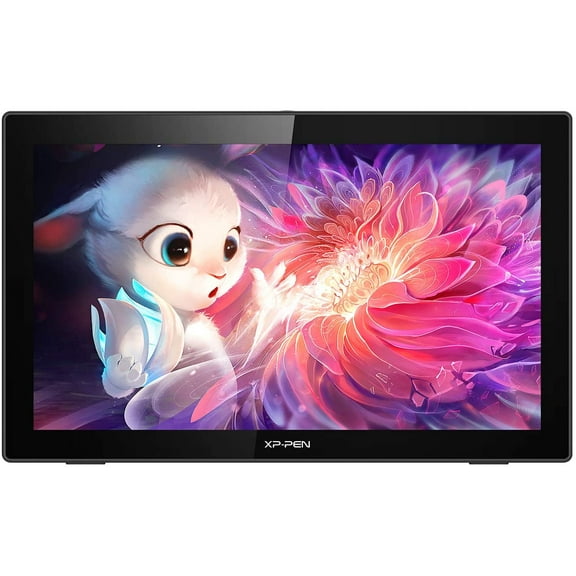 XP-PEN Artist 22 2nd Graphics Tablet,21.5 Inch Drawing Display,Digital Art Tablet with Screen,Animation Pen Display With Monitor for Windows Mac Laptop$499.99current price $499.99
XP-PEN Deco Mini7 Graphic Drawing Tablet with 16384 Pressure Pen Digital Art Tablet Compatible with Chromebook Online Teaching/E-Learning
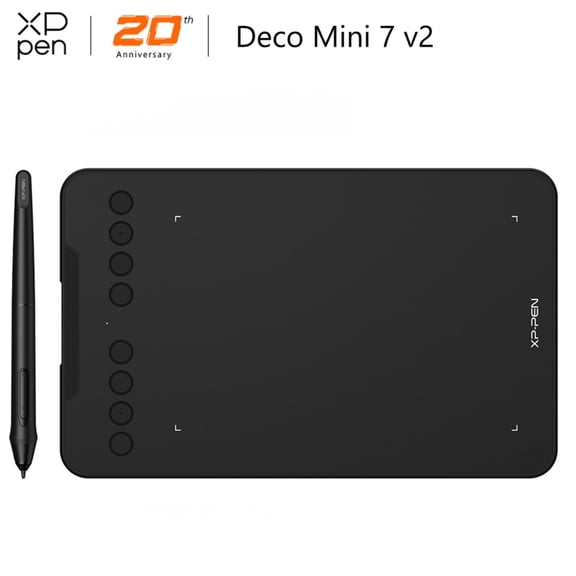 XP-PEN Deco Mini7 Graphic Drawing Tablet with 16384 Pressure Pen Digital Art Tablet Compatible with Chromebook Online Teaching/E-Learning$33.99current price $33.99
XPPen Latest Small Deco Drawing Tablet with Pen,16384 Levels Pressure/60°Tilt Support,6x4inch Graphic Tablet Resolution 5080LPI for Phone/Computer, Portablet Drawing Pad for Digital Art/OSU Game
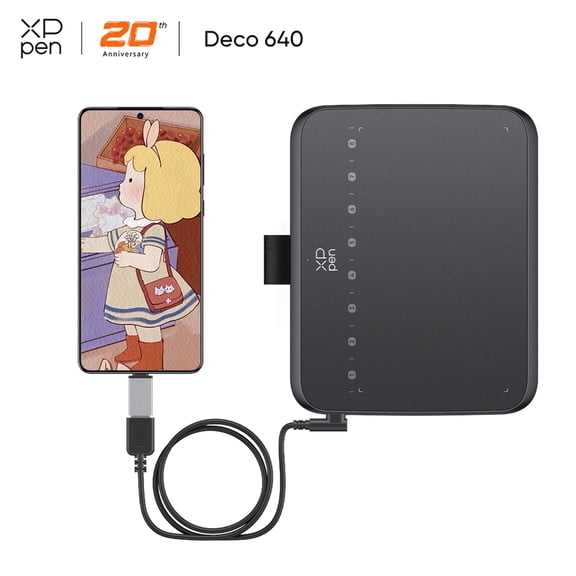 XPPen Latest Small Deco Drawing Tablet with Pen,16384 Levels Pressure/60°Tilt Support,6x4inch Graphic Tablet Resolution 5080LPI for Phone/Computer, Portablet Drawing Pad for Digital Art/OSU Game$23.99current price $23.99
XP-Pen Deco 01V3 Drawing Tablet with 16384 Levels Pressure Pen, 10x6.25in Portable Digital Graphic Tablet for Computer
 XP-Pen Deco 01V3 Drawing Tablet with 16384 Levels Pressure Pen, 10x6.25in Portable Digital Graphic Tablet for Computer$59.99current price $59.99
XPPen Deco Fun Graphics Sketc Tablet OSU Digital Tablet Electronic Drawing Art Pad Signature Board For Windows Mac Android Chromebook (S,Black)
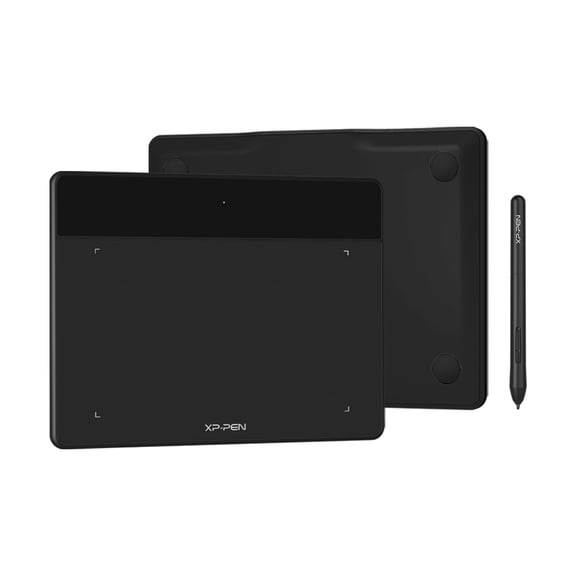 XPPen Deco Fun Graphics Sketc Tablet OSU Digital Tablet Electronic Drawing Art Pad Signature Board For Windows Mac Android Chromebook (S,Black)$31.99current price $31.99