Encore Software Digital Games(1)
Encore Farm Frenzy 3, Bonus Edition, $19.95 $2.77/oz

Encore Farm Frenzy 3, Bonus Edition,
FAQ
What kind of gameplay is in Farm Frenzy 3?
If you're curious about Farm Frenzy 3, it's a time management game where you run a virtual farm. You'll take care of animals, harvest crops, and process goods to meet various goals. The game often includes levels with increasing difficulty and bonus challenges to keep things interesting. Players can upgrade their farm buildings and equipment as they progress, making each stage more engaging. It's a fun choice if you enjoy games that mix strategy and quick decision-making.
Do I need an internet connection to play digital games?
Most digital games, like Farm Frenzy 3, don't require a constant internet connection once installed. However, you'll usually need internet access to download and activate the game initially. Some bonus features or updates might also need an internet connection. It's always a good idea to check the game's requirements before purchasing, so you know what to expect after installation.
Can I play Farm Frenzy 3 on more than one device?
With many digital games, your ability to play on multiple devices depends on the licensing and activation rules. Some games allow you to install them on several computers as long as you use the same account, while others may limit installation to a single device. Be sure to review the product's instructions or digital license terms to see what's allowed for Farm Frenzy 3.
How do I redeem a digital game after buying it?
After purchasing a digital game like Farm Frenzy 3, you'll typically receive an activation code and instructions. To redeem, you'll need to:
- Locate the code in your email or Walmart account.
- Visit the download or activation site provided.
- Enter your code and follow the prompts to download and install the game.
If you run into issues, check the retailer's help section or contact customer support for guidance.
What should I do if my game won't install?
If your digital game isn't installing, start by checking your computer's system requirements and ensuring there's enough storage space. Next, verify that you've entered any activation code correctly and that your internet connection is stable. Restarting your device and running the installer as an administrator can sometimes help. If problems persist, look for troubleshooting steps in the game's documentation or reach out to customer support for more personalized assistance.
Popular in Encore Software Digital Games
Related Products
Computer Werx Windows 10 Professional 32/64 Bit Repair Restore Recover USB for Legacy Bios Plus Drivers DVD Software
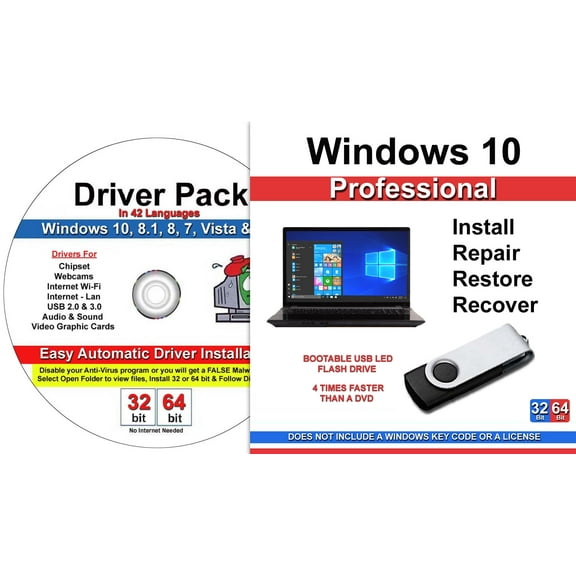 Computer Werx Windows 10 Professional 32/64 Bit Repair Restore Recover USB for Legacy Bios Plus Drivers DVD Software$18.99current price $18.99
Computer Werx Windows 10 Home 32/64 Bit USB with Key Install Repair Recover Restore USB & Drivers Pack, 2 Pack
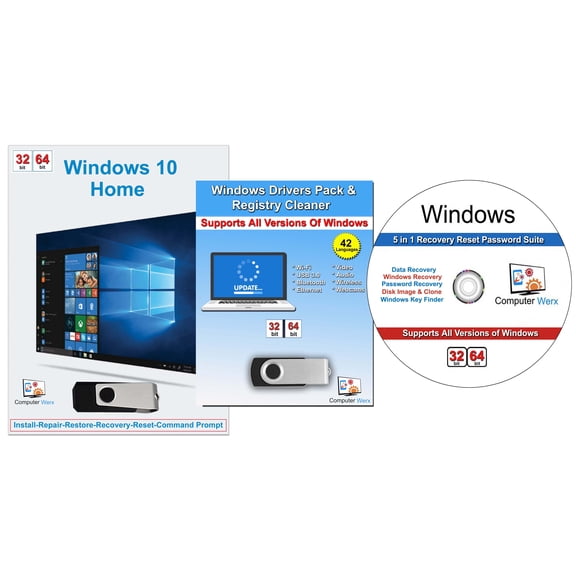 Computer Werx Windows 10 Home 32/64 Bit USB with Key Install Repair Recover Restore USB & Drivers Pack, 2 Pack$39.99current price $39.99
Computer Werx: Windows 10 Home, Repair, Restore & Recover 32/64 Bit (PC Disc Key) 1 User, 3 Pack
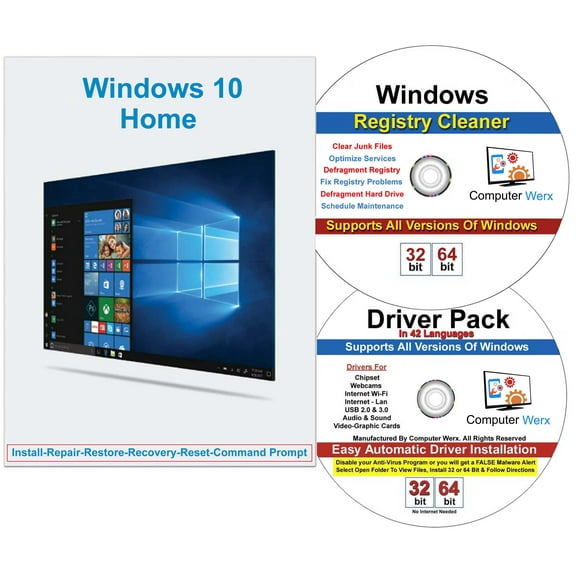 Computer Werx: Windows 10 Home, Repair, Restore & Recover 32/64 Bit (PC Disc Key) 1 User, 3 Pack$39.95current price $39.95
K689A-K00-13.0 Dragon NaturallySpeaking v.13.0 Premium - Version Upgrade - 1 User - Voice Recognition - DVD-ROM - PC - English
 K689A-K00-13.0 Dragon NaturallySpeaking v.13.0 Premium - Version Upgrade - 1 User - Voice Recognition - DVD-ROM - PC - English$199.99current price $199.99
Windows 10 Home 32/64 Bit DVD with Key Install Repair Recover Restore Plus Drivers Pack & Open Office, 3PK
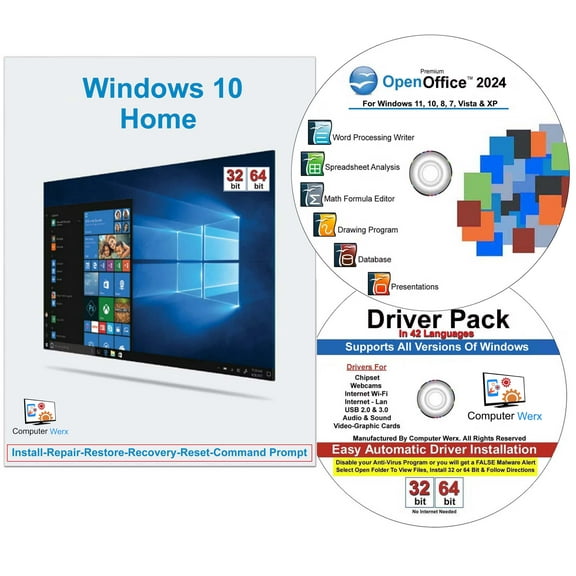 Windows 10 Home 32/64 Bit DVD with Key Install Repair Recover Restore Plus Drivers Pack & Open Office, 3PK$34.00current price $34.00
Windows 10 Home 32/64 Bit Install Repair Recover Restore DVD Plus Drivers
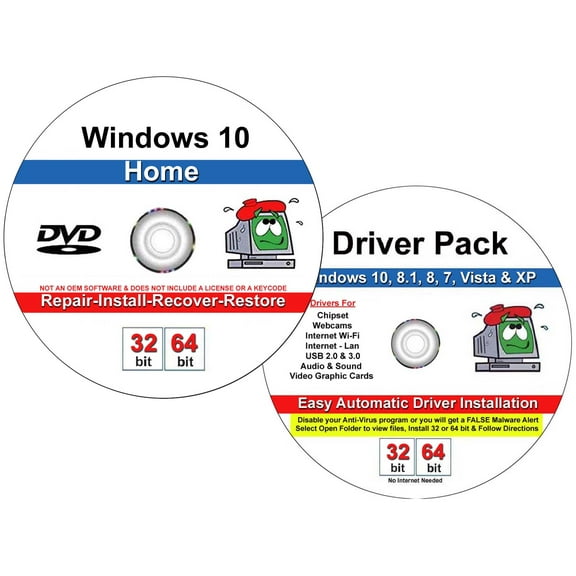 Windows 10 Home 32/64 Bit Install Repair Recover Restore DVD Plus Drivers$19.99current price $19.99
Windows 10 Home 32/64 Bit Install, Repair, Recover & Restore DVD
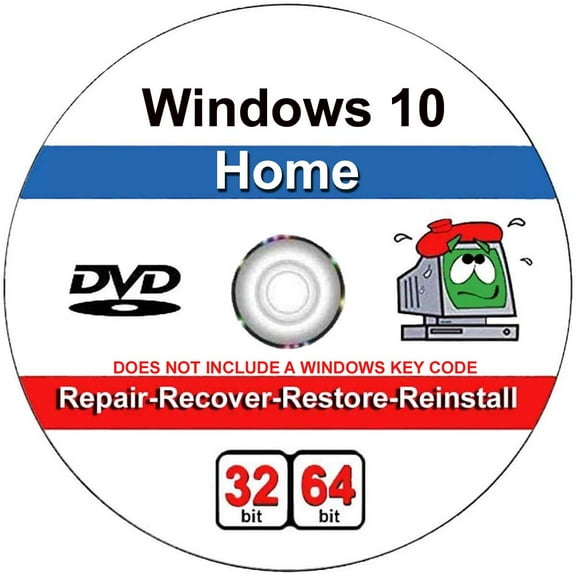 Windows 10 Home 32/64 Bit Install, Repair, Recover & Restore DVD$17.99current price $17.99
Windows 7 All Versions Repair Recover Restore Re-install 32/64 Bit DVD Plus Drivers Pack
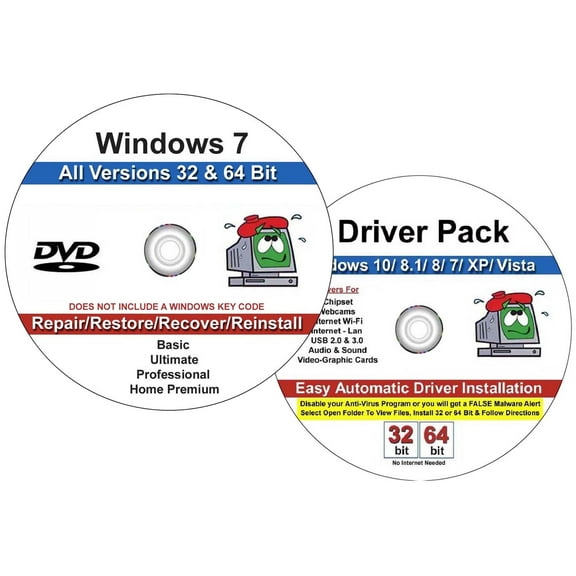 Windows 7 All Versions Repair Recover Restore Re-install 32/64 Bit DVD Plus Drivers Pack$19.99current price $19.99
Computer Werx : Software, Windows 11 Repair, Recover, Restore & Reinstall (DVD) 1 User
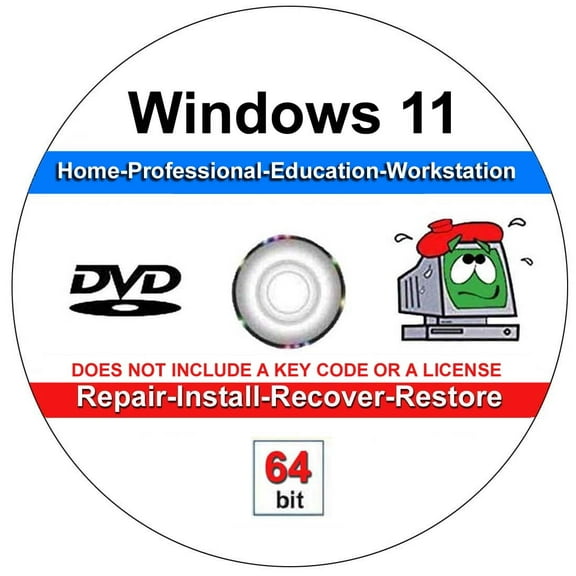 Computer Werx : Software, Windows 11 Repair, Recover, Restore & Reinstall (DVD) 1 User$17.99current price $17.99
Brink (PC DVD) (Windows Vista, Windows XP, Windows 7)
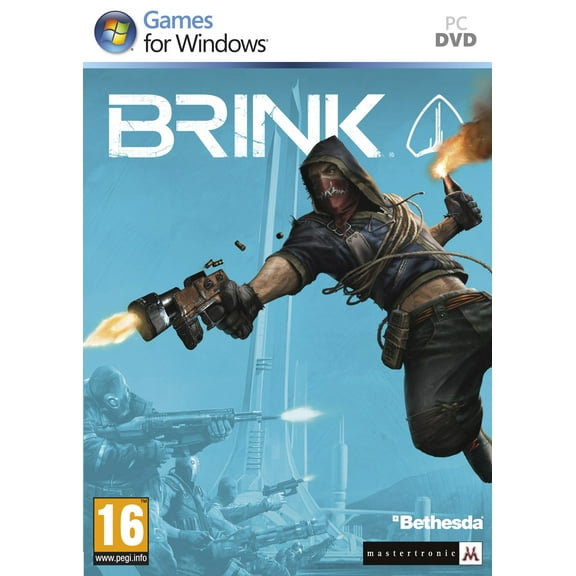 Brink (PC DVD) (Windows Vista, Windows XP, Windows 7)$7.98current price $7.98
Big Fish Games Grim Tales: The Bride [windows Xp/vista/windows 7]
 Big Fish Games Grim Tales: The Bride [windows Xp/vista/windows 7]$19.99current price $19.99
Typing Instructor Platinum 21 - Windows, Individual Software, 018527104958
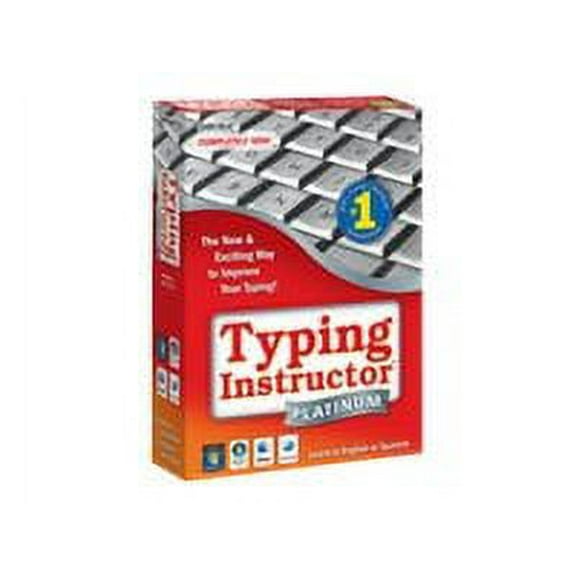 Typing Instructor Platinum 21 - Windows, Individual Software, 018527104958$23.99current price $23.99