Detect-ed(8)
Detect-Ed Red Belly LS Carbon Fiber Upper & Lower Shaft for Minelab Equinox $115.97
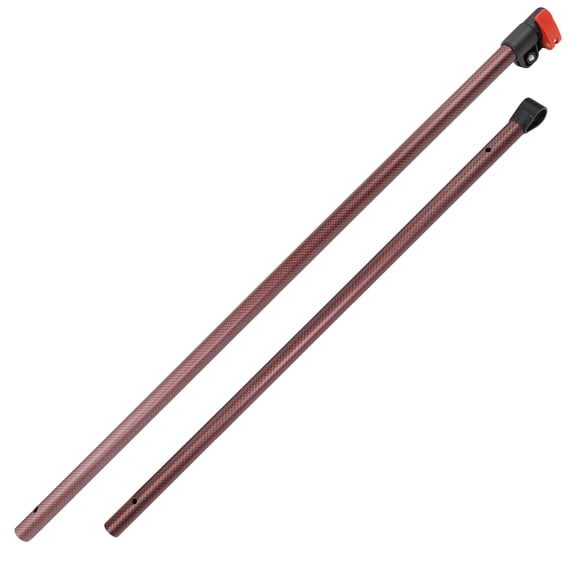
Detect-Ed Red Belly LS Carbon Fiber Upper & Lower Shaft for Minelab Equinox
detect-ed black ls carbon fiber lower shaft for minelab equinox metal detector $51.48
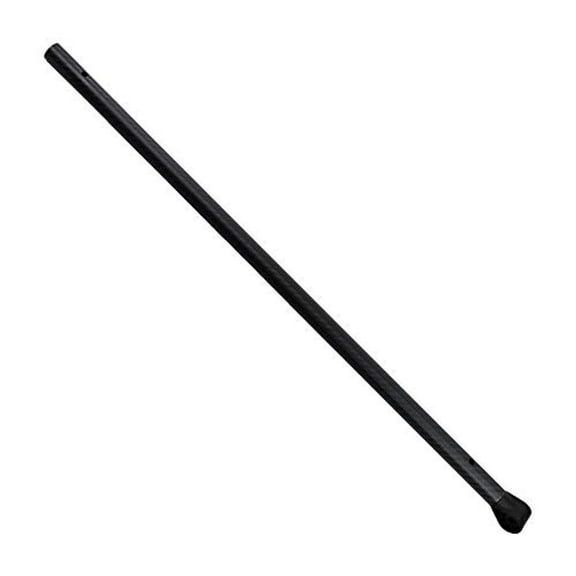
detect-ed black ls carbon fiber lower shaft for minelab equinox metal detector
Detect-Ed Black LS Carbon Fiber Shaft for Minelab Equinox Metal Detector $60.77
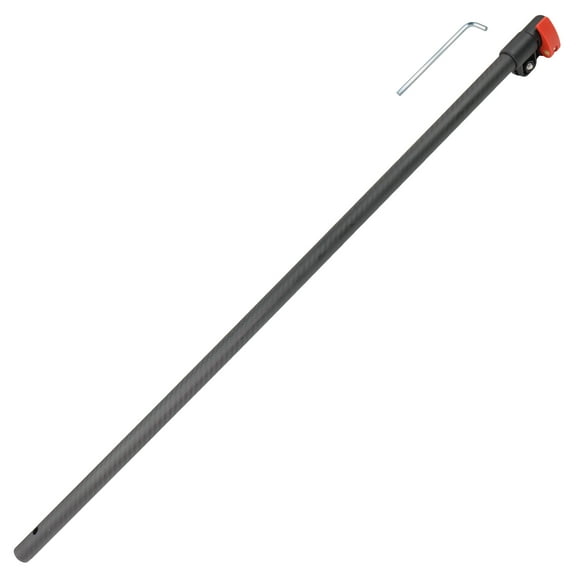
Detect-Ed Black LS Carbon Fiber Shaft for Minelab Equinox Metal Detector
Detect-Ed Nano Glass Screen Protector for the Nokta Legend Metal Detector $21.48
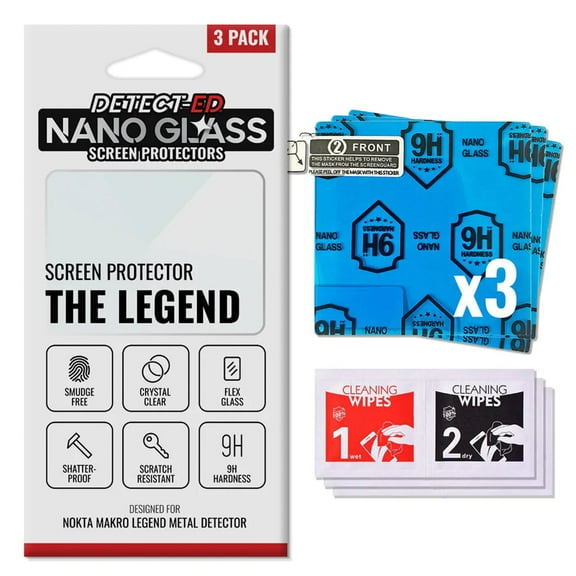
Detect-Ed Nano Glass Screen Protector for the Nokta Legend Metal Detector
Detect-Ed Red Belly LS Carbon Fiber Shaft for Minelab Equinox Metal Detector $71.72
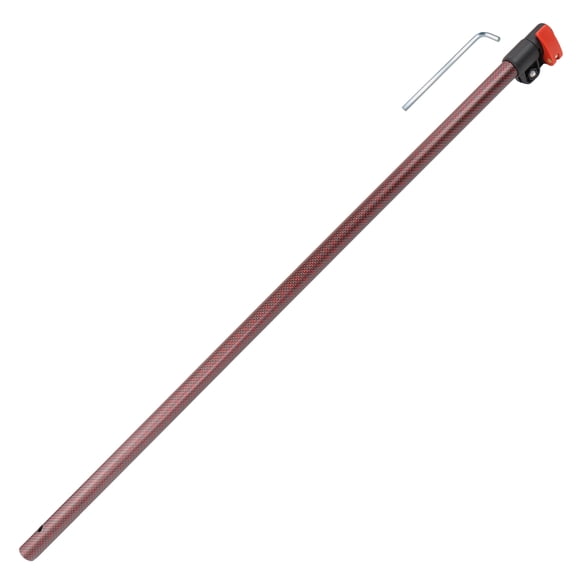
Detect-Ed Red Belly LS Carbon Fiber Shaft for Minelab Equinox Metal Detector
Detect-Ed Carbon Fiber Lower Shaft for XP Deus | Deus II Metal Detectors $61.95

Detect-Ed Carbon Fiber Lower Shaft for XP Deus | Deus II Metal Detectors
Detect-Ed Red Belly LS Carbon Fiber Lower Shaft for Minelab Equinox Detector $57.95
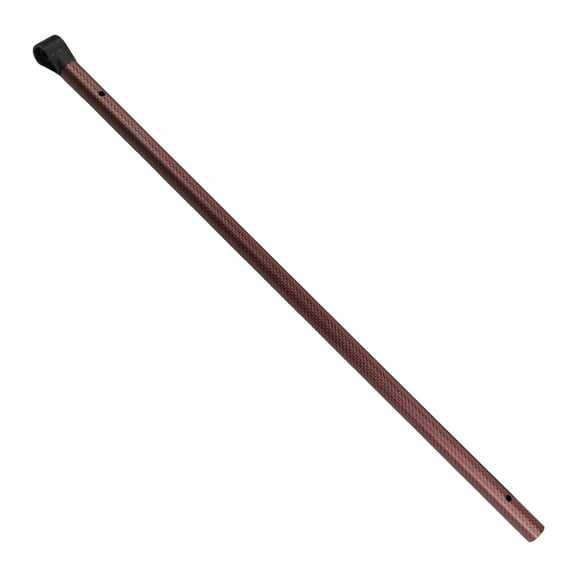
Detect-Ed Red Belly LS Carbon Fiber Lower Shaft for Minelab Equinox Detector
Detect-Ed Black LS Carbon Fiber Upper & Lower Shaft for Minelab Equinox Detector $108.14

Detect-Ed Black LS Carbon Fiber Upper & Lower Shaft for Minelab Equinox Detector
FAQ
How do I pick the right shaft for my metal detector?
Choosing the right metal detector shaft depends on compatibility and personal comfort. Always check your metal detector’s model to see which shafts are designed to fit, as different models may need specific lower or upper shafts. Consider the shaft’s weight, material, and adjustability. Lighter materials, like carbon fiber, can make longer hunts easier. Adjustable shafts help you set the ideal length for your height and arm reach. If you’re unsure which products will fit your detector, review your detector’s guide or consult product details on Walmart’s page for compatibility info.
Can I use a shaft from one detector on another brand?
In most cases, metal detector shafts are designed to fit specific brands or models. The connection points, locking mechanisms, and shaft diameter can vary, impacting compatibility. Swapping shafts between different brands may not always be possible without adapters. To avoid issues, always look for shaft options listed as compatible with your detector model. For more details, check specifications or reach out to customer support for guidance before purchasing accessories for your metal detector on Walmart.com.
What’s the benefit of a carbon fiber shaft?
- Lightweight: Carbon fiber is much lighter than traditional metal, which can help reduce arm fatigue during extended searches.
- Durability: It resists rust and corrosion, making it suitable for use in wet or humid environments.
- Stability: Carbon fiber shafts are known for their rigidity, helping to minimize wobble while sweeping.
These features can enhance your overall metal detecting experience by making the detector easier and more comfortable to handle, especially on longer outings.
How do I apply a screen protector to my metal detector?
- Clean the detector’s screen with a microfiber cloth to remove dust and fingerprints.
- Carefully peel the backing off the screen protector, avoiding touching the adhesive side.
- Align the protector with the screen edges and gently place it down from one side to the other to minimize air bubbles.
- Use a soft card to smooth out any remaining bubbles by pushing them toward the edges.
Taking your time with each step can help achieve a smooth application. If needed, refer to product instructions for any model-specific tips.
Is it easy to change the shaft on my detector?
Swapping out a shaft can be straightforward for most metal detectors, but it depends on the model. Generally, you’ll need to:
- Loosen or remove the connection bolts holding the old shaft.
- Slide the old shaft out and insert the new one, aligning holes or locking points as needed.
- Secure the shaft with the original connectors or those provided with the new accessory.
Always follow any included instructions and take care not to damage cabling or connectors during installation. Checking compatibility before purchase makes the process smoother.
Popular in Shop Detect-Ed Metal Detector Accessories Online
Related Products
ToolUSA Ground Search Metal Detector | Lightweight Handheld Design | Adjustable Shaft 23"-34.5" (58.4 cm-87.6 cm) | High Sensitivity | Great For Treasure Hunting & Security
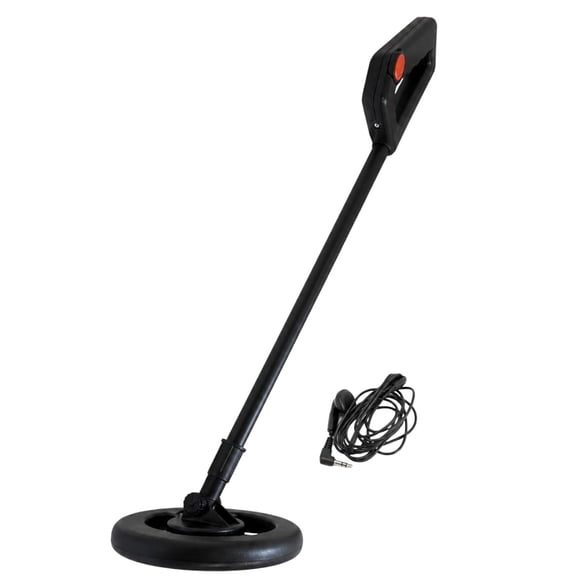 ToolUSA Ground Search Metal Detector | Lightweight Handheld Design | Adjustable Shaft 23"-34.5" (58.4 cm-87.6 cm) | High Sensitivity | Great For Treasure Hunting & Security$31.25current price $31.25
Garrett G42 Turbine Housig Kit for Div T4 V-Band 1.28 A&R Series
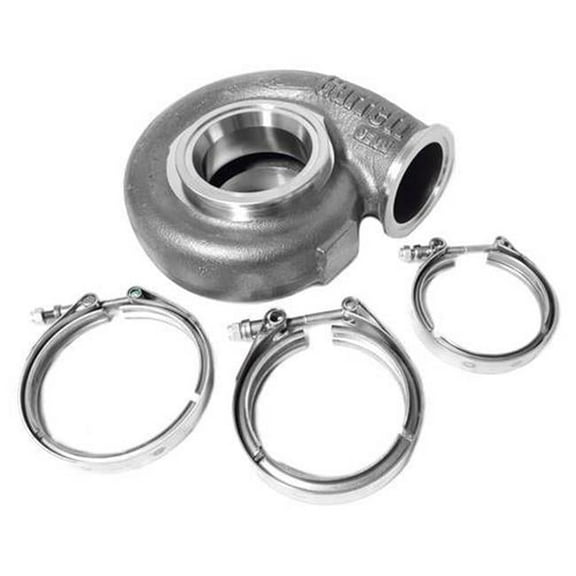 Garrett G42 Turbine Housig Kit for Div T4 V-Band 1.28 A&R Series$1123.20current price $1123.20
Fisher F44 Metal Detector Bundle with 11" DD Coil and F-Pulse Pinpointer
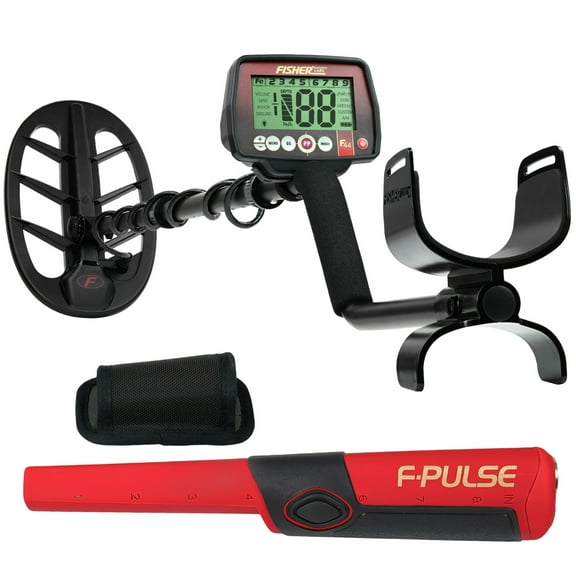 Fisher F44 Metal Detector Bundle with 11" DD Coil and F-Pulse Pinpointer$458.00current price $458.00
Teknetics Euro-Tek Pro Metal Detector with Tek-Point Pinpointer, 11-Inch DD Searchcoil, and Cover (Red)
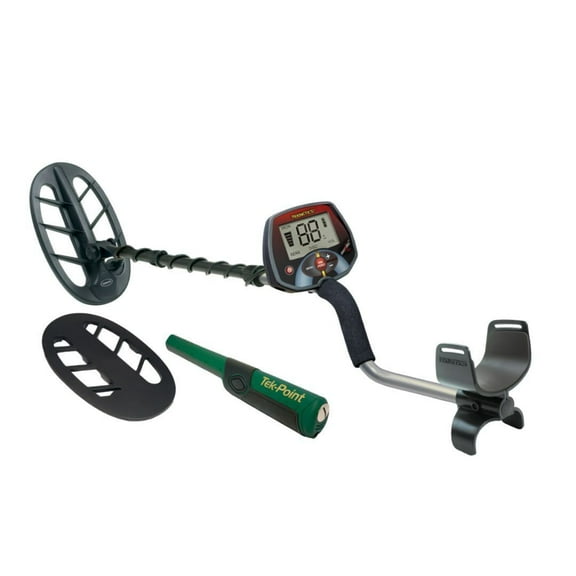 Teknetics Euro-Tek Pro Metal Detector with Tek-Point Pinpointer, 11-Inch DD Searchcoil, and Cover (Red)$273.00current price $273.00
Minelab Equinox 900 Waterproof Metal Detector with EQX SmartCoil and Case Bundle
 Minelab Equinox 900 Waterproof Metal Detector with EQX SmartCoil and Case Bundle$1428.98current price $1428.98
Garrett G42 Turbine Housing Kit with Div T4 & V-Band 1.01 A-R
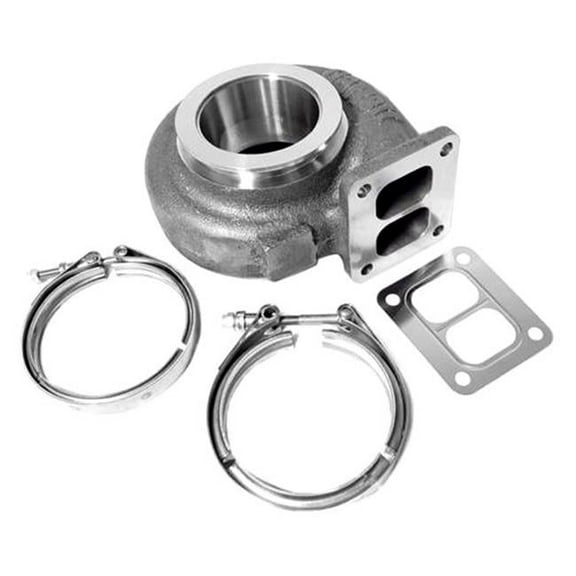 Garrett G42 Turbine Housing Kit with Div T4 & V-Band 1.01 A-R$1129.88current price $1129.88
Minelab Excalibur II Metal Detector
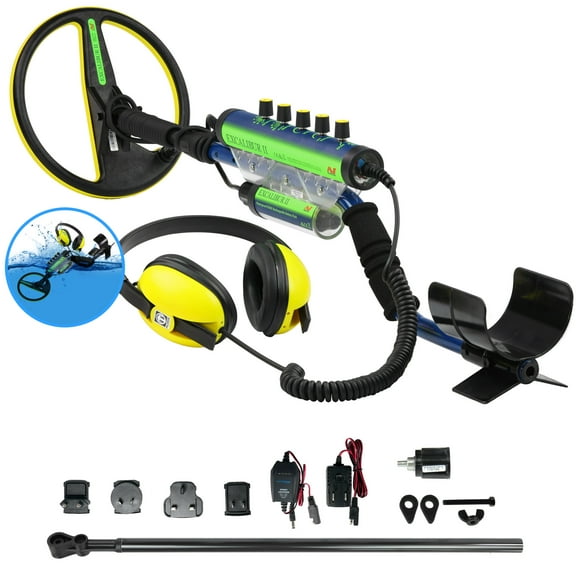 Minelab Excalibur II Metal Detector$1699.00current price $1699.00
Teknetics T2 Classic Metal Detector with Waterproof 11" Coil
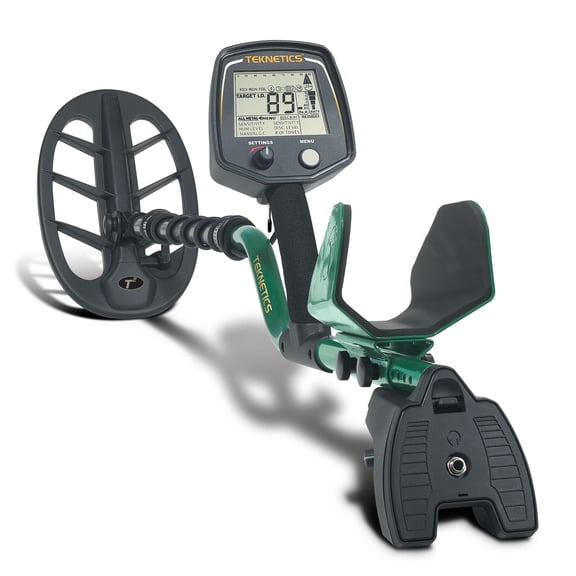 Teknetics T2 Classic Metal Detector with Waterproof 11" Coil$419.00current price $419.00
CKG Metal Detector Pinpointer 360° Detection, Professional Metal Detector Wand for Adults with LCD Screen & 3 Alert Modes, Fully Waterproof IP68, Color Blue
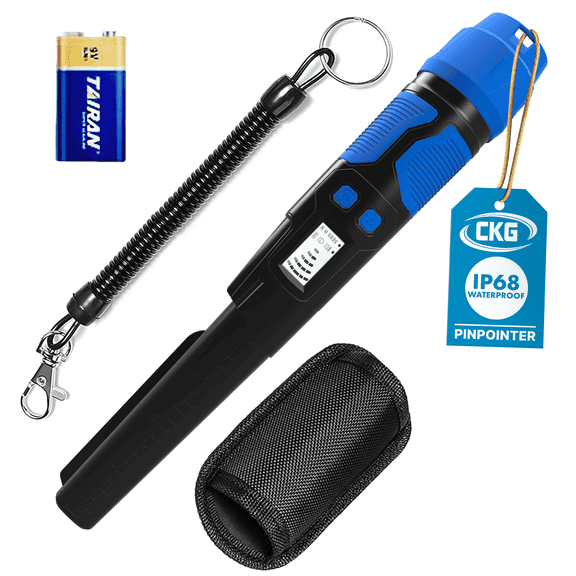 CKG Metal Detector Pinpointer 360° Detection, Professional Metal Detector Wand for Adults with LCD Screen & 3 Alert Modes, Fully Waterproof IP68, Color Blue$58.99current price $58.99
Minelab EQUINOX 900 Multi-IQ Metal Detector with 11", 6" coil and FREE EQX 15 (15 X 12")
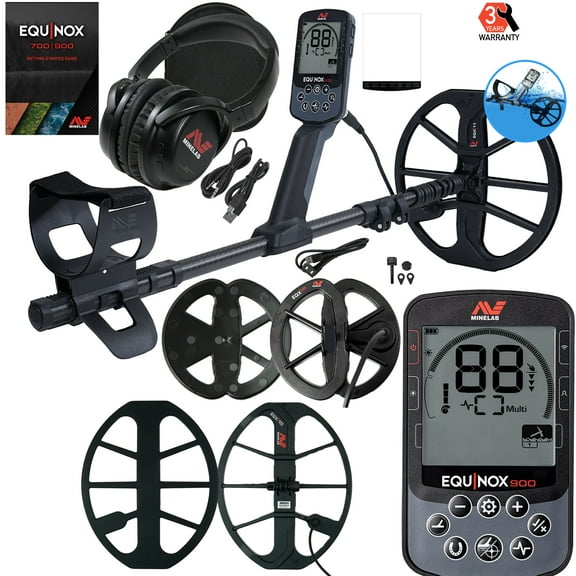 Minelab EQUINOX 900 Multi-IQ Metal Detector with 11", 6" coil and FREE EQX 15 (15 X 12")$1289.00current price $1289.00
Minelab Equinox 900 Metal Detector with 11” Double-D Coil and 6” Double-D Coil
 Minelab Equinox 900 Metal Detector with 11” Double-D Coil and 6” Double-D Coil$999.00current price $999.00
ABLEGRID Metal Detector for Adults and Kids Rechargeable, Professional Gold Detector with LCD Display, High Accuracy Waterproof Pinpoint 5 Modes, Advanced DSP Chip 10" Coil
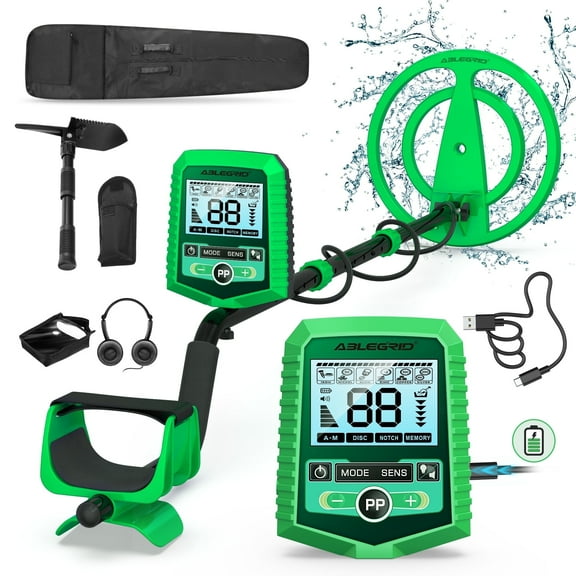 ABLEGRID Metal Detector for Adults and Kids Rechargeable, Professional Gold Detector with LCD Display, High Accuracy Waterproof Pinpoint 5 Modes, Advanced DSP Chip 10" Coil$106.99current price $106.99
Minelab EQUINOX 700 Waterproof Metal Detector with EQX11 11" Double-D Coil
 Minelab EQUINOX 700 Waterproof Metal Detector with EQX11 11" Double-D Coil$749.00current price $749.00