

Dataram(1)
Uses item details. Price when purchased online
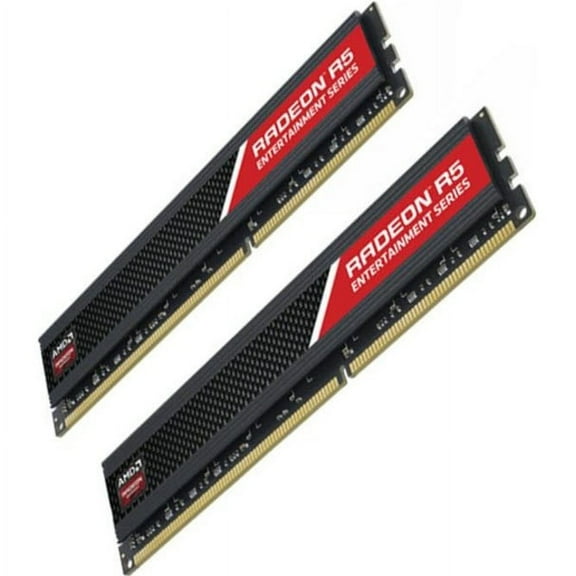
Dataram 8GB DDR3 SDRAM Memory Module $84.00
$8400
current price $84.00Dataram 8GB DDR3 SDRAM Memory Module
FAQ
How do I know if this memory fits my computer?
To check if a memory module is compatible with your computer, start by reviewing your device's user manual or specifications for the type, speed, and size of supported memory. Most computers list the required memory as DDR2, DDR3, or DDR4, along with supported capacities. You can also:
- Look up your computer model online for memory upgrade info
- Check existing memory sticks for label details
- Bring your current module to the store for comparison
What are the main benefits of adding more RAM?
Adding more RAM can boost your computer's overall performance, especially if you often multitask or use resource-heavy programs. Benefits may include:
- Smoother transitions between open applications
- Reduced lag in gaming or video editing
- Faster load times for files and software
Can I install a memory module myself at home?
Yes, installing a memory module is usually a straightforward process for many desktops and laptops. To do so safely:
- Turn off and unplug your device
- Remove its case or memory panel
- Touch a metal object to discharge static
- Insert the module into the slot, aligning notches
- Secure everything and power up
What should I do before upgrading my computer’s RAM?
Before upgrading, it's helpful to:
- Determine your computer’s maximum supported memory
- Back up important files, just in case
- Check how many memory slots are available
- Record your current memory configuration
How do I care for a memory module during installation?
To help protect your memory module when installing:
- Handle the module by its edges and avoid touching the gold connectors
- Discharge static by touching a grounded metal object
- Work in a clean, flat area to prevent dust or accidental drops
Popular in Explore Brand Selections on the Home Page
Related Products
Synology D4EU02 16GB 288-Pin DDR4 ECC Unbuffered DIMM Memory Module
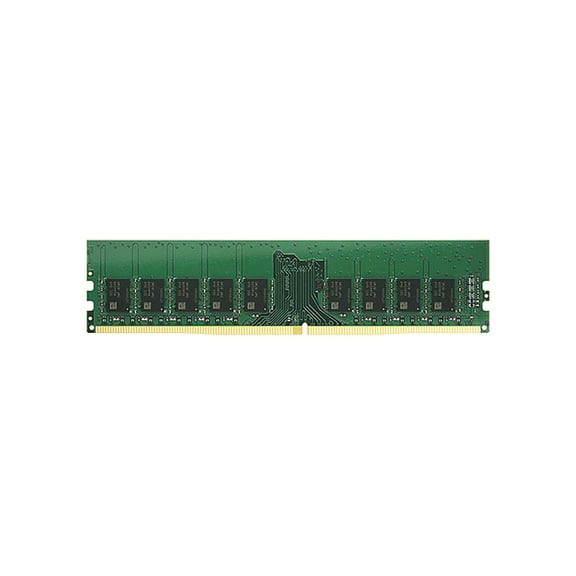 Synology D4EU02 16GB 288-Pin DDR4 ECC Unbuffered DIMM Memory Module$1137.68current price $1137.68
Synology 4GB DDR4 Memory Module - 2666 MHz Clock Speed - 4GB (1 x 4GB) Capacity - Non-ECC - For Select Synology NAS Servers
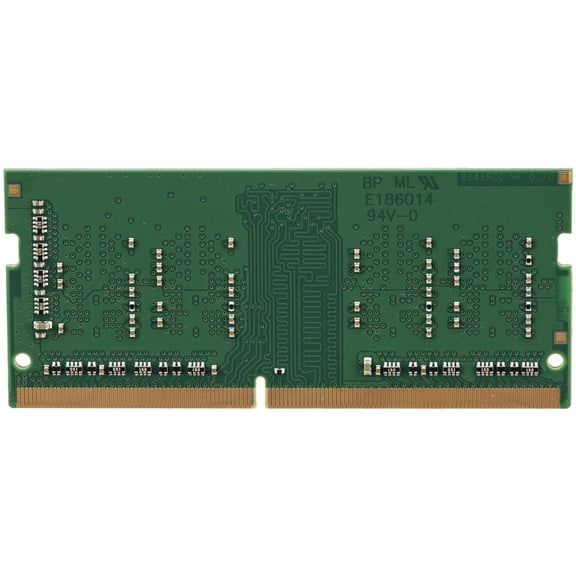 Synology 4GB DDR4 Memory Module - 2666 MHz Clock Speed - 4GB (1 x 4GB) Capacity - Non-ECC - For Select Synology NAS Servers$259.79current price $259.79
CMS 2GB (1X2GB) DDR2 6400 800MHZ NON ECC SODIMM Memory Ram Upgrade Compatible with Toshiba® Mini Nb205-N330Bl, Nb205-N330Bn, Nb205-N330Pk - A40
 CMS 2GB (1X2GB) DDR2 6400 800MHZ NON ECC SODIMM Memory Ram Upgrade Compatible with Toshiba® Mini Nb205-N330Bl, Nb205-N330Bn, Nb205-N330Pk - A40$14.50current price $14.50
CMS 8GB (1X8GB) DDR4 25600 3200MHz Non ECC DIMM Memory Ram Upgrade Replacement for Acer® Aspire XC Series XC-1760, XC-1780 - D122
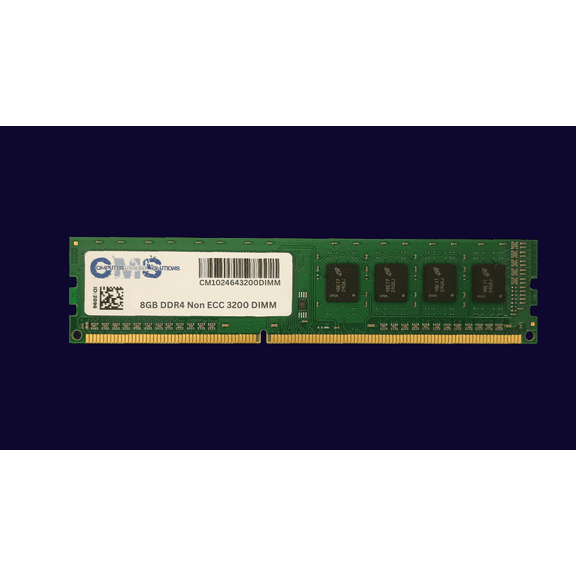 CMS 8GB (1X8GB) DDR4 25600 3200MHz Non ECC DIMM Memory Ram Upgrade Replacement for Acer® Aspire XC Series XC-1760, XC-1780 - D122$56.99current price $56.99
Corsair Vengeance RGB Pro SL 16GB (2 x 8GB) DDR4 DRAM 3200MHz C16 Memory Kit, White
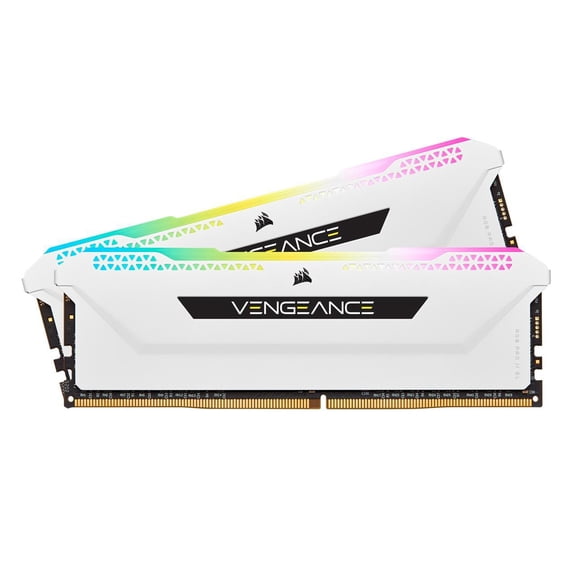 Corsair Vengeance RGB Pro SL 16GB (2 x 8GB) DDR4 DRAM 3200MHz C16 Memory Kit, White$179.99current price $179.99
CMS 8GB (2X4GB) DDR4 19200 2400MHZ NON ECC DIMM Memory Ram Compatible with Fujitsu Celsius J550 (D3427), W550 (D3417) - C117
 CMS 8GB (2X4GB) DDR4 19200 2400MHZ NON ECC DIMM Memory Ram Compatible with Fujitsu Celsius J550 (D3427), W550 (D3417) - C117$59.99current price $59.99
