

Clicks(6)
Uses item details. Price when purchased online
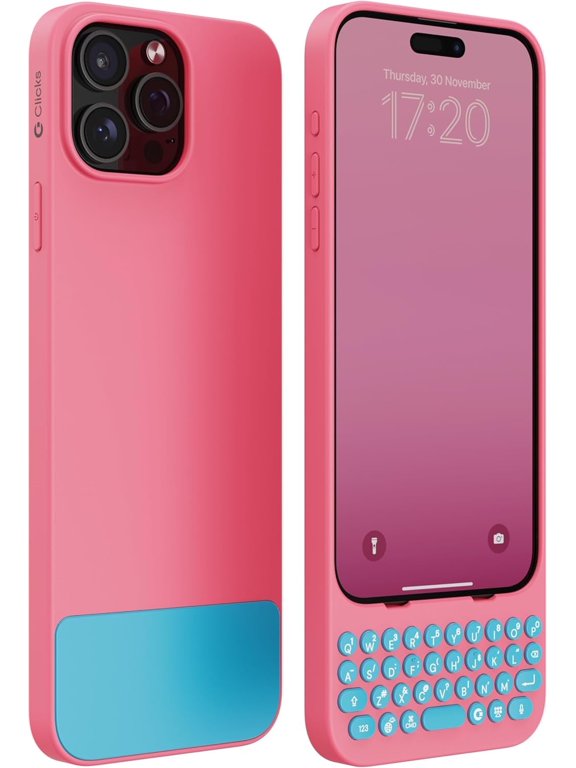
Keyboard for iPhone 15 Pro Max – Keyboard Case for Premium Typing Experience – Faster, Accurate Typing, Charge as Normal – Miami Beach From $71.99


From$7199
Clicks
Keyboard for iPhone 15 Pro Max – Keyboard Case for Premium Typing Experience – Faster, Accurate Typing, Charge as Normal – Miami Beach3 out of 5 stars
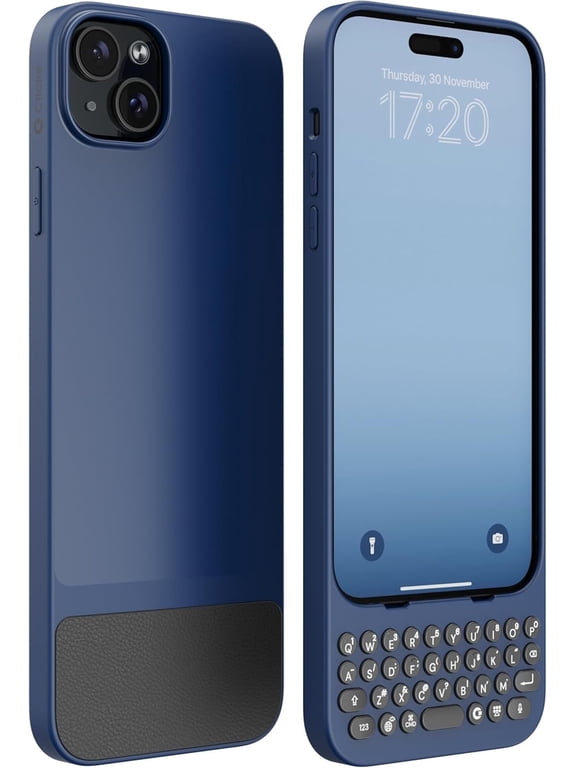
Keyboard for iPhone 15 Plus – Keyboard Case for Premium Typing Experience – Faster, Accurate Typing, Charge as Normal – Royal Ink Was $151.99
Clicks
Keyboard for iPhone 15 Plus – Keyboard Case for Premium Typing Experience – Faster, Accurate Typing, Charge as Normal – Royal Ink3 out of 5 stars
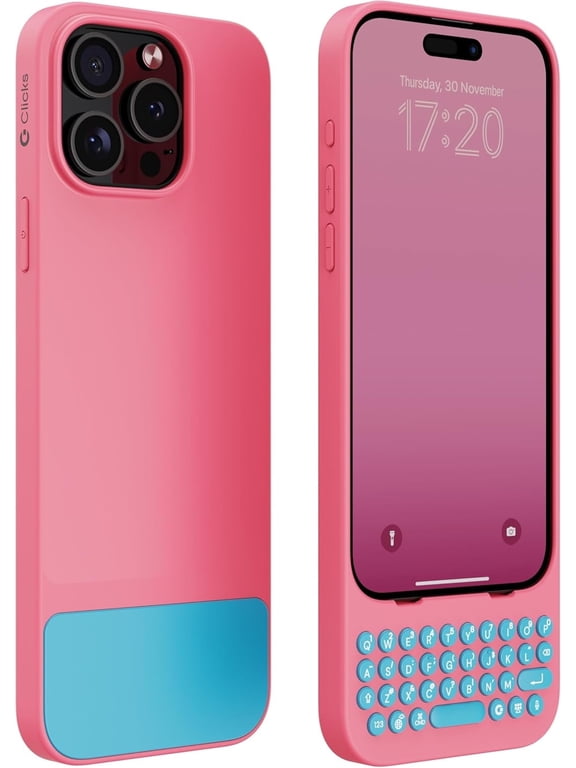
Keyboard for iPhone 15 Pro – Keyboard Case for Premium Typing Experience – Faster, Accurate Typing, Charge as Normal – Miami Beach
Clicks
Keyboard for iPhone 15 Pro – Keyboard Case for Premium Typing Experience – Faster, Accurate Typing, Charge as Normal – Miami Beach- Glitch Machine - Electronica - CD $12.19 $48.76/lb

$1219
current price $12.19$48.76/lb
Clicks
- Glitch Machine - Electronica - CD- G.o.t.h. - Electronica - CD $12.19 $55.41/lb

$1219
current price $12.19$55.41/lb
Clicks
- G.o.t.h. - Electronica - CD- Glitch Machine - Music & Performance - CD $35.60 $74.17/lb

$3560
current price $35.60$74.17/lb
Clicks
- Glitch Machine - Music & Performance - CDFAQ
How do keyboard cases work with iPhone 15 models?
Keyboard cases for iPhone 15 models are designed to snap onto your device, providing a physical keyboard for a more comfortable typing experience.
- They connect directly to your phone, so you can type faster and more accurately.
- Charging your phone works as usual, since the case doesn't interfere with the charging port.
- These cases are tailored for specific iPhone 15 models, so be sure to choose the one that matches your device.
Can I still charge my iPhone with the keyboard case on?
Yes, you can charge your iPhone as normal while the keyboard case is attached.
- The case is designed to allow access to the charging port, so you don't need to remove it.
- Just plug in your charger as you usually would.
- This feature helps keep your device powered up without any extra hassle.
What’s the benefit of using a keyboard case?
Using a keyboard case offers several advantages for your iPhone.
- It can make typing faster and more accurate, especially for longer messages or emails.
- The physical keys provide a tactile feel, which some users find more comfortable than tapping on a screen.
- Keyboard cases are also easy to attach and remove, so you can switch between typing styles as needed.
Are keyboard cases easy to install and remove?
Most keyboard cases are designed for quick installation and removal.
- Simply align the case with your iPhone and snap it into place.
- To remove, gently pull the case away from the device.
- No tools or complicated steps are required.
Can I use all iPhone features with the keyboard case?
Keyboard cases are made to let you access your iPhone’s main features.
- You can still use the touchscreen, camera, and charging port.
- The case doesn’t block essential buttons or functions.
- Some cases may add extra convenience, like shortcut keys for common actions.
Related Products
DistinctInk Clear Hybrid Case for Apple iPhone 15 Plus (6.7" Screen) - Patience Pilots Faith - Shockproof Protection
 DistinctInk Clear Hybrid Case for Apple iPhone 15 Plus (6.7" Screen) - Patience Pilots Faith - Shockproof Protection$20.00current price $20.00