

Acuant(1)
Restored Acuant AssureTec ID-150 Sentinel ID Scanner – High-Speed USB ID Verification and Authentication Device (Refurbished) $599.99

Restored Acuant AssureTec ID-150 Sentinel ID Scanner – High-Speed USB ID Verification and Authentication Device (Refurbished)
FAQ
How does an ID scanner work?
An ID scanner uses advanced technology to quickly read and verify information from cards or identification documents. When you insert or swipe an ID, the device captures data like name, date of birth, and barcode details.
- It checks security features and authenticity.
- Some models connect to a computer via USB for easy data transfer.
This process helps streamline ID verification in various settings, making it efficient and reliable for everyday use.
Can I use a scanner for passports?
Many ID scanners are designed to handle a range of identification types, including cards and, in some cases, passports. Some portable models support scanning both standard ID cards and passport documents.
- Compatibility depends on the scanner's software and hardware.
- Always check the product details to see which document types are supported.
If you need to scan passports, reviewing the scanner's specifications can help ensure it's the right fit for your needs.
Is setup easy for these ID scanners?
Setting up most ID scanners is straightforward, especially those with USB connectivity. Typically, you plug the scanner into your computer, install any required software or drivers, and follow on-screen instructions.
- No complex tools are usually needed.
- Some devices may include a quick-start guide for assistance.
If you have questions, checking the user manual or online resources can make the process even simpler.
What can I do if the scanner stops working?
If your ID scanner isn't functioning as expected, there are a few steps you can take:
- Check the USB connection and ensure cables are secure.
- Restart your computer and try plugging the scanner into a different port.
- Update or reinstall the scanner's software if needed.
If issues persist, reviewing troubleshooting guides or contacting customer support may help resolve technical concerns.
How should I store my portable ID scanner?
Proper storage helps keep your portable ID scanner in great shape. When not in use:
- Keep it in a protective case or pouch.
- Store in a dry, dust-free area away from direct sunlight.
- Disconnect cables to prevent strain or damage.
These tips can help extend the life and reliability of your scanner, making it ready for your next use.
Popular in Document and Card Scanners for Fast, Reliable Scanning
Related Products
Restored Panini VX 5050IJ Check Scanner - 50 dpm, 50 doc feeder, ink jet (Refurbished)
 Restored Panini VX 5050IJ Check Scanner - 50 dpm, 50 doc feeder, ink jet (Refurbished)$549.99current price $549.99
Ambir Technology Business Card Scanner PS670st, 600 dpi, Twain Compatibility
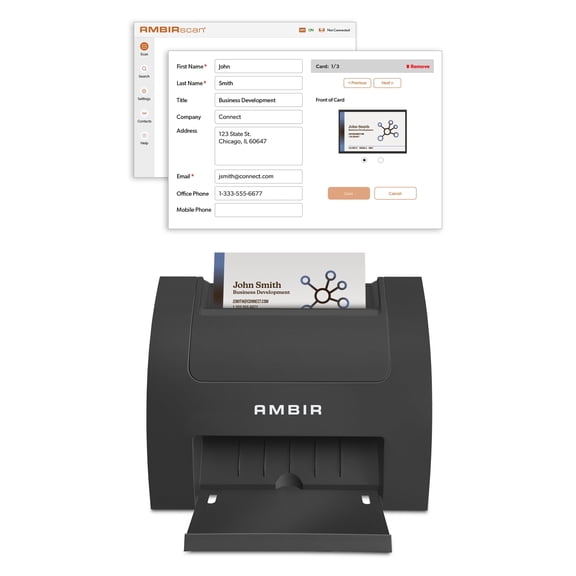 Ambir Technology Business Card Scanner PS670st, 600 dpi, Twain Compatibility$234.00current price $234.00
Restored Zebra CS6080 2D USB Barcode Scanner – White, Handheld USB Scanner for Retail & Healthcare (P/N: CS6080-HCKF00BVZWW) (Refurbished)
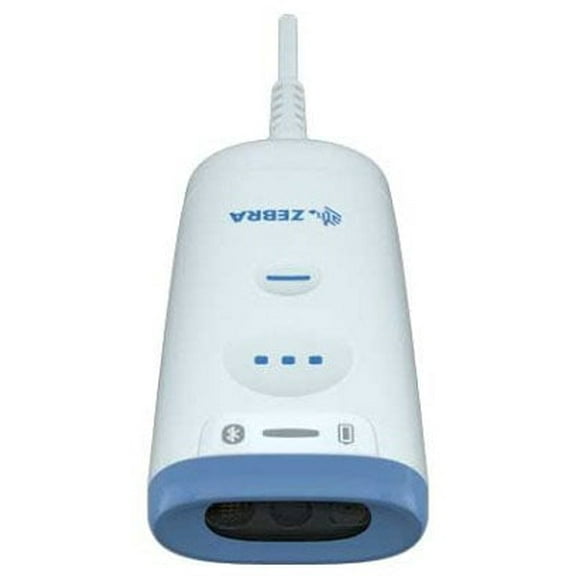 Restored Zebra CS6080 2D USB Barcode Scanner – White, Handheld USB Scanner for Retail & Healthcare (P/N: CS6080-HCKF00BVZWW) (Refurbished)$480.00current price $480.00
CZUR ET16 Plus Professional Document Camera Scanner with 2nd Gen Laser Curve-Flattening Tech, Perfect for Bound Documents & Books, Smart OCR for Mac and Windows
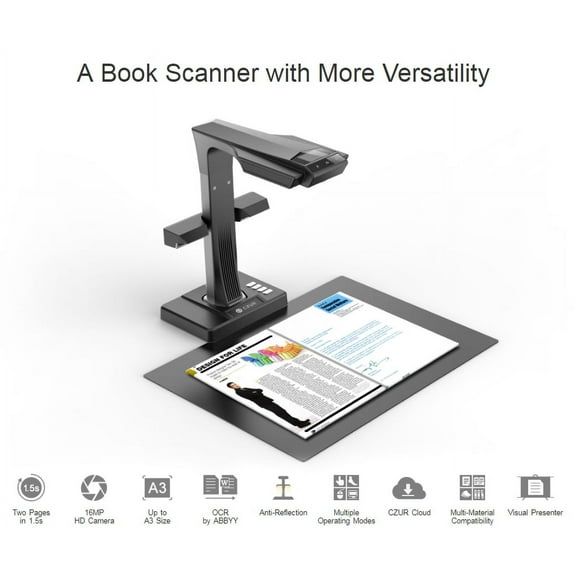 CZUR ET16 Plus Professional Document Camera Scanner with 2nd Gen Laser Curve-Flattening Tech, Perfect for Bound Documents & Books, Smart OCR for Mac and Windows$409.01current price $409.01
Magnasonic All-In-One 24MP Film Scanner with Large 5" Display & HDMI, Converts 35mm/126/110/Super 8 Film & 135/126/110 Slides into Digital Photos (FS71)
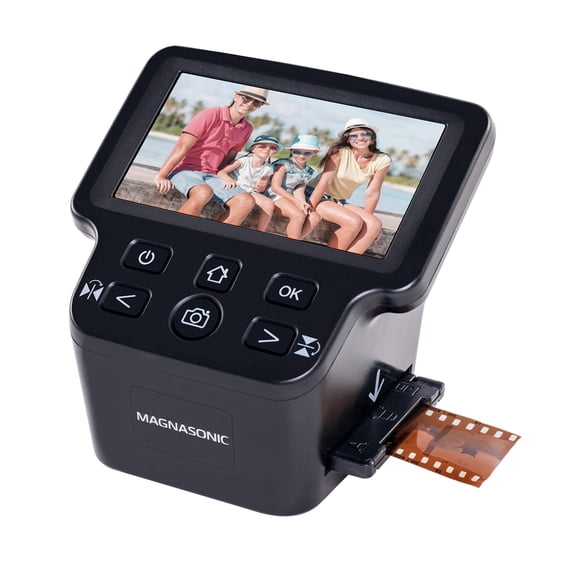 Magnasonic All-In-One 24MP Film Scanner with Large 5" Display & HDMI, Converts 35mm/126/110/Super 8 Film & 135/126/110 Slides into Digital Photos (FS71)$129.99current price $129.99
Restored 3800LR-12 Barcode Scanner w/ USB Cable – Handheld 1D Laser, High-Speed Retail/Inventory Scanner (Refurbished)
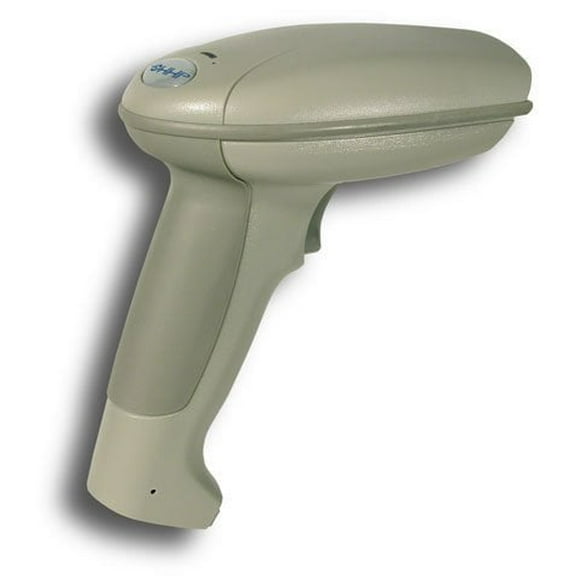 Restored 3800LR-12 Barcode Scanner w/ USB Cable – Handheld 1D Laser, High-Speed Retail/Inventory Scanner (Refurbished)$99.60current price $99.60
CZUR ET24 Pro Professional Book/Document Scanner 24MP HD Camera Capture A3 Support HDMI Compatible with Windows//MacOS/Lunix
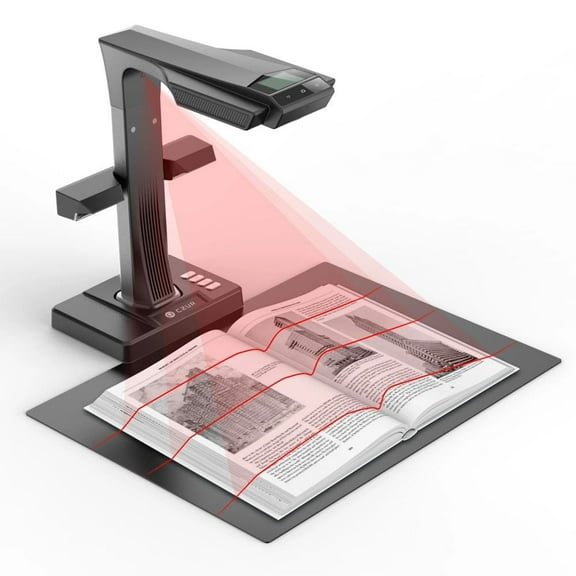 CZUR ET24 Pro Professional Book/Document Scanner 24MP HD Camera Capture A3 Support HDMI Compatible with Windows//MacOS/Lunix$524.07current price $524.07
Ambir PS667 Simplex ID Business Card Scanner with AmbirScan for Windows PC
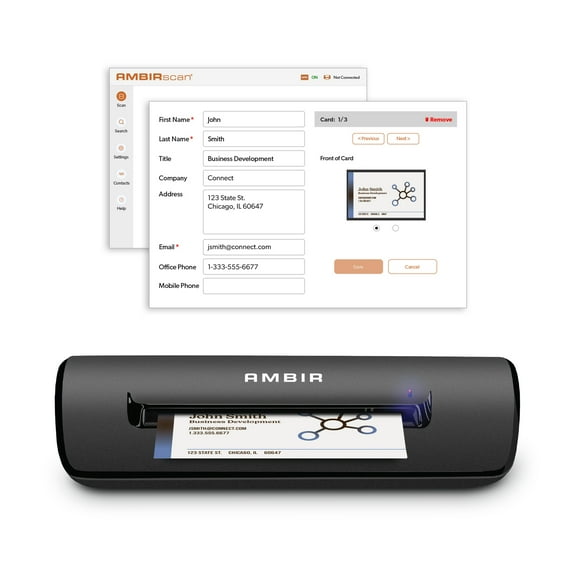 Ambir PS667 Simplex ID Business Card Scanner with AmbirScan for Windows PC$219.96current price $219.96
Honeywell 1902HHD-0USB-5 Wireless Barcode Scanner Kit
 Honeywell 1902HHD-0USB-5 Wireless Barcode Scanner Kit$385.60current price $385.60
Scanstrut SC-MULTI-F2 Flip Pro Duo - USB-A & USB-C with 12V Power Socket
 Scanstrut SC-MULTI-F2 Flip Pro Duo - USB-A & USB-C with 12V Power Socket$61.29current price $61.29
Restored Symbol DS3478-SF Wireless Rugged 2D/1D Barcode Scanner (Model K35403) – Bluetooth, CCD Imaging, IP65, Smart Focus, (Refurbished)
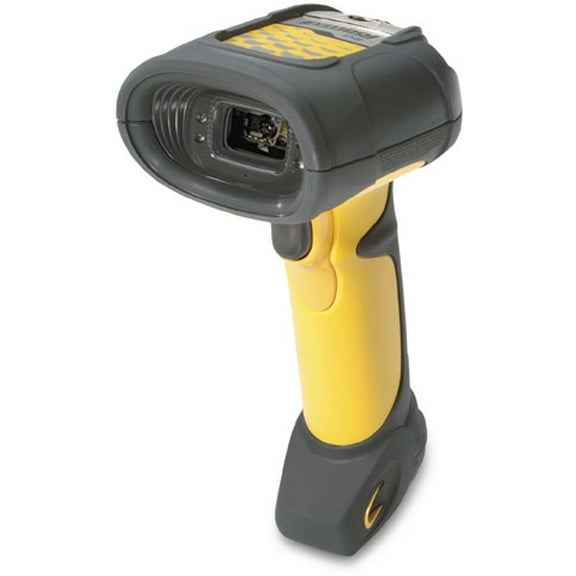 Restored Symbol DS3478-SF Wireless Rugged 2D/1D Barcode Scanner (Model K35403) – Bluetooth, CCD Imaging, IP65, Smart Focus, (Refurbished)$599.93current price $599.93