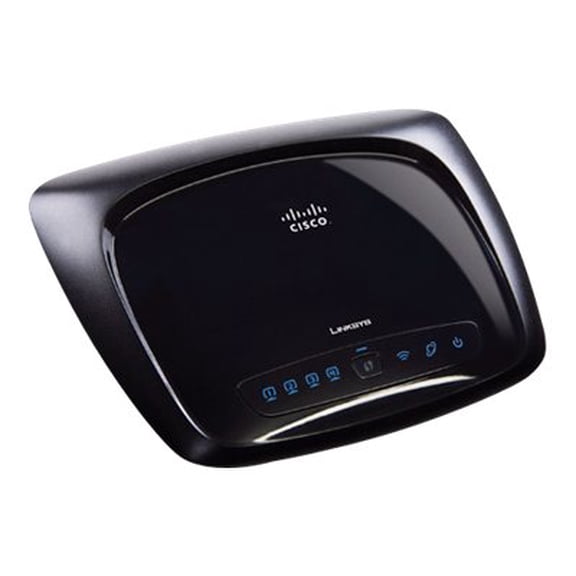
Actiontec Electronics Routers(1)
Pre-Owned Actiontec C2300A Bonded VDSL2/G Wireless AC Gateway for Centurylink (T2200M) $60.71

Pre-Owned Actiontec C2300A Bonded VDSL2/G Wireless AC Gateway for Centurylink (T2200M)
Other options to consider(3)
Actiontec Electronics SBWD1000EDUG2 4k App-free Wireless Presentation Solution Designed Exclusively For K12 Classroo $628.33

Actiontec Electronics SBWD1000EDUG2 4k App-free Wireless Presentation Solution Designed Exclusively For K12 Classroo
Actiontec Fg Screenbeam 960A With Cms Eu $521.66

Actiontec Fg Screenbeam 960A With Cms Eu
Actiontec Bonded MoCA 2.0 Network Adapter ECB6200 - media converter - 10Mb LAN, 100Mb LAN, GigE, MoCA 2.0 $114.01
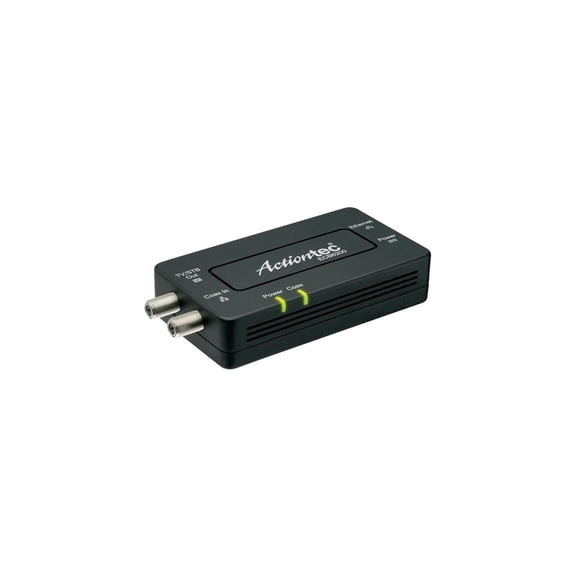
Actiontec Bonded MoCA 2.0 Network Adapter ECB6200 - media converter - 10Mb LAN, 100Mb LAN, GigE, MoCA 2.0
FAQ
What does a wireless presentation system do?
A wireless presentation system lets you connect your laptop, tablet, or smartphone to a display screen—like a TV or projector—without the hassle of cords. Here's how these systems help:
- Share Content Easily: Display slides, videos, and documents in classrooms, offices, or meeting rooms.
- Reduce Clutter: No tangling wires or extra adapters are needed.
- Multiple Users: Some systems let several people share screens at once for collaborative sessions.
They're great for making meetings and lessons more interactive and streamlined.
Can I use these gateways for internet upgrades?
Many gateways and routers in this category are designed to support high-speed internet connections, making them suitable for upgrading your home or office network. Before purchasing:
- Check that the device is compatible with your internet service provider and service type—some work best with specific network connections like VDSL2.
- Confirm it supports the speeds you need and offers features like wireless AC for better Wi-Fi coverage.
If you're updating your internet equipment, upgrading to a modern gateway can give you faster speeds, broader coverage, and more reliable connections.
How do I set up a wireless router at home?
Setting up a wireless router is usually straightforward. Here’s a basic overview:
- Connect the router to your modem using an Ethernet cable.
- Plug in the power and turn the router on.
- Use a device (like your laptop or phone) to connect to the router's default Wi-Fi network—find the name and password on the router label.
- Open a web browser and follow the on-screen instructions to finish setup, including creating your Wi-Fi name and password.
For security and best performance, keep your router’s firmware updated and position the unit in a central location.
Do these devices work in classrooms?
Absolutely! Many wireless presentation and networking devices are designed with classrooms in mind. They help teachers:
- Share lessons or educational material from a laptop or tablet to a big screen for the whole class.
- Encourage student participation by letting multiple users connect and present.
- Set up without having to rearrange desks or worry about cable management.
Look for models specifically built for education environments, as these may include easy-to-use features and enhanced security options to support safe, interactive learning.
What should I do if my wireless connection drops?
If your wireless signal is inconsistent, try these steps to improve stability:
- Restart the router and connected devices.
- Check for interference: Place the router away from large metal objects and microwaves.
- Update router firmware to the latest version as recommended by the manufacturer.
- Reduce the number of connected devices to see if performance improves.
If issues continue, refer to the user manual for troubleshooting or contact customer support for further guidance.
Popular in Shop Brand Home Page for Wifi Routers and Networking
Related Products
Cablevantage Centurylink C4000XG WiFi 6 Router with 5 Port Switch
Cablevantage Centurylink C4000XG WiFi 6 Router with 5 Port Switch
DBIT AC1200 Dual Band Mesh WiFi Router Long Range Wireless Internet Router with 4 x High-Power FEMs
 DBIT AC1200 Dual Band Mesh WiFi Router Long Range Wireless Internet Router with 4 x High-Power FEMs$28.49current price $28.49
Cudy AC1200 Unlocked 4G LTE Router with SIM Card Slot, Dual-Band 1200Mbps WiFi, 4× High-Gain Antennas, VPN (WireGuard/OpenVPN), Backup Internet for Home, RV, Cameras, Remote Areas
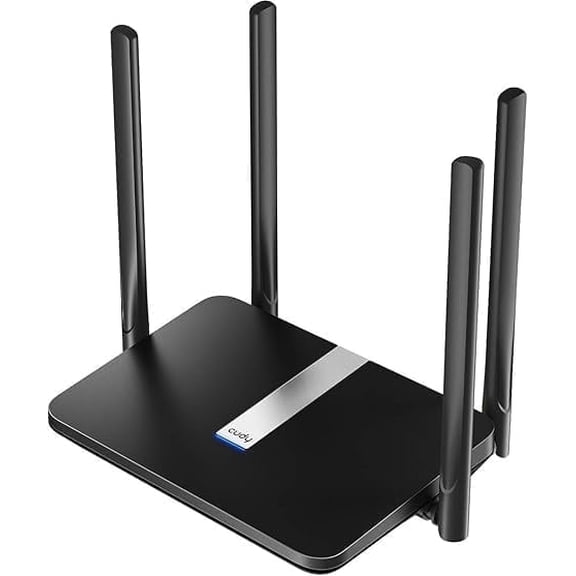 Cudy AC1200 Unlocked 4G LTE Router with SIM Card Slot, Dual-Band 1200Mbps WiFi, 4× High-Gain Antennas, VPN (WireGuard/OpenVPN), Backup Internet for Home, RV, Cameras, Remote Areas$89.99current price $89.99
TP-Link ER7206 | Multi-WAN High-Performance Wired VPN Router | Increased Network Capacity|SPI Firewall | Omada SDN Integrated|Load Balance|Lightning Protection|Limited Lifetime Protection
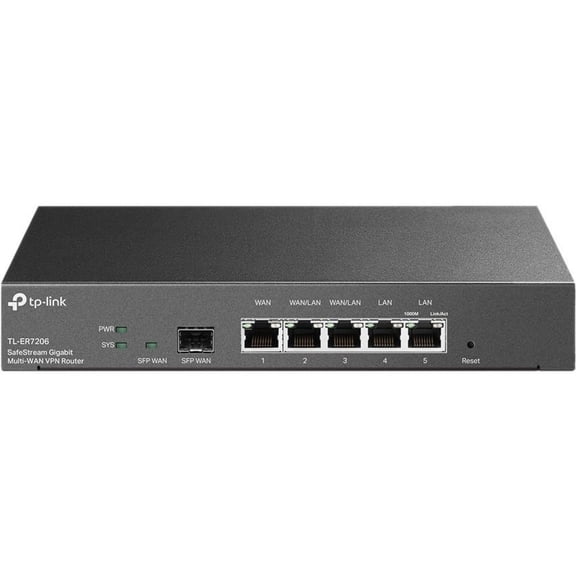 TP-Link ER7206 | Multi-WAN High-Performance Wired VPN Router | Increased Network Capacity|SPI Firewall | Omada SDN Integrated|Load Balance|Lightning Protection|Limited Lifetime Protection$165.05current price $165.05
TP-Link TL-R605 Safe Stream Gigabit Multi-WAN Desktop VPN Router
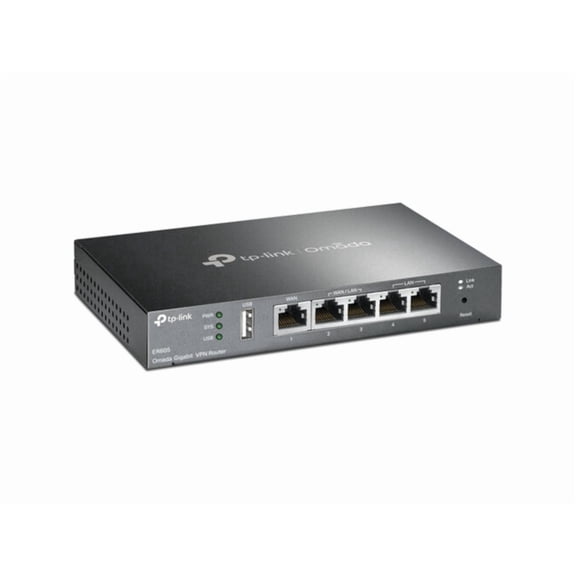 TP-Link TL-R605 Safe Stream Gigabit Multi-WAN Desktop VPN Router$70.66current price $70.66
Open Box Linksys LN1301 Tri-Band WiFi 6 Router, Speeds up to 4.2 Gbps, Covers up to 2700 sq. ft., 40+ Devices, Plug-n-Play Setup
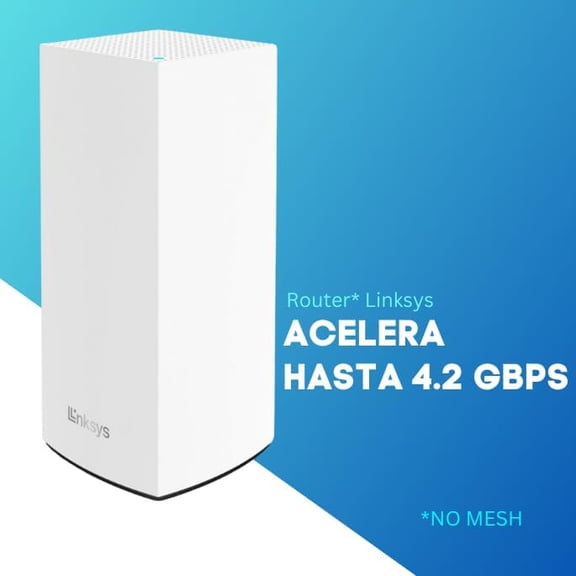 Open Box Linksys LN1301 Tri-Band WiFi 6 Router, Speeds up to 4.2 Gbps, Covers up to 2700 sq. ft., 40+ Devices, Plug-n-Play Setup$32.99current price $32.99
Aruba Networking Instant On Secure Gateway
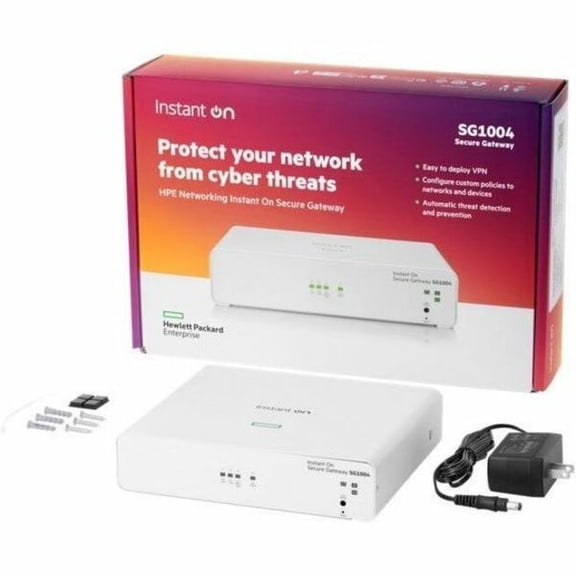 Aruba Networking Instant On Secure Gateway$324.00current price $324.00
Panda Wireless® PWRU01 Express Router
 Panda Wireless® PWRU01 Express Router$24.99current price $24.99