

MLB The Show in Video Game Titles


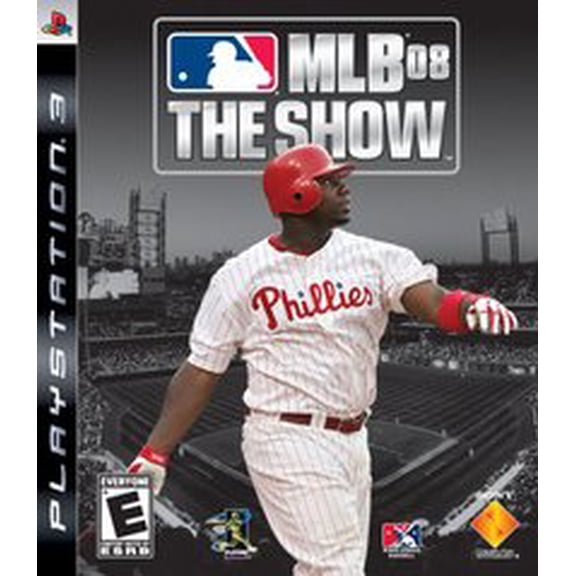


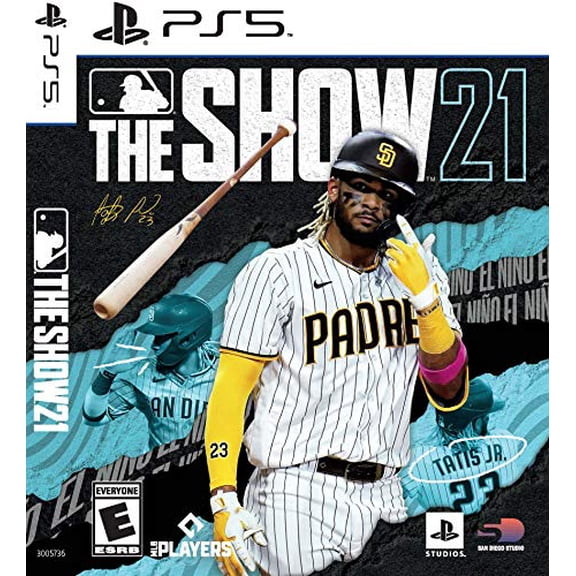





About MLB The Show in Video Game Titles - Walmart.com
You can compare mlb the show titles by console, edition, format, and release year, so your choice fits your system and play style. You’ll also find baseball-specific modes like Diamond Dynasty and Road to the Show, which makes this category different from general sports game pages.
How to choose mlb the show by console platform
You should start with console compatibility, because your game needs to match your hardware before any other feature matters. You can compare mlb the show ps5, mlb the show ps4, mlb the show xbox, mlb the show xbox one, and mlb the show switch options here.
If you play on PS5 or Xbox Series X|S, you may look for current-generation visuals, faster loading, and smoother menu navigation. If you still use PS4 or Xbox One, you can focus on legacy compatibility and the version built for your system.
You should also check whether your title supports cross-gen play or dual-entitlement, because those terms affect how your purchase works across generations. In plain terms, you may get access on two related consoles, or you may need a separate version.
- You can narrow your choice by matching the game to PS5, PS4, Xbox Series X|S, Xbox One, or Nintendo Switch.
- You can compare current-generation and legacy-console versions based on how and where you play.
- You can check cross-gen and dual-entitlement details before you choose a specific edition.
Choosing between Standard, MVP, Deluxe, and Collector’s editions
You should compare edition type next, because your extras can change how you start the season. A Standard Edition usually centers on the base game, while MVP, Deluxe, and Collector’s Edition releases may include added digital items.
You may see packs, bonus stubs, or extra in-game content tied to online modes, especially for Diamond Dynasty players. If you mostly play solo, you may prefer a simpler edition with the core gameplay and roster updates.
You’ll want to compare what each edition actually includes, because names alone don’t explain the difference. In practice, your choice often comes down to whether you want the base experience or a bigger opening bundle.
What to look for in physical disc and digital download code formats
You should decide between a physical disc and a digital download code based on how you like to access your games. A disc can suit your shelf setup, while a digital code can suit your all-digital library.
If you share games within your household, you may prefer a physical copy that fits your console’s disc drive. If you switch titles often, you may prefer a digital code that keeps your library accessible from your account.
You should check your console model before you choose, because some systems don’t use discs at all. You’ll avoid confusion when you match the game format to your hardware first.
Comparing MLB The Show 24, 23, and 22
You can compare release years by thinking about your preferred roster window, feature set, and availability. MLB The Show 24 may fit shoppers who want the current annual entry, while 23 or 22 may fit collectors or casual players.
If you follow current players closely, you may want a current release year for updated presentation and fresher team context. If you revisit favorite seasons, an earlier year may still match your lineup preferences.
You should also compare version availability by console, because not every release year appears in every format equally. You’ll make a cleaner choice when you check both platform and year together.
How mlb the show game modes shape your choice
You can use game modes as a buying guide when you compare titles and editions. Diamond Dynasty can fit your card collecting and online competition focus. Road to the Show can fit your player career focus.
If you enjoy collecting, lineup building, and mode-based rewards, you may focus on editions with extra digital items. If you prefer a player-focused baseball story, you may care more about the base game than added packs.
You may also want Franchise or exhibition play, especially if your focus is team control or quick local sessions. Your preferred mode can make one edition feel more relevant than another.
Checking online features for mlb the show ps5, Xbox, and Switch
You should review online features before you choose a version, because your connected play options can vary by platform and edition. Cross-play means you can compete with players on other supported systems, which matters if your friends use different consoles.
Cross-progression is another key term to compare, because it affects whether your progress can follow your linked account. In simple terms, you may keep your progress moving across supported platforms when your account setup allows it.
You should also note when certain features require internet access, especially for online modes and content redemption. That check helps you match your purchase to how you actually play at home or on the go.
Use cases for PlayStation, Xbox, and Switch players
If you want a living-room setup with a current console, you may compare mlb the show ps5 and mlb the show xbox releases first. Those versions often suit players who prioritize current hardware support and connected features.
If you still play on older systems, you can focus on mlb the show ps4 or mlb the show xbox one listings. That path helps you keep compatibility simple without sorting through versions your console can’t use.
If you want baseball gaming in a more portable format, you may compare mlb the show switch titles closely. That option can fit your travel routine, smaller setup, or flexible play schedule.
You can also compare editions by play habits instead of platform alone, which often makes the decision easier. If your focus is online team building, added packs may matter, while solo career play may point you toward the standard release.
You’ll make a more confident choice when you match your console, format, edition, and release year in one pass. That approach helps you land on the MLB The Show version that fits your hardware and favorite game mode.