

All Camcorders in Cameras & Camcorders




























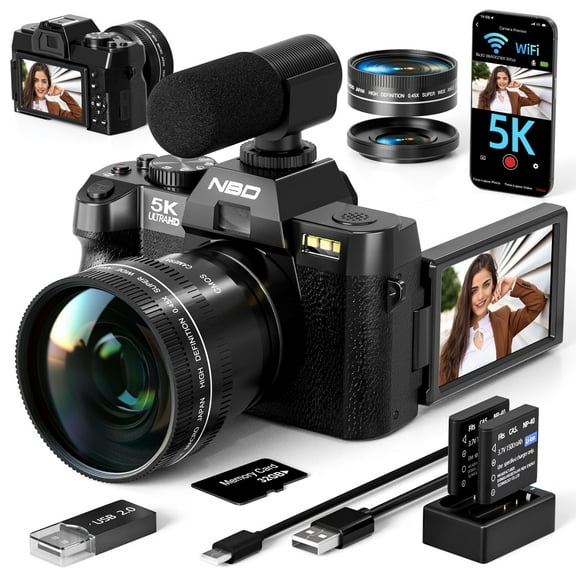


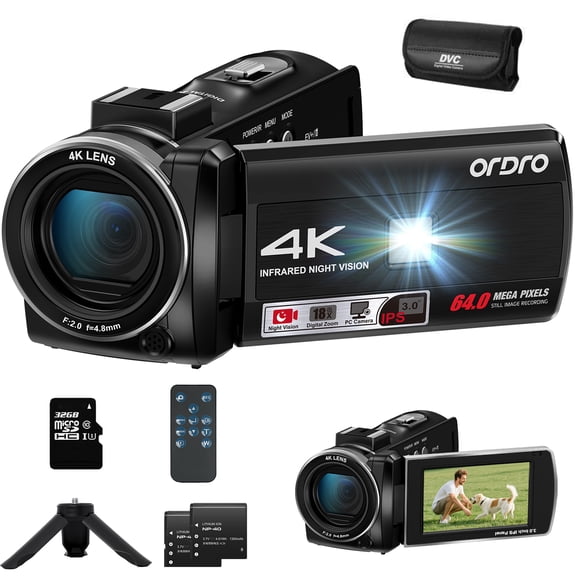

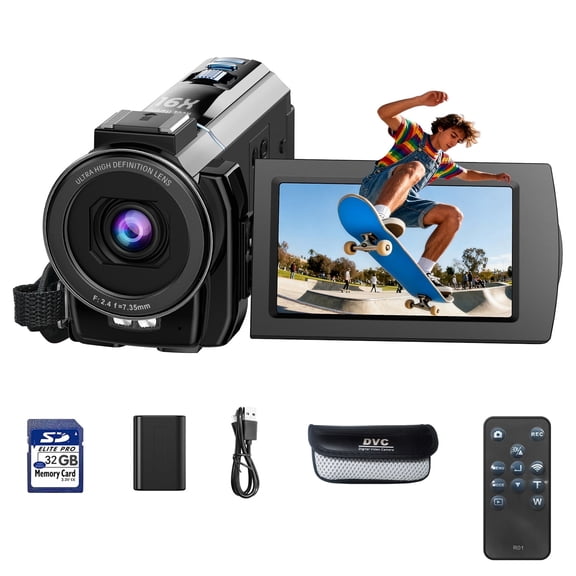


About All Camcorders in Cameras & Camcorders - Walmart.com
Video cameras help you capture family milestones, travel highlights, and creator content with the right mix of control and portability. You can compare camcorders, action cameras, and vlogging setups by resolution, connectivity, storage, and recording style.
How to choose video cameras by camera type
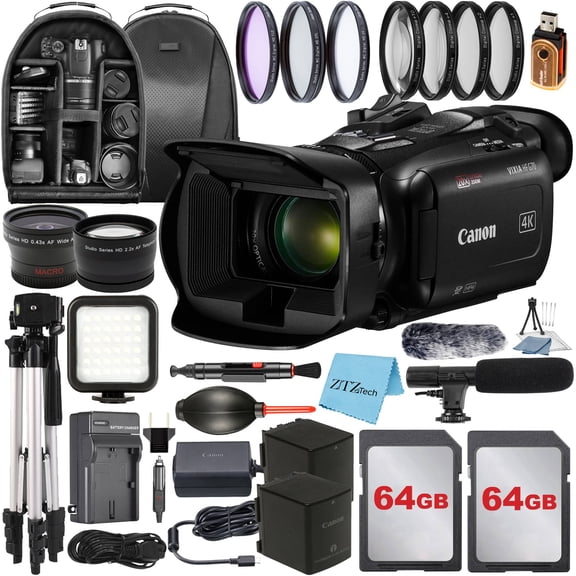
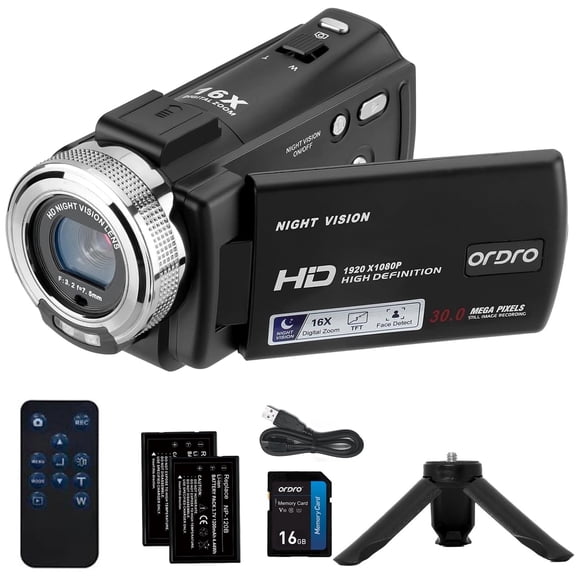
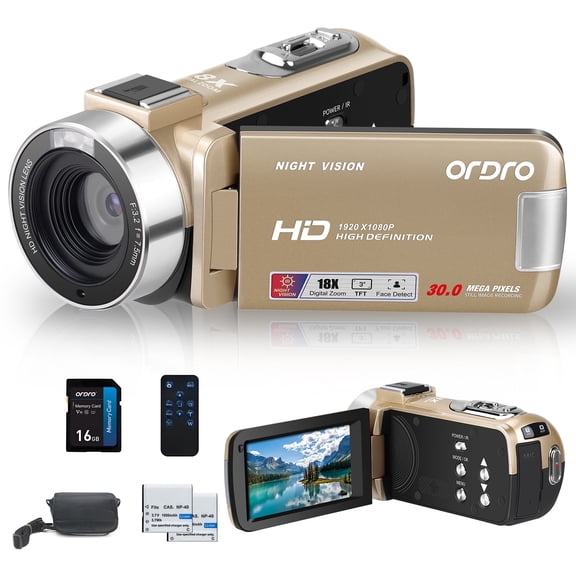
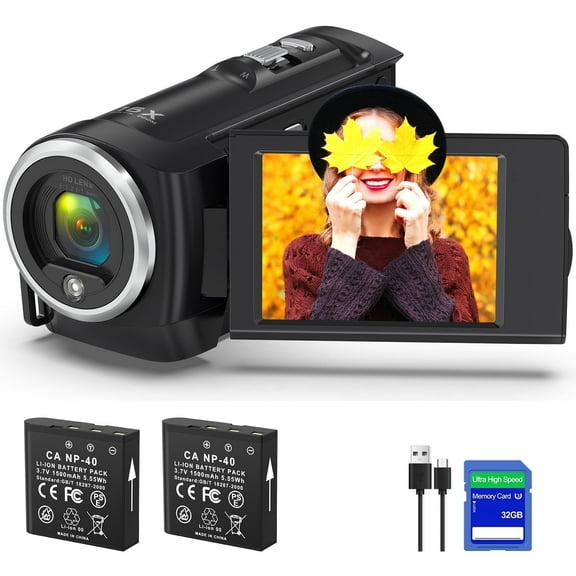
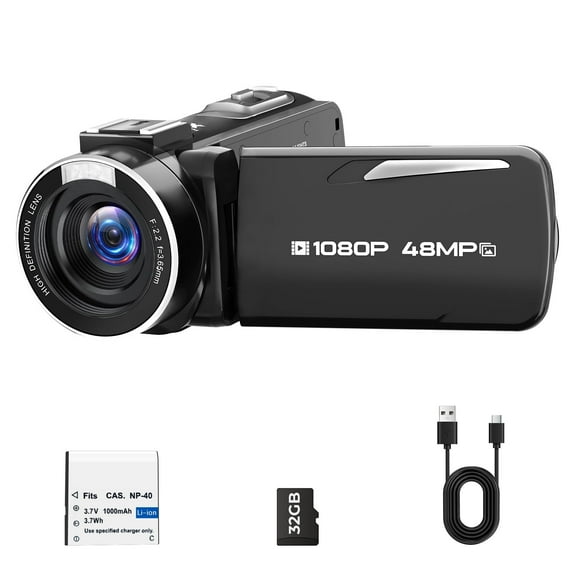
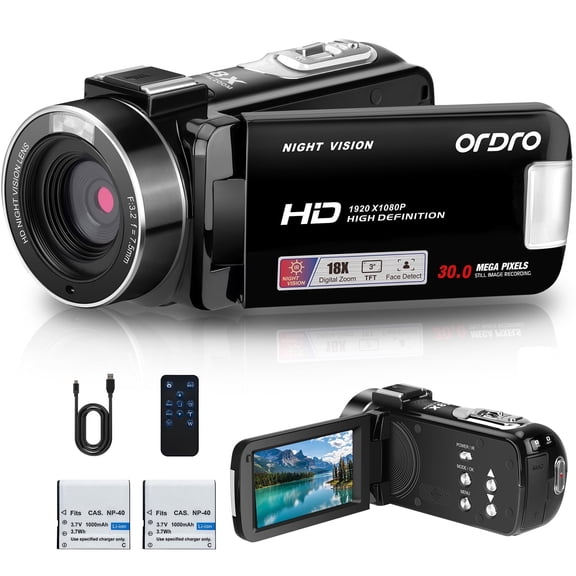
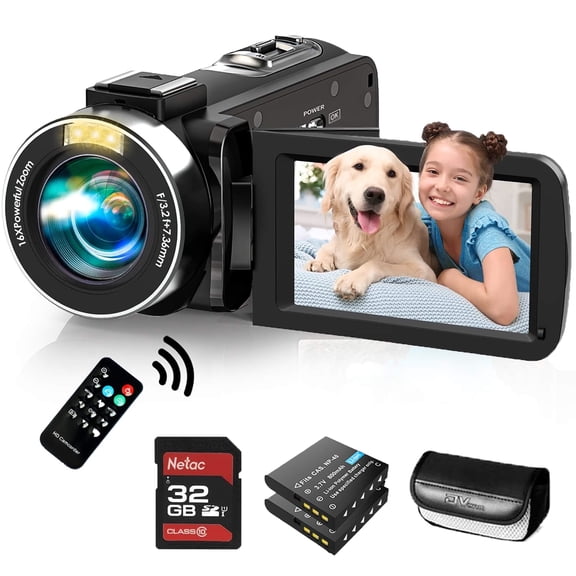
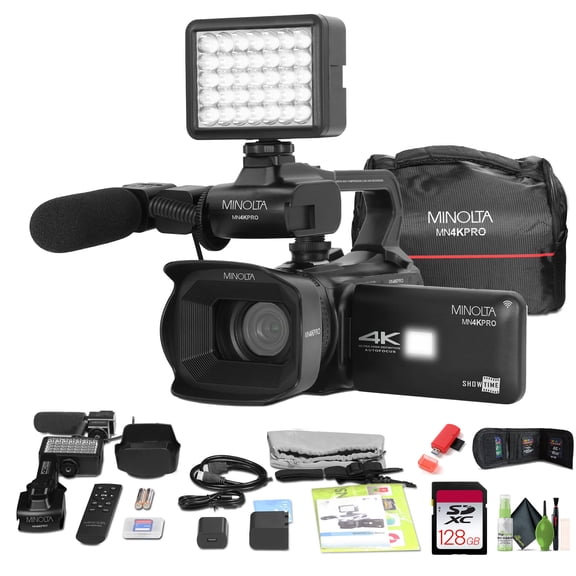
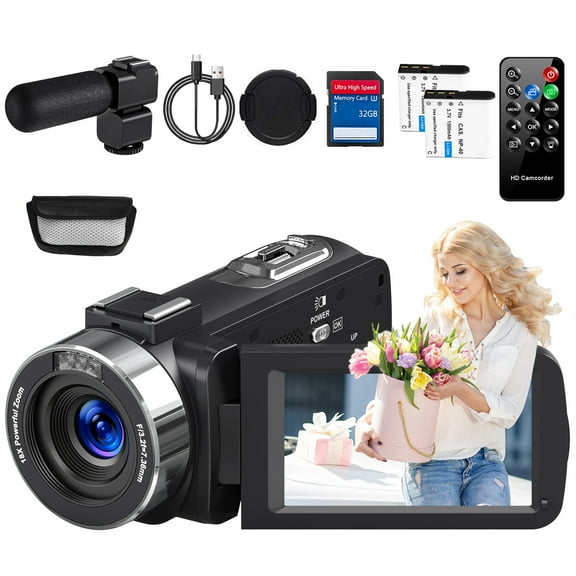
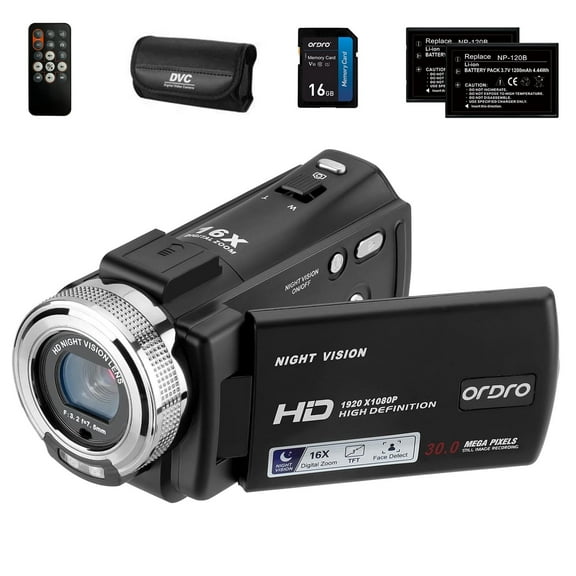
Camcorders make sense when you want steady handheld recording, longer zoom reach, and familiar controls for school events or celebrations. You can usually frame distant subjects more comfortably with this camera type.
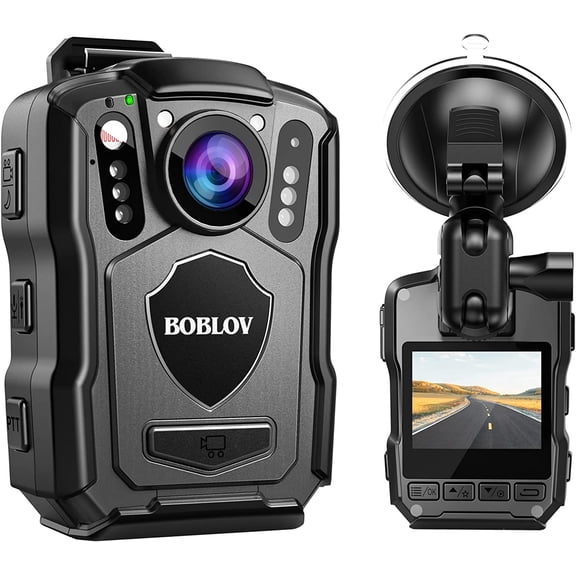
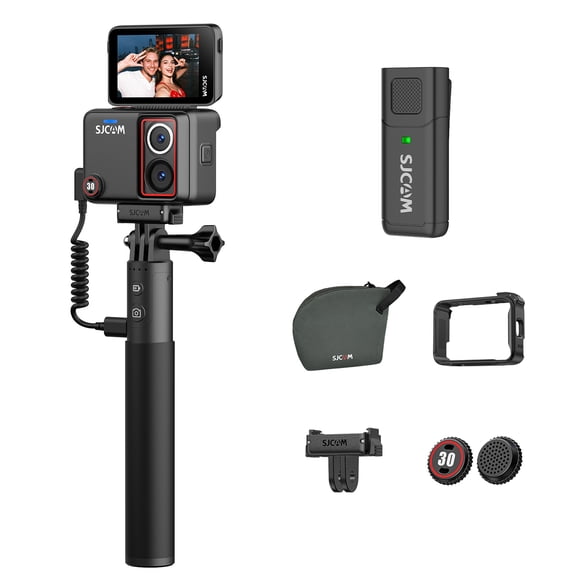
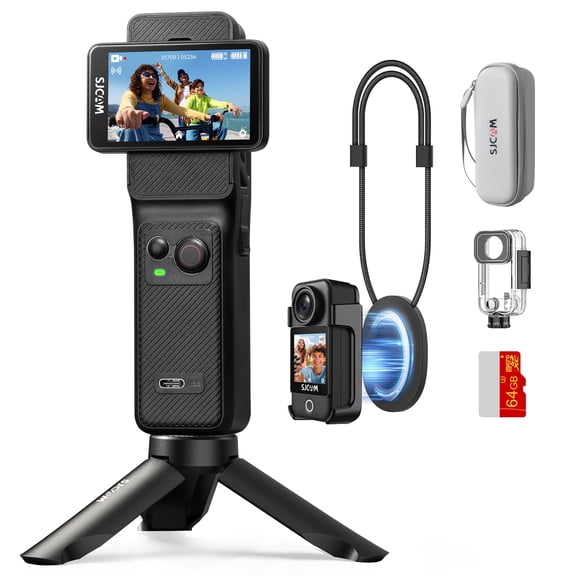
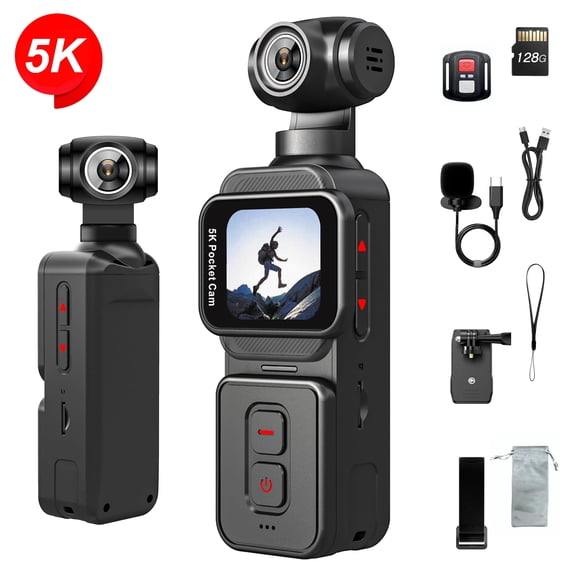
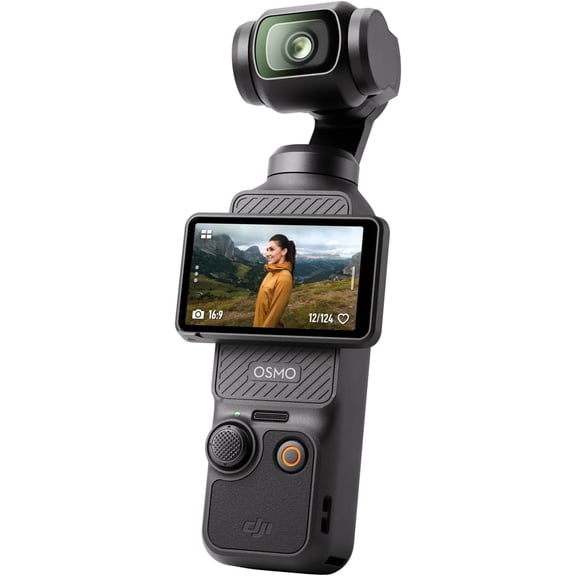
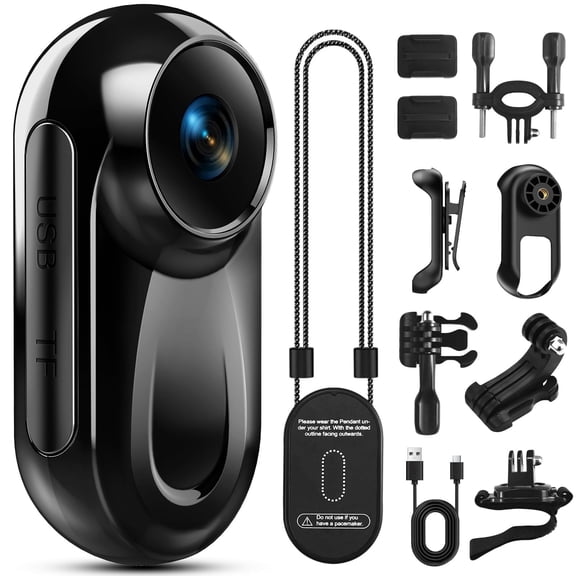
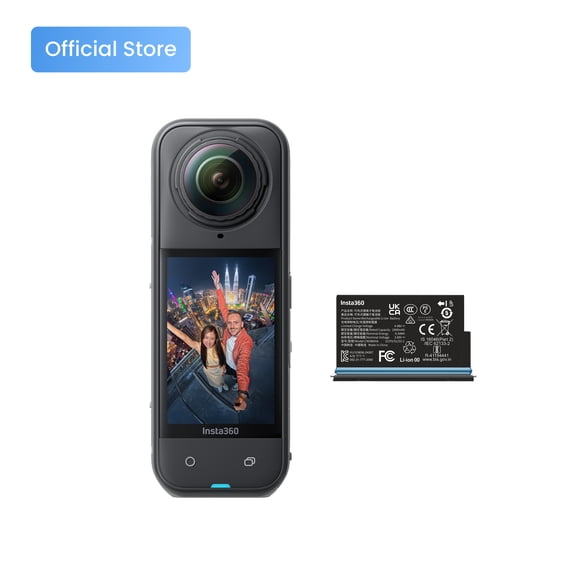
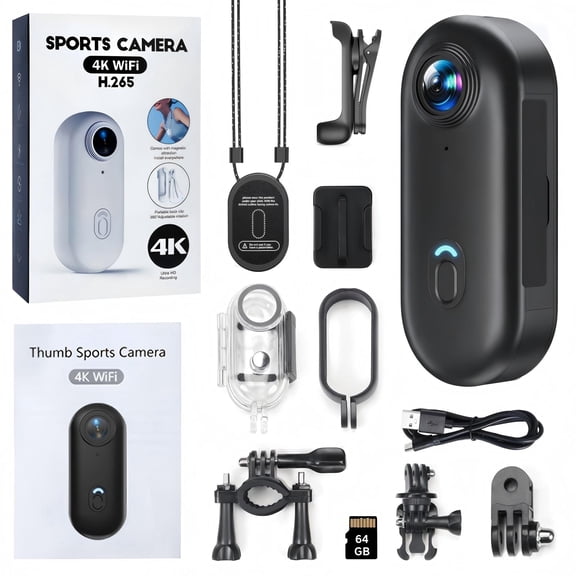
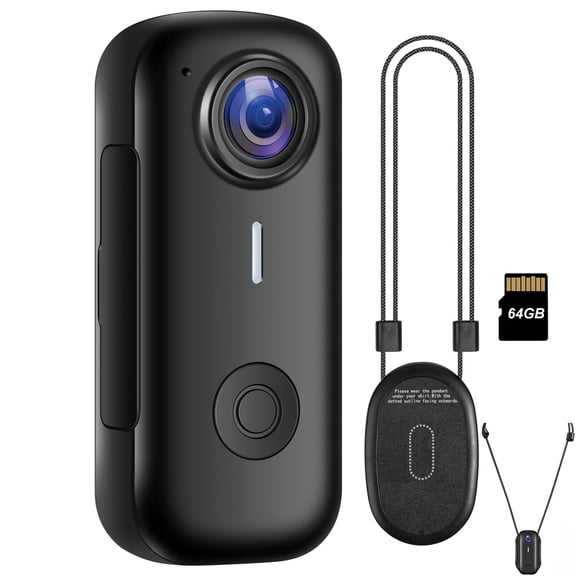
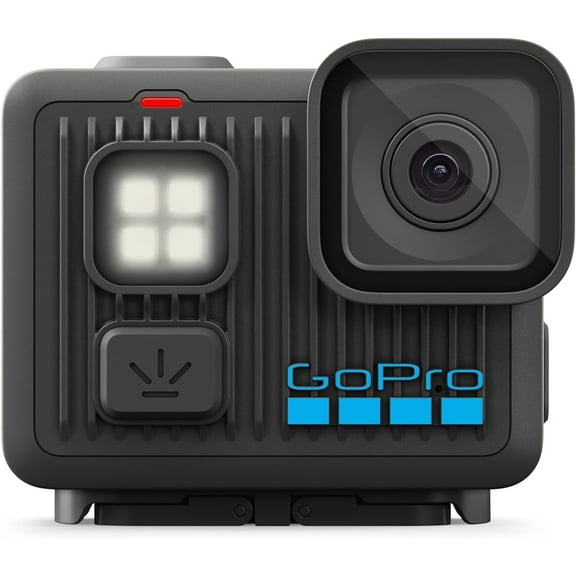
Action cameras fit when you need a compact build for bikes, trails, water days, or fast movement. You can mount them easily, carry them lightly, and record from angles that larger bodies don't handle well.
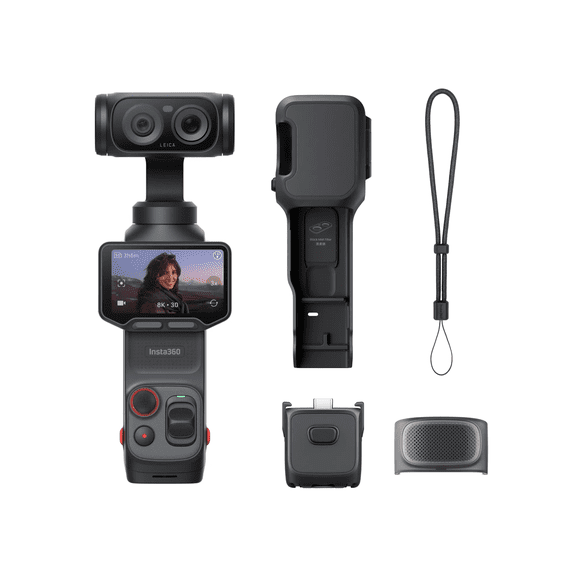
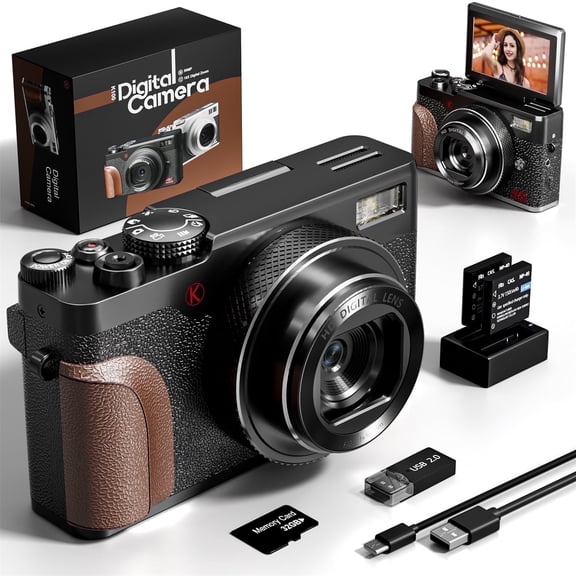
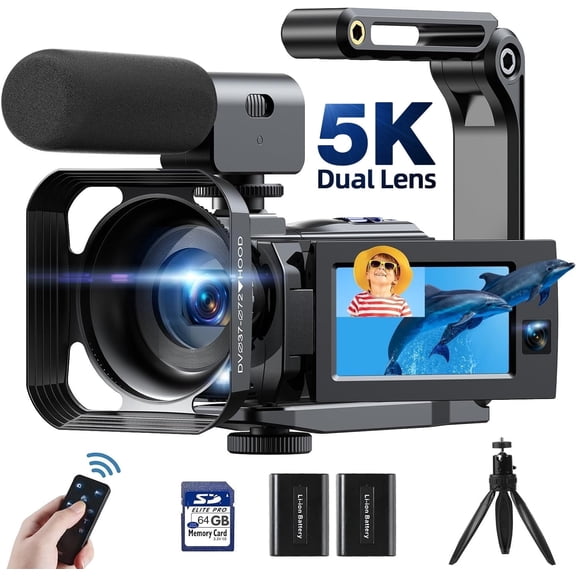
Vlogging cameras work well when you want yourself in frame, clear audio options, and easy sharing. You can look for a flip screen, simple menus, and a 3.5mm input for an external microphone.
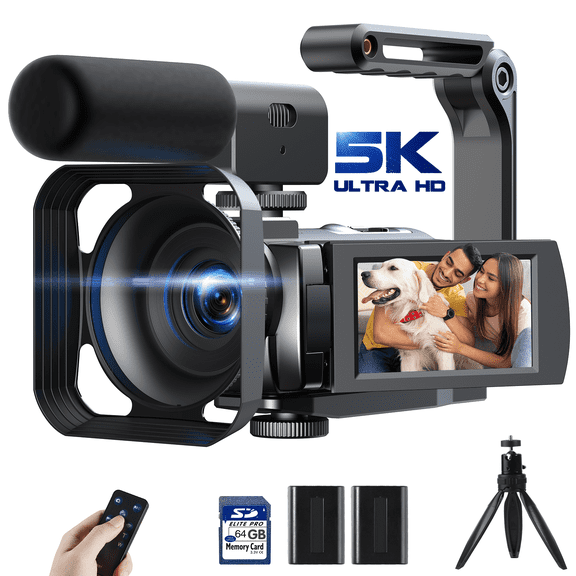
Professional video camera options suit you when you need expanded controls, interchangeable workflows, or more connection choices. You can compare ports, manual settings, and file handling before choosing a more advanced setup.
What to look for in camcorders and digital video cameras
Resolution shapes how detailed your footage looks when you replay it on a large screen. You can choose 4K video cameras for sharper detail, or you can choose 1080p for straightforward everyday recording.
Storage and battery life matter when you plan to film birthday parties, tournaments, or travel days without constant breaks. You can compare memory card support and expected recording hours before you commit.
Connectivity affects how easily you move clips to your phone, computer, or TV. You can look for Wi-Fi, Bluetooth, USB-C, and HDMI based on how you like to transfer or view footage.
- You can choose 4K when you want added detail for large screens or future editing.
- You can choose 1080p when you want simpler files for quick sharing and everyday playback.
- You can look for USB-C and Wi-Fi when you want easier transfers between devices.
- You can check for HDMI when you want direct playback on a monitor or television.
Audio can shape how polished your clips feel, especially when you speak on camera. You can rely on built-in microphones for casual moments, or choose a 3.5mm input for more focused voice capture.
Matching video cameras to your use case
For family and events, you may want a camcorder or other digital video cameras with easy controls and comfortable grip. You can record recitals, graduations, and holidays with less setup between moments.
For sports and action, you may want a smaller body that handles movement and changing locations. You can choose action cameras when you need hands-free mounting and quick repositioning during active days.
For travel, you may want a balance of compact size, battery life, and simple charging options. You can compare USB-C charging, lightweight designs, and card capacity before packing your gear.
For creator setups, vlogging cameras can help you frame yourself, connect a microphone, and move clips quickly. You can look for front-facing screens, wireless sharing, and simple controls for frequent posting.
Choosing between 4K video cameras and 1080p models
4K gives you extra detail, which helps when you crop footage or watch on larger displays. You can also keep more flexibility for editing if you plan to post polished clips.
1080p can still fit your needs when you want smaller files and easier storage management. You can record everyday moments without filling cards as quickly during longer sessions.
When you compare resolution, think about where you'll watch, edit, and store your footage. You can avoid overbuying by matching image detail to your screen size and routine.
Key connections, storage, and audio choices
Wi-Fi and Bluetooth help when you want to move clips to a phone without extra cables. You can share highlights faster after a game, trip, or event.
USB-C can simplify charging and data transfer, especially when you already pack modern cables. You can keep your setup lighter and cut down on extra adapters.
HDMI matters when you want a direct view on a larger screen or external monitor. You can review framing, playback, or presentation footage with less hassle.
Memory card support affects how long you can keep recording before swapping storage. You can check card compatibility and estimated record time to match longer events or full-day outings.
The right video cameras category gives you clear paths for family footage, creator content, travel recording, and action clips. You can narrow your choice faster when you compare camera type, resolution, connectivity, and audio needs first.