


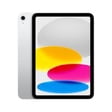


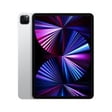
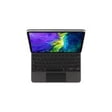





Apple iPad Pro Tablets in Various Sizes and Models


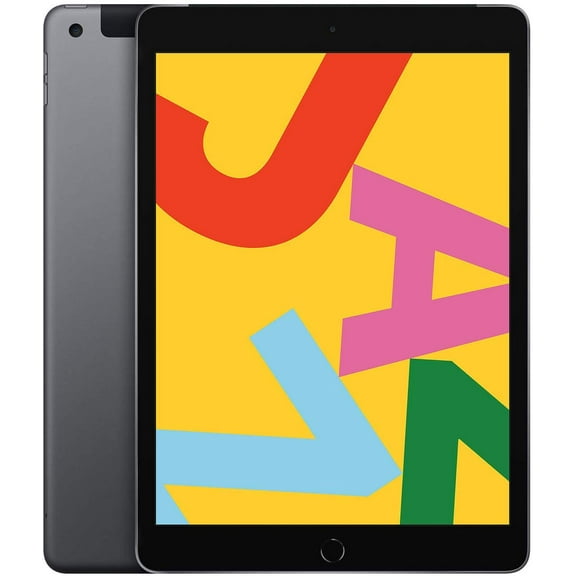


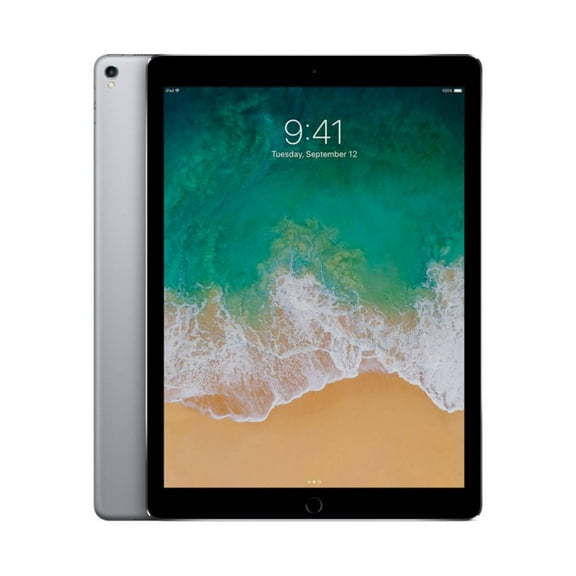
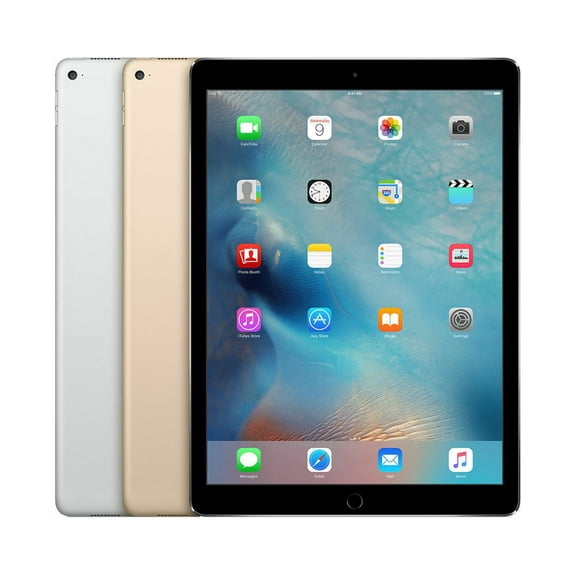


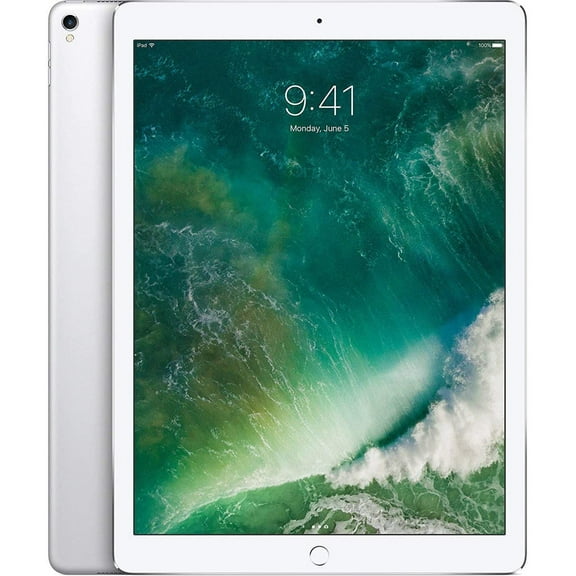
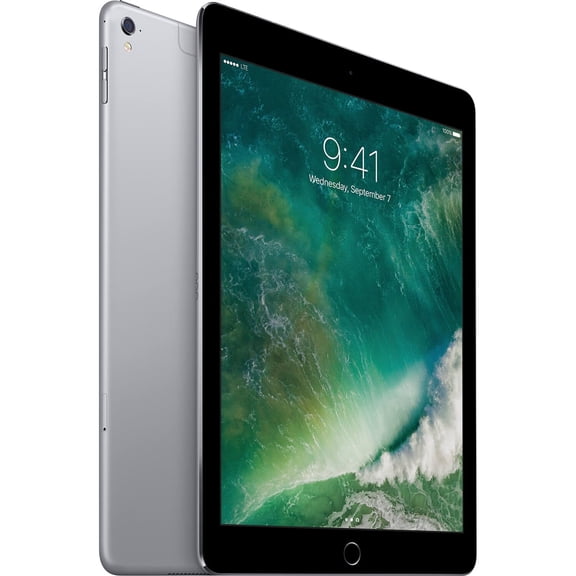


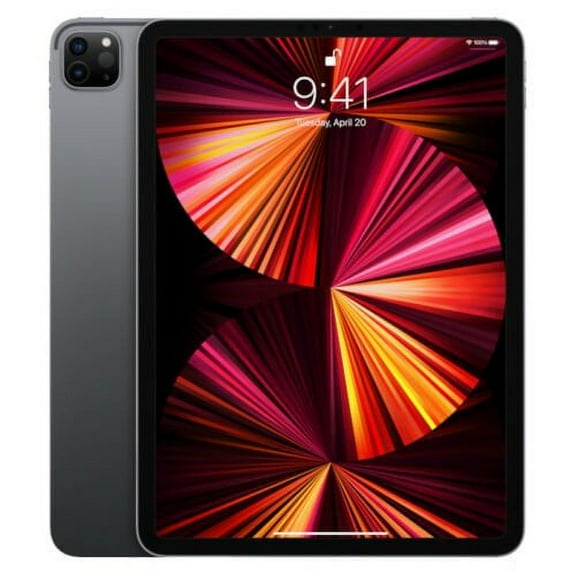
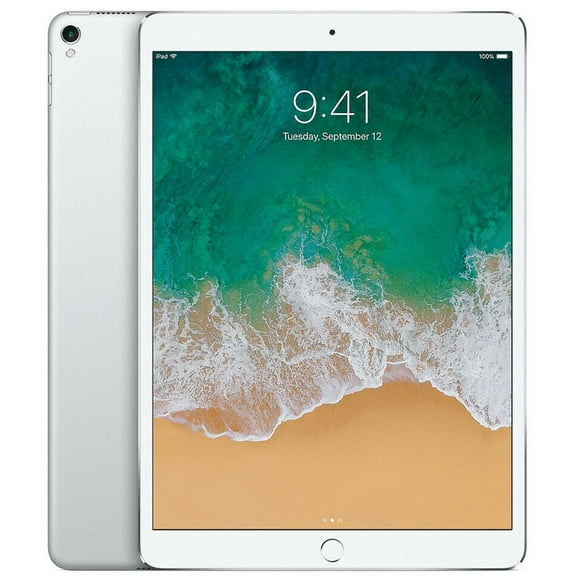









About Apple iPad Pro Tablets in Various Sizes and Models - Walmart.com
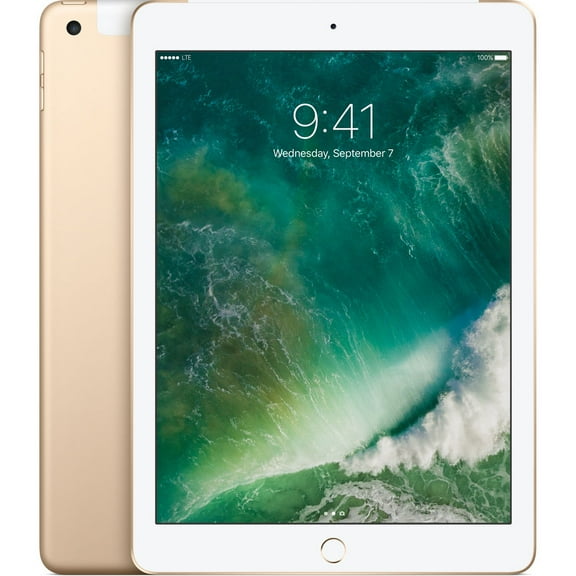
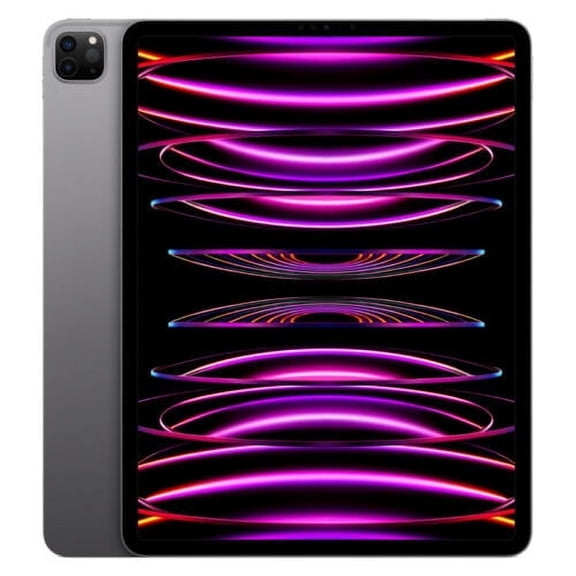
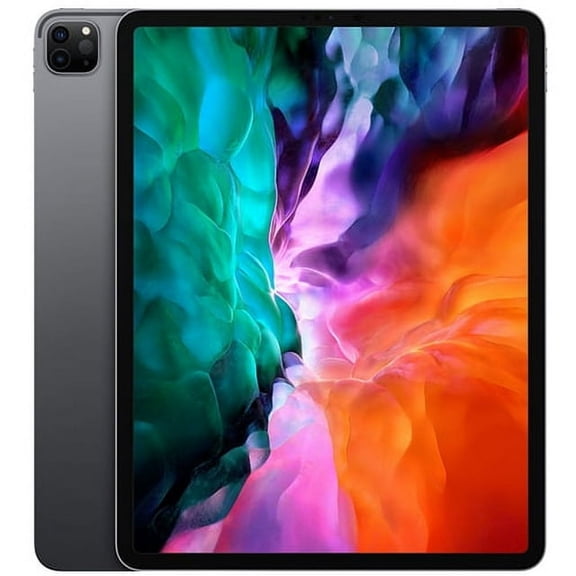
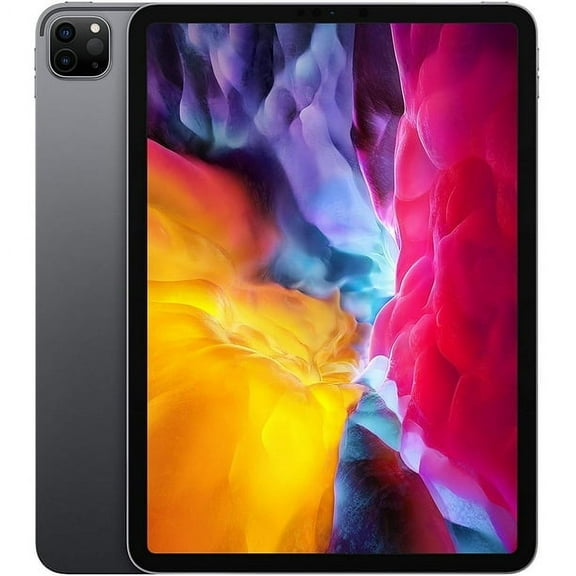
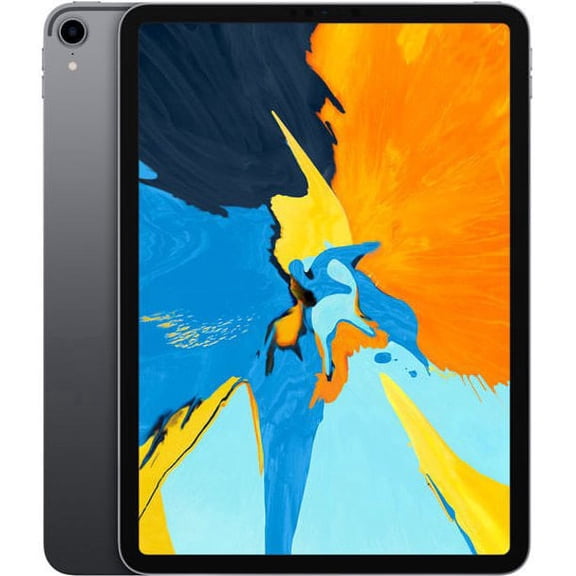
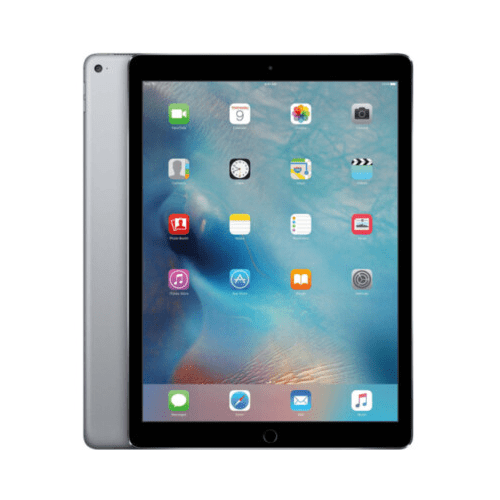
iPad Pro price USA searches often start with cost, model, and storage questions. This page helps you compare current iPad Pro options, including M4 versions, screen sizes, and accessory compatibility.
iPad Pro price and model details
Price-focused shoppers usually compare display size, storage, and connectivity first. Those factors shape the iPad Pro price and help narrow the right fit fast.
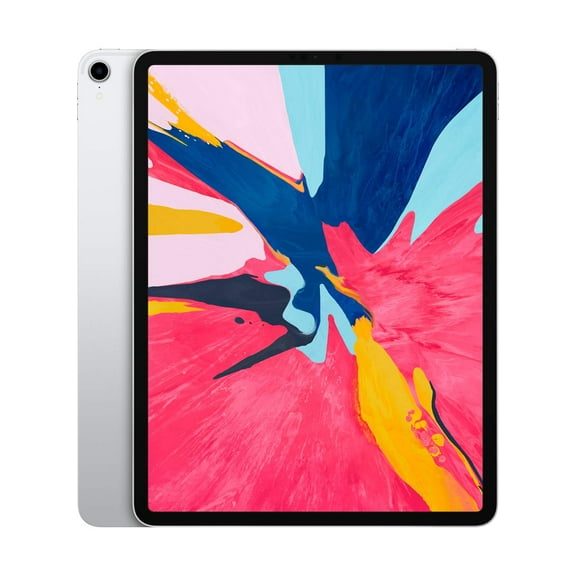
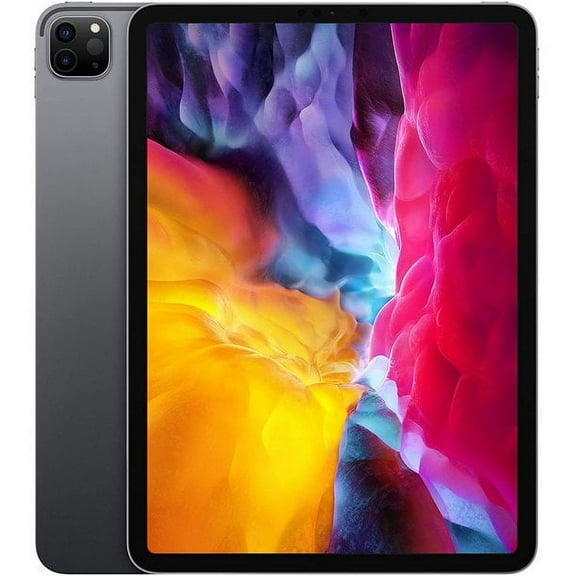
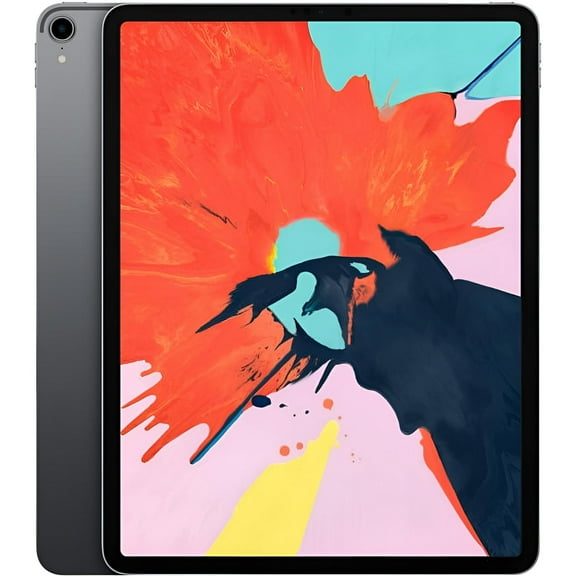
An 11-inch model suits travel, commuting, and lighter setups. A 13-inch model gives you extra room for split-screen work, drawing, and detailed editing.
Storage also affects how much an iPad Pro costs. Shoppers choosing 256GB, 512GB, 1TB, or 2TB can match capacity to files, apps, and media libraries.
- OLED Ultra Retina XDR displays deliver sharp color and strong contrast for creative projects.
- Apple silicon supports demanding apps, smooth multitasking, and fast exports for video and design work.
- Wi-Fi and Wi-Fi plus Cellular options let you choose home use or flexible connectivity on the go.
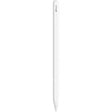
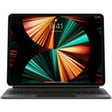
- Apple Pencil Pro and Magic Keyboard compatibility can shape your full setup and total purchase planning.
Why shoppers compare iPad Pro price USA options
You’re not only picking a tablet. You’re choosing a screen size, chip generation, and storage level that match how you create, study, or work.
That makes side-by-side comparison useful when you purchase iPad Pro models online. It helps you spot differences in capacity, accessories, and portability before checkout.
For note taking and class work, lighter configurations feel easier to carry daily. For editing large files, higher storage tiers support bigger project libraries.
Creative users often focus on display performance and stylus support. Keyboard users often prioritize screen size, typing space, and trackpad comfort.
Shoppers upgrading from older generations may also compare M2 and M4 models. That comparison matters because chip generation can affect app speed and long-session workflows.
Features that influence iPad Pro cost
Chip generation is a major factor in iPad Pro cost. Newer processors support demanding creative apps, layered artwork, and multitasking with less friction.
Display technology also matters in this category. The iPad Pro uses advanced panels built for sharp text, vivid visuals, and responsive touch input.
Screen size changes how the device feels in daily use. The 11-inch format packs easily, while the 13-inch layout gives more workspace.
Storage capacity is another key decision point. If you keep large photo libraries or video files, higher capacities can make everyday use smoother.
Connectivity options can change your shortlist too. Wi-Fi models fit home, office, and campus use, while Cellular models add flexibility away from fixed networks.
Accessory support can be just as important as the tablet itself. Many shoppers build a setup around Apple Pencil Pro, cases, keyboards, and charging accessories.
Shoppers asking how much does iPad Pro cost often compare the whole setup, not only the device. Keyboard and stylus add-ons can shape the final decision.
How to choose the right iPad Pro for your routine
Students often want a slim device for notes, reading, and streaming. The 11-inch format fits backpacks easily and pairs well with compact accessories.
Designers and illustrators may prefer more canvas space for sketching and editing. The 13-inch option gives extra room for side panels and precise visual work.
Remote workers often look for keyboard compatibility and strong multitasking support. A larger screen can make email, documents, and video meetings feel more organized.
Frequent travelers usually care about portability and battery-friendly workflows. A lighter build and smaller footprint can feel easier in airports, cafes, and hotel desks.
Content creators often compare storage before anything else. Large photo shoots, raw files, and exported video projects can fill smaller capacities quickly.
Families sharing devices may focus on versatile storage and accessory choices. A keyboard case, stylus, and protective cover can support school, work, and entertainment use.
What to look for before you purchase iPad Pro
Start with screen size, then choose storage based on the apps and files you use most. After that, decide whether Wi-Fi or Cellular makes more sense.
Next, check accessory compatibility for your workflow. Apple Pencil Pro support matters for drawing, annotation, and handwritten notes, while keyboards support laptop-style tasks.
It also helps to compare generation details when iPad Pro price searches bring up several similar listings. Thin design, chip updates, and display changes can affect your choice.
When the right model matches your screen, storage, and accessory needs, the iPad Pro price USA becomes easier to judge. That clarity leads to a setup that fits daily work.
Popular in Apple iPad Pro Tablets in Various Sizes and Models - Walmart.com
- Ipad Pro 11 512 Gb
- Ipad Pro 12.9 Wifi Cellular 128gb
- Apple Ipad Pro 12.9 Inch 3rd Gen
- Ipad Pro 12.9 128gb
- Apple Ipad Pro 12.9 5th Generation Release Date
- Ipad Pro M2 11 Inch 128gb Wifi
- Apple Ipad Pro 11 Inch Wi Fi 64gb
- Ipad Pro 11 Silver 256gb
- Ipad Pro M2 256gb
- Apple Ipad Pro 11 Used
- Apple Ipad Pro 2020 Chip
- I Pad Pro 12.9 Inch 128gb 6 Th Genration