


Computer Savings



















About
Computers help you handle work, study, gaming, and home tasks with the setup that fits your space and performance needs. You can compare desktops, all-in-one models, towers, and mini PCs by storage, processor, and everyday use.
If you're replacing an older setup, you can narrow your choice faster by focusing on form factor first. You’ll also want to compare 1TB storage options, processor families, and graphics support before you decide.
Choosing computers by form factor
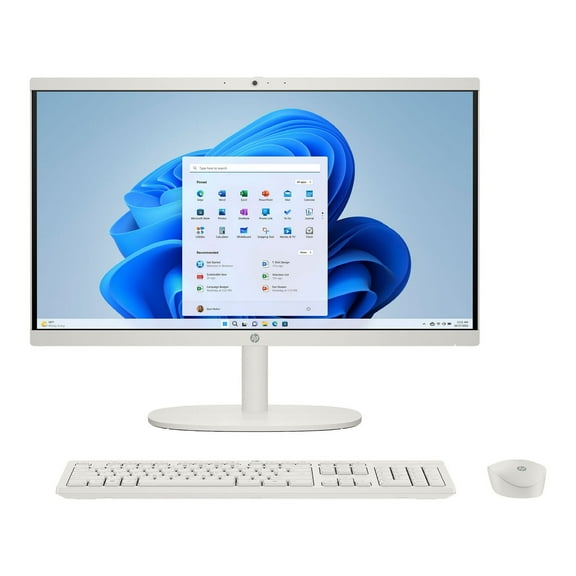
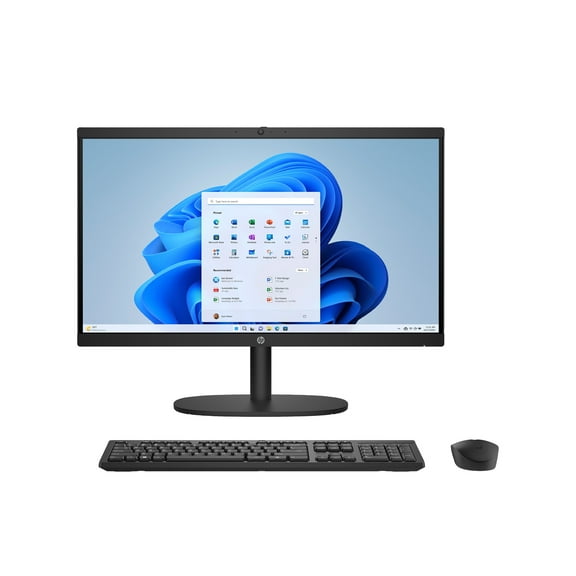
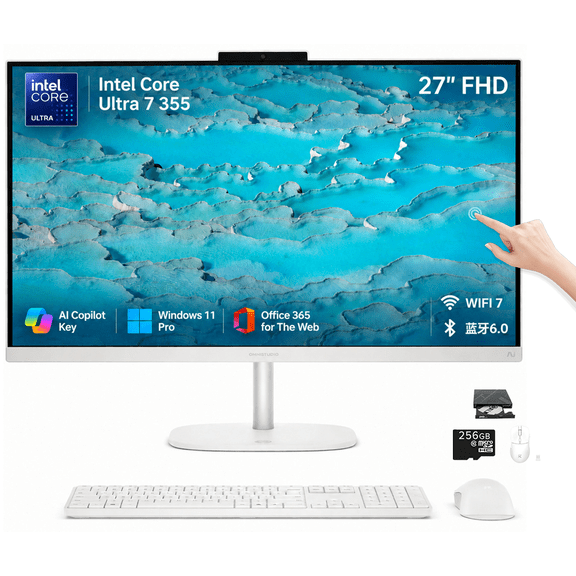
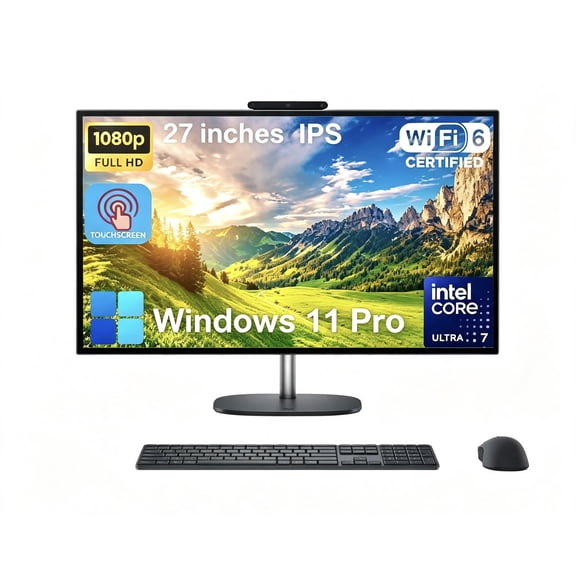
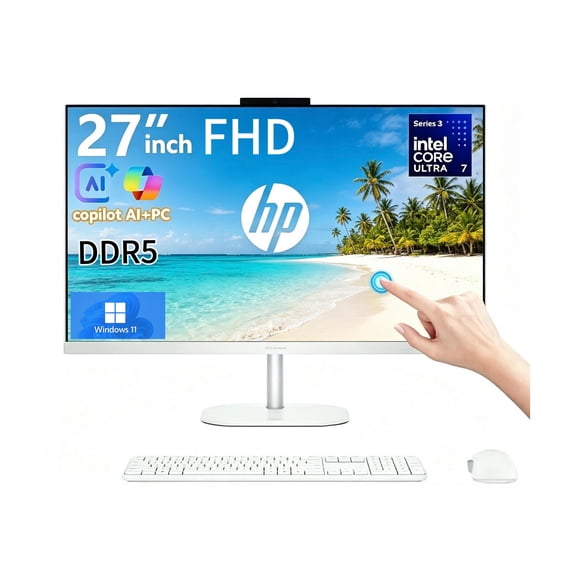
You’ll notice that form factor shapes how your computer fits into your room and routine. If your desk space is tight, you may prefer an all-in-one screen and computer in one footprint.
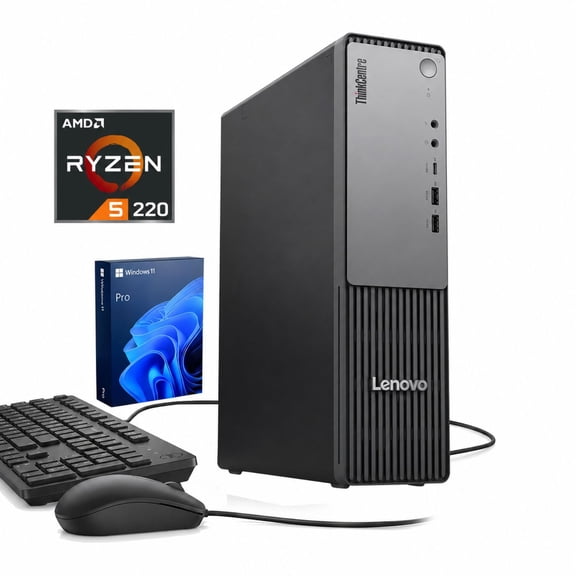
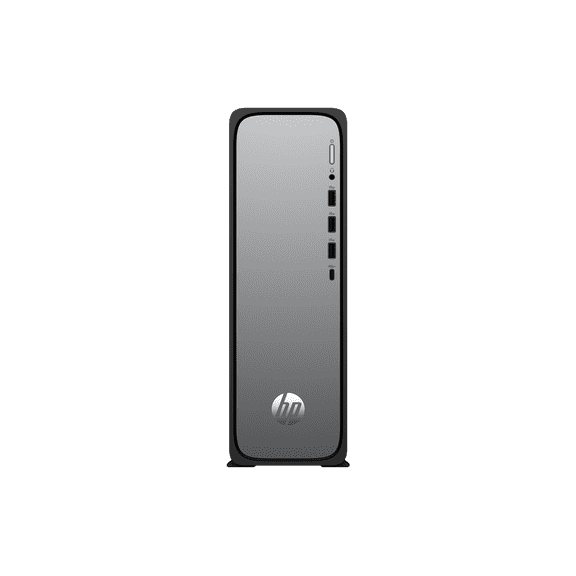
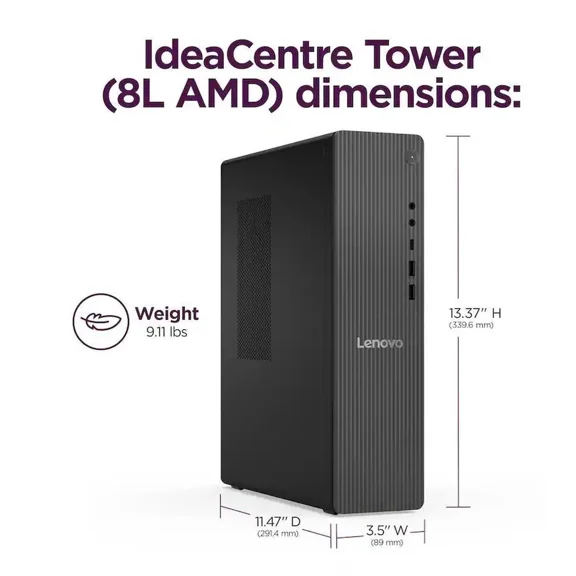
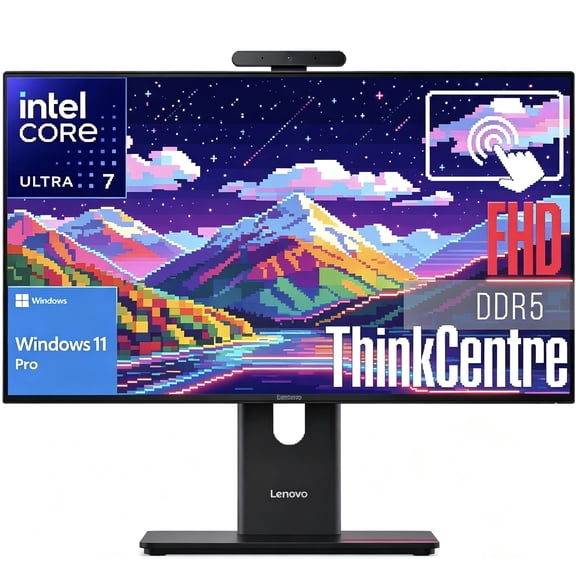
When you want upgrade flexibility, you may lean toward a tower desktop with more room for ports and internal components. If you want a cleaner setup, you may prefer a lenovo all in one pc style layout with fewer visible cables.
- You can choose an all-in-one when your desk needs a simple, compact layout.
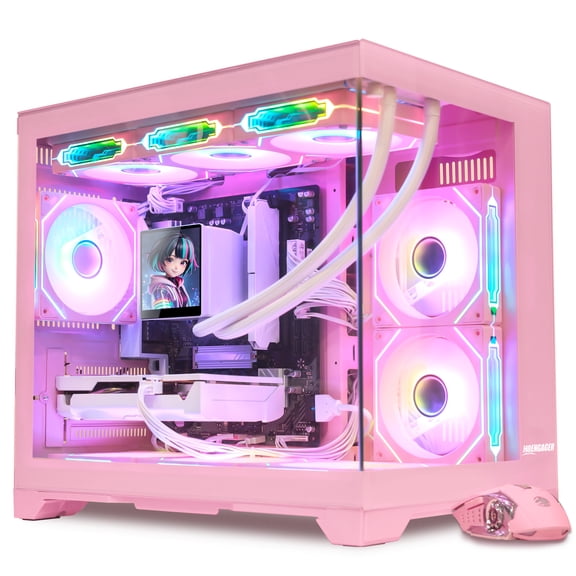
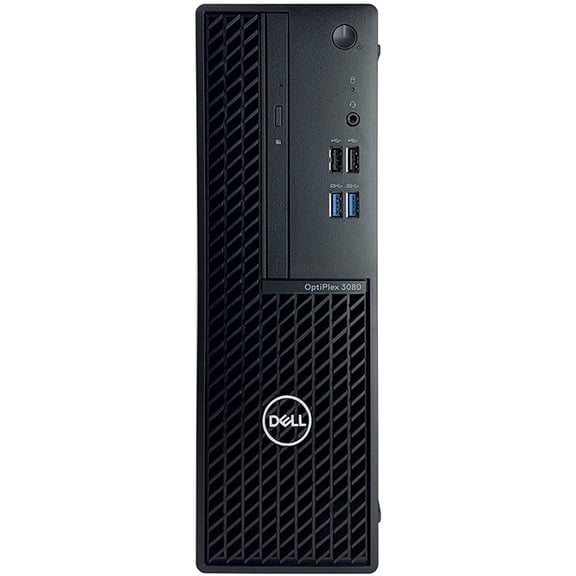
- You can choose a tower when your setup needs expansion room for graphics cards or extra storage.
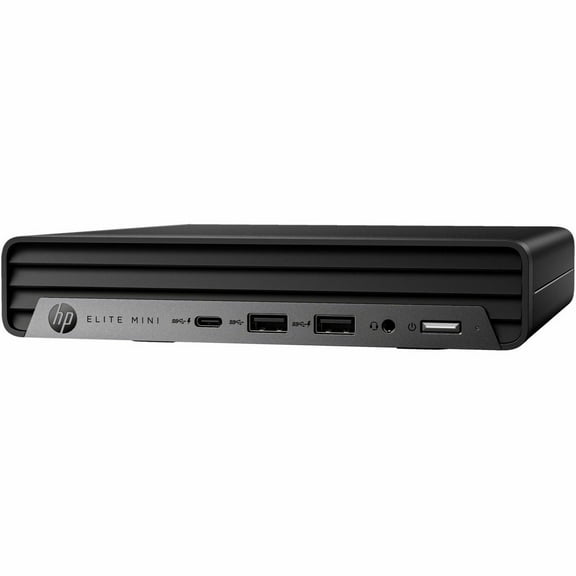
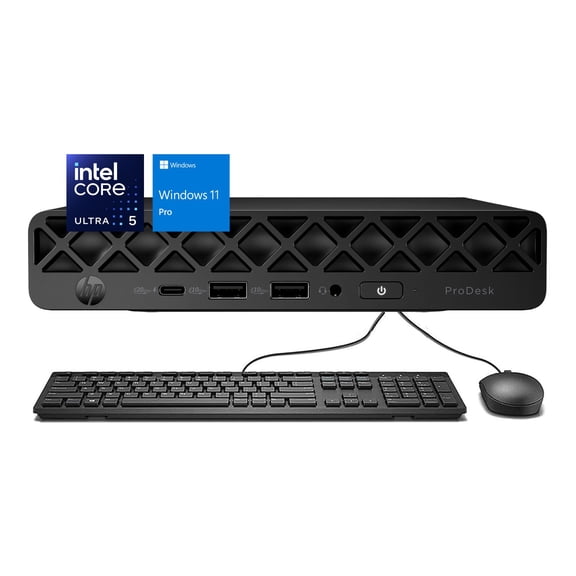
- You can choose a mini PC when you want a smaller footprint for light tasks.
- You can choose a desktop bundle when you want separate monitor and accessory options.
For family spaces, you may like an all-in-one because you can keep the keyboard area uncluttered. For a dedicated workstation, you may prefer a tower that pairs with the monitor size you already own.
How to compare 1tb desktop storage options
You should compare storage by both capacity and drive type, because those specs affect speed and file space. If you keep large photo libraries or game files, a 1tb desktop can give you room to grow.
You’ll usually find that a 1TB SSD starts faster and opens files with less waiting. If you mainly store documents and media, you may also consider a 2TB HDD for larger archives.
When you compare 512GB SSD and 1TB SSD options, you should think about how many apps and files you keep locally. If you download large games, you’ll likely fill 512GB faster.
You can use these storage guidelines to match your routine more closely. If you stream often and store less, you may be comfortable with 512GB, while a 1TB SSD suits heavier daily use.
Matching performance to gaming, business, and study
You should match performance tiers to your daily tasks instead of guessing from appearance alone. If you browse, stream, and write documents, you may only need a straightforward home or student setup.
For spreadsheets, video calls, and multitasking, you may want an Intel Core i5 or AMD Ryzen configuration. If your workload includes heavier creation tools, you may prefer an Intel Core i7 for added headroom.
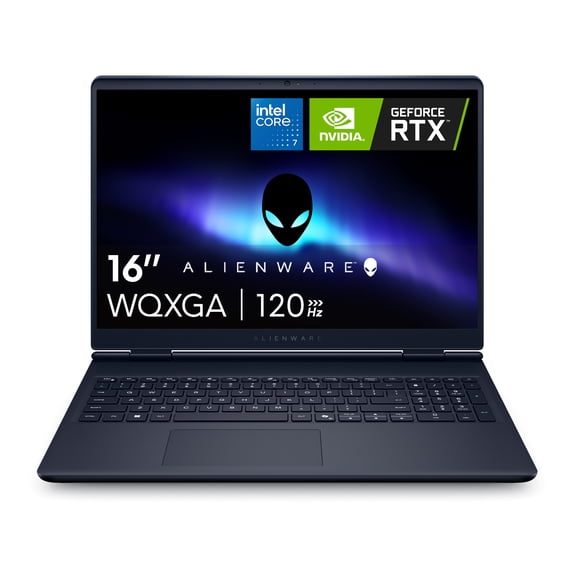
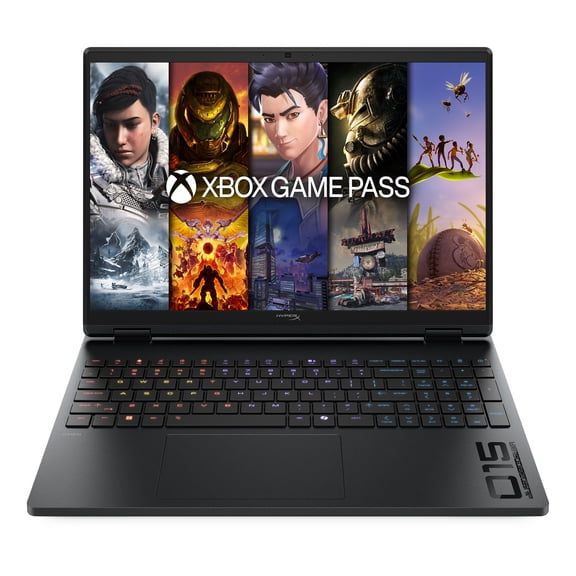
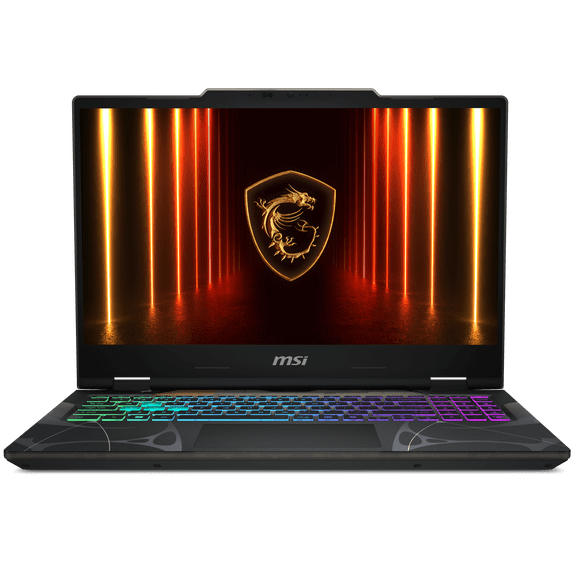
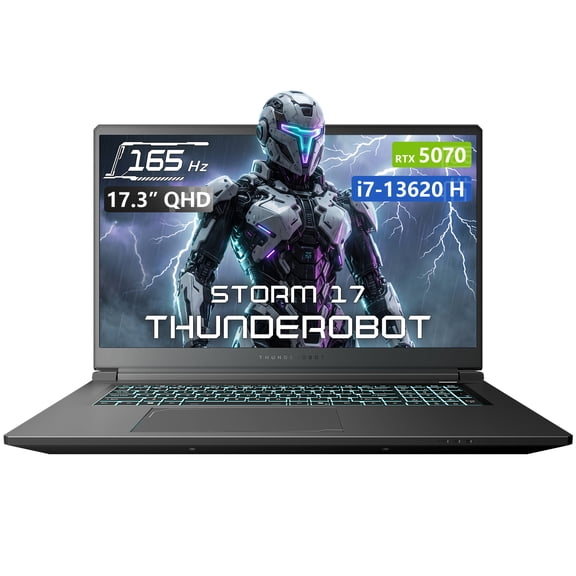
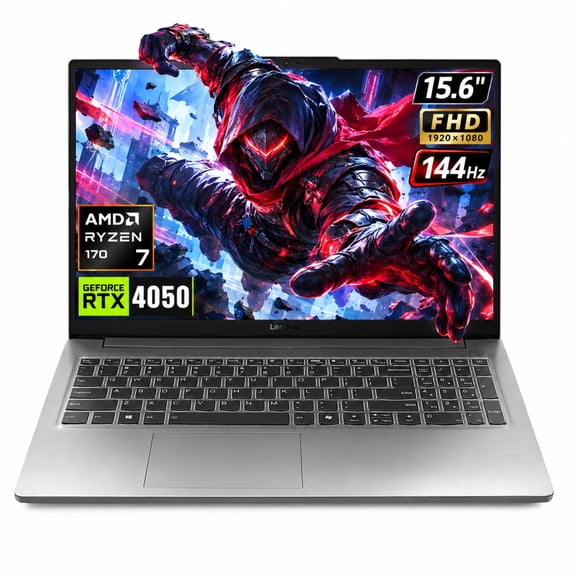
When you shop gaming computers, you should check RAM, graphics, and cooling support together. If you play newer titles, you’ll want dedicated GPU options and enough memory for smoother play.
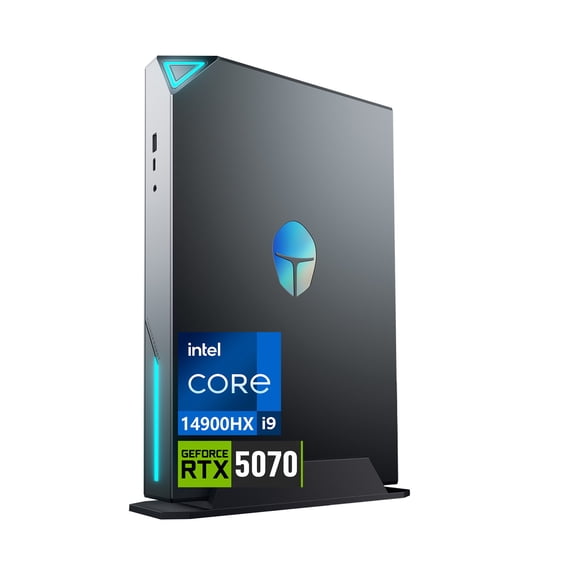
You may also search gaming terms like abs flux ii aqua gaming pc when you want a stronger graphics-focused setup. In that case, you should compare GPU class, RAM amount, and storage speed before choosing.
What to look for in all-in-one and desktop features
You can make comparisons easier by checking ports, wireless features, and monitor needs early. If you use multiple accessories, you should count USB ports and check whether HDMI or DisplayPort support fits your screen.
With all-in-one models, you should look at screen size, resolution, and webcam placement for daily calls. If you’re considering a lenovo all in one layout, you may also want a matching wireless keyboard and mouse setup.
Desktop towers give you more freedom to pair the monitor size and refresh rate you want. If you edit photos, attend classes, or manage a home office, that flexibility can shape your overall setup.
You should also compare wired and wireless connectivity based on where your computer will sit. If your router is across the room, you may appreciate built-in Wi-Fi and Bluetooth for a tidier workspace.
Using computers for home office, student, and family spaces
You can choose a computer by starting with the room where you’ll use it most. If you work from home, you may want a desktop with strong multitasking support and room for a second monitor.
For schoolwork, you may prefer a simple all-in-one that keeps the workspace organized. If several people share one screen, you may want enough storage for files, photos, and everyday apps.
In entertainment spaces, you may like a mini PC or compact desktop that fits neatly beside other electronics. If you need one setup for bills, streaming, and browsing, you can focus on balanced performance and easy connectivity.
For gaming rooms, you should compare airflow, graphics support, and storage space for larger installs. If you want immersive play and quick loading, you’ll likely prioritize dedicated graphics and SSD capacity.
You can shop computers more confidently when you compare form factor, storage, and performance as connected decisions. When you match those details to your space and routine, you’ll get a setup that feels easier to use every day.