

PlayStation 5 Pro







About
If you want a ps5 pro nearby, you can use this page to compare console options, storage needs, and accessory choices before pickup or delivery. You’ll also get clear guidance on disc drive compatibility, HDMI 2.1 support, and the visual upgrades tied to PlayStation 5 Pro hardware.
How to choose a ps5 pro nearby
When you compare a PlayStation 5 Pro, you should start with how you buy and store your games. If your library is mostly digital, you should look for enough SSD space for large downloads and frequent updates.
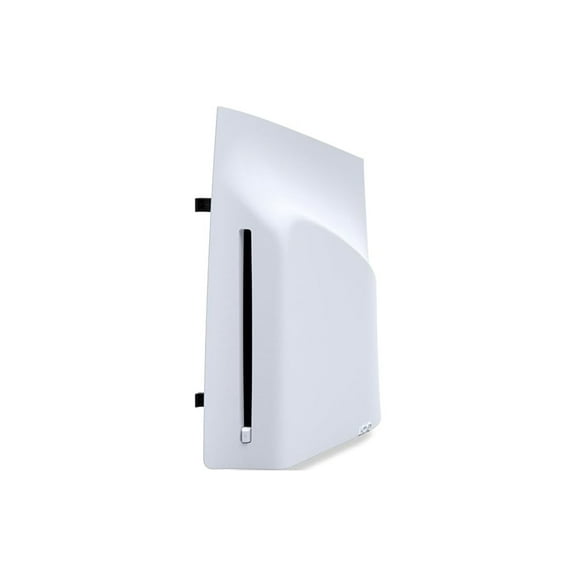
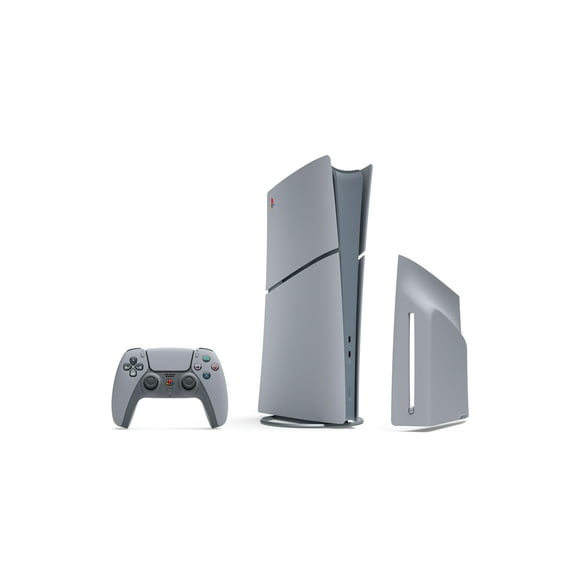
You should also decide whether your setup needs Digital Edition convenience or disc drive compatibility. If you use physical game discs, you must check for a compatible disc drive, since you must purchase it separately.
Another key decision is your TV setup and refresh rate support. If your screen supports HDMI 2.1 and VRR, you can maximize HDMI 2.1 features for smoother 4K gameplay modes.
What to look for in PlayStation 5 Pro
You can expect faster loading, sharper image detail, and steadier performance in supported games. You may notice these upgrades especially when you switch between large downloads, open-world titles, and graphics-heavy action games.
- You get more room for digital installs with a built-in 2TB SSD option.
- You can see finer lighting detail with advanced ray tracing in supported titles.
- You can enjoy clearer visuals through PlayStation Spectral Super Resolution, which players often call PSSR.
- You can target smoother play with 60 FPS or 120 FPS performance modes on compatible displays.
If you’re comparing the sony playstation ps5 pro price, you should weigh storage, display support, and accessory needs together. You’ll make a more informed decision when you match the console to your library and screen.
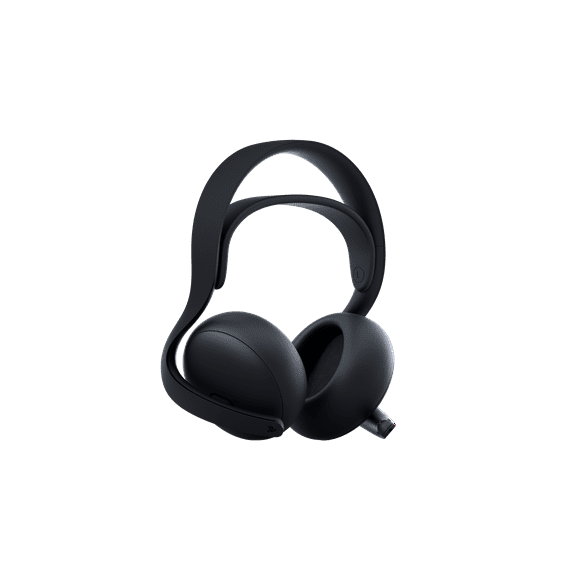
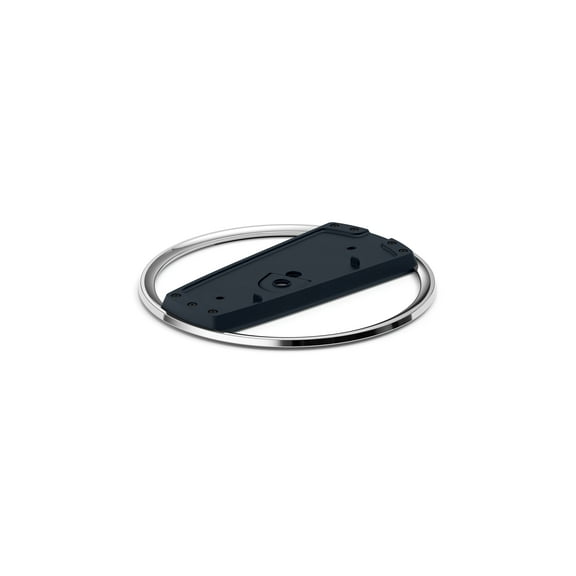
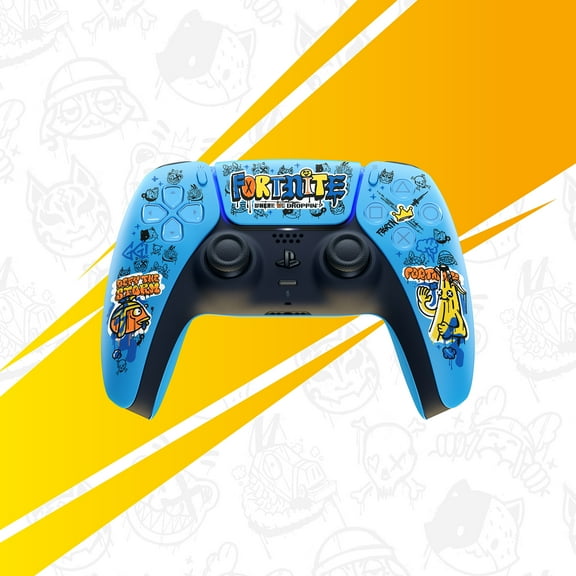
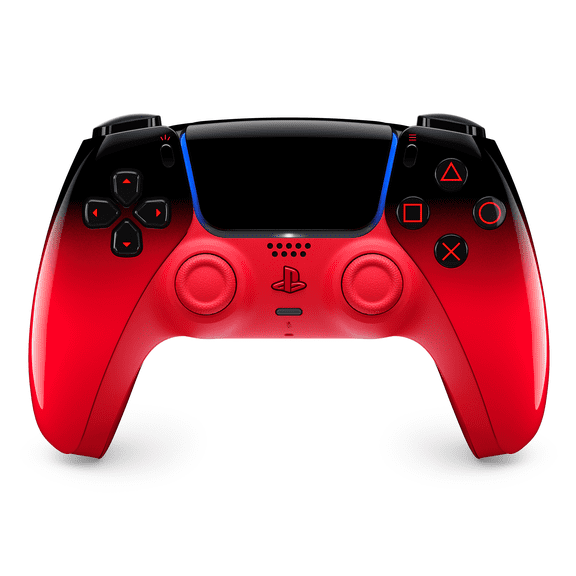
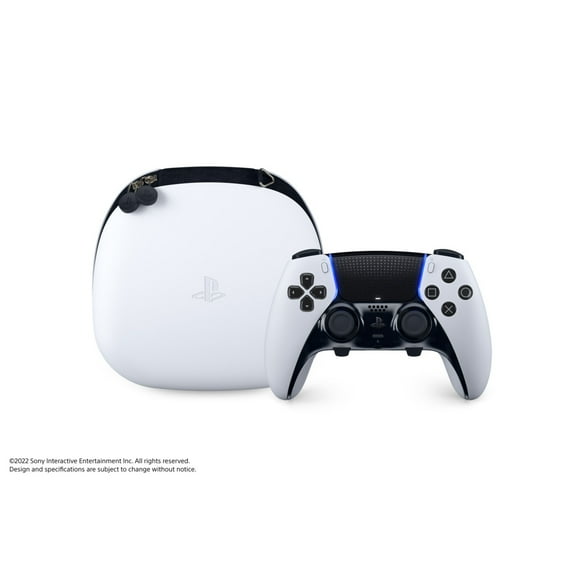
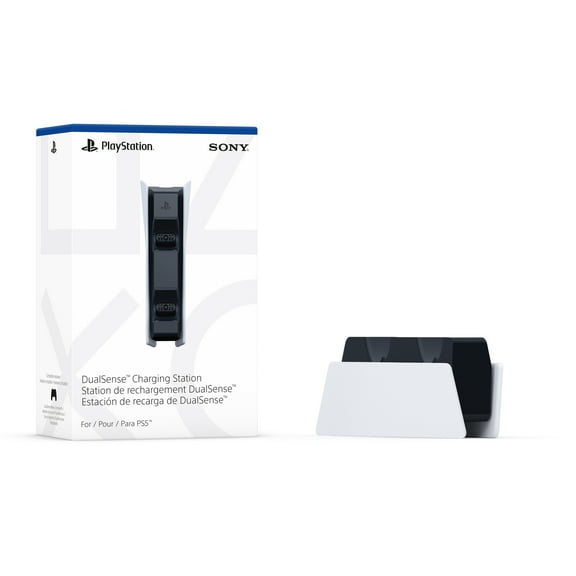
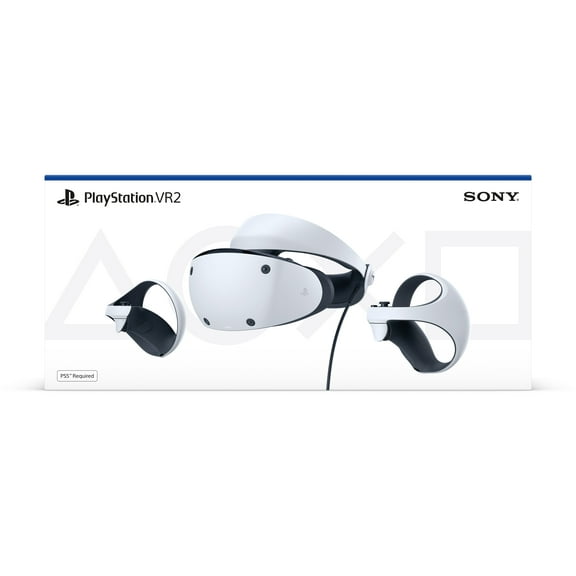
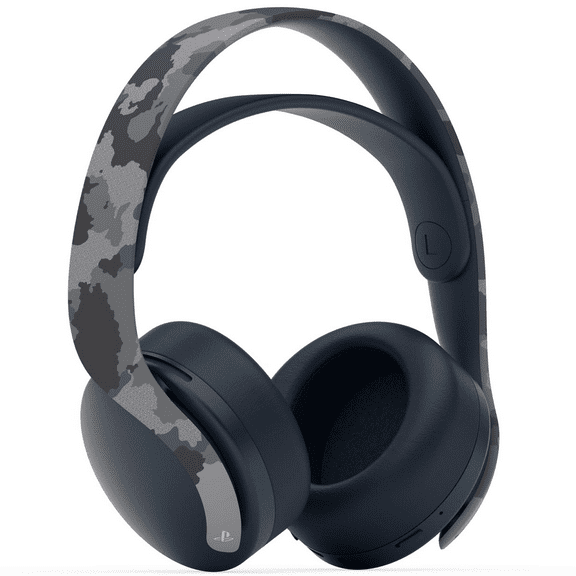
For many shoppers, the price of playstation pro ownership also includes extras beyond the console. You should check whether you need a separate disc drive, vertical stand, headset, or additional controller.
Comparing storage, graphics, and console type
Storage capacity affects how many large games you can keep installed at once. If you download major releases often, you may appreciate how a 2TB SSD gives your library more breathing room.
You may also see 1TB SSD or 825GB SSD options across related console listings and comparisons. If your game rotation is smaller, you might prefer a setup that matches your usual install habits.
Graphics and performance settings matter when you care about smoother motion and clearer image reconstruction. If you play on a 4K TV, you should compare advanced ray tracing, PSSR, and 120 FPS support.
You don’t need deep technical knowledge to use those terms well while shopping. You can treat ray tracing as richer lighting, and you can think of PSSR as sharper detail from supported games.
Console type is another practical choice that shapes your setup. If you buy downloads only, a digital-focused option may fit your routine, while disc users should plan for disc drive compatibility.
You should also check what comes in the box before you decide. If you want an extra DualSense Wireless Controller, charging gear, or console-only packaging, those differences can shape your final pick.
Using PlayStation 5 Pro with your TV and game library
If you want your playstation pro setup to feel fully upgraded, you should check your TV ports first. You’ll maximize HDMI 2.1 features when your display supports 4K at 120Hz and VRR.
VRR helps your gameplay look steadier during fast motion in supported titles. If you play racing, sports, or action games, you may notice smoother motion during quick camera changes.
If your household leans digital, you should focus on storage and download habits before anything else. You’ll likely fill space quickly when many newer games take significant room after updates.
For physical collections, you should plan around the separate disc drive requirement. If you already own disc-based PS5 games or movie discs, that choice matters before checkout or pickup.
You may also compare a ps5 pro against a standard PS5 or PS5 Slim for everyday use. If visual clarity and steadier frame rates are your priority, you’ll likely focus on the newer graphics features.
When you shop for a ps5 pro nearby, you should also think beyond the console itself. You can complete your setup with compatible controllers, storage-minded planning, and accessories that match how you actually play.
What to check before you decide on PlayStation 5 Pro
You should confirm local availability, included accessories, and console format before you finalize your choice. If you compare those details early, you can avoid missing a disc drive or the controller setup you want.
You’ll get the right fit when your storage, display, and game format all line up with your routine. That kind of planning helps you enjoy faster loads, sharper visuals, and a setup that feels ready on day one.