


Handpicked TVs

















About
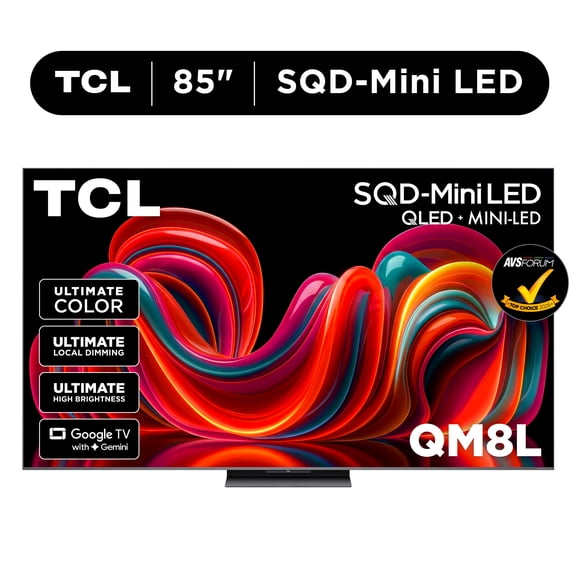
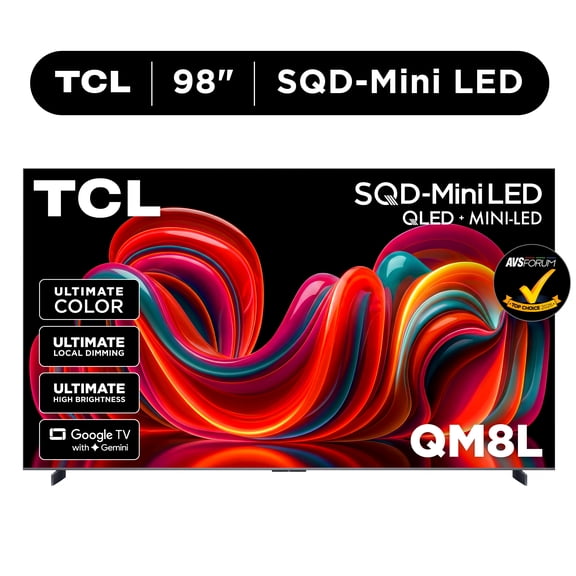
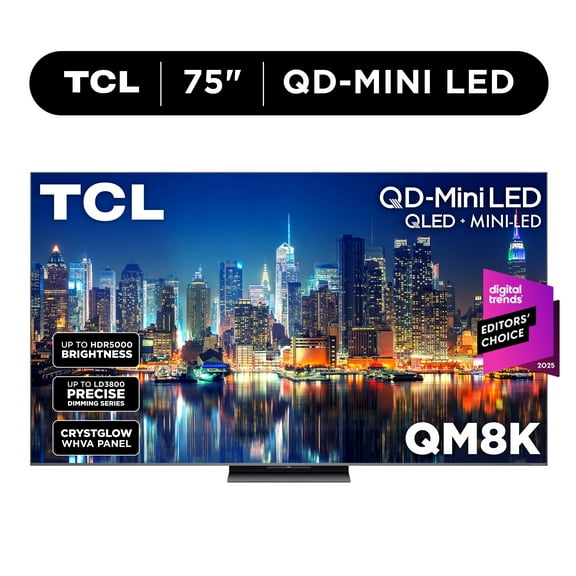
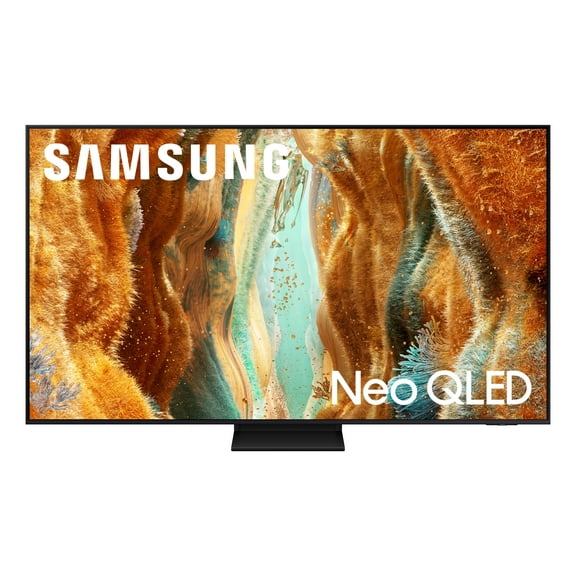
If you're comparing a qm8l 75 inch TV, you likely want a bigger screen, brighter picture, and clearer guidance on new television models. You'll find this handpicked page useful because it organizes current display styles, smart platforms, and gaming-focused options in one place.
Whether you're updating your living room or planning a theater setup, you can compare sizes and features without guessing what matters. You can also narrow your search faster when you know how screen size, display technology, and smart tools affect everyday viewing.
How to compare new television models
When you review new television models, you should start with the decisions that change your experience most. You can compare screen size, smart features, display type, and room use before you look at smaller details.
A handpicked TV page helps you focus on combinations that fit real setups, like bright family rooms or gaming spaces. You can spend less time sorting through mismatched options and more time choosing a screen that fits your room.
- You can choose a screen size that matches your seating distance and wall space.
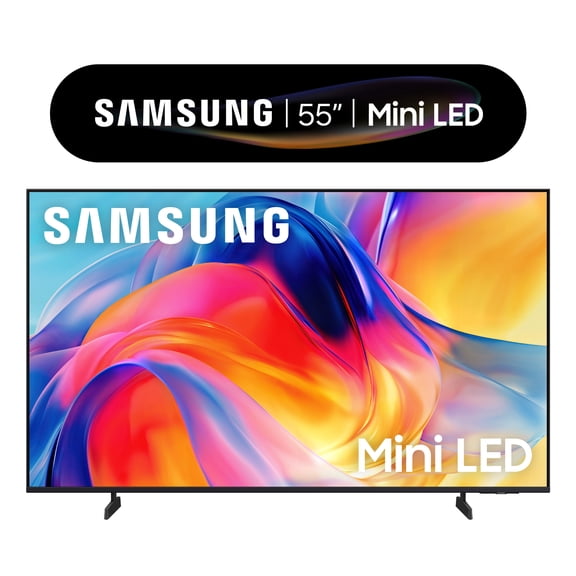
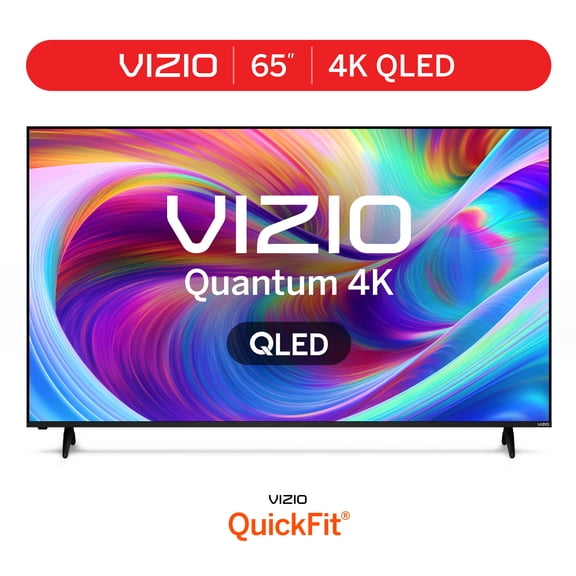
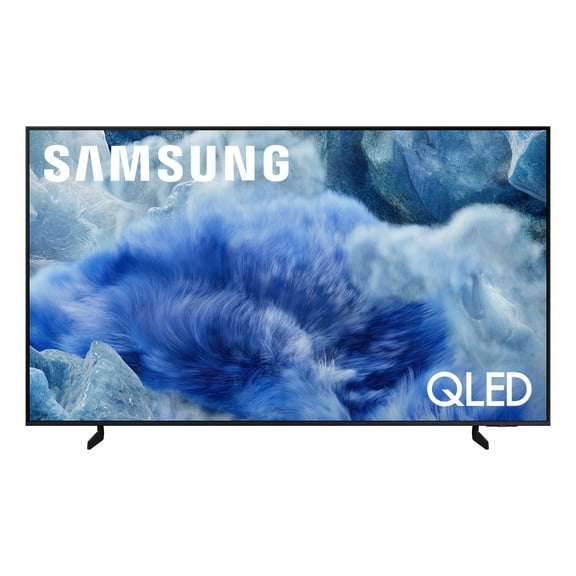
- You can compare Mini-LED, QLED, OLED, and LED picture styles for your room lighting.
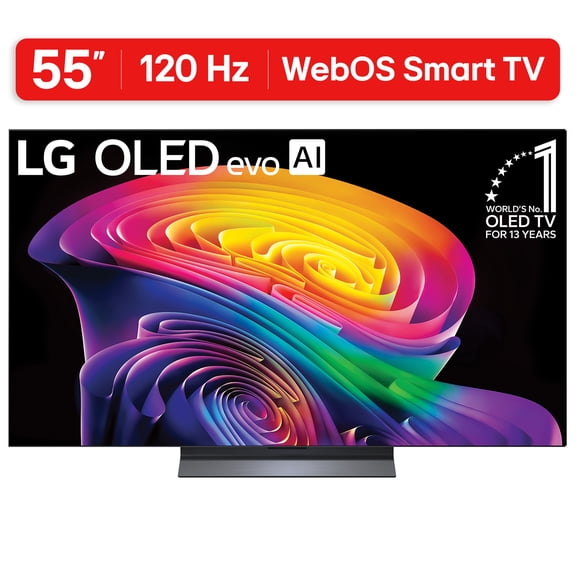
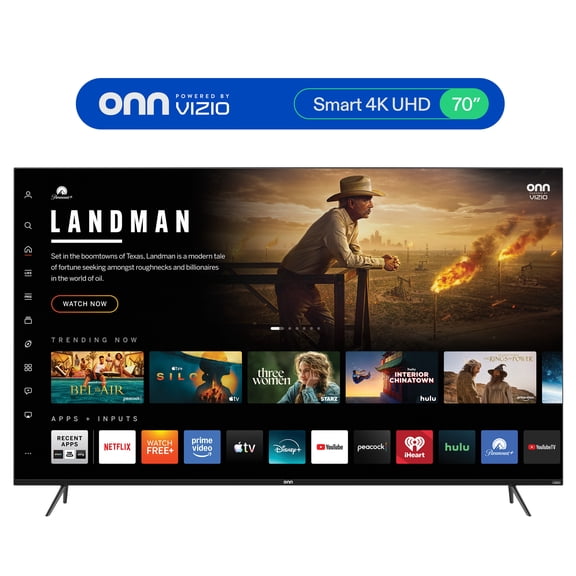
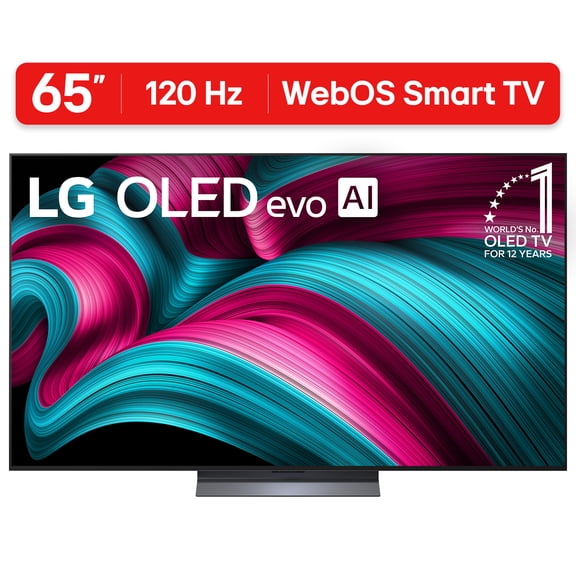
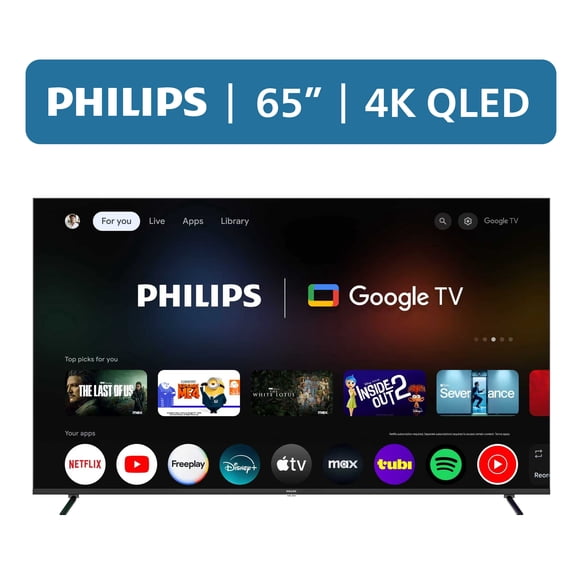
- You can check smart platforms like Google TV, Roku, WebOS, and Smart TV layouts.
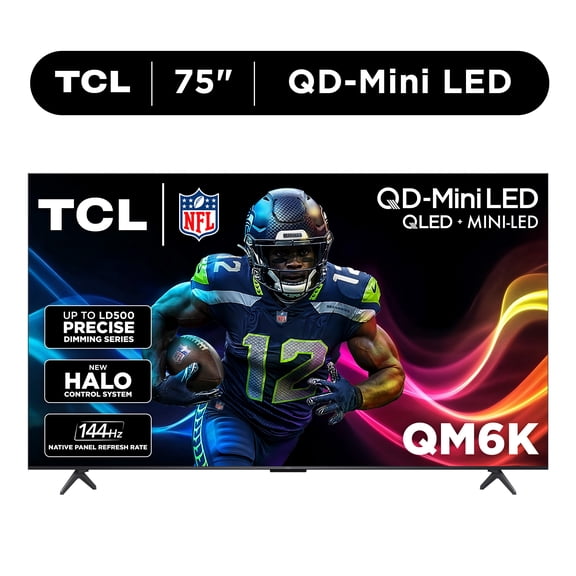
- You can look for gaming support like HDMI 2.1, 120Hz, 144Hz, and VRR.
- You can match a TV to your space, including bedroom, living room, home theater, or gaming use.
If you want a latest smart tv launch, you should also consider how quickly you can learn the menu. You may prefer a simpler home screen if you stream often and switch apps often.
Choosing the right qm8l 75 inch screen size
If you're focused on a qm8l 75 inch model, you probably want a large picture that still feels balanced in your room. You should measure your wall, media stand, and seating distance before you lock in a larger screen.
For many living rooms, you may find 75 inch screens create a cinematic look without overwhelming the space. If your seating is closer, you may prefer 55 inch or 65 inch options for more comfortable viewing.
If you want a stronger theater feel, you can compare 75 inch and 85 inch screens for wider impact. If you're furnishing a bedroom, you may lean toward 55 inch or 65 inch sizes that fit dressers and shorter viewing distances.
What to look for in display technology
When you compare Mini-LED, QLED, OLED, and LED TVs, you should think about your room lighting first. You may want brighter output for sunny rooms and deeper contrast for darker movie spaces.
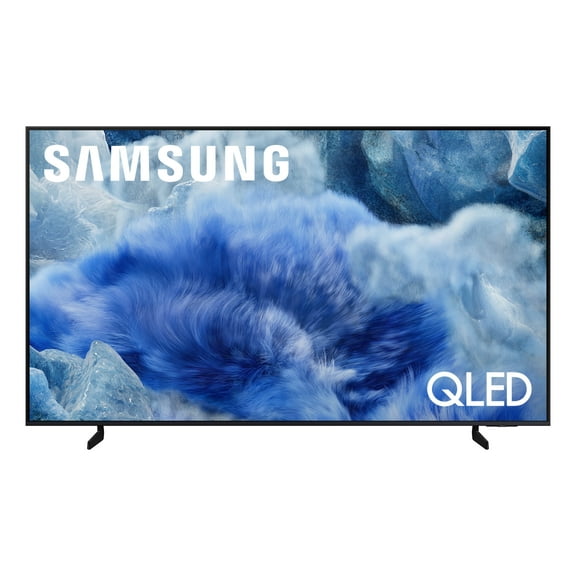
Mini-LED screens often appeal to shoppers who want strong brightness and detailed highlights on larger displays. QLED models can suit everyday family viewing when you want vivid color in a bright room.
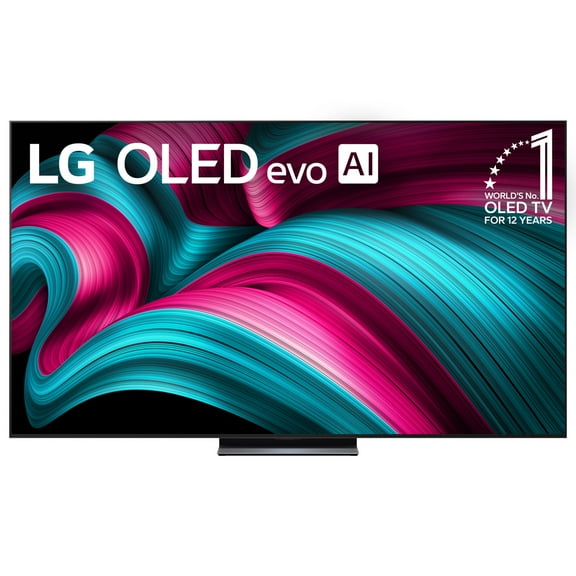
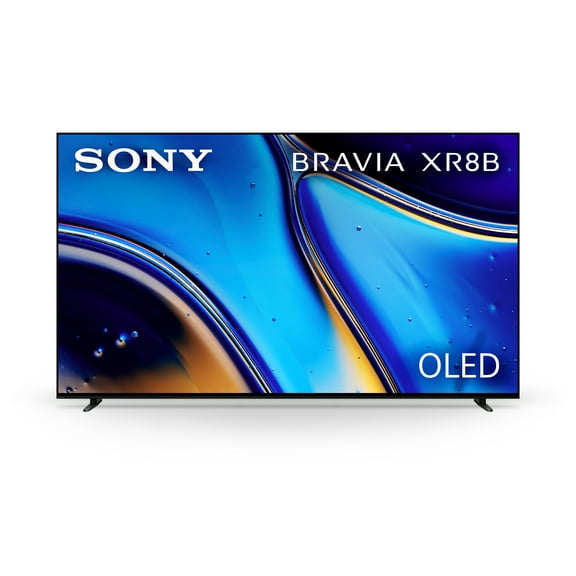
If you watch mostly at night, you may prefer OLED for rich contrast and a more cinematic feel. If you want a familiar entry point, you can also compare standard LED models for straightforward everyday use.
Brightness matters when sunlight hits your screen during daytime viewing. Contrast matters when you want darker scenes to look more defined during movie nights.
Choosing smart features for a new smart tv launch
When you shop a new smart tv launch, you should compare the platform as carefully as the picture. You'll use the home screen, app rows, and voice search every day.
Google TV can help you keep recommendations and apps in one organized place. Roku may appeal to you if you want a simple layout that feels easy to learn fast.
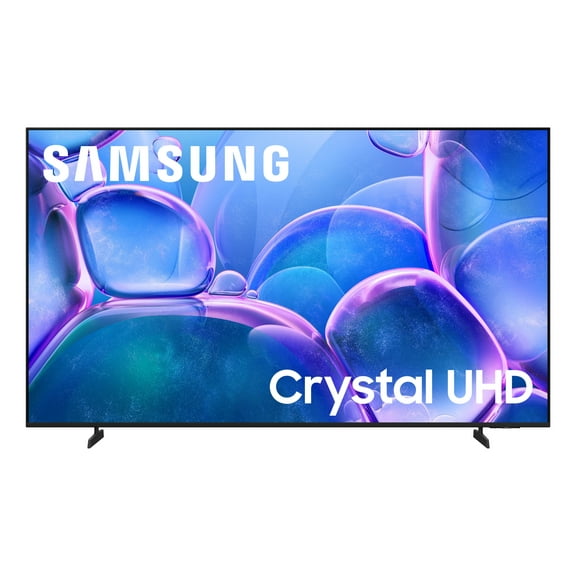
WebOS can work well if you like a clean interface and quick access to streaming apps. A general Smart TV setup may suit you when you want familiar streaming features without extra complexity.
If several people use the same TV, you should consider how easily everyone can switch apps and inputs. You may also want clear menu navigation if you connect a soundbar, console, or cable box.
How to choose a gaming tv for xbox series x
If you need a tv for xbox series x, you should pay attention to HDMI 2.1 support first. You'll want that connection for advanced console features on compatible setups.
You should also compare 120Hz and 144Hz refresh rates if you care about smoother motion. You'll notice these specs most during fast racing, sports, and action gameplay.
VRR, or variable refresh rate, helps your screen keep pace with changing frame output from your console. You'll get a more consistent feel when motion changes quickly during gameplay.
Input lag is another decision point if you play competitively or react quickly in shooters. You should look for a gaming tv for xbox series x that feels responsive when you press each command.
If your TV doubles as a movie screen, you can balance gaming features with room-friendly brightness and smart tools. You'll get more from one screen when your setup handles streaming, sports, and console sessions smoothly.
Matching use cases to your room
If you're building a home theater, you should prioritize larger screens and stronger contrast for evening viewing. You may also want easy connections for a soundbar or receiver.
If your TV sits in a bright living room, you should look for a display with enough brightness to stay clear. You'll appreciate that difference during daytime sports, cartoons, and casual streaming.
If you're choosing a bedroom TV, you may want a size that fits your furniture and viewing distance. You can keep the setup comfortable by matching the screen to the smaller room.
If your space centers on gaming, you should combine HDMI 2.1, VRR, and 120Hz or 144Hz support. You'll create a setup that feels smoother for a tv for xbox series x and newer consoles.
When you compare a qm8l 75 inch option against other handpicked TVs, you should focus on room size, platform preference, and gaming needs. You'll choose more confidently when those decisions guide your search from the start.