


Smart Home & Networking Deals & More






































FAQ
About
Smart home devices help you simplify daily routines and connect key rooms with fewer extra steps. You can compare automation gear and networking essentials together, so your setup works smoothly from day one.
If you're building a connected home, you need clear guidance on compatibility, coverage, and setup. You'll find practical decision points here that match how you actually use lights, cameras, thermostats, and routers.
How to choose smart home devices by device type
Device type shapes how you control your space and what kind of connection you need. You should start with the room, task, or routine you want to automate first.
Smart plugs let you add app or voice control to lamps, fans, and small appliances. You can start there if you want simple automation without replacing existing household items.
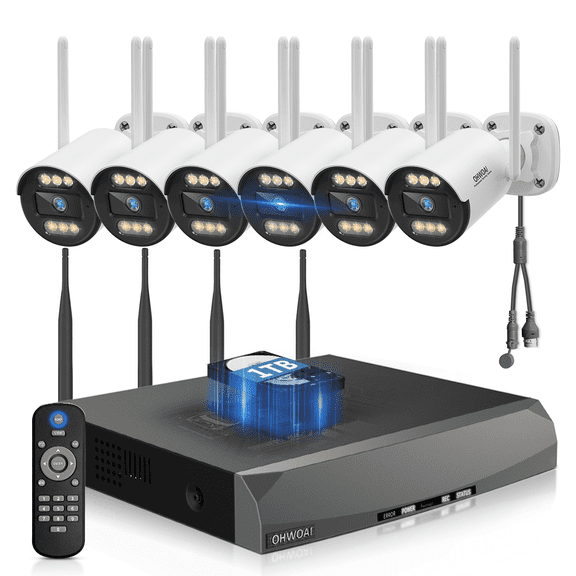
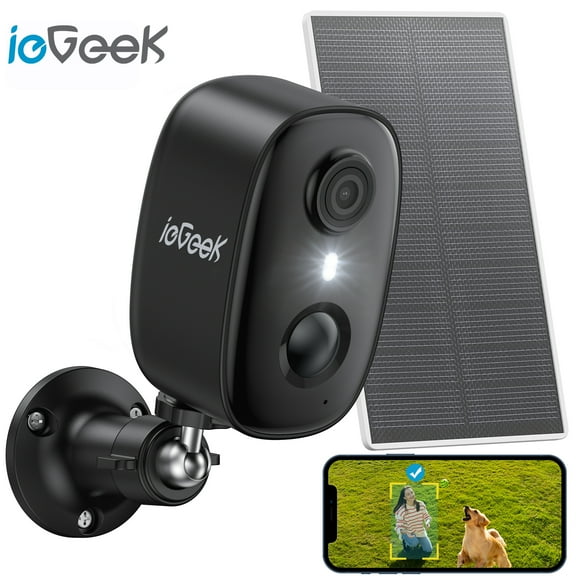
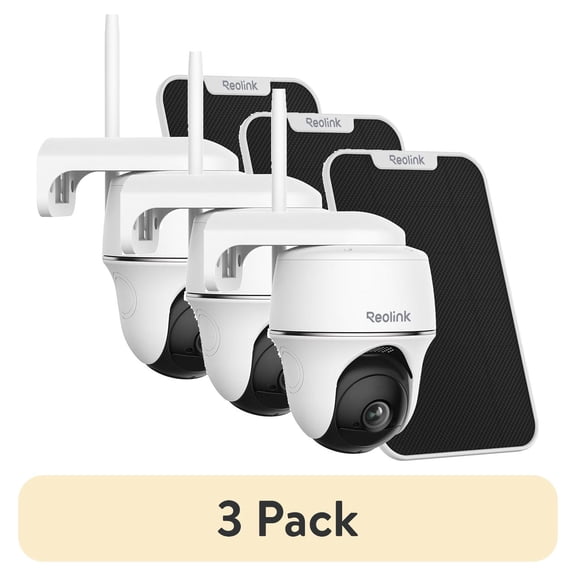
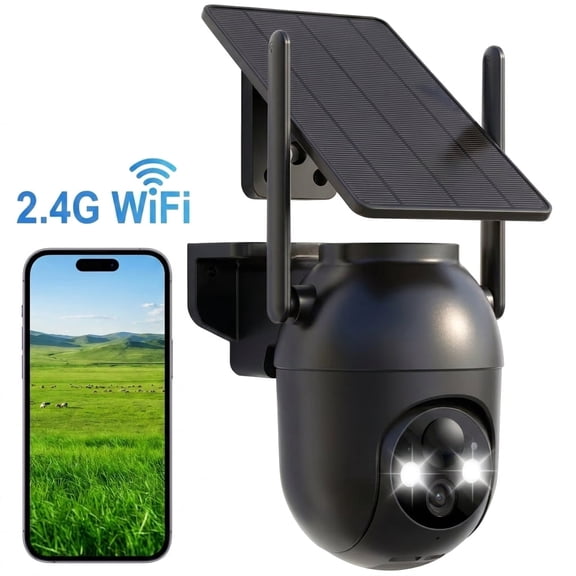
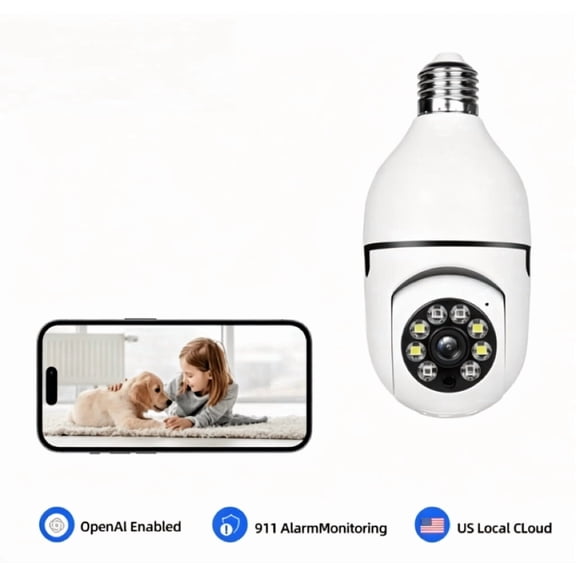
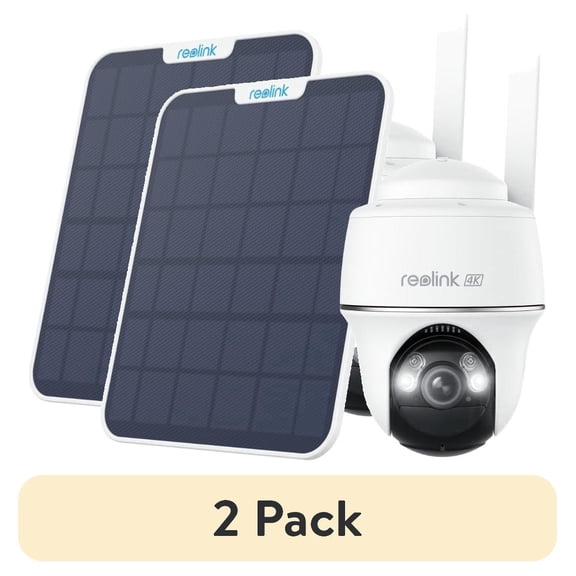
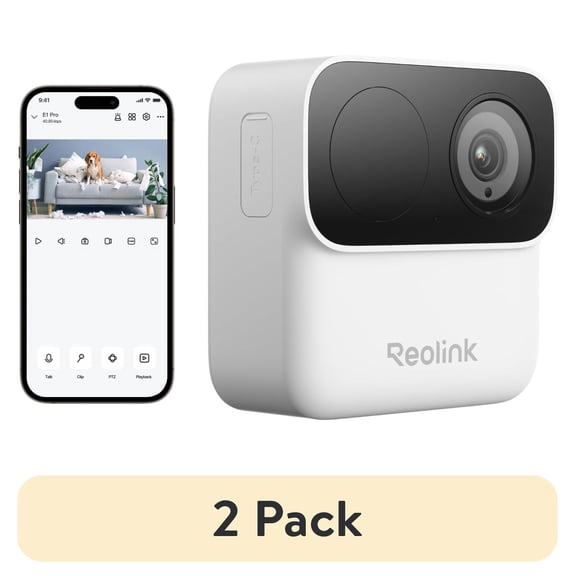
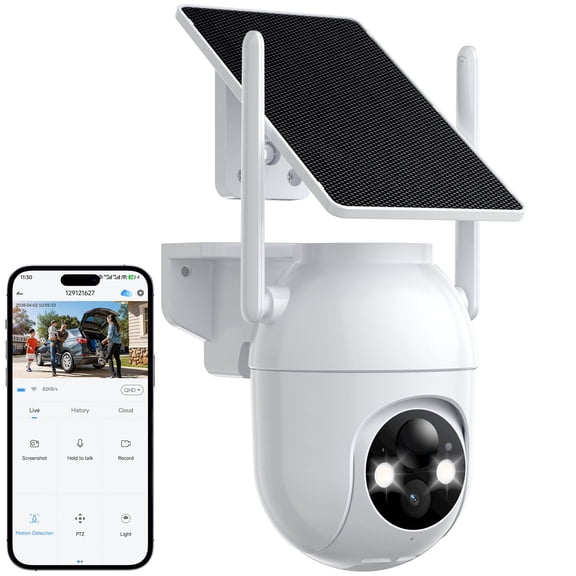
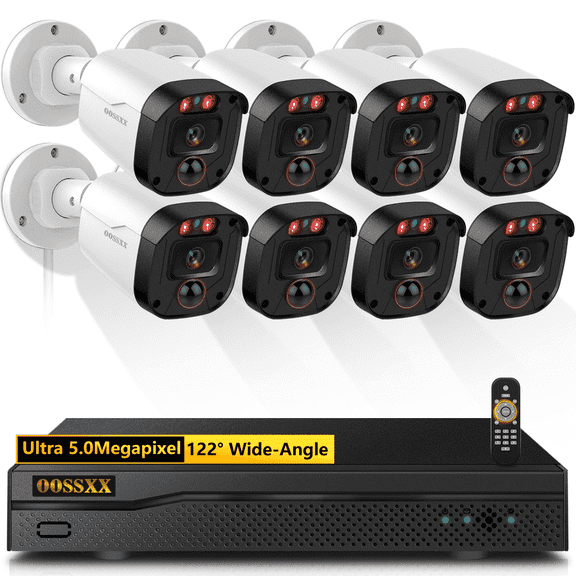
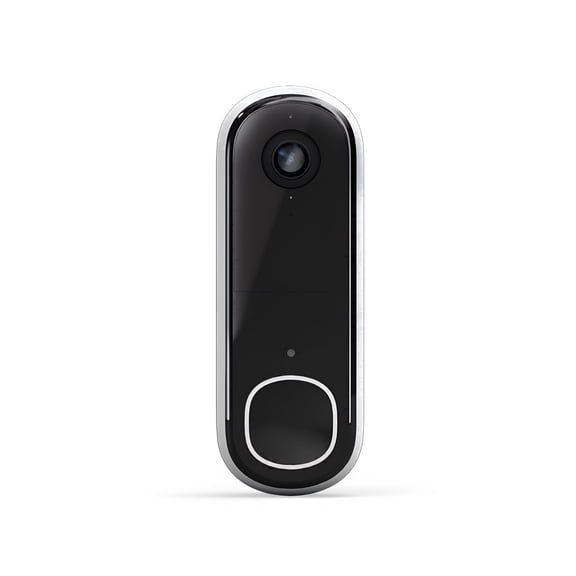
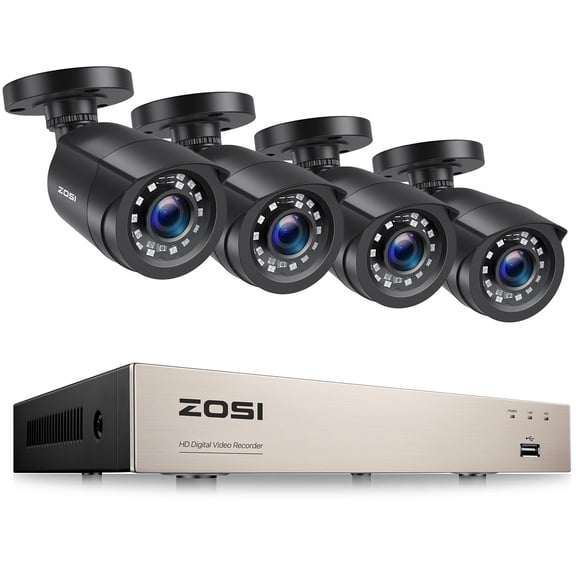
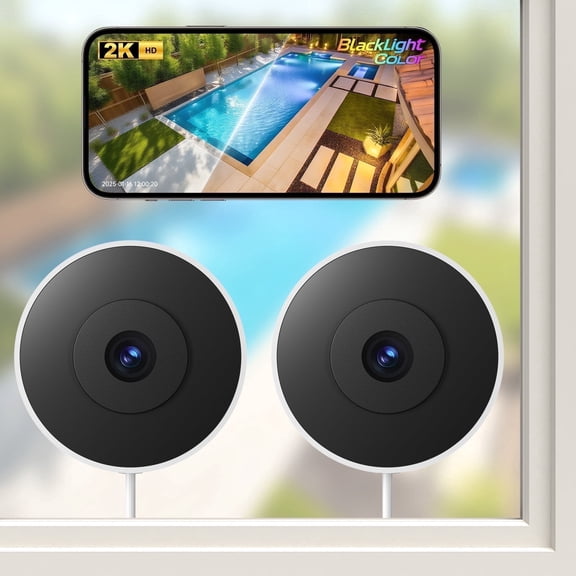
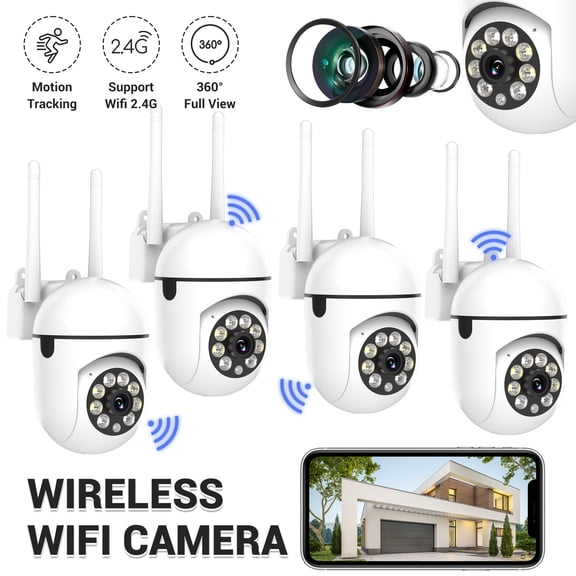
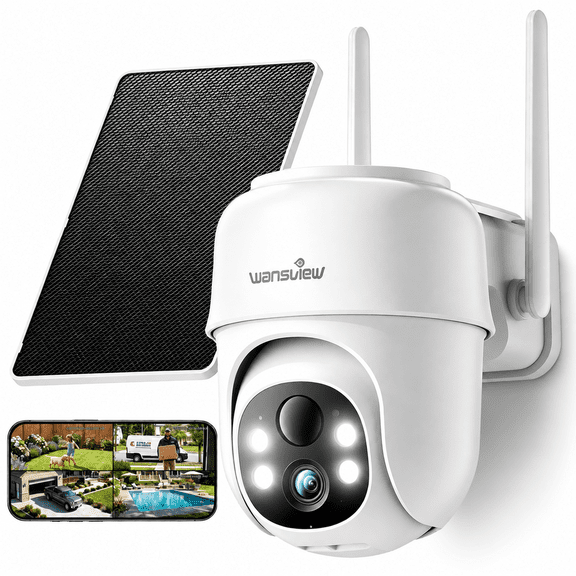
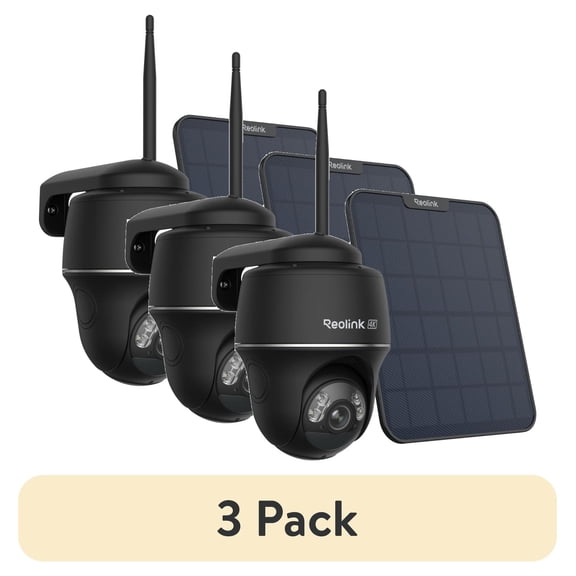
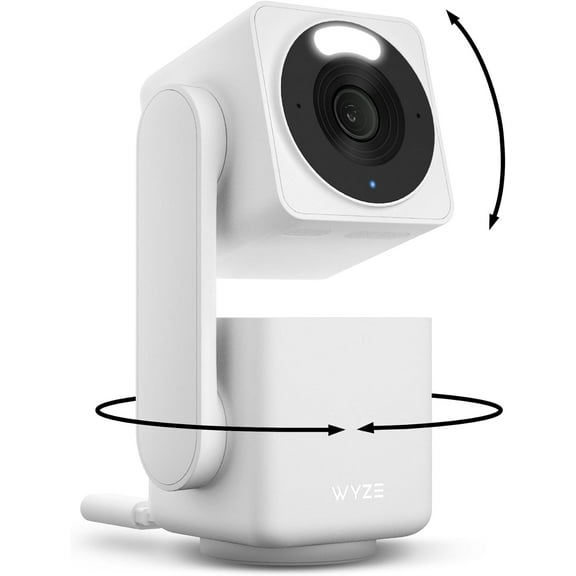
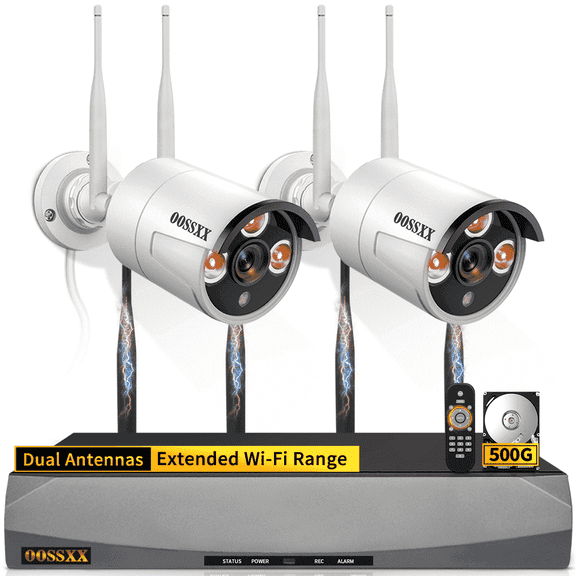
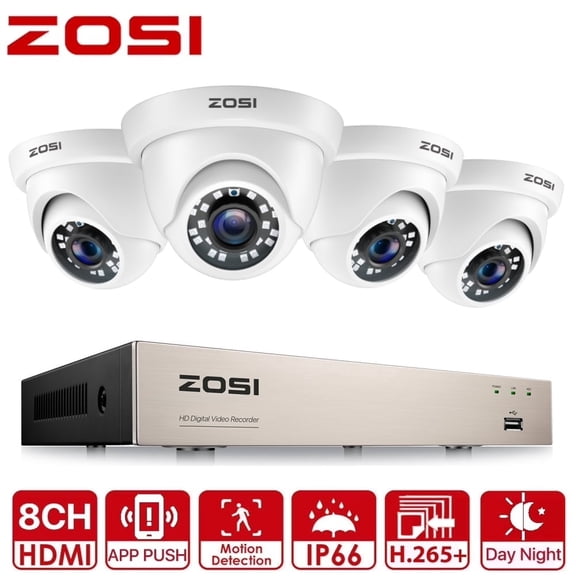
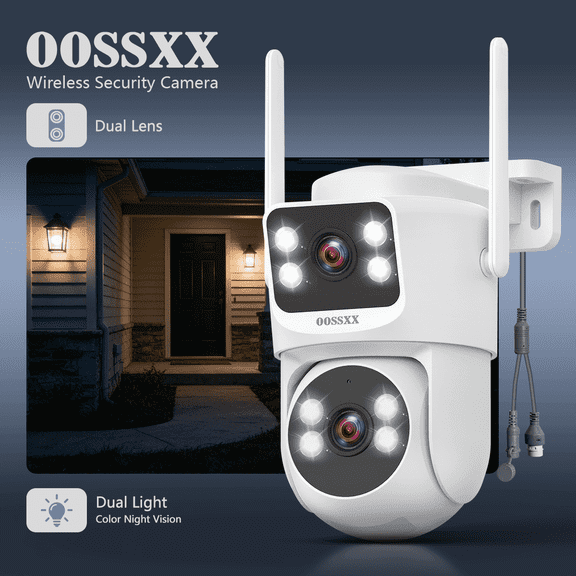
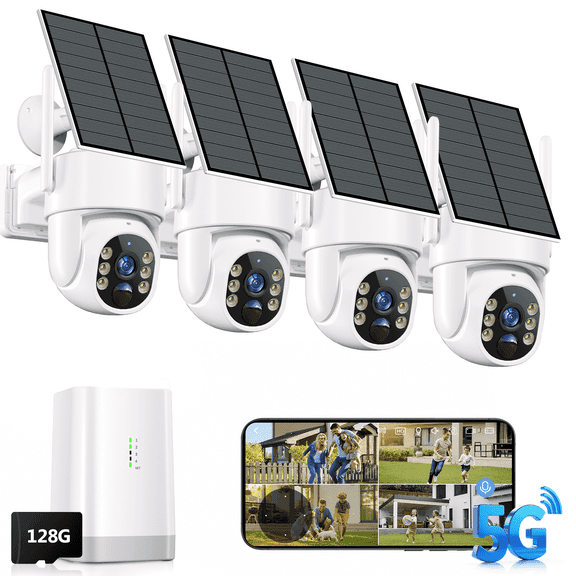
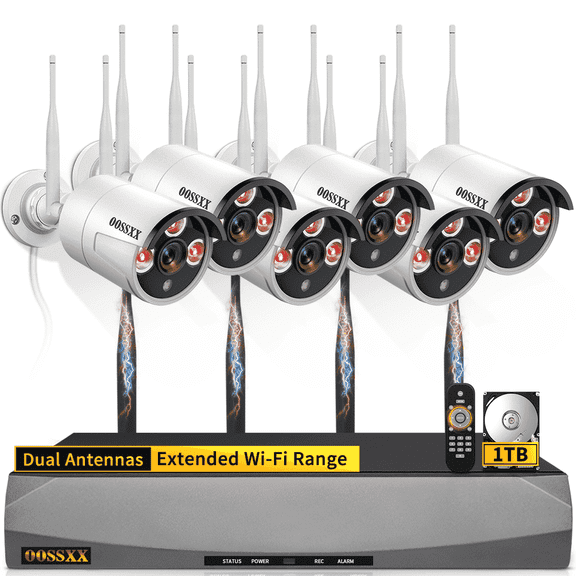
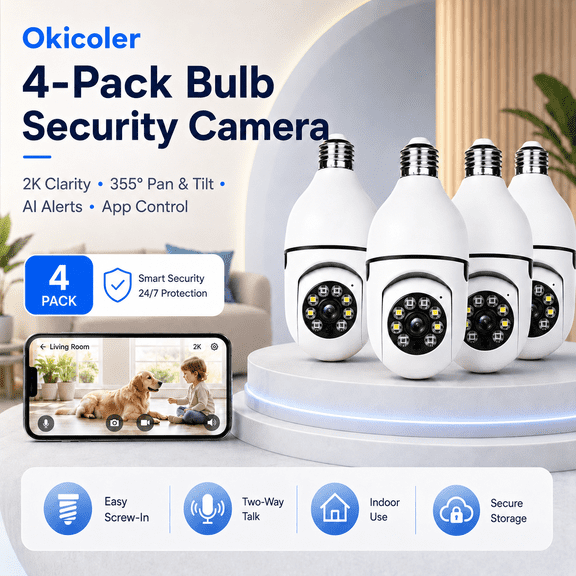
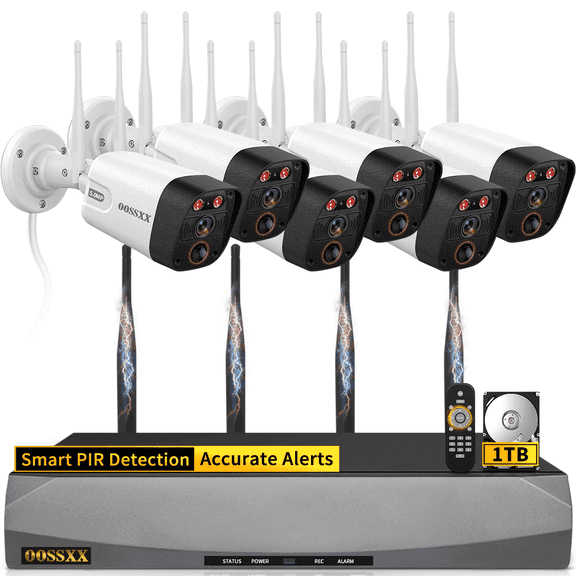
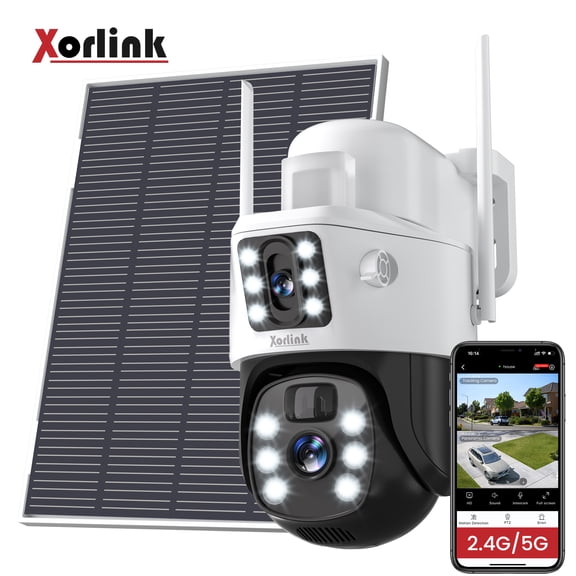
Security cameras help you check entry points, deliveries, and shared spaces from your phone. You should compare indoor and outdoor placement needs, plus whether your camera uses local or cloud video storage.
Smart thermostats give you app-based temperature control and schedule settings in one place. You may prefer this option if you want connected comfort tools that work with your daily routine.
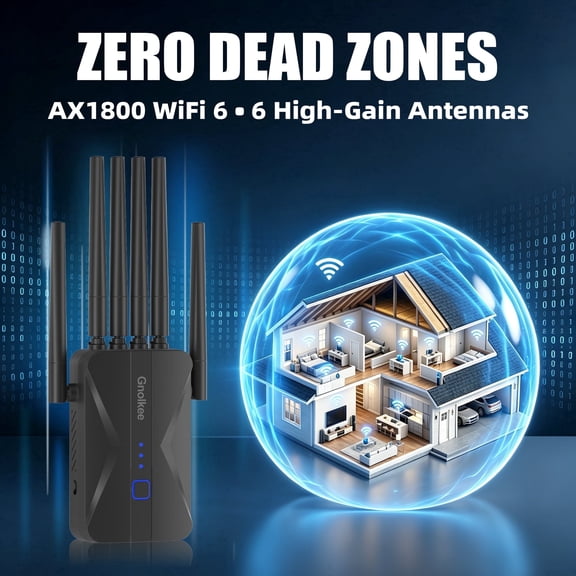
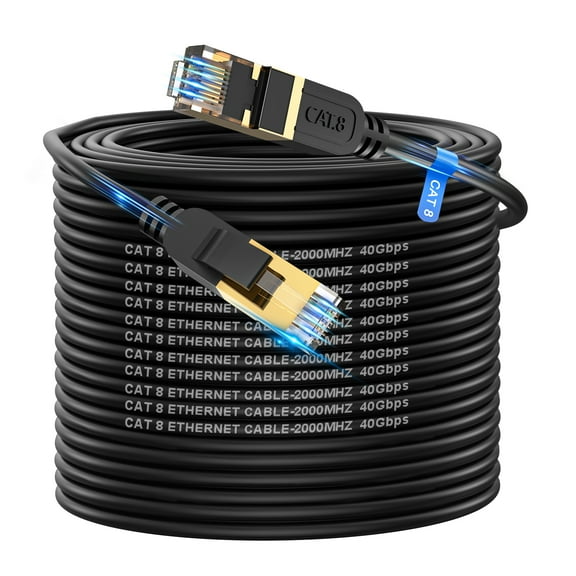
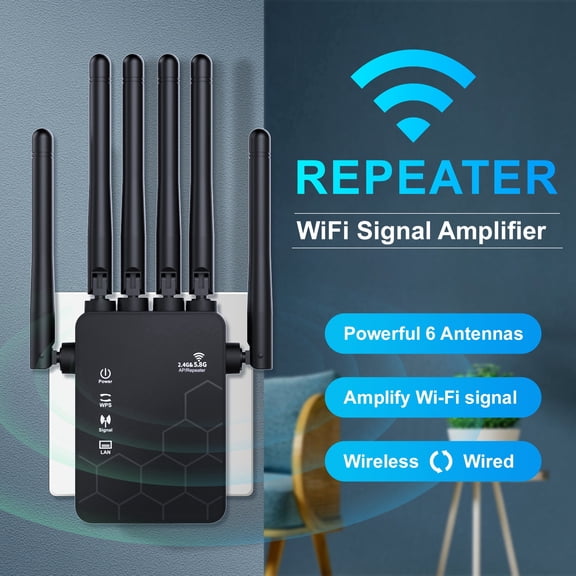
Routers support the connection behind your smart home technology, so every device can stay responsive. You should treat your router as a core part of your setup, not an afterthought.
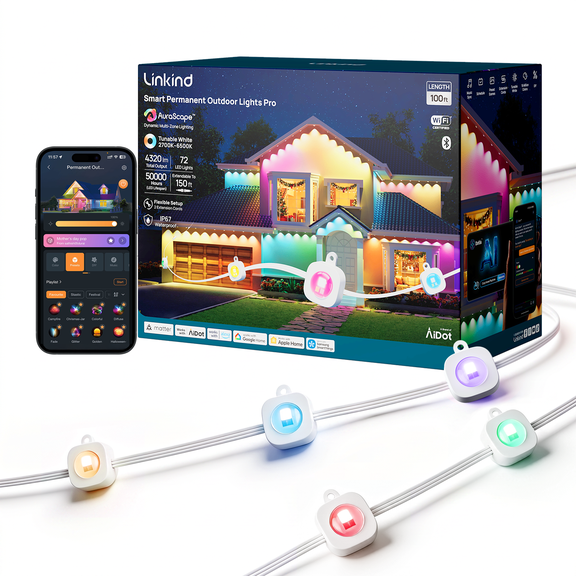
- You can automate lamps, coffee makers, and seasonal lights with smart plugs.
- You can monitor doors, garages, and common areas with connected cameras.
- You can manage schedules and app controls with smart thermostats.
- You can improve signal strength and device capacity with updated routers.
Choosing connectivity protocols and setup needs
Connectivity affects how easily your devices join your network and talk to each other. You should check whether your device uses Wi-Fi, Bluetooth, Zigbee, or Z-Wave before you choose.
Wi-Fi devices usually connect through your home internet and mobile app without extra hardware. You may like Wi-Fi if you want straightforward setup for cameras, plugs, and some thermostats.
Bluetooth options often work well for close-range control and direct phone pairing. You should consider Bluetooth when you want simple local control in a smaller area.
Zigbee and Z-Wave devices often need a compatible hub or bridge to connect fully. You should look for that requirement early, because it affects setup steps and how your system expands later.
Some smart home bundles combine devices that already share a common protocol or app. You can use those bundles to reduce setup friction and keep your controls more organized.
Installation can also vary by product type and by your home's current wiring or layout. You should check whether your device mounts with adhesive, plugs into an outlet, or replaces an existing wall control.
Comparing ecosystem compatibility before you choose
Ecosystem compatibility matters because your devices should respond to the assistant you already use. You should compare Amazon Alexa, Google Assistant, and Apple HomeKit support before you commit.
If you already use Alexa speakers, you may want devices that pair quickly within that app. You can keep voice commands and routines simpler when your products share the same ecosystem.
If your home centers on Google Assistant, you should look for compatible cameras, plugs, and thermostats. You can streamline controls when your phone, speaker, and connected gear work together.
If you prefer Apple HomeKit, you should confirm support before you choose any accessory. You can avoid return hassles when your smart home devices match your preferred platform from the start.
Cross-platform support can give you more flexibility as your setup grows over time. You may appreciate that option if multiple people in your home use different phones or voice assistants.
Understanding network speed, bands, and coverage
Your network affects loading times, camera feeds, and how quickly commands reach each room. You should compare dual-band, tri-band, Wi-Fi 6, and Wi-Fi 6E options based on your space.
Dual-band routers split traffic across two frequency bands for everyday connected home use. You may find dual-band works well when you have moderate streaming, browsing, and several smart accessories.
Tri-band routers add another band to help manage heavier traffic across many devices. You should consider tri-band if you run cameras, gaming, streaming, and automation at the same time.
Wi-Fi 6 can improve efficiency when many devices share one network throughout the day. You may want Wi-Fi 6 if your home includes phones, tablets, TVs, speakers, and connected sensors.
Wi-Fi 6E adds access to the 6 GHz band on compatible devices and routers. You should compare device support first, so your upgrade matches the equipment you already own.
Coverage matters just as much as speed, especially in larger homes or multi-level layouts. You should check square footage guidance and consider mesh-friendly options if your signal drops in distant rooms.
Using smart home bundles for everyday routines
You can build a more coordinated setup when your devices match your habits and your floor plan. You should think about morning routines, entry points, shared rooms, and internet-heavy zones first.
For a first apartment setup, you might pair smart plugs with a dual-band router and voice assistant support. You can control lamps and small devices without changing hardwired fixtures.
For family entryways, you may want security cameras, app alerts, and stronger whole-home coverage. You can keep connections steadier with networking gear designed for more devices at once.
For comfort-focused rooms, you might choose a smart thermostat with assistant compatibility and dependable Wi-Fi coverage. You can manage schedules from your phone without juggling separate controls.
Subscription costs can also shape your decision, especially with some camera systems and cloud video services. You should check whether features require a monthly plan or work with local storage options.
If you notice buffering, lag, or weak signal areas, networking upgrades may matter as much as new accessories. You can get smoother performance when your router matches your connected device count.
With the right combination of smart home devices and networking gear, you can create a setup that feels easier to manage every day. You gain clearer compatibility, steadier coverage, and simpler control across the spaces you use frequently.