



Samsung Deals & More












![Boost Mobile Samsung S25, 128GB, 5G, Silver - Prepaid Smartphone [Locked to Boost Mobile]](https://i5.walmartimages.com/seo/Samsung-Galaxy-S25-5G-smartphone-dual-SIM-RAM-12-GB-Internal-Memory-128-GB-OLED-display-6-2-2340-x-1080-pixels-120-Hz-3x-rear-cameras-50-MP-12-MP-10_cd69c626-f8b0-4c82-a645-204c1a22fbc0.11223f3e516065bb6f14216f98be925a.jpeg?odnHeight=576&odnWidth=576&odnBg=FFFFFF)














About
Your Samsung special promotion page helps you compare Samsung electronics by category, connectivity, storage, and screen type before you choose. You'll get practical guidance for Galaxy phones, smart TVs, tablets, smartwatches, and audio that fits how you shop.
If you're narrowing several device types, you'll want a clear way to sort entertainment, communication, and productivity needs. You can use this guide to focus on the Samsung features that matter for your routine.
How to compare a Samsung special promotion by product category
When you compare product categories first, you can match each device to the room, task, or schedule you have in mind. You'll notice phones support daily communication, while TVs anchor your viewing setup and tablets support flexible streaming.
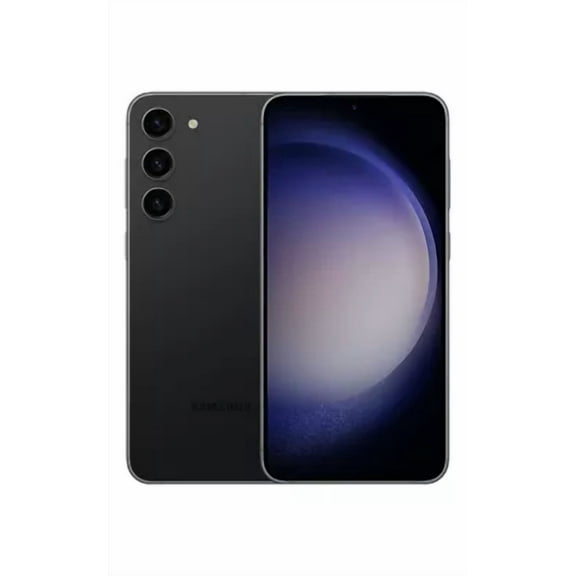
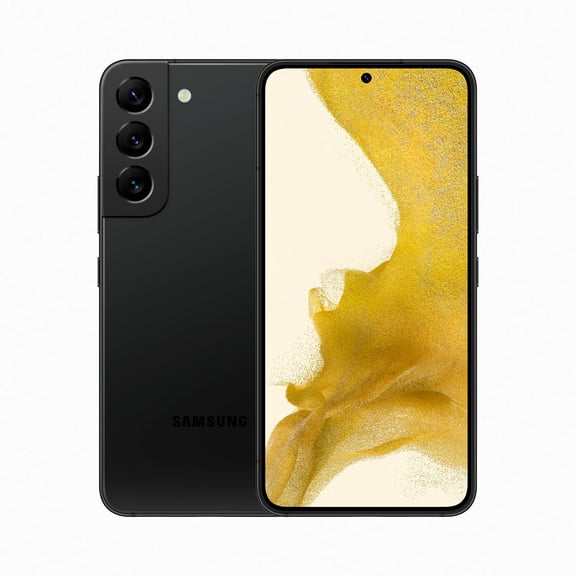
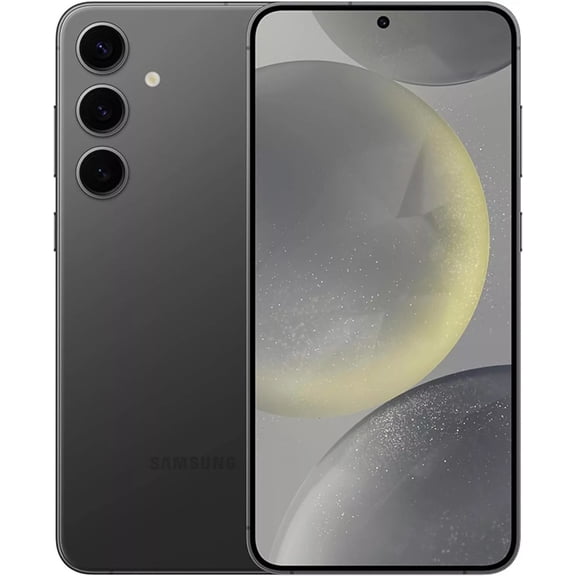
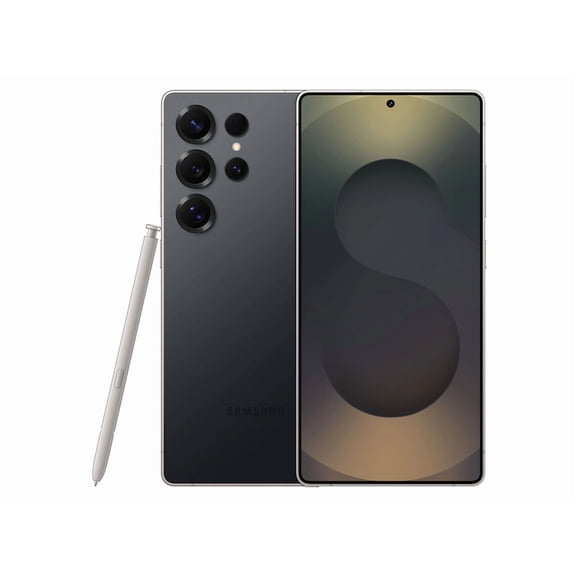
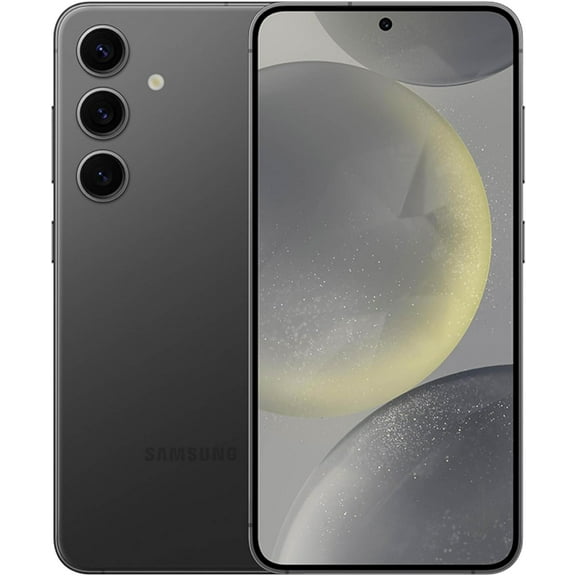
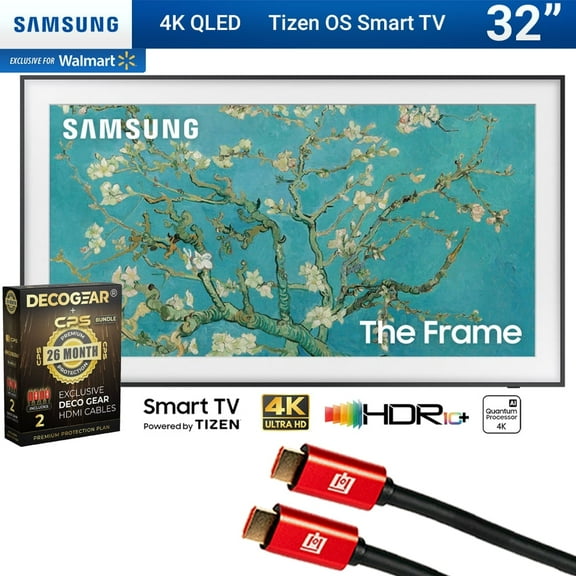
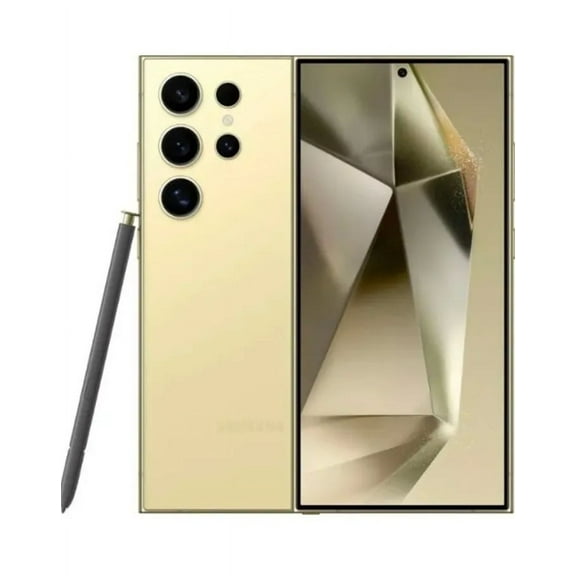
If you're choosing smartphones, you can compare screen size, stylus options, and carrier setup before you commit. If you're choosing smart TVs, you can focus on display technology, smart platform tools, and room size.
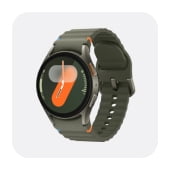
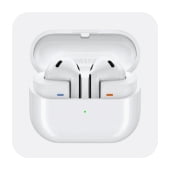
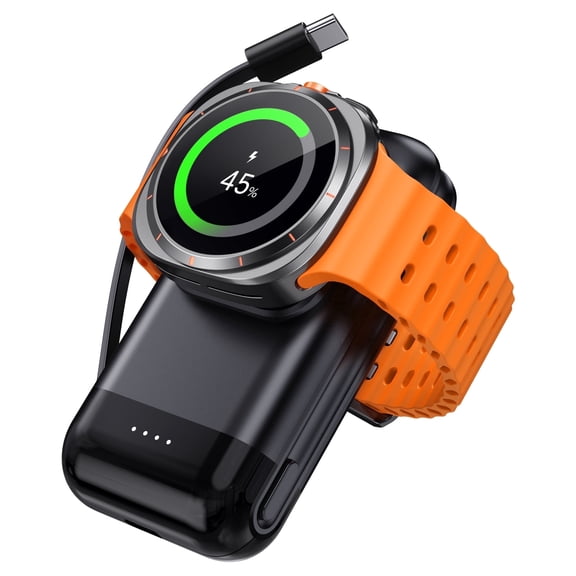
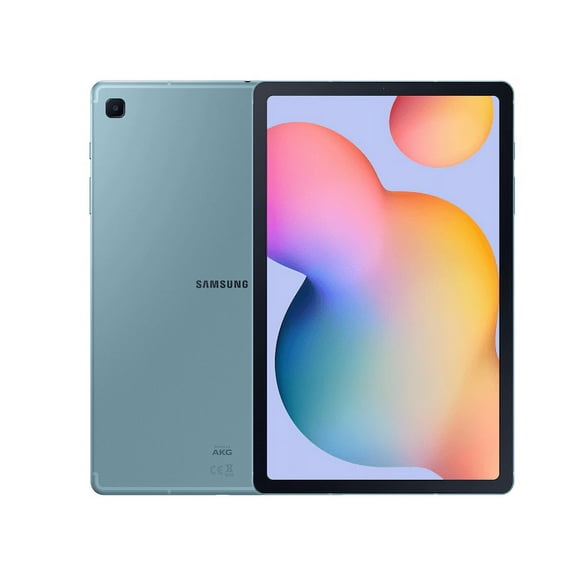
For tablets, you may want a lighter format for reading, drawing, or travel streaming. For smartwatches and audio, you can compare wrist alerts, earbud portability, and sound preferences for your day.
- You can use smartphones for calls, messaging, photos, and apps throughout the day.
- You can choose smart TVs for living rooms, bedrooms, and connected streaming setups.
- You can pick tablets when you want a larger screen than your phone without carrying a laptop.
- You can consider smartwatches for quick notifications and easy pairing with other Samsung electronics.
- You can look at audio options when you want portable listening or room-filling sound.
Choosing between Samsung offers across Galaxy and TV series
As you compare Samsung offers, you'll want to understand what each series usually means in everyday use. You can look at Galaxy S Series for advanced phone tools, Galaxy A Series for simpler daily tasks, QLED TVs for bright rooms, and Galaxy Tab for portable screens.
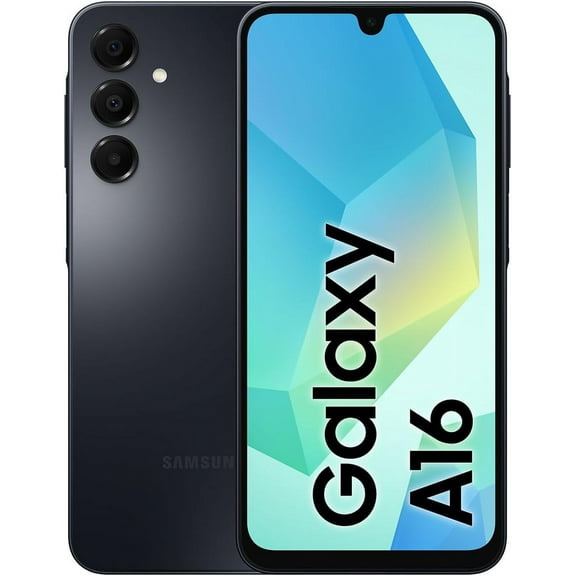
If you're deciding between Galaxy S Series and Galaxy A Series, you should compare camera priorities, display preferences, and how often you multitask. You'll often find the S line suits heavier app use, while the A line fits straightforward calling, browsing, and social use.
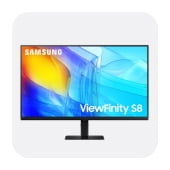
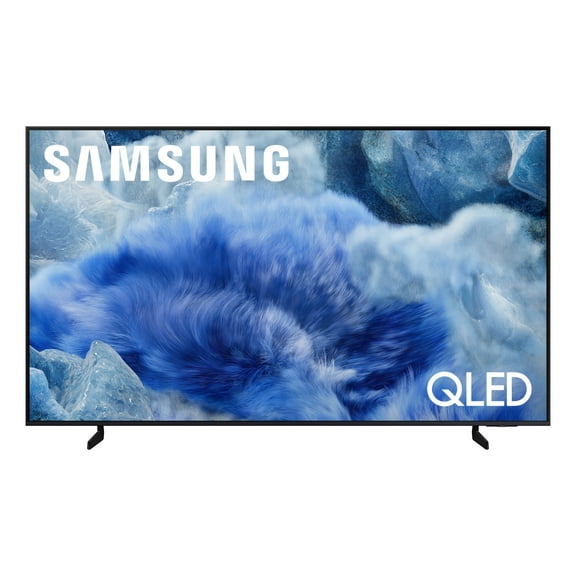
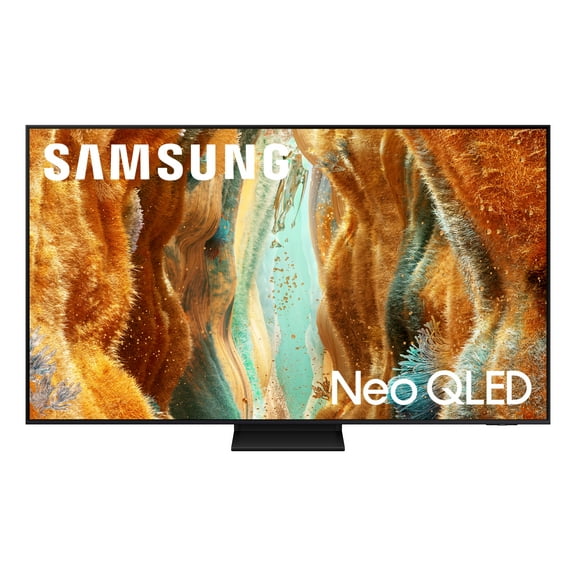
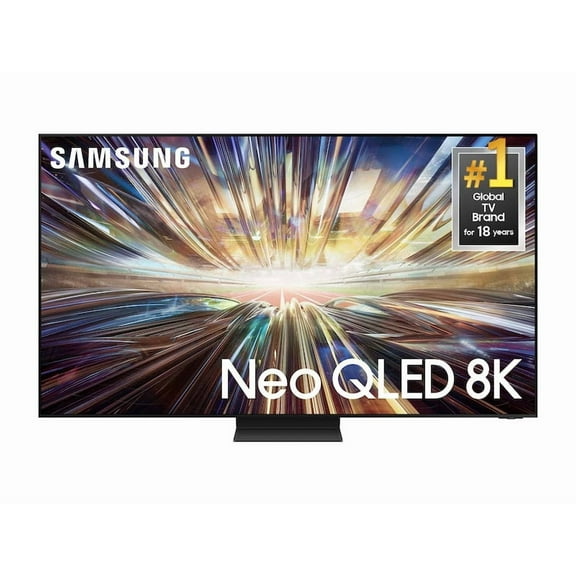
For televisions, you may compare QLED and OLED by thinking about your room and viewing habits. You'll generally see QLED suit brighter rooms, while OLED can emphasize deep contrast in darker spaces.
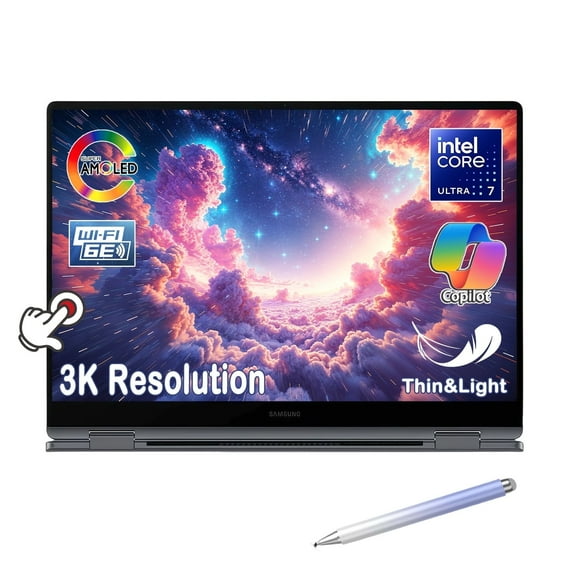
When you review Galaxy Tab models, you can compare screen size, accessories, and whether you want casual streaming or note-taking support. If you're also considering a galaxy phone with stylus, you can align your phone and tablet workflow for writing and sketching.
What to look for in connectivity and compatibility
Before you choose a phone or tablet, you should check whether unlocked or carrier-locked setup fits your situation. You can move more freely with unlocked models, while carrier-locked options may align with a specific wireless account.
If compatibility matters, you should compare GSM and CDMA bands in plain language. You'll want your device bands to match your network, and you'll want to confirm IMEI registration with your carrier.
When you shop 5G enabled models, you can prepare for faster network access where supported. If you only need home streaming or basic browsing, you may prefer a Wi-Fi only tablet instead.
For your Samsung special promotion search, you should also consider activation steps and household flexibility. You'll appreciate unlocked options if your plan changes, if you travel often, or if you manage several lines.
How to choose the right storage and screen setup
Storage capacity affects how many photos, videos, apps, and downloads you can keep on your device. You can often start with 128GB for lighter use, while 256GB or 512GB helps if you capture lots of media.
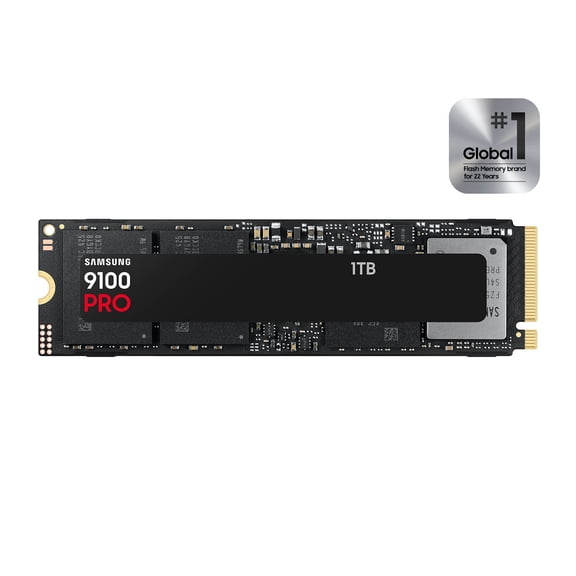
If you record frequent video or keep large game files, you may want 1TB for more room. You'll avoid constant cleanup when your storage matches your habits from the start.
Screen setup matters too, especially if you're comparing a galaxy phone with stylus or a living room TV. You can use a stylus-friendly phone for notes, lists, and precise edits during busy days.
For TVs, you should compare screen technology with your room lighting and seating distance. You'll get clearer decision points when you consider brightness, contrast, and how far your couch sits from the screen.
Using Samsung electronics for everyday routines
You can build a connected setup when your phone, TV, tablet, watch, and audio products work together. If you already use a Samsung store page for research, you can compare how Samsung electronics fit one daily ecosystem.
In a home office, you might pair a tablet with a phone for calendars, video calls, and quick notes. In a living room, you can center streaming and connected controls around a Samsung TV.
During travel, you may prefer an unlocked phone, compact audio, and a Wi-Fi tablet for downloads. At home, you might want smartwatch alerts that keep your messages and reminders within easy reach.
If protection planning matters to you, you should review warranty details and Walmart Product Care plans before checkout. You'll feel more prepared when you understand coverage terms, device type, and service options tied to your purchase.
With this Samsung special promotion guidance, you can compare key Samsung choices without sorting through unrelated specs. You'll make a clearer decision when category, connectivity, storage, and screen details match how you use tech.