Interactive Video Thumbnail
RollbackOverall pick

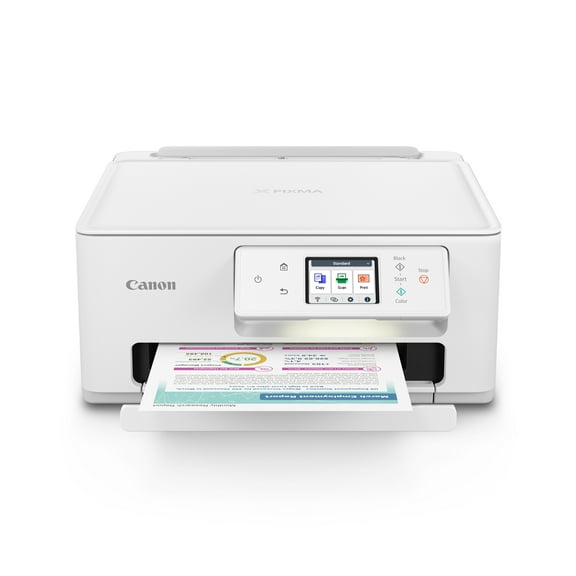
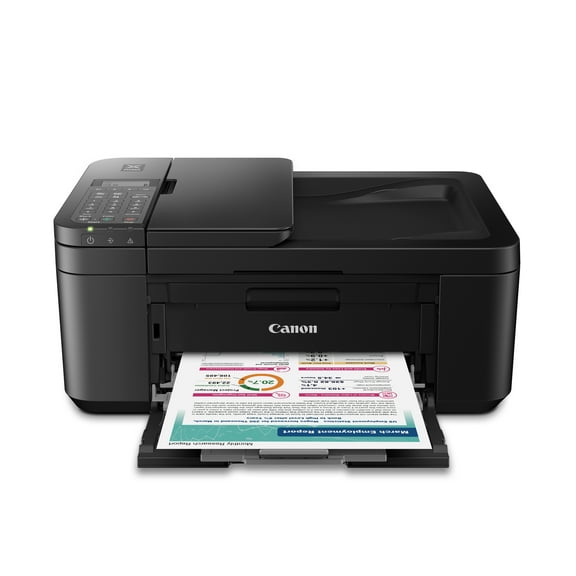
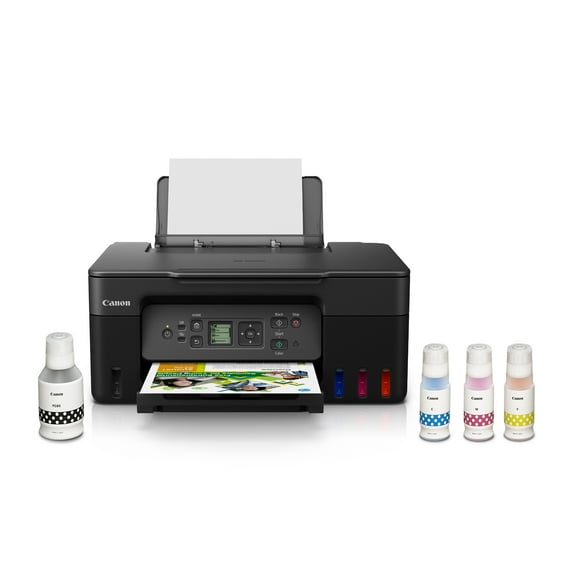
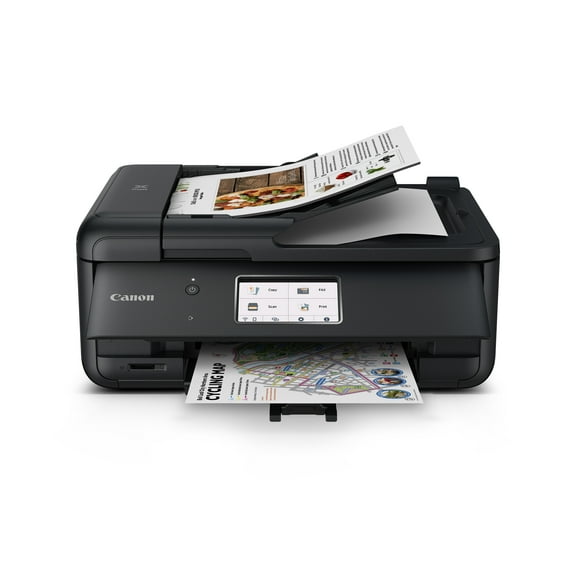
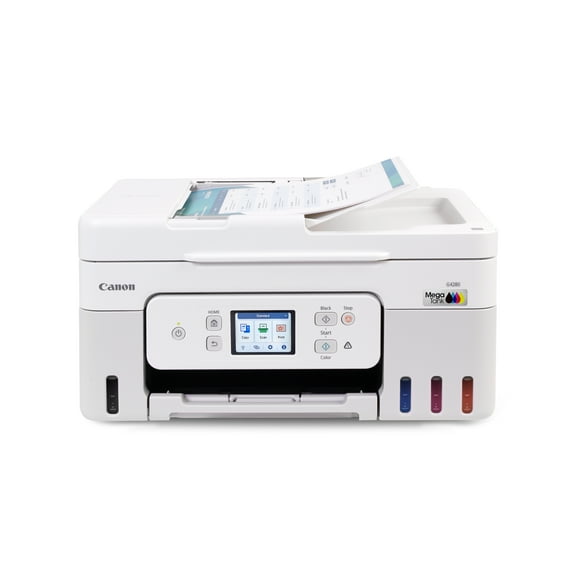
Canon PIXMA TS3722 Wireless All-In-One Inkjet Printer for Home Office

30.2K ratings

Key item features

  • Versatile Functionality: This all-in-one inkjet printer offers print, copy, and scan capabilities, with single-sided printing, making it suitable for various home office tasks.
  • Efficient Performance: Achieve print speeds of approximately 7.7 images per minute for black and 4 images per minute for color, supported by a 60-sheet plain paper capacity.
  • Effortless Setup: Experience a quick and easy setup process right out of the box, complemented by simple-to-install ink using only two easy-to-replace cartridges.
  • Intuitive Control: Navigate printer functions with ease using the 1.5-inch segment LCD screen, providing an intuitive user interface.
  • Robust Connectivity: Benefit from stable and reliable Dual Band Wi-Fi (2.4GHz or 5GHz) and easy wireless setup without needing a computer, alongside high-speed USB connectivity.
  • Diverse Media Support: Print on a wide array of media types and sizes, including photo paper, envelopes, borderless photos, and banners, utilizing a hybrid ink system for sharp text and vivid colors.
  • Creative Applications: Utilize PosterArtist Online to design professional posters, banners, and signage, enhancing creative output for various projects.
Generated by AI
Current price is Now $39.00
You save $14.00
was $53.00
Price when purchased online

5 free offers, including Apple Music up to 1 month free
  • Free shipping
  • Free 30-day returns
Walmart Protection Plan by Allstate

(Only one option can be selected at a time)

How do you want your item?

Try 30 days for just $1! Choose a plan at checkout.
How do you want your item?
Ships to
Arrives by Today
.
Order within 5 hr 14 min
Low stock
Sold and shipped by Walmart.com
Free 30-day returns
This item is gift eligible

walmart plus

Try 30 days of Walmart+ for just $1!

T&C apply.

About this item
Product details

Specifications

Customer ratings & reviews

4.2 out of 5 stars
stars
30.2K ratings7,157 reviews
How item rating is calculated

Reviews summary

Pros

  • : Offers good quality at a lower cost.
  • : Setup and operation are consistently simple.
  • : Ideal for occasional printing needs in a home office or personal space.
  • : Setup process typically takes around 10-15 minutes.

Cons

  • : Requires frequent and costly replacements.
  • : Paper handling can be unreliable, causing frequent jams and feeding issues.
Generated by AI
Filtered and sorted results would be available on the new 'Customer ratings & reviews' page.
Sort by |

Showing 1-3 of 7,157 reviews

Feb 7, 2026
Reviewer name: Walmart customer
5 out of 5 stars
5 out of 5 stars review

Verified Purchase

I'm pleased with the printer. It's almost the same as my last canon model. The only problem I have is that I had stocked up on ink cartridges for the last canon printer and they don't fit this one. But it's a greater updated printer. Does anyone ever read these reviews?

Incentivized Review
Helpful?2AZAYKA22U095126097483
Apr 7, 2026
Reviewer name: jami
3 out of 5 stars
3 out of 5 stars review

Verified Purchase

I received the item on time, however the product itself is not easy to set up. I have set up wireless printers before and never had issues. However, this printer is ridiculously hard to set up. I had to walk away so many times after watching all of the set up videos and even YouTubing how to set it up. So I haven't even gotten a chance to use the or get and it's been sitting on my desk for over a week. I'm not sure if it's defective or if it's just me that is defective at setting up this printer.

Helpful?2AZAYKA22U095126097483
Jan 15, 2026
Reviewer name: Tom
3 out of 5 stars
3 out of 5 stars review

Verified Purchase

Pros and Cons

I took the printer out of the box and began to set it up which was straightforward. But at the 5th or 6th step, it said call Canon to guide me through the wireless connectivity. But the Canon representative said I had to get Windows 11 installed first which would cost me an extra $250 so I asked if he would direct me to Microsoft. Instead, he directed me to a small IT vendor who said they could get it running for $400 ($250 for Windows 11 plus another $150 to complete the set up). So I paid up and 3 hours later it was working fine but here I paid less than $50 for the printer but another $400 to get it running. Has anyone experienced anything like this from Canon? I think this is my 4th inexpensive Canon printer, and every one has given me years of reliable service, but I never had this kind of installation experience before. Was this legit or a big rip off?

Helpful?2AZAYKA22U095126097483