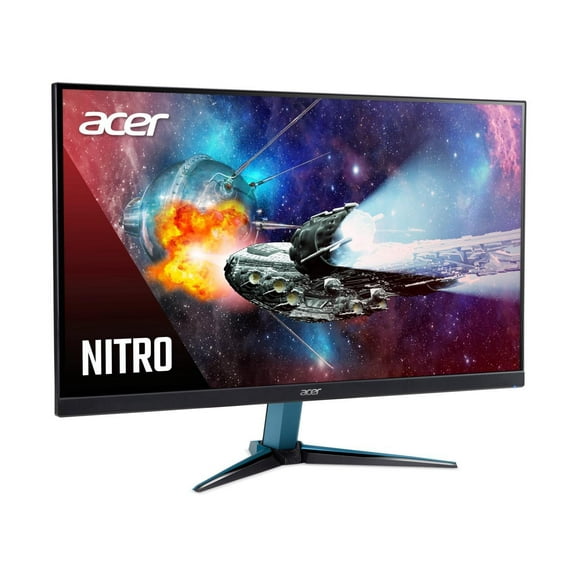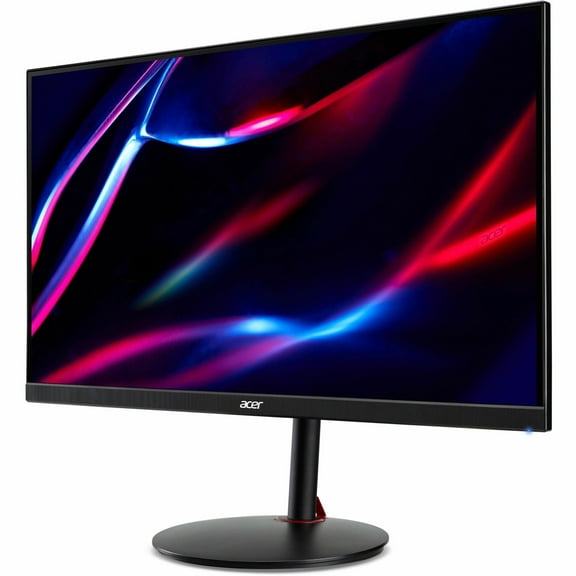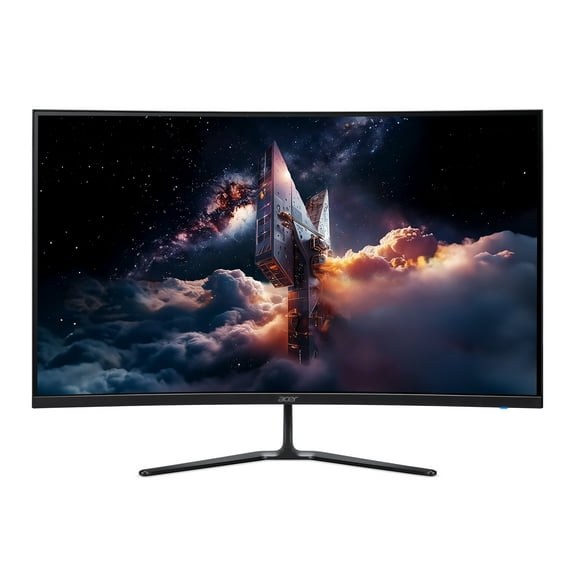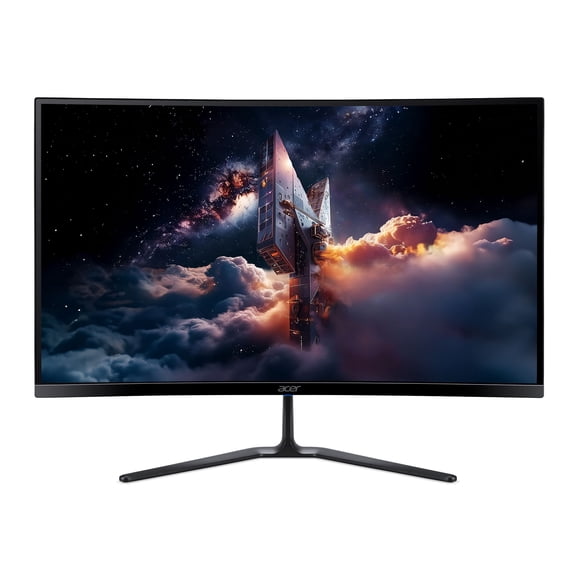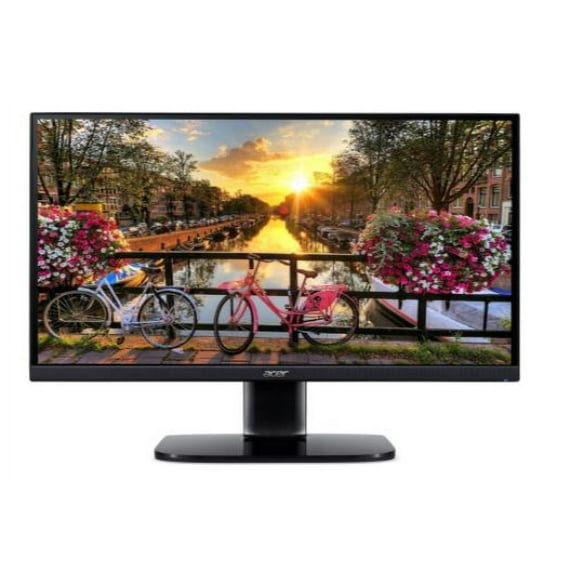
Acer KW272U bmiipx 27” WQHD 2560 x 1440 IPS Monitor with 75Hz Refresh Rate with AMD RADEON FreeSync Technology (Display Port & 2 x HDMI 1.4 Ports)
Hero image 0 of Acer KW272U bmiipx 27” WQHD 2560 x 1440 IPS Monitor with 75Hz Refresh Rate with AMD RADEON FreeSync Technology (Display Port & 2 x HDMI 1.4 Ports), 0 of 6

Acer KW272U bmiipx 27” WQHD 2560 x 1440 IPS Monitor with 75Hz Refresh Rate with AMD RADEON FreeSync Technology (Display Port & 2 x HDMI 1.4 Ports)

4.7 stars out of 46 reviews
(4.7)|
46 ratings

Key item features

  • High Resolution: The KW272U 27" monitor features a 2560 x 1440 WQHD resolution, delivering stunning, high-quality images with excellent detail.
  • Wide Aspect Ratio: Enjoy a 16:9 aspect ratio that enhances your viewing experience with more screen space for multitasking and entertainment.
  • Near Bezel-less Design: The ZeroFrame design provides a near bezel-less display, allowing for a seamless view when using multiple monitors side by side.
  • Smooth Gaming: AMD RADEON FreeSync technology synchronizes the monitor's frames with the graphics card's frames, eliminating screen tearing and stuttering for a smooth gaming experience.
  • Multiple Ports: Equipped with Display Port and 2 x HDMI 1.4 ports, this monitor offers versatile connectivity options for various devices.
  • 75Hz Refresh Rate: The 75Hz refresh rate ensures smoother motion and reduces lag, enhancing both gaming and general use.
Generated by AI
Current price is $207.10
Price when purchased online
Out of stock

How do you want your item?

How do you want your item?
Out of stock

About this item

Product details

Specifications

Customer ratings & reviews

4.7 out of 5 stars
stars46 ratings39 reviews
How item rating is calculated

Reviews summary

Pros
  • : Screen displays clear and detailed images.
  • : Displays are sharp with no graininess.
  • : Offers great value for a 1440p ips monitor.
  • : Display produces sharp and vivid colors.
  • : Offers detailed visuals with its high pixel density.
Neutral
  • : Can be clear and high-quality, but may be average and require external speakers.
Generated by AI

Customer photos

Filtered and sorted results would be available on the new 'Customer ratings & reviews' page.
Sort by |

Showing 1-3 of 39 reviews

Dec 29, 2021
John
5 out of 5 stars review

Verified Purchase

Great monitor for the price!

Its the best price for a 1440p resolution IPS monitor. It features two HDMI 2.0 inputs, 1 Display Port input, 2 small speakers (downward facing), buttons located in the back to control inputs and a main joystick type button to navigate through the settings. The picture is very good. I use it for web browser and gaming mainly. And for those two functions it does an excellent job. Just make sure you use the latest version HDMI cables, preferably the high speed versions to maximize performance in high data usage activities such as video viewing and gaming. My only complaint would be the controls for the settings (joystick button) in the back of the monitor. It us quite tedious to configure properly because you have to select a setting by pressing it and to confirm you double tap it to select, its just not a well put together interface. I recommend use Acer's Display Widget on Acer's website. It perfect because you can configure it through your computer screen rather than through the control buttons in the back. Overall its a fantastic monitor for this price. I highly recommend it! Good luck!

Helpful?25C02EIJHT6K122192887
Dec 11, 2021
CommuterMichael
5 out of 5 stars review

Verified Purchase

Great quality for the price.

GI use it as my main monitor while connected to my laptop. Also used it streamed movies off of it in my living room (easily connect to external speakers for better sound).

Helpful?25C02EIJHT6K122192887
Oct 22, 2022
mokie
5 out of 5 stars review

Verified Purchase

vibrant color, sharp text, hdmi 2.0, wonderful price. Do not see issue others talked about wake up from sleep over HDMI no problem. Have not tried with DP. only bad is buttons located on the back which is not clever.

Helpful?25C02EIJHT6K122192887