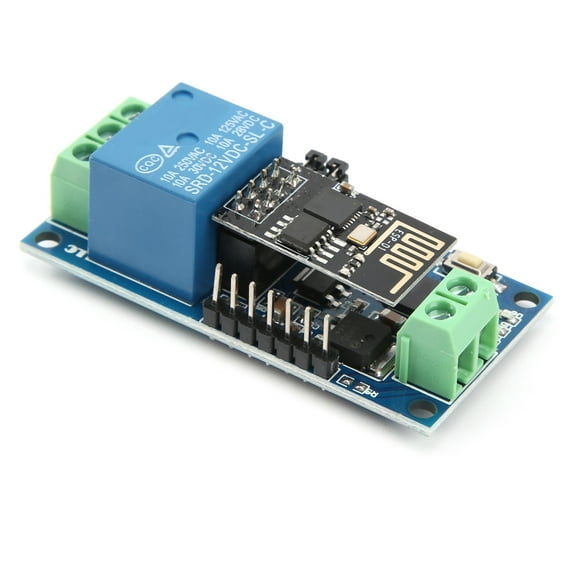
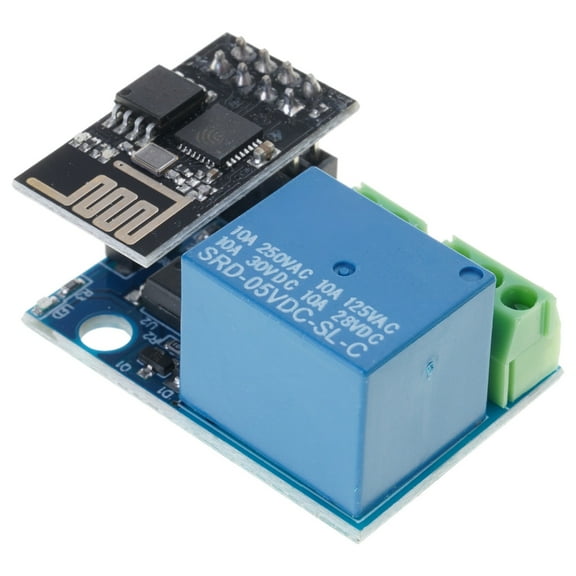
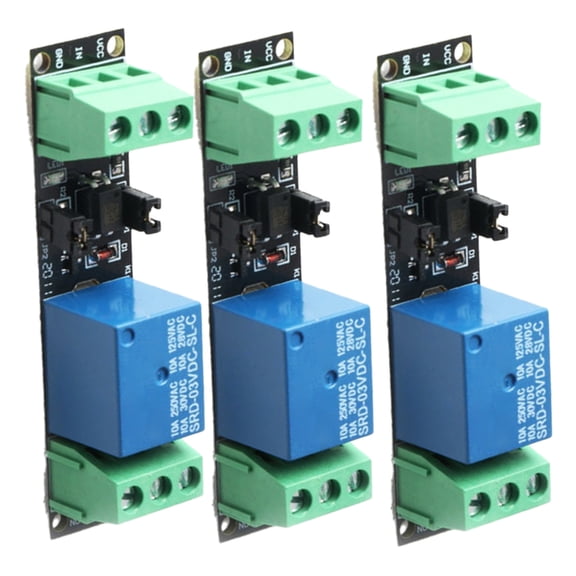
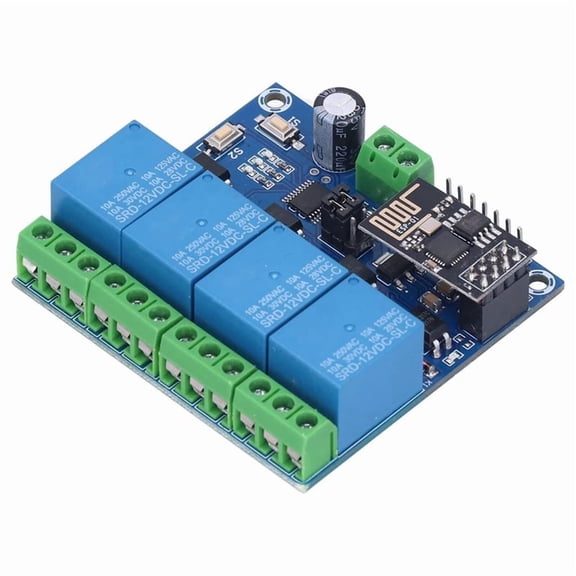
Issue: The module will not leave AP mode and connect to home AP as station. The Android app is not available from the Google Play store. Several are available for download from http://www.chinalctech.com but none were able to configure the device.
Solution was to purchase a USB to TTL adapter, like “USB 2.0 to TTL Download Cable Jumper Adapter Module” https://www.walmart.com/ip/USB-2-0-to-TTL-Download-Cable-Jumper-Adapter-Module-for/1172606548. Remove power from relay. Remove jumpers from relay P4 that connect RX/RX1 and TX/TX1. Set USB adapter to 5v and connect USB 5v→relay 5v, GND→GND, RXD→RX1, TXD→TX1. Open serial terminal and make sure it sends both CR and LF. Configure the ESP-01 as per AT commands to connect to local AP in station mode and auto start TCP or UDP server, saving config. Remove connectors from USB adapter. Replace jumper on TX/TX1. Don't replace the jumper on RX/RX1 as that will put ESP-01 back into AP mode. Apply power to relay.