

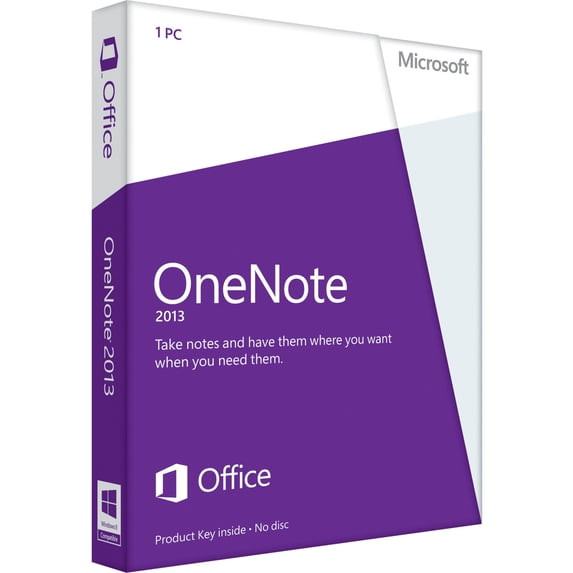
Hero image 0 of OneNote 2013 32/64-bit, 0 of 2
OneNote 2013 32/64-bit
(No ratings yet)
Key item features
Key Features and Benefits:
- Save and share files in the cloud
The cloud is like file storage in the sky. You can get to it anytime you're online. In OneNote, it's easy to save your files to your own SkyDrive account or to your organization's site. From there, you can easily view, edit, sync, and share your notes and even work together with family members, colleagues, or classmates on the same notes at the same time. - Sync notes across computers and devices
When you store your notebooks in the cloud, you can seamlessly access and use the information you care about and keep it in sync across the OneNote apps on all your favorite devices - including your Windows computer, Windows Phone, iPhone, iPad, Android, and Symbian device. You can also use the free Office Web App in virtually any browser. - Draw, sketch, or handwrite notes
Smoothly draw, erase, and edit with your finger, stylus, or mouse on any Touch- capable device, such as a Tablet PC or a Windows 8 tablet or slate PC. If you need to share your handwritten notes and care about legibility, OneNote can automatically convert your handwriting to text. - Clip and save information from the web
The improved Send to OneNote tool makes it easier than ever to clip whatever you're seeing on your screen, send a Web page or an entire document to a notebook section, or to jot down Quick Notes that are automatically saved and filed as part of your notebook. - Embed Excel spreadsheets and Visio diagrams
You can attach just about any computer file to any part of your notes, which stores a copy of the file in your notebook. You can also create or import Excel spreadsheets and Visio diagrams right within OneNote and edit their information in place in your notes. - Make better tables
Create more sophisticated tables in your notes than ever before. OneNote now supports new formatting options for cell shading, header rows, and data sorting within table cells so you can organize and display information the way you want to. - See who's collaborating
Identify and authenticate other authors more easily with the integrated identity profiles in OneNote. Search for notebook changes and revisions by authors' names and view all recent edits when you return to a shared notebook. - Share notes in meetings
Join online meetings and share your notes from any supported device, even if Office isn't installed. - Save, search, and share everything
OneNote automatically saves and syncs everything while you work, so you can concentrate on your thoughts and ideas instead of your files. Use Instant Search to recall anything you've ever created or saved in OneNote. And if you ever need to share a snapshot of your notes with someone who doesn't have OneNote, you can export your files in a variety of file formats.
Specs
Computer Software Type, Business & Office Software
Operating System, Windows
System Requirements, Windows 7, 8, Server 2008 R2, Server 2012
Brand, Microsoft
Physical Media Format, Digital Download
Version, 2013
Computer Software Type
Business & Office Software
Operating System, Windows
Operating System
Windows
System Requirements, Windows 7, 8, Server 2008 R2, Server 2012
System Requirements
Windows 7, 8, Server 2008 R2, Server 2012
Brand, Microsoft
Brand
Microsoft
Physical Media Format, Digital Download
Physical Media Format
Digital Download
Version, 2013
Version
2013
About this item
Product details
Microsoft OneNote 2013 32/64-bit - Organizer - Download - English - PC
Key Features and Benefits:
- Save and share files in the cloud
The cloud is like file storage in the sky. You can get to it anytime you're online. In OneNote, it's easy to save your files to your own SkyDrive account or to your organization's site. From there, you can easily view, edit, sync, and share your notes and even work together with family members, colleagues, or classmates on the same notes at the same time. - Sync notes across computers and devices
When you store your notebooks in the cloud, you can seamlessly access and use the information you care about and keep it in sync across the OneNote apps on all your favorite devices - including your Windows computer, Windows Phone, iPhone, iPad, Android, and Symbian device. You can also use the free Office Web App in virtually any browser. - Draw, sketch, or handwrite notes
Smoothly draw, erase, and edit with your finger, stylus, or mouse on any Touch- capable device, such as a Tablet PC or a Windows 8 tablet or slate PC. If you need to share your handwritten notes and care about legibility, OneNote can automatically convert your handwriting to text. - Clip and save information from the web
The improved Send to OneNote tool makes it easier than ever to clip whatever you're seeing on your screen, send a Web page or an entire document to a notebook section, or to jot down Quick Notes that are automatically saved and filed as part of your notebook. - Embed Excel spreadsheets and Visio diagrams
You can attach just about any computer file to any part of your notes, which stores a copy of the file in your notebook. You can also create or import Excel spreadsheets and Visio diagrams right within OneNote and edit their information in place in your notes. - Make better tables
Create more sophisticated tables in your notes than ever before. OneNote now supports new formatting options for cell shading, header rows, and data sorting within table cells so you can organize and display information the way you want to. - See who's collaborating
Identify and authenticate other authors more easily with the integrated identity profiles in OneNote. Search for notebook changes and revisions by authors' names and view all recent edits when you return to a shared notebook. - Share notes in meetings
Join online meetings and share your notes from any supported device, even if Office isn't installed. - Save, search, and share everything
OneNote automatically saves and syncs everything while you work, so you can concentrate on your thoughts and ideas instead of your files. Use Instant Search to recall anything you've ever created or saved in OneNote. And if you ever need to share a snapshot of your notes with someone who doesn't have OneNote, you can export your files in a variety of file formats.
info:
We aim to show you accurate product information. Manufacturers, suppliers and others provide what you see here, and we have not verified it.
Specifications
Computer Software Type
Business & Office Software
Operating System
Windows
System Requirements
Windows 7, 8, Server 2008 R2, Server 2012
Brand
Microsoft
Warranty
Warranty information
No Warranty
Similar items you might like
Based on what customers bought
In 25+ people's carts, Microsoft Microsoft 365 Personal 12-Month Subscription for 1 Person $75.99
In 25+ people's carts $7599current price $75.99
Microsoft Microsoft 365 Personal 12-Month Subscription for 1 Person
1954.3 out of 5 Stars. 195 reviews4.3 out of 5 starsMicrosoft Windows 11 Pro (USB - English) $63.99
 $6399current price $63.99
Microsoft Windows 11 Pro (USB - English)
254.2 out of 5 Stars. 25 reviews4.2 out of 5 starsBest seller, Microsoft: Windows 11 Home (PC USB) 1 User Sleek and Modern Interface $129.00 $12.90/ea
Best seller $12900current price $129.00$12.90/ea
Microsoft: Windows 11 Home (PC USB) 1 User Sleek and Modern Interface
1384.5 out of 5 Stars. 138 reviews4.5 out of 5 starsMicrosoft Windows 11 PRO 64-BIT DVD $34.99
 $3499current price $34.99
Microsoft Windows 11 PRO 64-BIT DVD
663.6 out of 5 Stars. 66 reviews3.6 out of 5 starsMicrosoft 365 Personal | 6-Month Subscription, 1 Person | Premium Office apps | 1TB OneDrive Cloud Storage | PC/Mac Download $59.97
 $5997current price $59.97
Microsoft 365 Personal | 6-Month Subscription, 1 Person | Premium Office apps | 1TB OneDrive Cloud Storage | PC/Mac Download
1273.9 out of 5 Stars. 127 reviews3.9 out of 5 starsMicrosoft Windows 10 PRO (DVD) $34.95
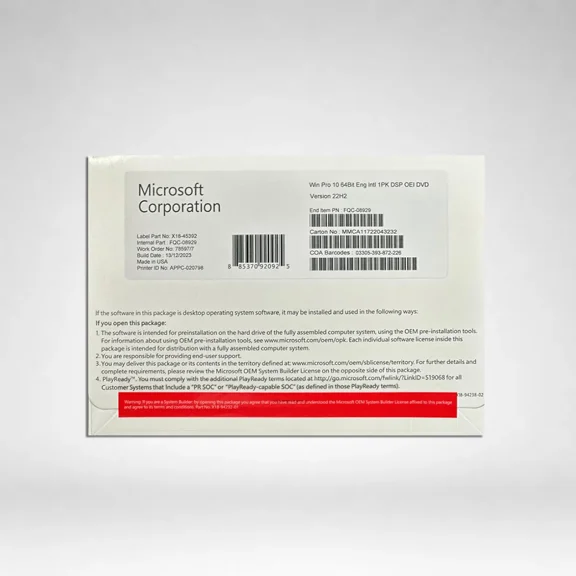 $3495current price $34.95
Microsoft Windows 10 PRO (DVD)
154.9 out of 5 Stars. 15 reviews4.9 out of 5 starsWindows 11 HOME 64 BIT OEM DVD with Key $34.95
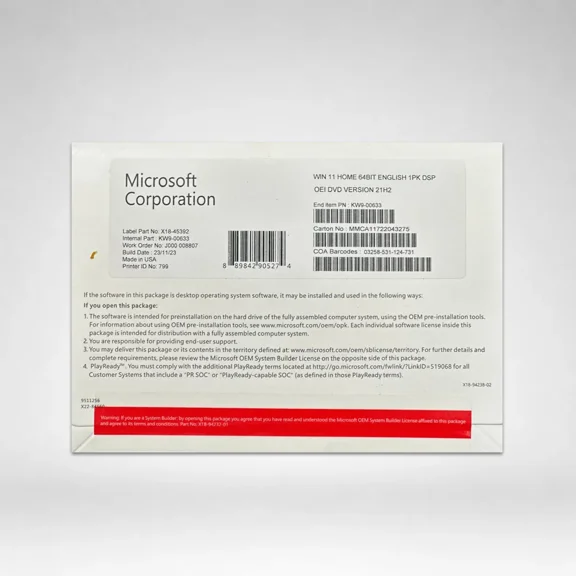 $3495current price $34.95
Windows 11 HOME 64 BIT OEM DVD with Key
153.4 out of 5 Stars. 15 reviews3.4 out of 5 starsIn 25+ people's carts, Microsoft 365 Personal (1-User License / 12-Month Subscription / Download) $99.99
In 25+ people's carts $9999current price $99.99
Microsoft 365 Personal (1-User License / 12-Month Subscription / Download)
82.5 out of 5 Stars. 8 reviews2.5 out of 5 starsMicrosoft Windows 11 Pro 64-BIT (USB) $63.99
 $6399current price $63.99
Microsoft Windows 11 Pro 64-BIT (USB)
333.7 out of 5 Stars. 33 reviews3.7 out of 5 starsMicrosoft Windows 11 PRO 64 BIT OEM DVD with Key $35.00
 $3500current price $35.00
Microsoft Windows 11 PRO 64 BIT OEM DVD with Key
384.1 out of 5 Stars. 38 reviews4.1 out of 5 starsMicrosoft Windows 10 Home 64-bit (OEM Software) (DVD) $51.94
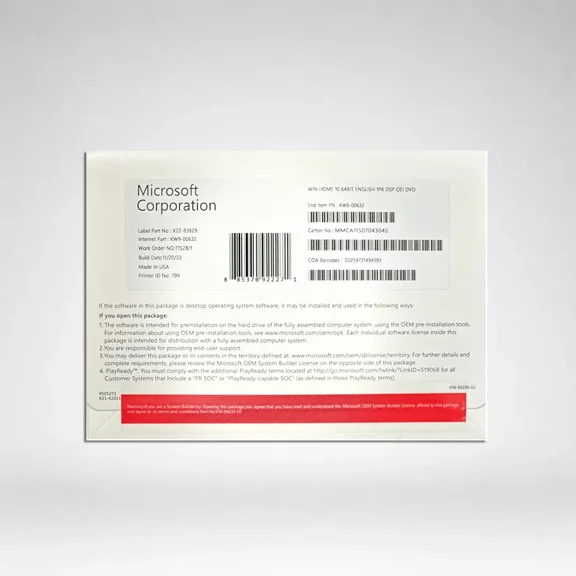 $5194current price $51.94
Microsoft Windows 10 Home 64-bit (OEM Software) (DVD)
464 out of 5 Stars. 46 reviews4 out of 5 starsMicrosoft Windows 10 Pro 64-BIT (USB) $39.95
 $3995current price $39.95
Microsoft Windows 10 Pro 64-BIT (USB)
483.5 out of 5 Stars. 48 reviews3.5 out of 5 starsMicrosoft Office 2019 Pro Plus 64 BIT (DVD) $50.95 Was $69.95
 $5095current price $50.95, Was $69.95$69.95
Microsoft Office 2019 Pro Plus 64 BIT (DVD)
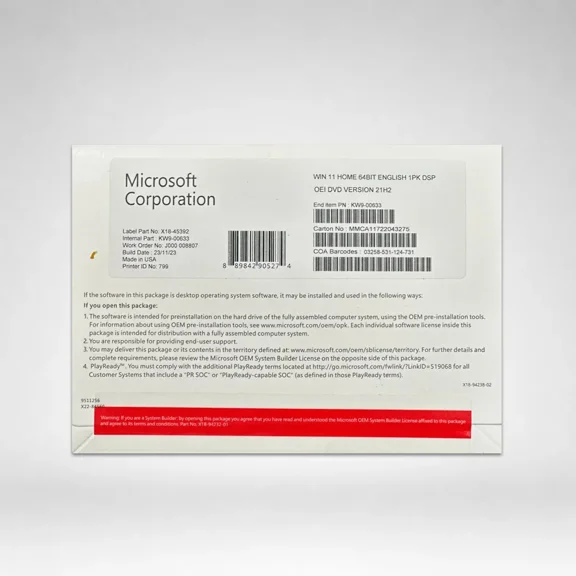
252.6 out of 5 Stars. 25 reviews2.6 out of 5 starsWindows 11 HOME 64 BIT OEM DVD $33.95
 $3395current price $33.95
Windows 11 HOME 64 BIT OEM DVD
244 out of 5 Stars. 24 reviews4 out of 5 starsWITC Office 2021 Professional Plus | 64-Bit USB Edition $99.95
 $9995current price $99.95
WITC Office 2021 Professional Plus | 64-Bit USB Edition
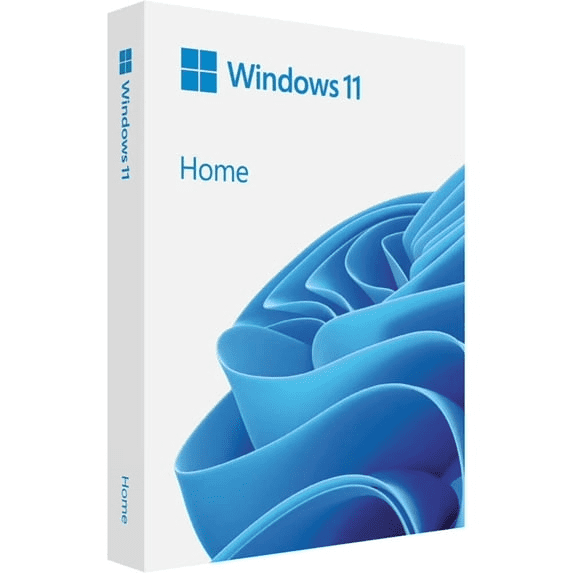
62.3 out of 5 Stars. 6 reviews2.3 out of 5 starsSoftware: Windows 11 Home | Refreshed design | One-Time Purchase for 1 PC | $39.99 Was $64.99
 $3999current price $39.99, Was $64.99$64.99
Software: Windows 11 Home | Refreshed design | One-Time Purchase for 1 PC |
Avanquest Bookkeeper 2026 Software $39.99
 $3999current price $39.99
Avanquest Bookkeeper 2026 Software
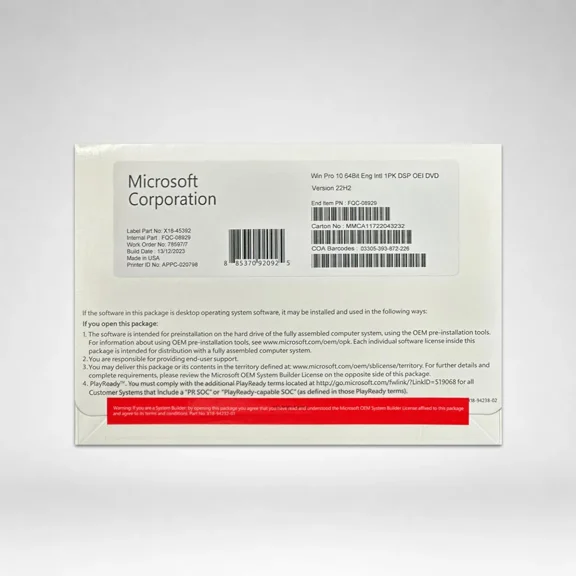
14 out of 5 Stars. 1 reviews4 out of 5 starsMicrosoft Windows 10 Professional 64 -bit OEM | DVD with License Key $39.95
 $3995current price $39.95
Microsoft Windows 10 Professional 64 -bit OEM | DVD with License Key
364.2 out of 5 Stars. 36 reviews4.2 out of 5 starsComputer Werx: Office, 2021 Pro Plus (Key and DVD) $44.99
 $4499current price $44.99
Computer Werx: Office, 2021 Pro Plus (Key and DVD)
783.8 out of 5 Stars. 78 reviews3.8 out of 5 starsMicrosoft 365 Personal NordVPN Basic service 1-Year subscription (Digital Download) $109.98 Was $149.98
 $10998current price $109.98, Was $149.98$149.98
Microsoft 365 Personal NordVPN Basic service 1-Year subscription (Digital Download)
Customer ratings & reviews
0 out of 5 stars
This item does not have any reviews yet

Current price is USD$63.42
Price when purchased online
- Free shipping
 Free Holiday returns until Jan 31
How do you want your item?
Try 30 days for just $1! Choose a plan at checkout.
Ships to
Arrives by Fri, Nov 13
.Order within 14 hr 8 min
Sold and shipped by Walmart.com

Extended holiday returns
Free Holiday returns until Jan 31
Try 30 days of Walmart+ for just $1!
T&C apply. Claim offer now